You may find yourself repeating the same questions to customers, or digging through spreadsheets to find information, or booking meetings regularly. What would it be like to have a smart assistant custom-made to you to do all of that and more?
It is 2025, and that is not just an idea but something you can easily do.
We are referring to AI agents. Instead of considering them as chatbots that can talk, think of them as AI doers that can browse the web, use your apps, analyze data and complete tasks on your behalf. And the best thing? You no longer have to be a coding genius and have a Ph.D. in computer science to create one.
With the help of a new generation of amazing “no-code” platforms, anyone can design his/her own powerful, custom AI agent. This guide is meant to be used by any small business owner, marketer, creator, or even a person who wants to automate his/her life. We are going to explore the very best AI tools to create custom agents without coding on the market that allow you to create your own army of AI assistants and they all use simple drag and drop interfaces.
So, without further ado, let us explore what it takes to become an innovator!
Why Build Custom AI Agents Without Coding?
The question that people often pose is, “Why bother?” The rewards are high even to those who do not write code on a daily basis.
- Save Time and Money: It is not the only way to hire expensive developers or spend months on a complicated project. The development of a functional AI agent can be realized in a few hours using no-code tools.
- Free Your Imagination: Nobody understands your business or personal needs better than you do. No-code allows you to take your ideas and create a working solution without the need of a technical middleman.
- Learn to Hey: Get rid of monotonous and soul-destroying work. Have an agent do the data entry, customer support requests or social media monitoring so you can do what is important.
- Turbocharge Your Company: Agents that are able to generate leads, customize the experience of the customers, market trends analysis, or inventory handling. You can imagine having an entire team of professionals at your service all the time.
- Be Ahead of the Curve: It is changing all industries. The ability to develop and deploy agents is a very big competitive advantage and a new skill.
- It is simply Funny: There is something unique in making an AI come alive and see it in action. It is a gratifying and thrilling process.
Key Features to Look for in No-Code AI Tools
All best AI tools to create custom agents without coding platforms are not identical. These are the main aspects you should consider when you need one because you should choose a tool that is powerful but not complicated.
- Visual builder: The objective of no-code is to create things without coding. The most effective tools have a drag-and-drop canvas, as with a flowchart, so you can view the entire workflow.
- East integrations: The only way your AI agent would be helpful is when it can integrate with other tools. The platform must be able to connect with the common apps like Google Sheets, Slack, Shopify, HubSpot, or your email client.
- Multi-LLM support: A Large Language Model (LLM) is the brain of the agent. The most capable platforms allow you to select among models such as OpenAI GPT-4o, Google Gemini, or Anthropic Claude 3, so you can select the most appropriate one to do the job.
- Pre-built templates: Why reinvent the wheel? There are numerous tools that offer templates of typical tasks, like customer support bots, research agents, or content writers, and they can save hours of configuration.
- Simple testing and debugging: You should have a secure environment to test your agent and observe where it fails. Error logs should be good and a clear button that says test.
- Scalability: The tool must be able to expand with you. It must be able to process a personal operation today and a business workflow with thousands of users tomorrow without breaking.
- Knowledge and memory bases: To be really smart, an agent must have memory. Seek out features that allow you to upload documents, data, or connect to a database, which provides it with a source of information that is unique.
Comparison Table of the Best Tools
| Name | Best For | Key Feature | Pricing (Est.) | LLM Support |
| Recomi | E-commerce Stores | Predictive sales & support agents | Free; Paid from $49/mo | Fine-tuned GPT-4o, Claude 3 |
| Relevance AI | Marketing & Data Teams | Building collaborative AI “workforces” | Free; Paid from $200/mo | OpenAI, Claude, Open-Source |
| Zapier Central | General Business Automation | Natural language access to 7,000+ apps | Part of premium plans (~$50+/mo) | OpenAI |
| Voiceflow | Conversation Designers | Best-in-class visual conversation design | Free; Paid from $50/mo | All major LLMs |
| Copilot Studio | Large Microsoft-based Enterprises | Deep integration with Microsoft 365 | Part of M365 license (~$200+/mo) | Azure OpenAI |
| Agentforce | Scaling Automation | Central dashboard to manage a fleet of agents | Business plans from ~$300/mo | Model-Agnostic |
| AgentGPT | Beginners & Hobbyists | Super simple web-based autonomous agent | Free; Paid from $9/mo | OpenAI |
| Vertex AI | Google Cloud Users | Grounding agents in Google Search & data | Pay-as-you-go | Google Gemini |
| MetaGPT | Prototyping Software Ideas | Automates code generation via AI team | Open-Source (pay for API) | OpenAI, others |
| AutoGPT | Developers & Researchers | Raw, open-source autonomous capability | Open-Source (pay for API) | OpenAI, others |
10 best AI tools to create custom agents without coding
It is time to discuss the top 10 best AI tools to create custom agents without coding.
1. Recomi by Powerdrill
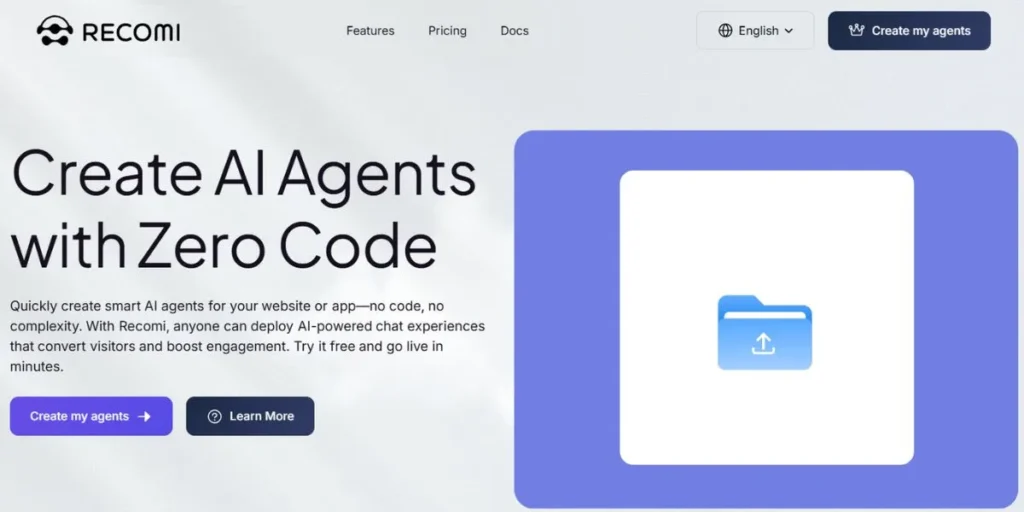
Recomi is specifically designed to suit e-commerce and retail companies. It makes smart agents instead of basic chatbots, which are knowledgeable about customers, what they have already purchased, and all products in the store.
It is an internal salesperson: it makes individual product recommendations, takes shoppers through the purchasing journey, sends discounts at the right time to prevent cart abandonment, and even follows up on orders. Merchants can connect agent actions to Shopify, BigCommerce or Magento without writing a single line of code- all in Recomi visual journey builder.
Key features:
- E-commerce integration
- Customer journey visual workflow
- Cart abandonment predictive analytics
- Agent strategy AB testing.
Best for: Online store owners and retailers who want to make more sales and automate customer service.
Pricing: Free plan of small stores. The paid plans are ~$49/month and up to custom enterprise plans based on the traffic.
LLM support: It is mainly the fine-tuned GPT-4o and Claude 3 Sonnet that helps deliver quality conversational commerce.
Pros: Specialized in e-commerce. Makes its features money-making. Merchants who are not technical find it easy to use
Cons: Does not fit in general-purpose automation beyond the retail or e-commerce sector.
Website: https://powerdrill.ai/recomi
2. Relevance AI
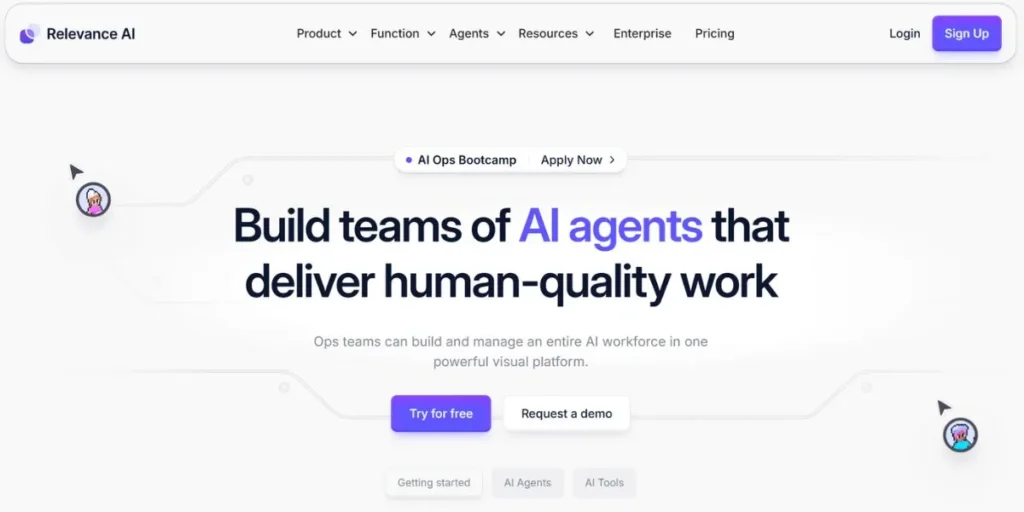
Relevance AI is a platform to create what the company refers to as an AI Workforce. Instead of coming up with one large chatbot, it creates bunches of specialized agents that work together on more complex tasks. As an example, there could be a “Research Agent” that will collect information on the web and pass it to an “Analysis Agent” which will search the most important points and pass it to a “Writer Agent” that will write a full report.
Relevance AI is powerful when it comes to unstructured data such as customer reviews, support tickets, or social media comments, and it can set up multi-step workflows. It is fantastic to those businesses that need to automate a whole department such as marketing research or customer feedback analysis.
Key Features:
- Capability to build groups of AI agents
- Very strong tools to process unstructured data (clustering, sentiment analysis)
- Visual workflow builder
- Wide variety of pre-built tools.
Best For: Marketing departments, product managers and companies that require large volumes of qualitative information to be analyzed.
Pricing: There is a free plan that can be used by individuals. Their team plans start at around $200/month, and enterprise plans are offered.
LM Support: Supports a large number of models, such as OpenAI and Anthropic Claude family, and open-source models.
Pros: Excellent when you want multi-step workflows. Strong data analysis functions that other tools do not have.
Cons: Learning curve may be steeper than simpler tools because it is so powerful and flexible.
Website: https://relevanceai.com/
3. Zapier Central
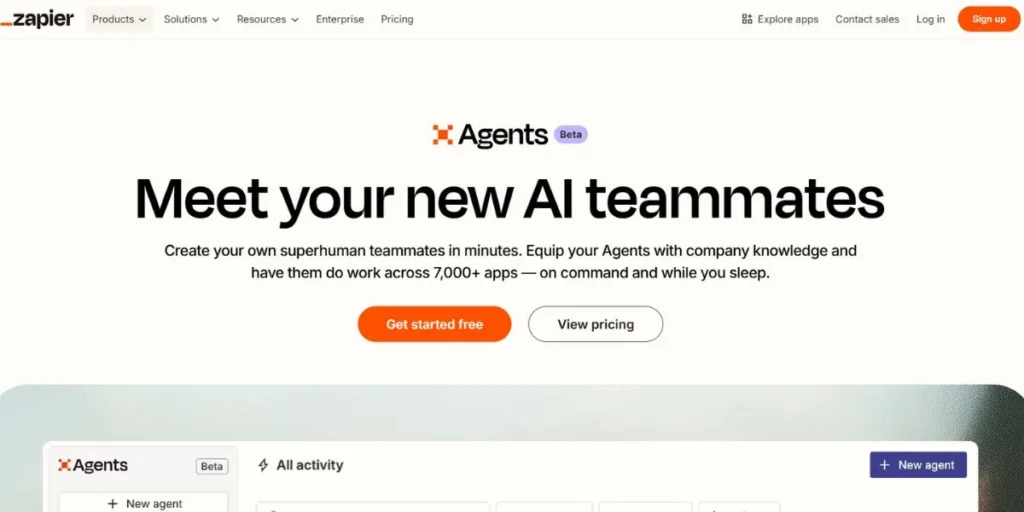
Zapier Central is the new way to connect apps and get assistance via artificial intelligence at Zapier. Rather than creating rigid guidelines that would require an agent to do this and that, you just tell an agent in clear English what you want. Examples are, “Identify new prospects on LinkedIn who fit our customer profile and place them in a Google Sheet and send them a welcome email.” The agent will calculate the actions, select the appropriate applications (Zaps) and execute the task on your behalf. It is the most automated tool in the hands of the everyday user.
Key Features:
- Create agents with the use of natural language
- Zapier connects to 7,000+ apps
- Share a working environment with your team
- Webhook trigger agents
Best For: Anyone, whether individuals or large businesses, who is interested in automating his or her tasks across multiple web applications.
Pricing: Zapier is in early access, and pricing is not yet announced, but can be expected to be part of their premium plans, likely starting at $50-79/month.
LLM Support: Supports the most best OpenAI models.
Pros: Best integration library. It is extremely user-friendly with natural language commands. Rides on a tried and tested platform.
Cons: Newer product, so some of the more advanced agentic functionality may not be as developed as dedicated platforms.
Website: https://zapier.com/
4. Voiceflow
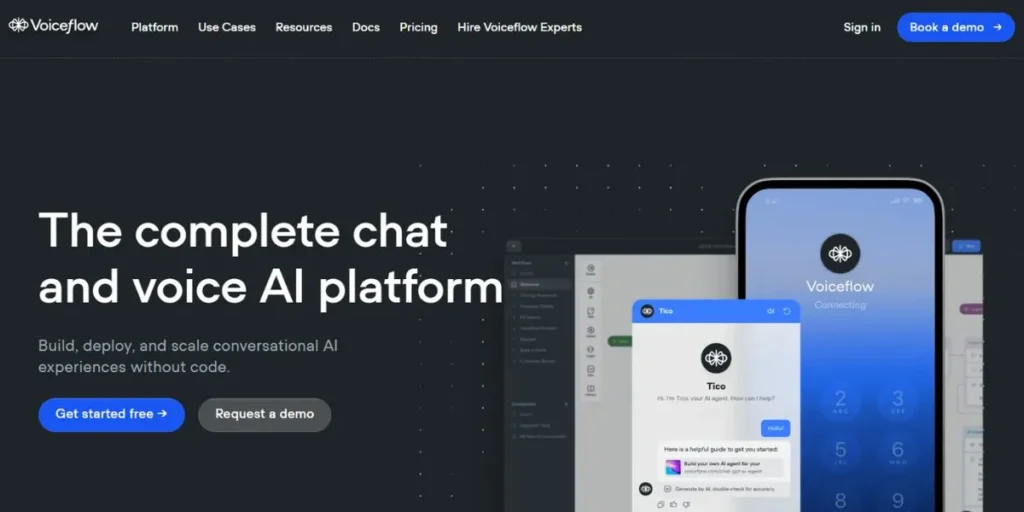
Voiceflow is the most popular conversational AI creation tool. It started as a means of creating voice apps on Alexa and Google Assistant, but it has evolved into a platform that drives complex chatbots and agents on websites, smartphone apps and call centers. It has an outstanding visual canvas that resembles brainstorming on a whiteboard: user input blocks, agent output blocks, logic, and API calls. The teams are able to collaborate in real time, commenting and editing. Voiceflow could be your choice in case you need an agent who speaks to the users in a natural, engaging, and complex way.
Key Features:
- Best-in-class visual conversation designer
- prototyping tools, user testing
- Web mobile voice multi channel integration
- Omnichannel delivery (web, mobile, voice)
Best For: Conversation designers, UX/UI teams and enterprises who require high quality customer facing chatbots and voice assistants.
Pricing: Offers a great free plan to individuals. Pro plans cost $50/creator/month with custom enterprise plans.
LLM Support: Supports all the major models such as GPT-4, Gemini, and Claude so you can select the one that suits your conversation style.
Pros: The most capable and natural conversation designer interface. Great at group work.
Cons: Not as focused on backend task automation as tools like Zapier Central are, more so on the conversation aspect.
Website: https://www.voiceflow.com/
5. Copilot Studio
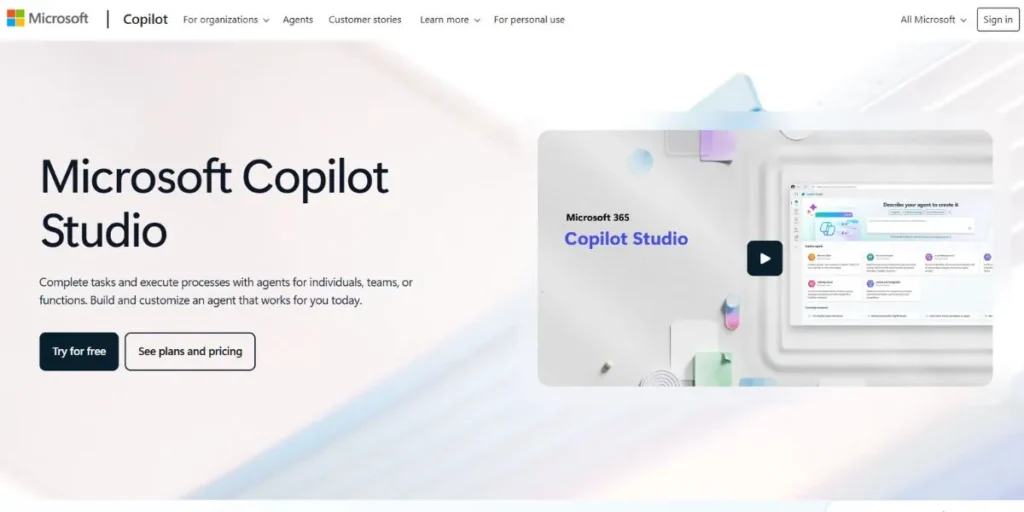
Copilot Studio (previously Power Virtual Agents) is the enterprise-grade solution to create AI agents, which comes out of Microsoft. Its greatest strength is that it is highly integrated with the rest of the Microsoft platform. It is easy to create agents that reside within Microsoft Teams, retrieve information in SharePoint, modify records in Dynamics 365, or initiate workflows in Power Automate.
It offers a stable, safe and manageable platform to big organizations. Although it has a simple graphical user interface, it also provides pro-code escape hatches, which allows developers to extend the functionality of the agent with custom code in case it is required. This qualifies it as an ideal interface between business users and IT departments.
Key Features:
- More tightly coupled to Microsoft 365 and Dynamics 365
- Enterprise security and governance
- Graphical user interface with low-code
- Code-extensible.
Best For: Large organizations and companies that have massive investment in Microsoft software platform.
Pricing: The pricing is a part of the Microsoft 365 and Power Platform subscriptions. Can be complex but may start at about $200 monthly per tenant.
LLM Support: Enterprise performance and privacy are native in Azure OpenAI Service.
Pros: No one can beat integration with Microsoft products. Good security and administration controls. Highly scalable.
Cons: Costly to small businesses or individuals not in the Microsoft world.
Website: https://www.microsoft.com/en-us/microsoft-copilot/microsoft-copilot-studio
6. Agentforce
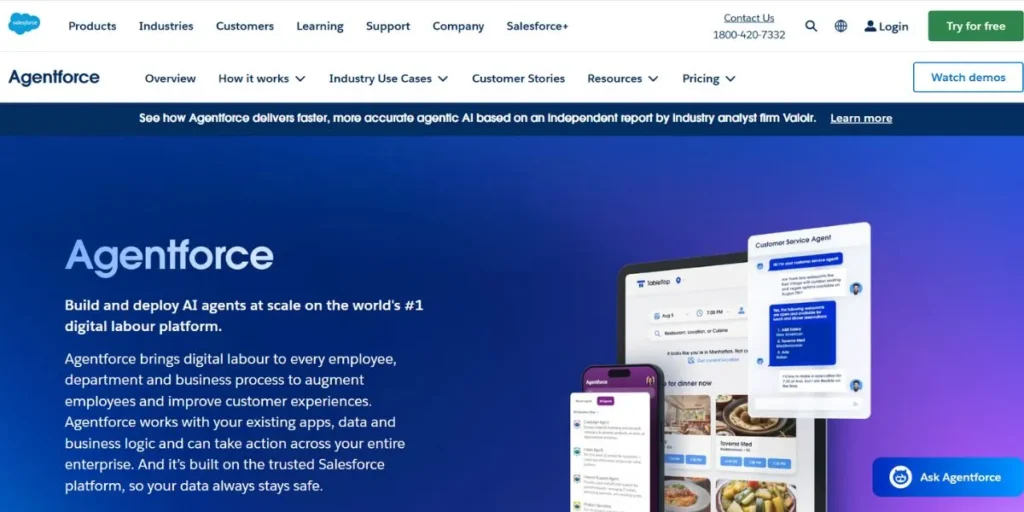
Agentforce is a platform that enables you to operate a large number of autonomous AI agents on a single dashboard. Its strategy is comparable to that of Relevance AI with its “AI Workforce” but has more powerful management tools. You are able to design, deploy and monitor hundreds of agents simultaneously.
It is possible to create agents that will conduct sales prospecting, data scraping, and automation of internal processes and monitor their performance, cost, and success rates. There are also tools that allow the agents to communicate with each other and delegate tasks. You choose Agentforce when you want to have more than one or two simple bots and create an actual AI workforce.
Key Features:
- A dashboard to control a huge number of agents
- Performance and cost analytics
- Inter-agent communication tools
- Role-based access control
Best For: Technology-driven companies, startups, and automation agencies that wish to deploy and use AI agents on a large scale
Pricing: The pricing is likely to be business oriented, and it will be in the range of $300-500 dollars/month per agent and task.
LLM Support: Model-agnostic and can be integrated with OpenAI, Google, Anthropic and the majority of open-source models through APIs
Pros: It is great when you have to handle a high number of agents. Offers quality operation management and analytics
Cons: Can be too complicated to a person who only wants to create a simple single agent
Website: https://www.salesforce.com/in/agentforce/
7. AgentGPT
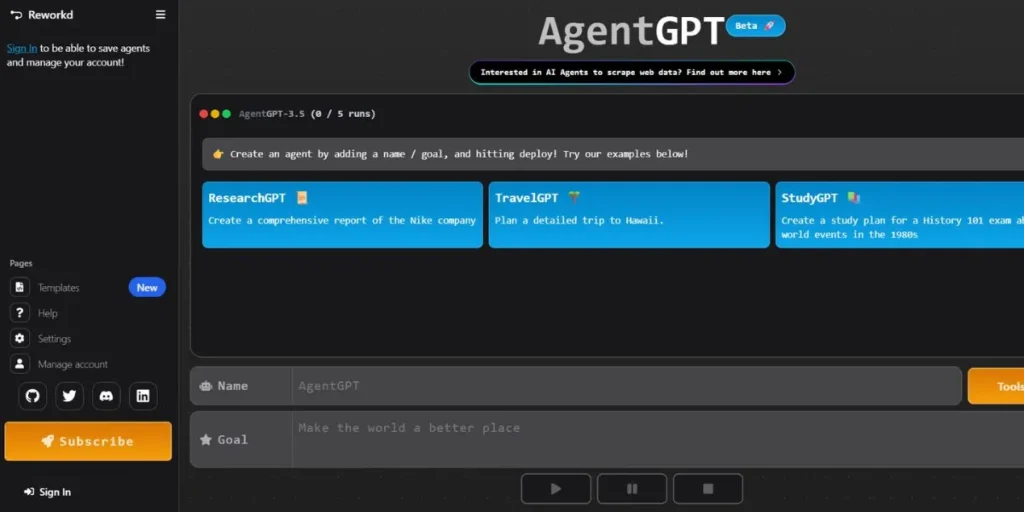
The easiest way to get a glimpse of how an autonomous AI functions is through AgentGPT. You feed it an objective in simple English and it attempts to do it by thinking in steps, generating tasks, and searching the web. To illustrate, say, when you say, “Plan a 7-day trip to Italy with a family of four on a 5000 budget,” it may divide the problem into subtasks such as, research flights, find family-friendly hotels, and create a daily itinerary. Since the interface is clean and simple, it is easy to use it to introduce the novice to the concept of autonomous agents without setting up.
Key Features:
- Very easy web interface
- Automatic goal performance
- Web Browse capabilities
- Ability to export agent thoughts processes
Best For: Novices, students and amateurs interested in trying out autonomous agents and basic research problems.
Pricing: Provides a free version with limited runs. The paid plans are quite cheap, with the entry-level of about $9/month to get additional features and agent runs.
LLM Support: Is OpenAI-based (GPT-3.5 and GPT-4).
Pros: Easy to use, very easy to learn. Enjoyable to play around with. Very affordable.
Cons: Does not have the complex workflow and large set of integrations of more professional tools. Inappropriate in business critical operations.
Website: https://agentgpt.reworkd.ai/
8. Vertex AI Agent Builder
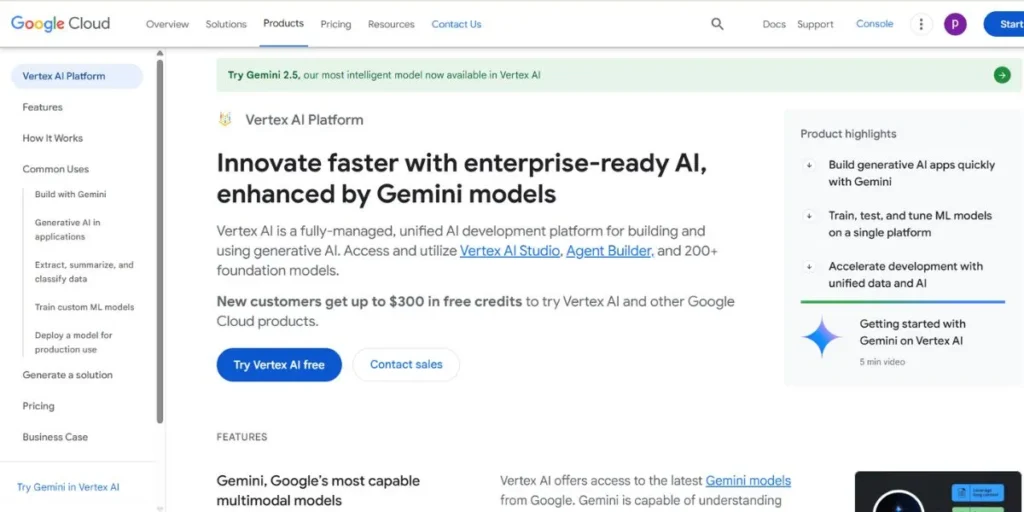
Google Vertex AI is an enterprise-size product. Its Agent Builder allows anybody to create sophisticated agents and chatbots using no code or minimal code. Its advantage is that it has close connections to the Google ecosystem, particularly Google Search and the data of your company. You may also add a Search agent that returns answers on the basis of certain websites or a Data agent that asks your BigQuery databases in natural language.
The tool is aimed at creating high-quality, production-ready applications using the latest AI of Google. Although it offers no-code interfaces, it is embedded within a bigger, more technical platform, which makes it very powerful, yet, a bit complex at the same time.
Key features:
- High level of integration with Google Search and company data
- Access to other Google Cloud products (including BigQuery)
- Development frameworks of chat and search agents.
Best For: companies and developers who have already integrated Google Cloud Platform and need safe data-driven AI agents.
Pricing: is a pay-as-you-go model that is dependent on Google Cloud usage which is difficult to predict but extremely helpful in scaling.
LLM support: it has its own models, e.g. The Gemini family is strong.
Pros: Capacity to base responses on real-time search and personal information; very scalable and safe in the Google environment.
Cons: it is daunting to complete beginners; the pricing model may be complicated. It is most appropriate to those who are somewhat technically inclined or already within the Google Cloud Platform.
Website: https://cloud.google.com/products/agent-builder
9. MetaGPT
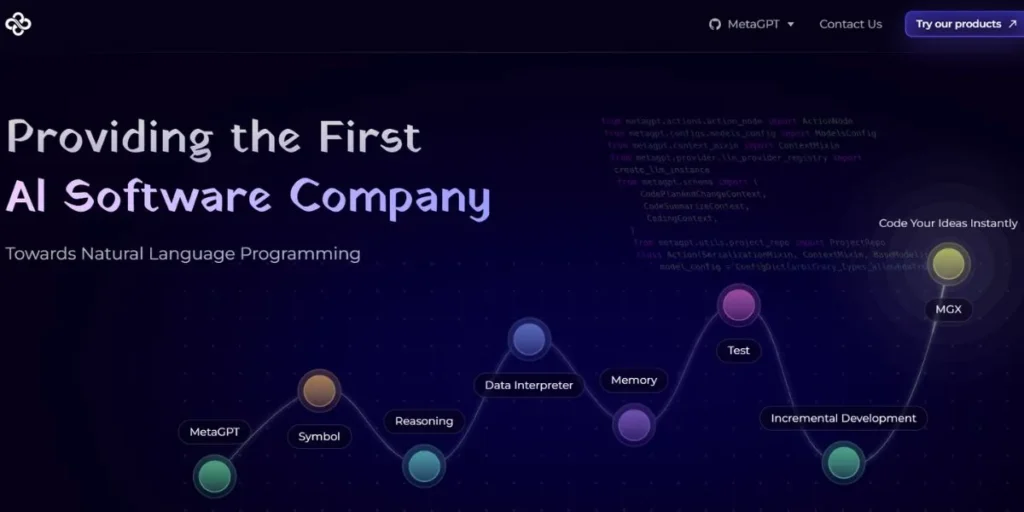
MetaGPT applies a new concept to AI agents. It does not give you a tool to automate a business task, but it gives you a tool that automatically creates software. You explain a product idea in a single line, and MetaGPT allocates AI agents to such jobs as Product Manager, Architect, Project Manager, and Engineer.
These agents collaborate, and they write user stories, technical designs, and lastly, write the code of the application. A “Standardized Operating Procedure” (SOP) is also used to keep the agents on track. Although the result is code, the entire input process is no-code, thus it is beneficial to entrepreneurs and developers.
Key Features:
- Simulates a software development team using multi-agent collaboration
- Code, diagrams and documentation generation
- Adheres to Standardized Operating Procedures (SOPs).
Best For: an entrepreneur needs to prototype a software idea easily, and a developer needs to automate the mundane aspects of coding.
Pricing: It is an open-source framework, so you do not need to pay to use it, but you will have to pay the underlying LLM API calls (e.g. your OpenAI bill).
LLM Support: Can be set to work with other models, but most frequently with the GPT series of OpenAI.
Pros: A radical approach to code ideas. Can accelerate the software development process by a great deal. Free and very customizable.
Cons: It needs a bit of technical installation (it can be run locally or on a server). A human developer may have to refine the output code.
Website: github.com/geekan/MetaGPT
10. AutoGPT
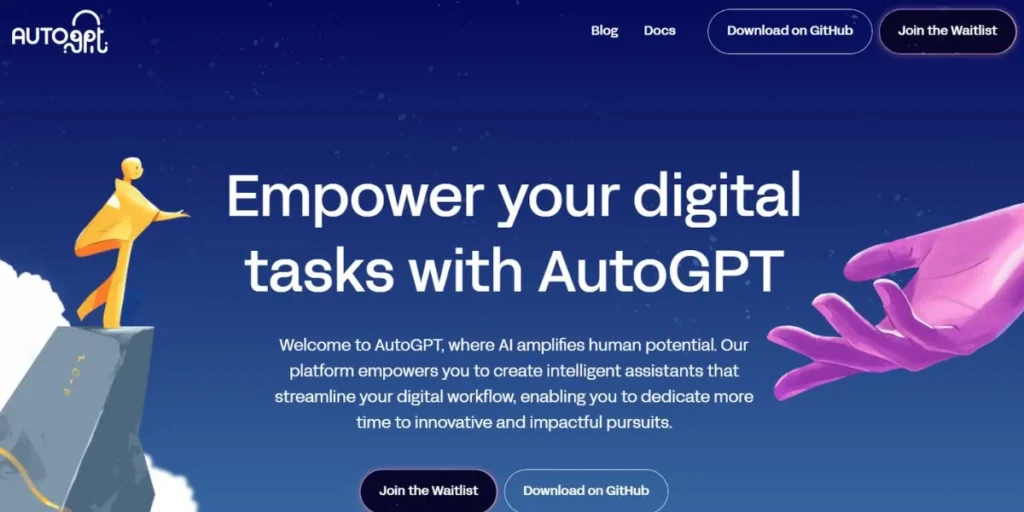
AutoGPT is the notorious open-source initiative that started the autonomous agent mania in 2023. It is not a refined product with a user interface that is easy to work with–it is a Python program that you execute on your command line. You name it, assign it a role and up to five goals and you are away.
It is capable of thinking, reasoning, criticizing its own work, web surfing and communicating with files on your local machine. It is very powerful and flexible, and at the same time notoriously difficult to control and can get into loops. AutoGPT is a little more technical in terms of comfort with things like Git and command-line interfaces, but the freedom it provides is unmatched to those who are willing to tinker.
Key Features:
- Completely autonomous
- Long-term and short-term memory management
- Web Browse and file system access
- Open-source and completely customizable.
Best For: Developers, researchers and advanced tech enthusiasts who seek to explore the raw power of autonomous AI and are not afraid of a code-adjacent environment.
Pricing: The software is free. You only pay API calls to the LLM you integrate it with (e.g. OpenAI).
LLM Support: It is possible to set up to support the majority of LLMs including GPT-4 and open-source LLMs.
Pros: The first and the most well-known autonomous agent. Even more powerful and versatile to those who can tame it.
Cons: It is not newbie friendly. No GUI. May be hard to install and control, and may be costly to operate once it goes into a long loop.
Website: github.com/Significant-Gravitas/AutoGPT
Bonus: Use Cases of No-Code AI Agents
To get your imagination in gear, here are some of the things you might make this week:
- A Customer Support First-Responder Agent: This agent resides on your web site, responds to 80 percent of the typical queries by tapping into a knowledge base you supply, and only when it becomes stumped, generates a support ticket to a human.
- A “Personalized Lead Gen” Agent: This agent keeps track of certain LinkedIn search results of new individuals who match your ideal customer profile, visits their profile to get to know their role, and then composes a personalized outreach email to be approved by you.
- A Content Research Agent: Provide this agent with a blog post topic. It will scan the first 10 search results, summarize the main points and figures, find out the most common questions, and provide you with a detailed outline and research brief.
- An Email Triage Agent: This agent monitors your inbox, automatically sorts emails (Urgent, Inquiry, Spam), composes responses to frequent requests and summarises the important emails that you should read at the end of the day.
Final Thoughts
It is a fantastic era of technology. The ability to create intelligent, autonomous artificial intelligence is no longer under the control of large company research labs. Now it is up to you.
The best AI tools to create custom agents without coding that we have examined today are more than tools. They are avenues to creativity, efficiency, and innovation. and for businesses looking to connect with the right decision-makers, professional database how to reach top managers and business owners provides a guide on accessing professional databases to reach top managers and business owners effectively. They make you do things you never imagined you could do, automate the tedious, and create things that are actually useful and magical.
Choose one of the tools that excite you and just jump in. Set a modest objective to your first agent and see what comes out. You will be surprised what you are able to make. The time of the citizen developer is now, and your AI building adventure begins.
FAQs
What is a chatbot Vs Ai agent?
Chatbot is simply a program that can talk to people. While an AI agent is an autonomous program. It also speaks, but its primary duty is to do things on its own, complete tasks, operate tools, and reach certain objectives.
Do I have to learn anything about AI?
No. Such tools are aimed at beginners. All you need to start using them is a simple flowchart or a sentence in plain English.
Can I use these tools on my business data?
Yes. Trustworthy platforms such as Microsoft Copilot Studio, Google Vertex AI, and the enterprise plans of other tools are well-secured, privacy- and data-governed. Before hooking up a tool with sensitive business data, always read the privacy policy of the tool.
Are these tools able to help me make money?
Yes. You can create agents that increase sales in your own business, or you can open a service where you create custom agents in other businesses (a no-code AI automation agency). The discipline is expanding rapidly.