Running a business today means handling a lot of important data, customer details, financial records, emails, projects, and more. If this data is lost because of hardware failure, hacking, or even a small mistake, it can cause serious problems for a company. That’s where cloud backup services come in.
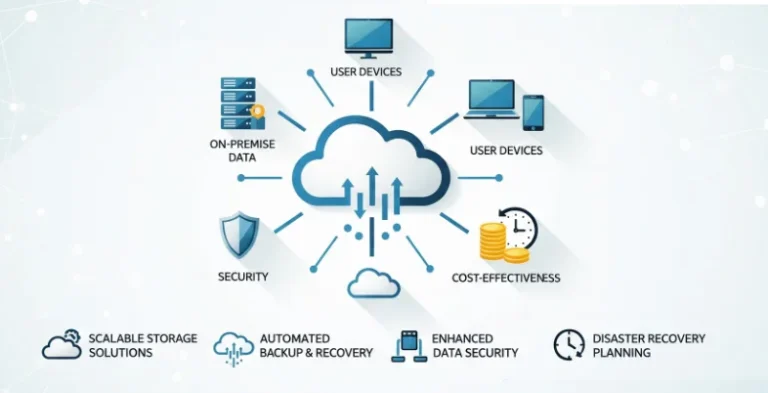
Cloud backup is like a safety net for your business. It keeps a secure copy of all your files and systems on remote servers, so you can quickly restore them whenever something goes wrong. Instead of worrying about losing data, you can focus on running and growing your business.
There are now plenty of trusted cloud backup providers available. Some are built for small businesses that need affordable storage, while others are designed for big companies that require advanced security, compliance, and disaster recovery. Exploring cloud storage alternatives can help businesses compare features, pricing, and flexibility to choose the best solution for their needs. Each service comes with different features like automatic backups, file versioning, encrypted storage, and team management tools.
In this blog, we’ll explore the best cloud backup services for business, explain what makes each one special, and help you figure out which solution fits your company’s needs.
Why Cloud Backup Still Matters
Ransomware, accidental deletion, insider mistakes, device loss, malware removal solution, and SaaS misconfigurations: any one of these can grind business to a halt. The goal of cloud backup isn’t just having a copy, it’s recovering fast, to a clean point in time, without paying a ransom or losing weeks of work. Today’s best services add immutability, versioning, malware scanning, and automated recovery to shorten downtime and cut risk.
Cloud Backup vs. Cloud Storage
- Cloud backup: Scheduled, automated copies of devices, servers, VMs, databases, and SaaS apps with retention policies and point‑in‑time recovery.
- Cloud storage/sync: File syncing and sharing (e.g., Drive/Dropbox/OneDrive). Great for collaboration, not a reliable backup on its own.
How to Choose (Key Criteria)
- Coverage of your workloads– Endpoints (Windows/Mac/Linux), servers, VMs (VMware/Hyper‑V), NAS, databases (SQL, Oracle, PostgreSQL), Microsoft 365/Google Workspace, Salesforce, Kubernetes, cloud VMs.
- Security & compliance-End‑to‑end encryption, role‑based access control, MFA/SSO, immutability/object lock, audit trails, data residency options.
- Ransomware recovery– Immutable backups, malware scanning on backups, clean‑room/isolated recovery, automated restore runbooks.
- Recovery time & testing-Instant restore, granular restore (single file/mailbox), automation, scheduled recovery tests.
- Cost model-Per‑device, per‑user, per‑workload, or per‑TB. Watch egress/API fees, minimum terms, and retention costs.
- Usability & management– Simple policy‑based setup, multi‑tenant (for MSPs), clear reporting/alerts, remote device onboarding.
- Support & ecosystem-24×7 options, marketplace integrations, hardware recovery (seed drives), broad cloud region coverage.
List of Best Cloud Backup Services for Businesses
1. Acronis Cyber Protect
Website: www.acronis.com
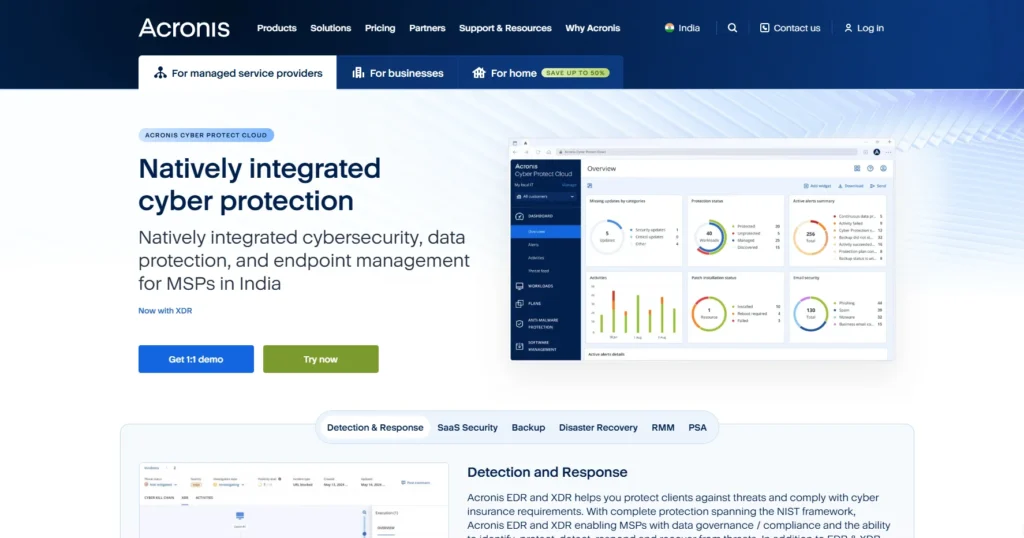
Acronis Cyber Protect is a leading business backup and cybersecurity platform trusted by enterprises worldwide. It goes beyond simple cloud storage by combining backup, disaster recovery, anti-malware, and data protection into one solution. Businesses can protect data across physical servers, virtual machines, and cloud environments with automated scheduling.
With AI-based threat detection, Acronis ensures that ransomware or malicious attacks don’t corrupt business-critical data. Its easy-to-manage dashboard allows IT teams to monitor and restore files quickly, which makes it an all-in-one solution for modern enterprises.
Features:
- Hybrid backup (local + cloud) for flexibility
- AI-powered anti-ransomware protection
- Granular file and system recovery options
- Centralized management dashboard
- Backup for physical, virtual, and cloud workloads
Ideal Use Case: Enterprises or mid-sized businesses that need an all-in-one backup and cybersecurity solution to protect sensitive workloads and ensure minimal downtime.
2. Carbonite Safe
Website: www.carbonite.com
Carbonite Safe is designed for small to medium-sized businesses looking for reliable cloud backup without complex IT infrastructure. It offers automatic, continuous backups of files, emails, databases, and even complete systems.
With unlimited cloud storage for certain plans, businesses don’t have to worry about running out of space. Carbonite also provides ransomware protection and quick recovery options to reduce downtime. Its simplicity makes it appealing for teams that don’t have a dedicated IT department, yet still want enterprise-grade security.
Features:
- Automatic, continuous data backup
- Remote file access from any device
- Protection against ransomware threats
- Quick recovery for lost or corrupted files
- Unlimited storage on select plans
Ideal Use Case: Small and medium businesses that want hassle-free, automated backups with strong protection but without needing a complex IT setup.
3. Backblaze Business Backup
Website: www.backblaze.com
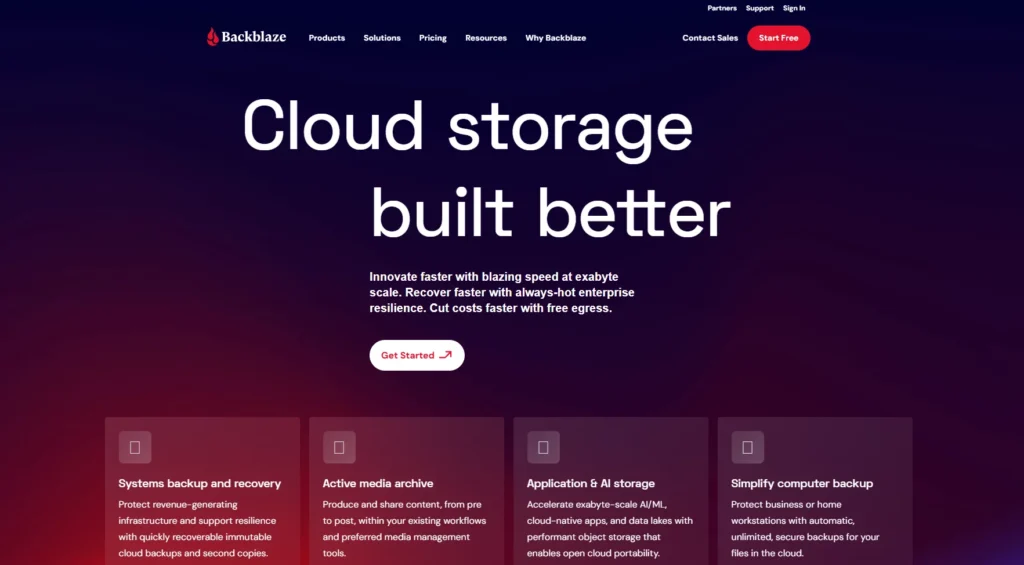
Backblaze is popular for its affordability and ease of use, making it one of the best options for startups and small businesses. With unlimited storage and simple pricing, companies can back up servers, laptops, and desktops without hidden costs.
Backblaze provides continuous backup in the background without slowing down performance. It also supports file versioning and easy restores, ensuring businesses can roll back changes or recover deleted files quickly. Its web-based dashboard gives IT teams full visibility of data stored across employees’ devices.
Features:
- Unlimited cloud backup storage
- Simple, flat-rate pricing model
- File versioning and recovery options
- Centralized management for multiple users
- Web-based dashboard for IT teams
Ideal Use Case: Startups and small businesses that need affordable, unlimited, and reliable backup with easy management.
4. IDrive Business
Website: www.idrive.com
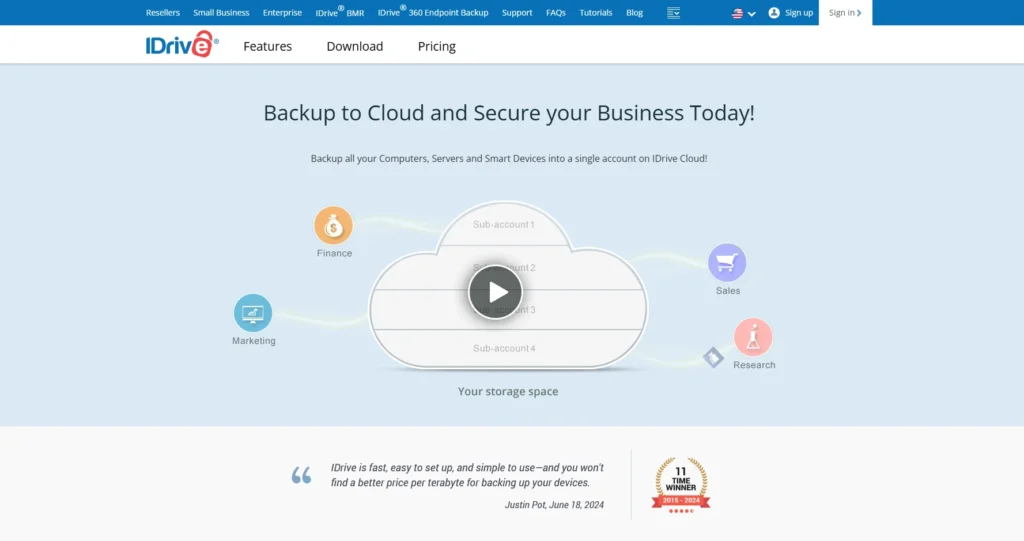
IDrive Business is a versatile cloud backup service built for organizations of all sizes. It allows businesses to back up an unlimited number of computers, servers, and mobile devices under one account. With features like continuous data sync, snapshot-based restores, and disk image backups, it ensures maximum data reliability.
IDrive also provides hybrid backup (local + cloud) and 256-bit AES encryption for robust security. Its scalability makes it useful for businesses that anticipate growth and need a long-term solution.
Features:
- Unlimited device backup under one account
- Hybrid backup (local + cloud)
- Continuous data synchronization across devices
- Disk image backup and recovery
- Strong 256-bit AES encryption
Ideal Use Case: Businesses that need a scalable backup solution covering multiple devices and servers with strong security.
5. CrashPlan for Small Business
Website: www.crashplan.com
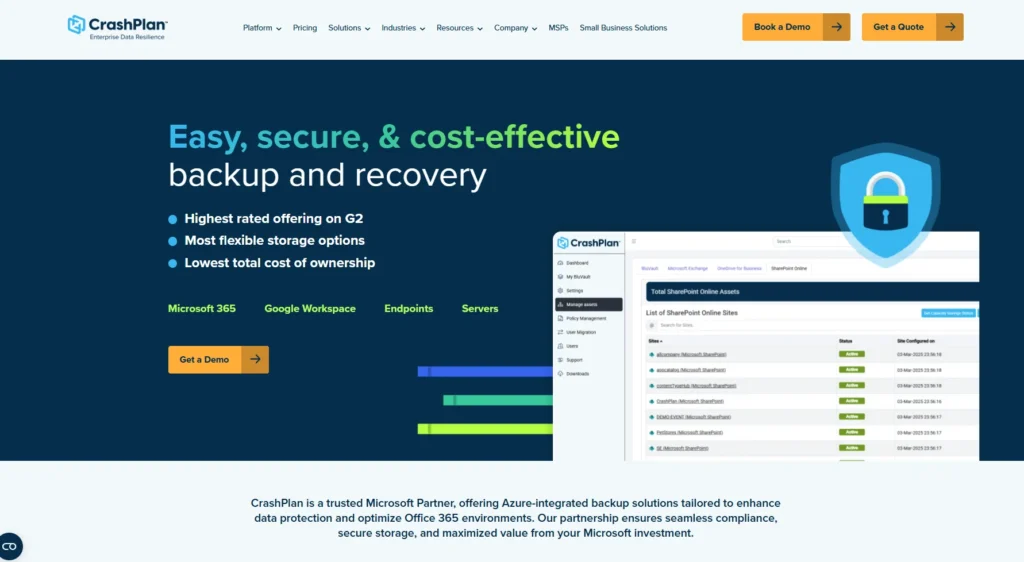
CrashPlan is built with small businesses in mind, offering unlimited storage at a predictable monthly price. It runs continuous backups in the background without interrupting workflows. With file versioning, businesses can access and restore older file versions easily.
CrashPlan is particularly useful for creative professionals and small teams who manage large volumes of data like videos, graphics, and documents. It also comes with enterprise-grade encryption and retention policies, making it reliable for compliance needs.
Features:
- Unlimited cloud storage
- Continuous, automatic backups
- File versioning with easy restore
- Customizable retention policies
- Strong encryption for data protection
Ideal Use Case: Small businesses and creative teams that need continuous, unlimited, and secure backup for large files.
6. Datto Cloud Continuity for PCs
Website: www.datto.com
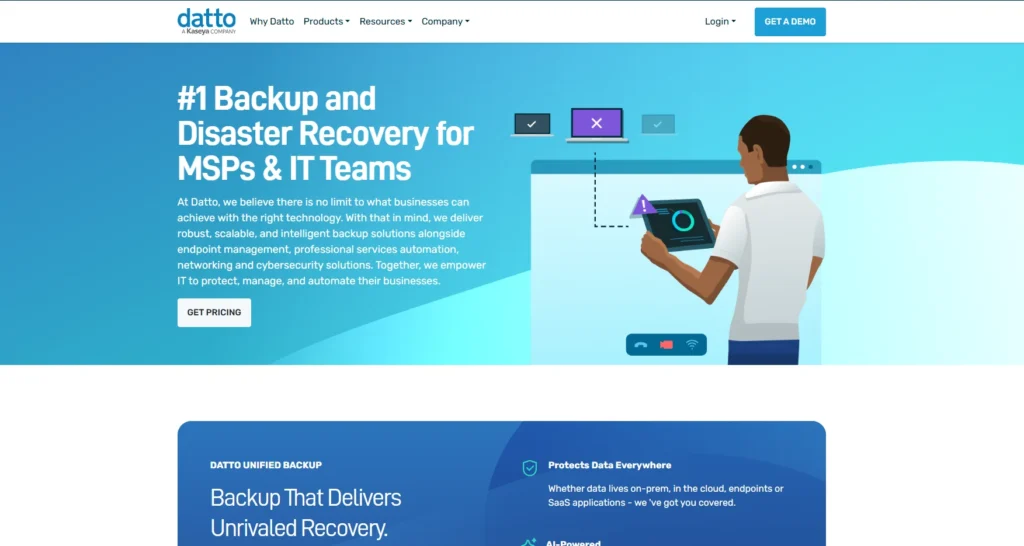
Datto Cloud Continuity is a business-grade backup solution specifically designed for Windows PCs and small businesses. It provides full image-based backup, ensuring that not just files but entire systems (including OS and applications) are recoverable. Datto integrates well with IT service providers, making it a preferred choice for managed service environments.
It also includes ransomware detection and rapid recovery, minimizing downtime in case of disasters. Datto’s focus on endpoint recovery ensures employees stay productive even after a device failure.
Features:
- Image-based backup of entire systems
- Rapid recovery for PCs and endpoints
- Ransomware detection and mitigation
- Seamless integration with IT providers
- Cloud + local recovery options
Ideal Use Case: Businesses that rely heavily on Windows PCs and want fast system-level recovery to minimize downtime.
7. Microsoft OneDrive for Business
Website: www.microsoft.com/onedrive
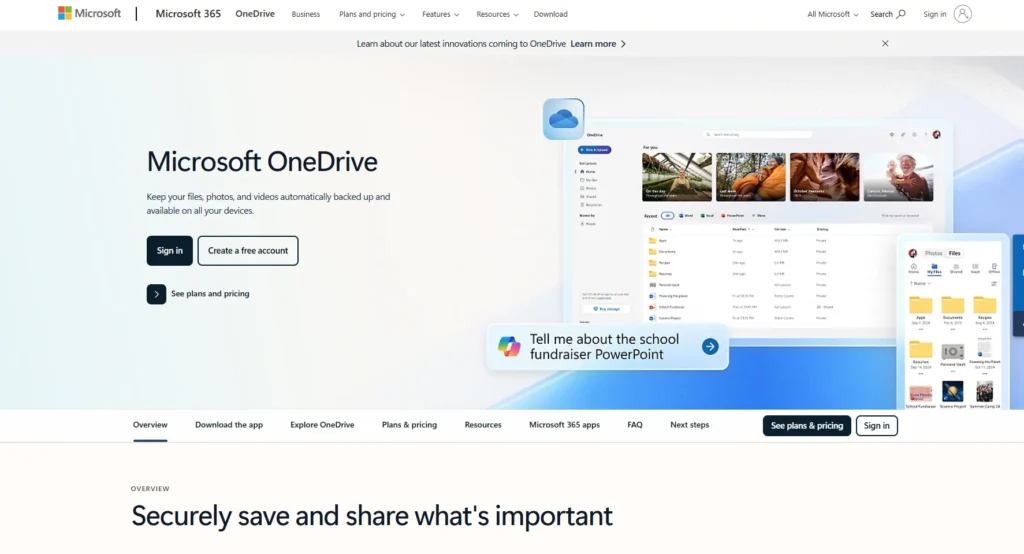
OneDrive for Business is Microsoft’s cloud storage and backup solution integrated into the Microsoft 365 ecosystem. It enables businesses to store, share, and back up files securely with real-time collaboration features.
Since it’s built into Microsoft Teams, Outlook, and Office apps, OneDrive enhances productivity while ensuring files are automatically synced to the cloud. It supports version history, offline access, and enterprise-grade security, making it ideal for businesses already using Microsoft tools.
Features:
- Seamless integration with Microsoft 365
- Real-time collaboration and file sharing
- Automatic file sync across devices
- Version history for file recovery
- Enterprise-grade security compliance
Ideal Use Case: Organizations already using Microsoft 365 tools and looking for a built-in backup and collaboration solution.
8. Google Workspace (Google Drive for Business)
Website: workspace.google.com
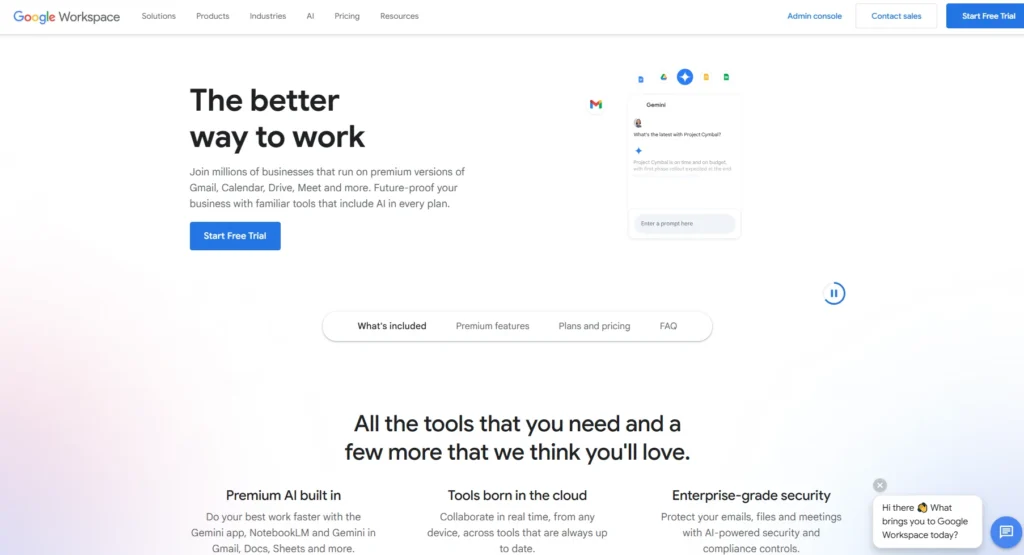
Google Workspace provides cloud storage through Google Drive, integrated with productivity apps like Docs, Sheets, and Gmail. Businesses can back up and access files from anywhere, with collaborative editing features that improve team productivity. Google Drive also supports version history, making it easy to roll back to earlier file versions.
With powerful admin controls, advanced search, and enterprise-level security, it’s a reliable option for businesses that already rely on Google’s ecosystem. Its ease of use and cross-device syncing make it a top choice for modern teams.
Features:
- Deep integration with Gmail, Docs, and Sheets
- Secure cloud storage with version history
- Cross-device syncing and offline access
- Advanced admin and user management
- Strong data encryption and compliance
Ideal Use Case: Companies already using Google Workspace tools and teams that need seamless collaboration with secure cloud storage.
9. Veeam Backup & Replication
Website: www.veeam.com
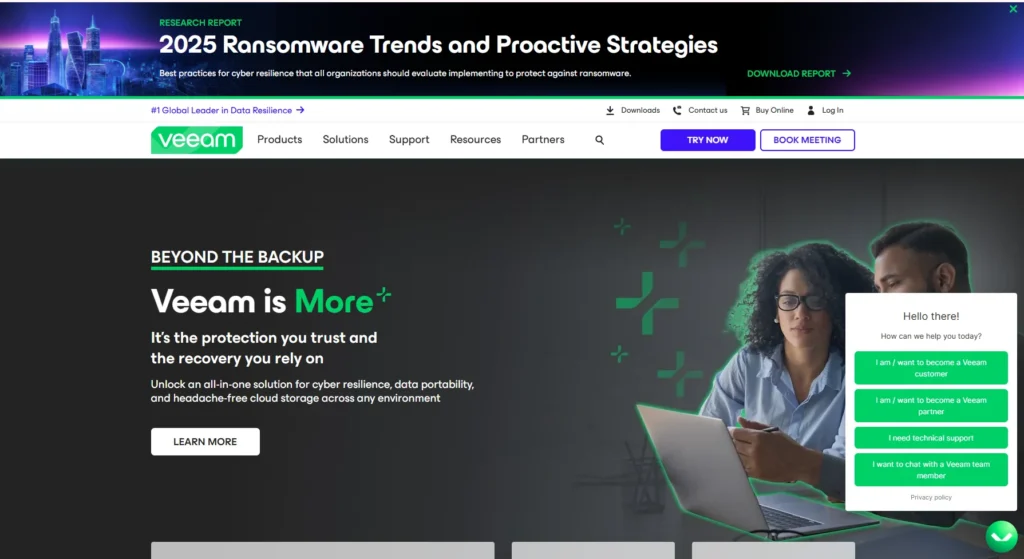
Veeam is a powerful enterprise-grade backup and disaster recovery platform used by organizations that demand high availability and minimal downtime. It specializes in protecting virtual machines, physical servers, and cloud workloads across hybrid and multi-cloud environments, positioning itself as one of the leading Cloud Workload Protection Platforms.
Veeam’s advanced replication capabilities make it possible to achieve near-instant recovery of critical applications in the event of system failures.It also offers strong integration with VMware, Hyper-V, AWS, and Microsoft Azure. With granular restore options, businesses can recover entire systems, individual files, or even specific application data. Its focus on speed, reliability, and scalability makes it a trusted choice for large enterprises.
Features:
- High-speed recovery for VMs, applications, and files.
- Advanced replication for disaster recovery readiness.
- Built-in ransomware protection with immutable backups.
- Integration with VMware, Hyper-V, AWS, and Azure.
- Scalable architecture suitable for large IT environments.
Ideal Use Case: Best for enterprises with hybrid IT infrastructures requiring advanced disaster recovery and virtual machine protection.
10. Zoolz Cloud Backup for Business
Website: www.zoolz.com
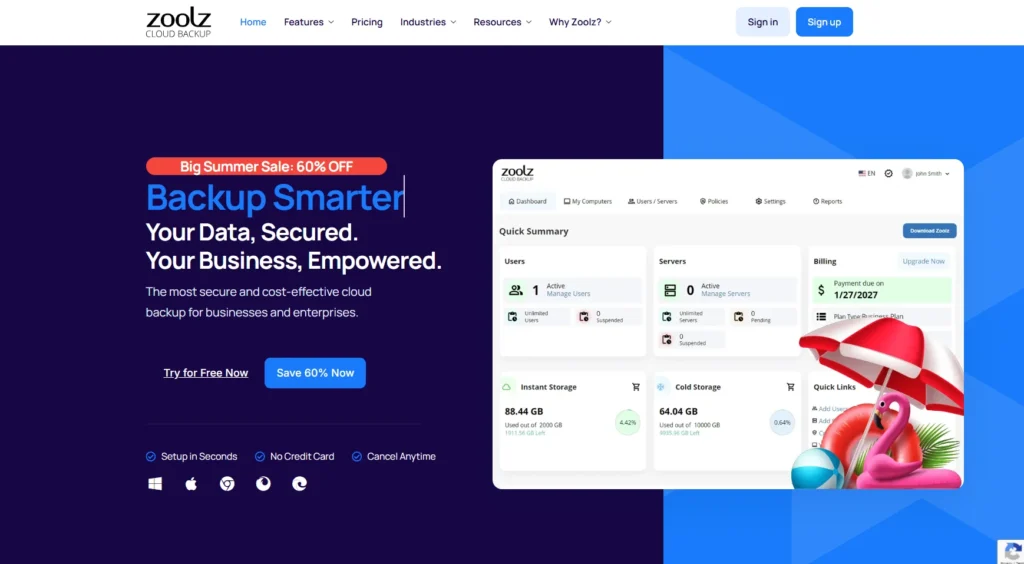
Zoolz is a reliable cloud backup service designed with businesses in mind, offering both instant-access and cold storage solutions. It leverages Amazon AWS infrastructure to deliver scalable and highly durable data storage. Zoolz makes it possible for businesses to choose between frequently accessed data (hot storage) and cost-efficient archival storage (cold storage).
Its system is built for compliance, security, and long-term retention, making it especially suitable for businesses that must store sensitive records for years. Zoolz also provides AI-powered search and data discovery tools, which help organizations quickly locate information within large datasets.
Features:
- Dual storage options: hot storage for instant access and cold storage for archiving.
- AES-256 encryption with zero-knowledge privacy.
- AI-driven search and file discovery.
- Support for servers, NAS, and external drives.
- Long-term retention policies for compliance needs.
Ideal Use Case: Best for businesses that need a mix of accessible backups and long-term archival storage with strong compliance features.
11. SpiderOak One Backup
Website: www.spideroak.com
SpiderOak is a security-focused cloud backup service that prioritizes data privacy through its strict zero-knowledge encryption model. This makes it a top choice for businesses handling highly sensitive data, such as law firms, healthcare providers, and government contractors.
Unlike many providers, SpiderOak ensures that only the customer holds the decryption keys, meaning even the company itself cannot access stored data. It also supports file syncing and sharing across teams, enabling secure collaboration without compromising confidentiality. While pricing is on the higher side, the trade-off comes with unmatched privacy guarantees.
Features:
- Zero-knowledge, end-to-end encryption.
- Secure file sharing and team collaboration.
- Automatic and continuous backups.
- Cross-platform support (Windows, macOS, Linux).
- Granular restore options for specific files or folders.
Ideal Use Case: Best for businesses that prioritize maximum data privacy and confidentiality, such as legal, healthcare, or gove
12. Barracuda Cloud-to-Cloud Backup
Website: www.barracuda.com
Barracuda Cloud-to-Cloud Backup is a trusted enterprise solution designed specifically for businesses relying on Microsoft 365, SharePoint, Teams, and OneDrive. With the rapid adoption of cloud-first strategies, businesses often assume their SaaS data is automatically protected,but that’s not the case.
Barracuda provides robust protection against accidental deletion, ransomware, and compliance issues by offering automated backups and quick recovery options. It’s widely adopted by mid to large enterprises that cannot afford downtime or data loss in productivity apps.
Features:
- Automated backup for Microsoft 365, SharePoint, Teams, and OneDrive
- Granular recovery of emails, files, and folders
- Advanced ransomware protection
- Centralised management dashboard
- Unlimited storage and retention options
Ideal Use Case: Best for businesses heavily using Microsoft 365 that need dedicated backup and fast recovery.
13. Axcient x360Cloud
Website: www.axcient.com
Axcient x360Cloud is an MSP-friendly cloud backup solution offering end-to-end protection for Microsoft 365, Google Workspace, and other SaaS platforms. Known for its reliability and ease of use, Axcient focuses on ensuring data resilience against cyberattacks, outages, and accidental deletions.
Its unified interface simplifies management, while its fast search and restore capabilities minimize downtime. It’s especially popular among IT providers who manage multiple clients and need a multi-tenant backup system.
Features:
- Backup for Microsoft 365 and Google Workspace
- Smart search and instant restore
- Ransomware protection with point-in-time recovery
- Centralised multi-tenant management
- Compliance-friendly with customizable retention policies
Ideal Use Case: Ideal for MSPs and IT providers who manage backups for multiple businesses.
14. NAKIVO Backup & Replication
Website: www.nakivo.com
NAKIVO Backup & Replication is a versatile solution that combines backup, replication, and recovery for physical, virtual, and cloud environments. It’s designed for SMBs as well as enterprises that want affordable yet advanced backup functionality.
With features like instant VM recovery, Office 365 protection, and ransomware-proof backups, NAKIVO ensures businesses minimize downtime and maintain data availability. It stands out for its lightweight deployment and lower cost compared to some enterprise-grade alternatives.
Features:
- Backup for VMware, Hyper-V, Nutanix AHV, and physical servers
- Microsoft 365 and AWS backup support
- Instant recovery for VMs and files
- Built-in ransomware protection
- Policy-driven automation and reporting
Ideal Use Case: Great for SMBs and enterprises seeking affordable yet powerful backup for both on-prem and cloud workloads.
15. Cohesity DataProtect
Website: www.cohesity.com
Cohesity DataProtect is an enterprise-grade data management and backup solution that goes beyond basic file protection. It offers comprehensive support for hybrid and multi-cloud environments, making it popular among organizations with complex IT infrastructures.
With built-in machine learning for anomaly detection, ransomware recovery, and compliance-ready features, Cohesity ensures businesses can secure and manage their critical data efficiently. Its scalability and integrations with leading cloud providers make it future-ready.
Features:
- Hybrid and multi-cloud backup
- AI-powered anomaly and ransomware detection
- Automated compliance and audit reports
- Instant mass recovery to minimize downtime
- Support for major enterprise applications and databases
Ideal Use Case: Best for large enterprises managing hybrid or multi-cloud IT ecosystems.
16. Rubrik Cloud Data Management
Website: www.rubrik.com
Rubrik Cloud Data Management is a leader in the data backup and recovery space, offering modern, API-driven architecture for businesses that prioritize automation and security. Rubrik simplifies backup, disaster recovery, and ransomware protection through its single pane of glass management.
It also supports workload mobility across clouds, ensuring data availability wherever businesses need it. Known for its enterprise-grade capabilities, Rubrik is widely used by global corporations in finance, healthcare, and government.
Features:
- End-to-end encryption and ransomware protection
- Cloud-native and hybrid environment support
- Instant recovery for VMs, apps, and files
- Automated disaster recovery orchestration
- API-first architecture for easy integrations
Ideal Use Case: Perfect for enterprises that need robust, automated backup and recovery with ransomware protection.
Pricing Notes – How Vendors Charge
- Per user/device: Backblaze Business (per computer), CrashPlan SMB (per user).
- Per TB (storage): IDrive’s pooled tiers; Wasabi flat‑rate per TB; many enterprise tools bill storage + workload coverage.
- Per SaaS user/workload: Veeam Data Cloud (per Microsoft 365/Entra user), AvePoint (per M365/SFDC user), some Metallic/Druva SKUs.
- Hybrid: Acronis, Commvault, Rubrik, Cohesity often blend per‑workload licensing with storage on your chosen cloud.
Budget tip: Egress and API fees from hyperscalers can sting. If your restore testing and DR plans require frequent reads, consider storage with low or no egress fees (e.g., Wasabi) when compatible with your backup application.
Final Thoughts
Cloud backup Services is your last, best safety net. Pick a service that truly fits how your company works, your apps, your people, and your risk tolerance. Favor immutability, clean‑point recovery, and automation over feature checklists.
Then test, document, and rehearse. When something does go wrong, you’ll be restoring with confidence instead of guessing under pressure.
FAQs
Is Microsoft 365 or Google Workspace “already backed up”?
No. They provide availability and retention, not full backup. Third‑party backups let you recover to any point, including user mistakes or ransomware.
How much data should I keep?
Start with 30–90 days of versions for endpoints, longer (6–7 years) for regulated data. Use tiering and immutability to control cost and risk.
Do I need immutable storage?
Yes, at least for your critical data. It stops attackers from deleting or encrypting backups.
What’s the biggest hidden cost?
Egress reads during tests and DR. Pick storage with predictable fees and plan restores smartly.
How often should I test restores?
Quarterly for DR scenarios; monthly for application restores, weekly for file‑level sanity checks.