
Cloud storage has become an inevitable factor in the modern digital era. Personal files, creative work, or business information, regardless of the type, the appropriate provider holds them safe, systematized, and reachable through any device. Nonetheless, with the changing nature of technology, most users are discovering that their existing cloud storage is no longer applicable to their requirements- providing less storage capacity, slow synchronisation, or a weak shield against privacy.
Moving to a new provider does not simply mean securing additional storage. It is about enhancing speed, security, and cooperation. New platforms provide smarter file management, end-to-end encryption, as well as lifetime plans that simplify and secure data storage.
Here in this guide, we shall be discussing the Top 12 Best Cloud storage Alternatives, those platforms that mix performance, privacy, and convenience of use. Google Drive and OneDrive are great, but what about privacy-focused solutions such as Sync.com or Internxt? Here are the best cloud storage options of the year.
Why You Might Consider Switching Your Cloud Storage Provider
The cloud storage you currently have may be sufficient, but it might not meet your growing needs. As data requirements grow, along with security demands, and more efficient platforms emerge, a noticeable difference in productivity and peace of mind can be achieved through an upgrade. This is why the time to make the switch may have come:
- Little Free Storage: Most providers have reduced their free storage levels, and users are getting inadequate storage space to store increasing files and media backup. It may become more flexible and enhance the storage capacity with a more affordable upgrade to the newer platform.
- Privacy Issues: There are also privacy issues associated with cloud services, some of which are not fully encrypted end-to-end, and thus can be accessed by unauthorized personnel or even analyzed to extract metadata. A privacy-first provider means that only you manage your data.
- Delayed Syncing and Uploading: Very old storage systems can be extremely sluggish when it comes to transferring large files, and they make backing up and collaborating slow and painful. The current platforms are optimized servers that are more efficient and faster in processing data.
- Bad Collaboration Tools: With the growth of remote work, users require clear file sharing and editing, as well as access for the team. More recent cloud services come with real-time collaboration, which makes collaboration a hassle-free affair.
- Greater Value of Money: Most new cloud vendors are now providing high storage capacity, higher performance, and enhanced security, but at cheaper subscriptions or even single-time purchase packages.
With the assistance of a contemporary cloud storage service, you will be able to save time, store the data more securely, and ease your daily routine, not to mention that you will get more revenue for your money.
List of the Top 12 Best Cloud Storage Alternatives
1. Google Drive
It is assumed that Google Drive will be one of the most reliable and popular cloud storage systems. It is compatible with Google Workspace apps, Docs, Sheets, and Slides, which provide the ability to collaborate in real time. Google Drive is fast and simple, no matter what you are doing with your personal files, sharing a project, or writing on a variety of devices.
It has free storage and automatic backup features, which make it ideal for users who require simplicity and scalability. As the updates keep adding with privacy, sharing control, and speed, Google Drive remains a reliable brand in digital storage.
Key Features:
- Online teamwork in Google Workspace.
- Sharing and authorization of files.
- Cross-platform and automatic backup and syncing.
- Free storage of 15 GB per user.
- Android, ChromeOS, and Gmail integration.
Best For: Users who prioritize convenience, collaboration, and integration with Google services.
2. Microsoft OneDrive
OneDrive has come to be one of the safest and professional-grade Cloud storage Alternatives. This is designed to partner with the Microsoft 365 suite of tools, such as Word, Excel, and PowerPoint, and is designed to be used by both an individual and a business. The system automatically synchronizes your files with your devices so that you can get them anywhere.
File versioning, real-time co-authoring, and ransomware protection can also be found in OneDrive to protect significant data. It has a close connection with Windows and an organizational sharing control at the enterprise level, which is especially useful to hybrid workers, learners, and companies with remote work teams. Concisely, OneDrive is a cloud-based solution that is both accessible, productive, and secure.
Key Features:
- Intensive interconnection with Microsoft 365 and Windows.
- Automatic synchronization and file versioning.
- Real-time collaboration in Office files.
- In-house anti-ransom control and file restoration.
- Share with link expiration functionality.
Best For: Professionals and teams relying on Microsoft tools for everyday workflows.
3. pCloud
pCloud is a new cloud storage provider that is characterized by lifetime subscriptions and sophisticated encryption features. It is still appealing to users who desire long-term value without periodic expenses. The site has been perfect in both personal and business use; it allows media playback, automatic syncing, and cross-platform access. pCloud has its own Crypto folder that allows sensitive files to be kept private as they are end-to-end encrypted.
File versioning and offline availability are also available in the service, and provide the user with additional choices on the management of data. Having smooth applications and an easy-to-use interface, pCloud is a flexible option when it comes to safe and affordable online storage.
Key Features:
- Single payment lifetime subscriptions.
- pCloud Crypto for personal, encrypted folders.
- Versioning and file recovery systems.
- In-built audio and video player.
- Available on mobile, web, and desktop.
Best For: Users seeking long-term affordability and high-end file protection.
4. Sync.com
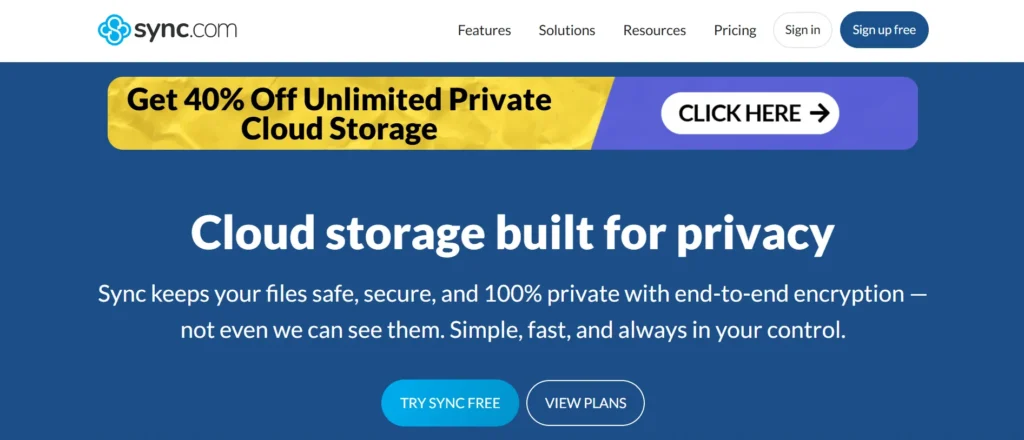
Sync.com is unique due to its high level of privacy and security concerns. It is one of the limited number of cloud-based services that uses an inflexible zero-knowledge encryption framework, which means that only you can access your files. The platform provides easy integration, encrypted sharing, and offline accessibility that is encased in a groovy and user-friendly interface.
Both businesses and individuals like the reliability of Sync.com when dealing with confidential data. Bringing sensitive data of clients or keeping your own backups, Sync.com is usable and offers unmatched encryption that makes it one of the safest and most transparent storage solutions in existence.
Key Features:
- End-to-end encryption of zero-knowledge.
- Shared files that are password-protected.
- Offline and cross-platform sync.
- Version history of files and recovery.
- Low-priced individual and business plans.
Best For: Privacy-focused users and small teams managing sensitive data.
5. Icedrive
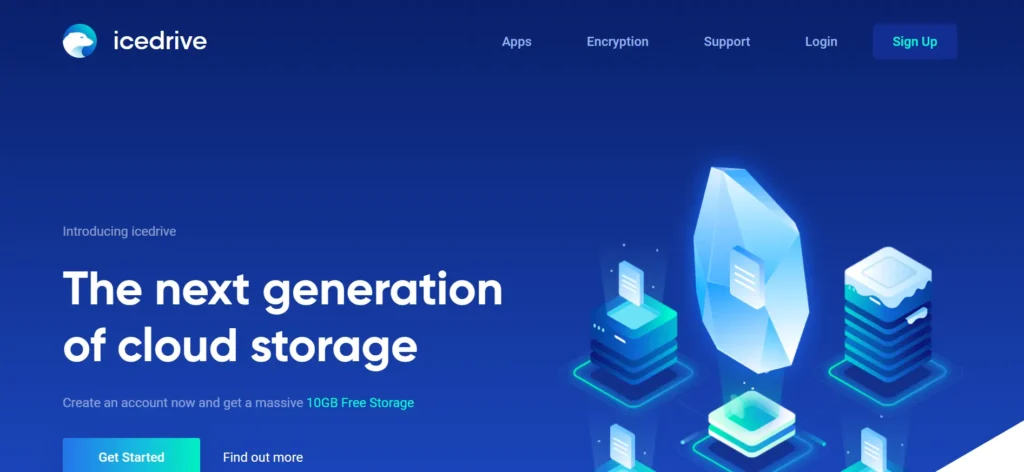
Icedrive has become one of the newcomers and a safe option as a Cloud storage alternative, providing a lovely interface and leading encryption levels. It is also more secure than most mainstream competitors because it has Twofish client-side encryption. Icedrive is ideal meant to be used by user who cares less about being simple or being secure.
It is suitable for individuals, freelancers, or small businesses since it has lifetime plans, rapid synchronization, and integrated media preview features. The desktop and mobile versions of the lightweight applications will make sure that the performance is seamless without causing a heavy load on the system. Icedrive offers a fresh breeze of privacy and modern design to cloud storage.
Key Features:
- Twofish secured client-side encryption.
- Lifetime plans that are affordable and have flexibility.
- Built-in media playback and preview.
- Mounting to the cloud and fast file transfer.
- Desktop and mobile lightweight applications.
Best For: Users wanting modern design, strong encryption, and lifetime value.
6. Dropbox
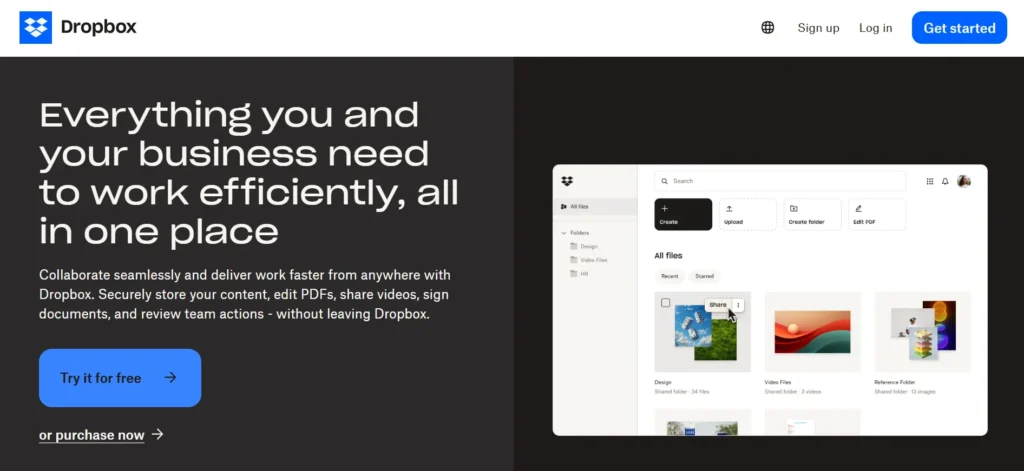
Dropbox remains one of the most reliable and unproblematic Cloud storage Alternatives. Its smooth design, quick downloading, and superb file-sharing are the favorite features of people, freelancers, and small groups. The platform is built with hundreds of third-party applications like Slack, Zoom, and Adobe, which make it easy to collaborate between tools.
The 30-day free version includes such features as Smart Sync, file recovery, and provides you with a lot of flexibility and control over your data. Not being the most privacy-oriented of the services, it is a reliable and convenient tool with a huge ecosystem that makes it a high-quality option in terms of daily cloud use.
Key Features:
- Smart Sync to save storage space locally.
- On-demand file sharing and cooperation.
- Slack and Zoom productivity integrations.
- File version history and automatic file recovery.
- The user-friendly interface between devices.
Best For: Freelancers and small teams that prioritize easy collaboration and workflow integration.
7. Box
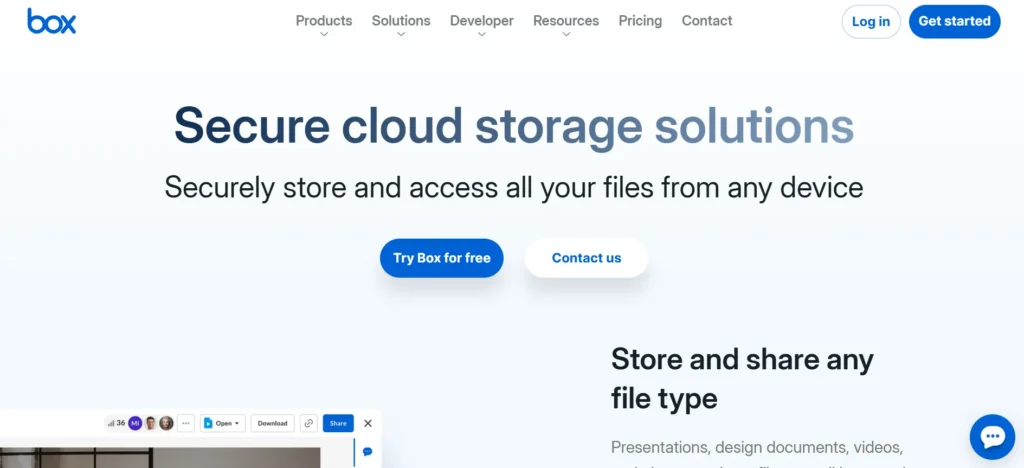
Box has positioned itself as a top enterprise cloud storage vendor. It is business-friendly and includes powerful administration features, automation of workflows, and enhanced security regulations like HIPAA and GDPR. Box enables organizations to save, handle, and share files safely, regardless of how many operatives work in the organization.
It is also integrated with hundreds of business applications such as Microsoft 365, Google Workspace, and Salesforce. Box is still the preferred service that offers strong security and scalability, coupled with automation, to companies that store sensitive data or under-regulated information.
Key Features:
- Compliance and encryption on the enterprise level.
- Document management and workflow automation.
- Connection with big business software.
- User management and centralized controls of the administration.
- Protect third-party exchange of files.
Best For: Businesses and enterprises that require scalable, compliant, and secure cloud collaboration.
8. MEGA
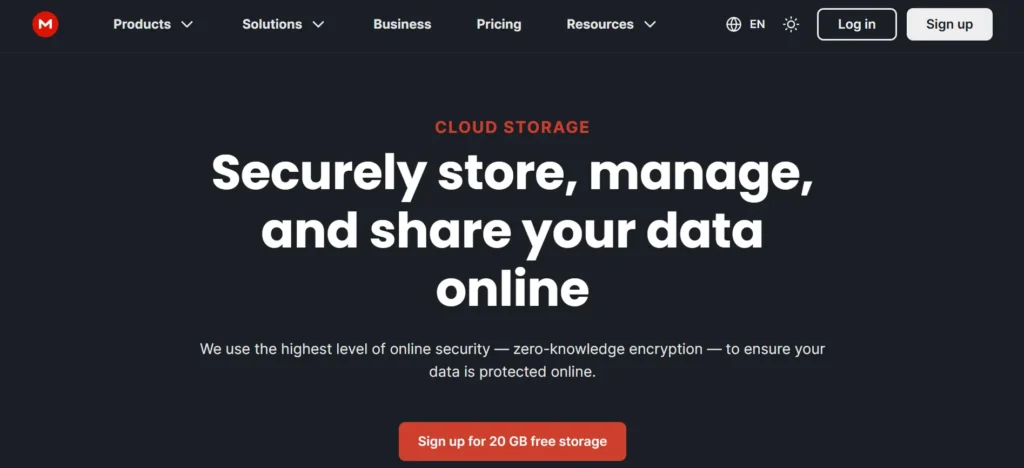
MEGA will be among the most privacy-oriented Cloud storage Alternatives, and it will be known as having end-to-end encryption and impressive free storage. In contrast to most of the competitors, MEGA can guarantee that you are the only player with the key to the encryption, and thus you can have complete control over your data.
It is particularly attractive to users who need anonymity and huge file storage. Also included in the privacy ecosystem is secure chat and file sharing, which makes the platform an all-in-one. MEGA is packaged with security, accessibility, and affordability, and with apps on all major platforms, MEGA is an all-inclusive product that privacy-conscious people and small teams will love.
Key Features:
- Maximum data protection through end-to-end encryption.
- Large free storage space.
- Privacy chat and teamwork applications.
- Multi-device synchronisation and access.
- Sharing files in an encrypted form and using a private link.
Best For: Users seeking a free yet highly secure cloud storage solution.
9. Tresorit
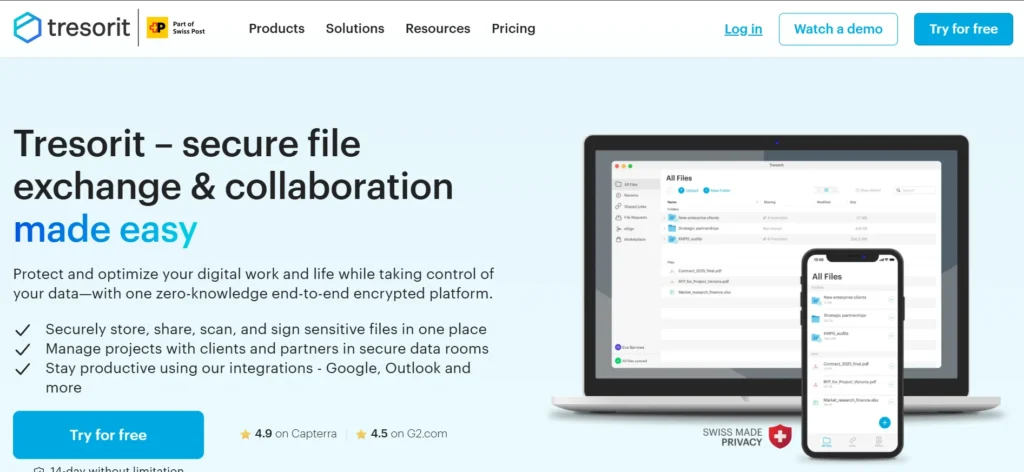
Tresorit is a high-quality cloud storage company that places emphasis on security and compliance, and is, therefore, suited to businesses and organizations with sensitive information. It is still among the most suitable zero-knowledge cloud services, and there will be no unauthorized access to the stored information.
High encryption, permission management, and enterprise collaboration tools are provided by Tresorit and are configured to be used by remote and enterprise users. Though rather costly in terms of price, the reliability, transparency, and the European data compliance standards make the platform worth the investment. Tresorit is one of the most reliable solutions that will appeal to any person who values encryption and data sovereignty.
Key Features:
- Complete privacy of data via zero-knowledge encryption.
- Permission and enterprise-level administration.
- Swiss compliance with data protection and GDPR.
- Share files with time-restricted links.
- Team and business collaboration.
Best For: Professionals and enterprises requiring airtight privacy and compliance standards.
10. iCloud Drive
iCloud Drive will be one of the smoothest Cloud storage Alternatives ever built by Apple, as it offers a level of integration that is unparalleled for users within the Apple ecosystem. It will automatically synchronize photos, documents, and app data among iPhones, iPads, and Macs to provide a unified experience in personal and work-related activities.
The simple layout and alignment of the background of the platform make it easy to use. Even less customizable than some of its competitors, it is more convenient and more reliable for the owners of Apple devices. iCloud Drive has one of the most relaxed storage experiences of the day, especially for users who focus on simplicity, security, and integration with the ecosystem.
Key Features:
- Intensive integration with iOS, macOS, and iPadOS.
- Automatic backup and photo synchronization.
- Multiple user family sharing.
- Qualified background concurrence.
- Easy and uncomplicated management of files.
Best For: Apple users who want seamless storage and automatic device synchronization.
11. Internxt
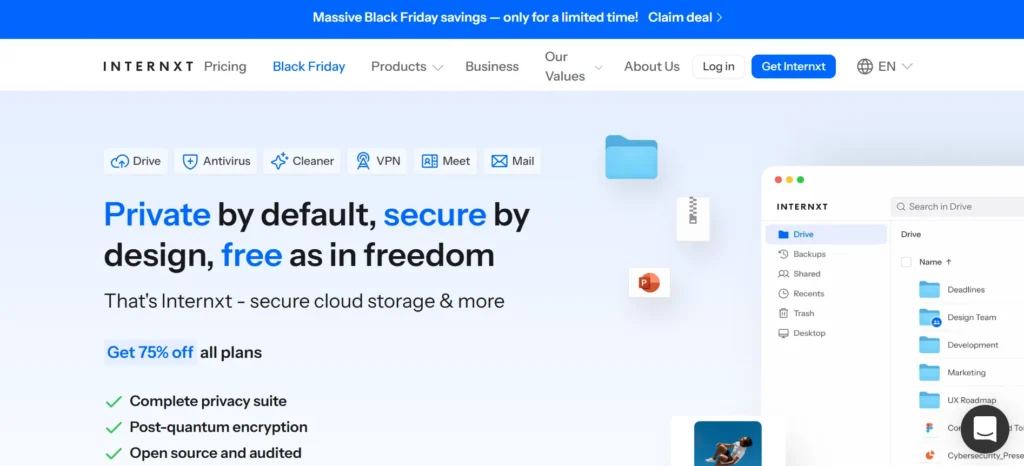
One of the rapidly expanding cloud storage services is Internxt, which focuses on privacy and puts it first. It is completely open-source and is based on end-to-end encryption such that no third party, including Internxt itself, has access to your files. The site focuses on openness and digital freedom, and it is oriented towards users seeking an ethical substitute to large tech providers.
Internxt has a sleek design, a desktop and mobile application, giving the user simplicity and tranquility. It is a privacy-focused and modern service, with its expanding ecosystem of services such as Drive, Photos, and Send, making it a solution for individuals and small groups.
Key Features
- Zero-knowledge encryption and fully open-source.
- Open privacy with GDPR compliance.
- Desktop and mobile multi-platform applications.
- Individual file, photo, and secure sharing.
- Minimalistic user-friendly interface.
Best For: Privacy-focused users seeking an open-source alternative to mainstream providers.
12. Koofr
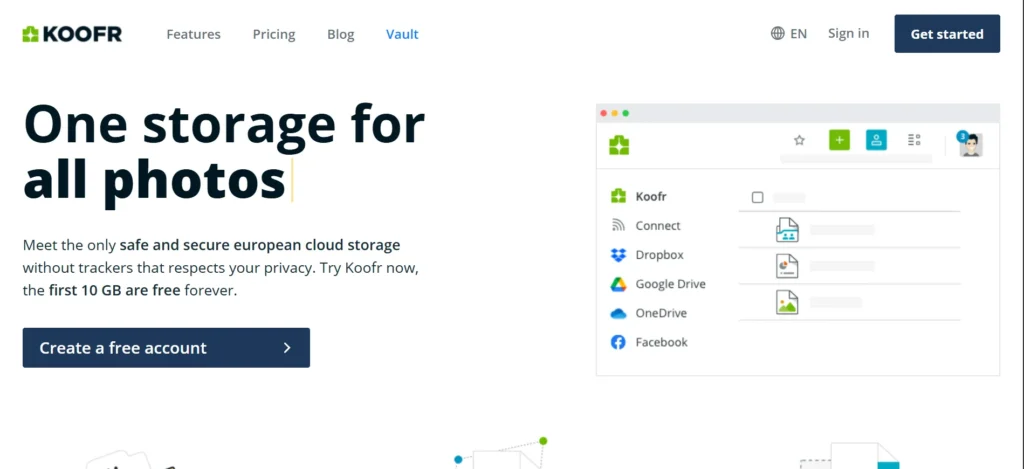
As a lightweight and dependable cloud storage service with easy integration of other storage accounts, Koofr remains attentive. It enables you to integrate and control Google Drive, Dropbox, and OneDrive under the same dashboard, and file management is made easier. The user-friendly interface of Koofr and the automatic backup feature are very good to use by both non-experts and experts.
The service has high-speed syncing, the ability to share securely, and access flexibly without having any unnecessary complexity. Koofr is a cloud storage service that provides easy, safe, and effective storage by supporting the use of cloud storage among Europeans with their strict privacy laws.
Key Features:
- Integrates with other storage systems such as Google Drive and Dropbox.
- Auto versioning and auto file backup.
- Password administration of files.
- Headquartered in the EU, and has privacy compliance.
- Uncomplicated user-friendly interface.
Best For: Users who want a unified dashboard to manage multiple cloud accounts securely.
Comparison Table for Cloud Storage Alternatives
| Cloud Storage Provider | Free Storage | Features | Best For |
| Google Drive | 15 GB | Real-time collaboration in Google Workspace, file sharing, cross-platform syncing, Android & Gmail integration | Users prioritizing convenience, collaboration, and Google ecosystem |
| Microsoft OneDrive | 5 GB | Integration with Microsoft 365 and Windows, file versioning, ransomware protection, real-time co-authoring | Professionals and teams reliant on Microsoft tools |
| pCloud | 10 GB | Lifetime subscriptions, pCloud Crypto encrypted folders, file versioning, built-in media player | Users seeking affordable long-term storage and encryption |
| Sync.com | 5 GB | Zero-knowledge encryption, password-protected sharing, offline access, version recovery | Privacy-focused users and small teams |
| MEGA | 20 GB (up to 30 GB via bonuses) | End-to-end encryption, secure chat, large free storage, encrypted file sharing | Users needing large free and highly secure storage |
| Icedrive | 10 GB | Twofish client-side encryption, lifetime plans, media playback, fast syncing | Users wanting modern design, strong encryption, lifetime value |
| Dropbox | 2 GB | Smart Sync, app integrations with Slack/Zoom, file recovery, easy collaboration | Freelancers and small teams needing smooth workflows |
| Box | 10 GB | Enterprise compliance (HIPAA, GDPR), workflow automation, admin controls | Enterprises needing secure, scalable collaboration |
| Tresorit | 3 GB | Zero-knowledge encryption, GDPR and Swiss compliance, permission management | Businesses requiring high privacy and compliance |
| iCloud Drive | 5 GB | Deep Apple ecosystem integration, photo sync, family sharing | Apple users wanting automatic device sync |
| Internxt | 10 GB | Fully open-source, zero-knowledge encryption, GDPR compliant | Privacy-focused users wanting open-source alternatives |
| Koofr | 10 GB | Integrates multiple clouds (Google Drive, Dropbox), password-protected sharing | Users managing multiple cloud accounts easily |
How to Choose the Right Cloud Storage for You
The optimal choice of a cloud storage provider will be determined by the unique requirements, such as personal data storage, small business operations, or working with international teams. An effective cloud must be able to offer a balance between security, usability, and scaling to help you achieve your long-term objectives. These are some of the main considerations to make:
- Storage Capacity: It is important to always select a plan that has enough capacity not only at the present but also in the future. Scalable plans will allow you to grow with ease as your data and staffing grow.
- Security and Encryption: Find providers that have the option of zero-knowledge encryption and strong authentication. This also makes sure that the stored data can not be seen by even your service provider.
- Speed and Reliability: A high-speed up/down system will save time and will not disrupt the workflow because you might need to work with large files of video or projects often.
- User Friendliness: The new interface is easy to use. Select services that are compatible with mobile, desktop, and web applications.
- Integration and Compatibility: The most apt cloud applications work with the tools you already use every day, including Google Workspace and Microsoft 365, and file management will become a part of your everyday productivity platform.
With this consideration, you will have the best cloud storage solution that suits your specific needs, one that is fast, secure, and can even expand with you and beyond.
Conclusion
With the development of cloud storage that is still going on, the options offered to users are more reliable and secure than ever in the past. Regardless of the priorities that you have towards privacy, collaboration, and affordability, the latest and best cloud storage alternatives have something to offer and sell to all. Google Drive has an easy-to-use ecosystem, and privacy-centered platforms like Sync.com and Internxt offer a range of advantages specific to the current requirements.
Most importantly, it all depends on what your workflow is: personal, creative, or enterprise-level. Regardless of the one you pick, having your files stored in a reputable cloud storage solution is one of the surest ways to keep your data secure, accessible, and digital-ready in the ever-more digitalized world.
FAQs
What is The Most Appropriate Cloud Storage Today?
Google Drive and OneDrive are still dominating the overall market since they have the most integrations and are easy to use, but pCloud, Sync.com, and MEGA are the best options available to users who pay attention to their privacy and long-term benefits.
Are Free Cloud Storage Systems Trustworthy?
No doubt, numerous services such as Google Drive, MEGA, and Koofr have free plans that are secure and reliable to use for personal use, but paid plans are superior in their features and storage capacity.
What Cloud Storage is The Most Secure Regarding Privacy?
Zero-knowledge encryption is provided by Sync.com, Tresorit, and Internxt, which means that you are the only one who can access their files (the greatest level of data privacy is guaranteed).
Is it Possible to Have Several Cloud Storage Providers?
Absolutely. Koofr is one of those tools because you can add several accounts: Google Drive, Dropbox, and OneDrive in the same place.
