
The landscape of digital communication has evolved rapidly and digital signage is no longer just the preserve of retail and hospitality. More businesses than ever are using digital signage software to amplify their internal communications and to share data with their workforce.
So, whether you are managing a retail store or a global enterprise network, the right platform acts as the bridge between your corporate strategy and your frontline audience.
In this article, we’ll explore some of the top-tier digital signage solutions available today, focusing on specific use cases ranging from simple plug-and-play setups to highly secure on-premise deployments.
List of Top 10 Digital Signage Software Tools
1. ScreenCloud
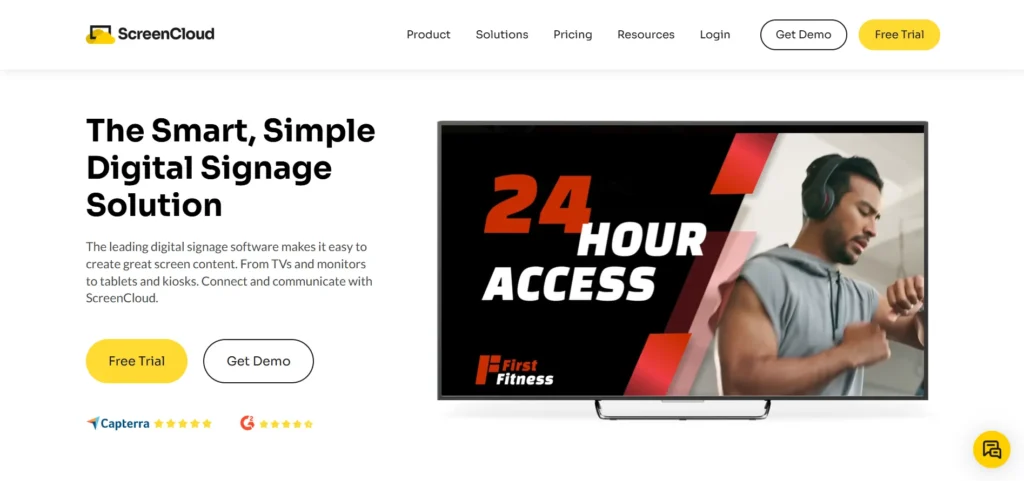
ScreenCloud remains the definitive choice for businesses that prioritize ease of use without sacrificing enterprise-grade power. Uniquely positioned as the most versatile digital signage software platform due to its vast library of over 80 professional-grade apps and integrations, including Microsoft Power BI, Slack, and Canva; ScreenCloud is perhaps the gold standard when it comes to display software.
This huge range of apps allows IT and comms teams to automate content creation by pulling directly from the tools they already use. ScreenCloud’s hardware-agnostic approach means it runs seamlessly on everything from a basic Android box or Mini PC to specialized media players.
As well as market leading software, ScreenCloud also provide their own proprietary media players for better device management and security.
Best for: SMBs and enterprise clients looking for best-in-class digital signage.
- Extensive library of 80+ instant app integrations.
- Popular with wide range of businesses from SMB to enterprise.
- Advanced security features including SSO and SOC2 compliance.
- User-friendly interface requiring minimal technical training.
- Proprietary media players available.
Price: Starts from $20 per month
2. AbleSign
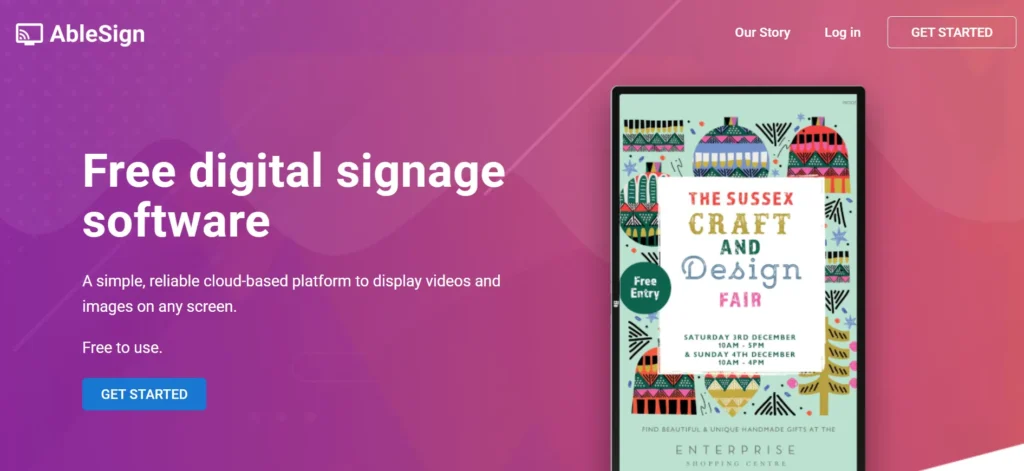
When it comes to a simple and free digital signage solution, there is usually one simple answer: AbleSign. Yes, AbleSign is completely free but actually offers a surprisingly robust range of features.
The software is cloud-based and operates through a simple web-browser interface, allowing users to drag and drop media files to create playlists.
While it lacks some of the complex data-driven integrations found in premium tools, its reliability in displaying static images and videos is exceptional.
It is a great solution for non-profits and smaller businesses on a budget who need a dependable, straightforward way to manage content across multiple locations without a recurring subscription fee.
Best for: Small businesses or non-profit organizations testing out digital signage for free.
- No per-screen charges for the basic cloud service.
- Simplified drag-and-drop playlist builder.
- Dependable offline playback functionality.
- Compatible with Android and Fire TV hardware.
Price: Free
3. Juuno
If you’re looking for an affordable but modern, browser-based content manager then Juuno might be your best solution. It focuses heavily on the aesthetic side of digital signage, and is best known for its deep integration with Canva, making it a favorite for marketing teams who want to design and publish content without ever leaving their browser.
Juuno is designed with simplicity in mind, using a playlist-style interface that feels intuitive to anyone familiar with social media management.
It is an excellent fit for small to medium businesses like salons, restaurants, or boutique offices where the primary goal is to maintain a high-quality visual brand presence. An example of a great use here could be for canteen software, displaying menus and special offers. The pricing is straightforward and budget-friendly, starting around five dollars per screen, making it a low-risk entry point into professional signage.
Best for: Budget-conscious business owners who want great functionality for less.
- A growing range of app integrations including Canva.
- Intuitive, social-media-style user interface.
- Affordable pay-per-screen pricing model.
- Multi-workspace support for agencies and multi-location brands.
Price: Starts from $5 per month
4. Fugo
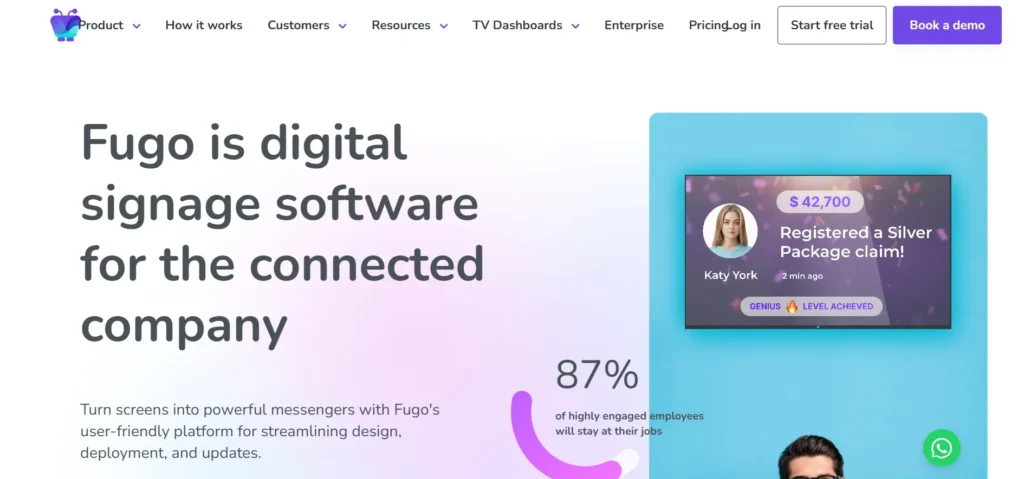
Fugo differentiates itself through its focus on data visualization and smart signage. One of its standout features is the ability to securely present private dashboards on screens, which is often a challenge for other platforms.
Fugo allows users to connect to various data sources and “record” the login process to display real-time business metrics without compromising security. This makes it an essential tool for corporate offices and production environments where tracking KPIs is a priority.
The platform also offers a robust design studio with pre-made templates, ensuring that even data-heavy displays look professional. It is a highly reliable cloud solution that supports a wide range of hardware, from ChromeOS to specialized media players.
Best for: SMBs looking for a simple user interface and functionality.
- Secure dashboard recording for real-time KPI displays.
- Automatic player updates and remote screen health monitoring.
- Extensive template library with a built-in visual editor.
- Reliable performance across global screen networks.
Pricing: Starts from $20 per month
5. Navori
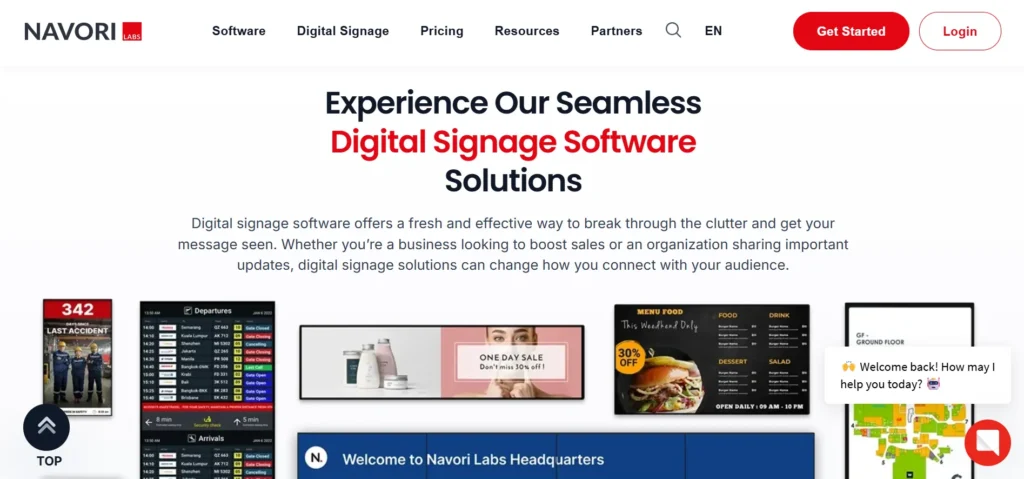
Navori is an enterprise-grade powerhouse known for its high-performance proprietary engine. It is often the choice for massive deployments in airports, stadiums, and smart cities where high-resolution 4K playback and millisecond precision are required.
By 2026, Navori has leaned heavily into phydigital features, using AI-integrated computer vision to provide audience analytics like footfall, dwell time, and demographic segmentation. This allows businesses to trigger specific content based on who is standing in front of the screen.
While it has a steeper learning curve than basic cloud tools, the level of control and the ability to choose between cloud, hybrid, or on-premise hosting makes it a favorite for government and defense sectors that demand maximum security.
Best for: Complex deployments with high security requirements.
- Native AI integration for real-time audience analytics.
- Support for ultra-high-definition 4K content at 60fps.
- Flexible hosting options including secure on-premise servers.
- Complex rule-based content scheduling for automated playback.
Price: Starts from $15 per month.
6. Pickcel
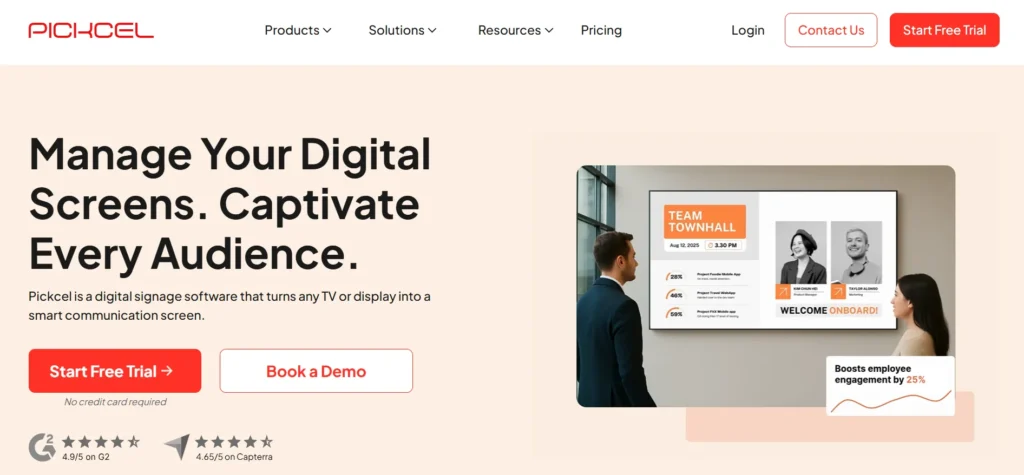
A versatile platform that excels in complex retail and corporate environments, Pickcel is a popular and affordable option for digital signage. It offers a highly structured content management system that allows for multi-zone layouts and role-based governance, ensuring that content stays brand-safe across thousands of screens.
Pickcel is particularly well-regarded for its on-premise solution, which provides organizations with full control over their data and localized server proximity for faster media uploads. This makes it a popular choice for industries navigating strict regulatory frameworks, such as healthcare and banking.
The platform also features a mobile-accessible CMS, allowing managers to update screen content or check device health directly from their smartphones while on the move.
Best for: SMBs looking for an easy to use and secure digital signage solution.
- SOC2 and ISO certified for high-level data security.
- Comprehensive on-premise and self-hosting capabilities.
- Interactive kiosk and touch-screen support.
- Robust remote diagnostics and automated error alerts.
Price: Starts from $13.50 per month
7. Viewneo
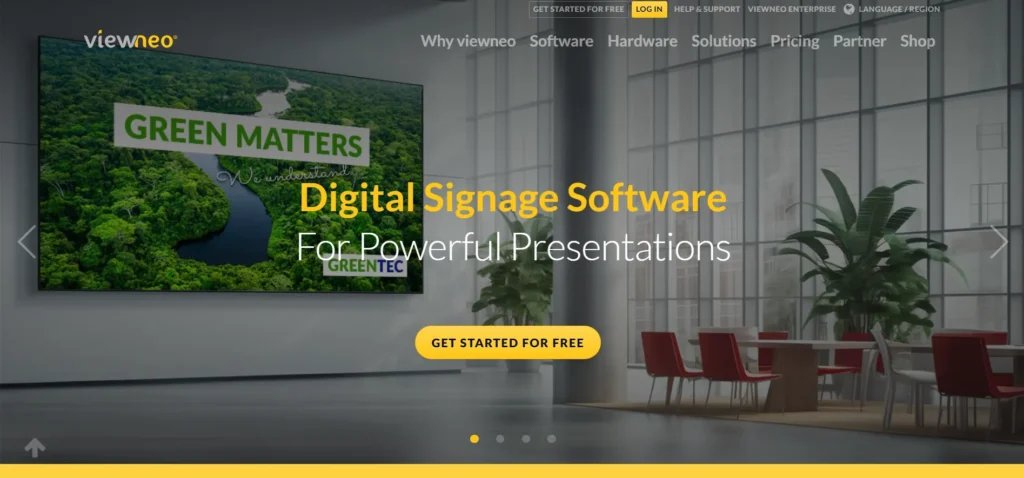
A German-based digital signage platform, Viewneo has evolved into a holistic ecosystem for smart retail – especially those with IoT integrations. Beyond just displaying content, Viewneo offers a range of hardware plugins, such as motion sensors and RFID readers, that allow the signage to interact with the physical environment. For example, a screen can automatically show product information when a customer picks up an item from a shelf.
The software itself is clean and focused, offering a simplified two-tier pricing model that caters to both small businesses and large enterprises. It includes a built-in content designer with over one million stock images and videos, reducing the need for external creative resources.
Viewneo is ideal for businesses and retailers looking to create experiential “smart” shopping environments.
Best for: Retailers looking for the best smart integrations.
- Specialized hardware plugins for interactive smart retail.
- Simplified pricing with generous storage limits.
- Integrated designer with a massive stock media library.
- White-label options for agencies and resellers.
Price: Starts from: $21 per month
8. OnSign TV
OnSign TV is widely recognized for its exceptional reliability and remote management capabilities, particularly on Android-based hardware. It provides a “bird’s-eye view” of entire screen networks, allowing IT managers to remotely view what is playing in real-time or even restart and power off devices from across the world.
The software is built for high-uptime environments, featuring advanced content caching that ensures screens never go blank during an internet outage.
OnSign TV also includes unique features like lockdown mode, which prevents unauthorized access to the player settings, and the ability to create highly targeted campaigns based on geolocation or weather triggers. It is a robust, professional choice for outdoor advertising and large-scale digital out-of-home (DOOH) networks.
Best for: Large-scale deployments for outdoor and DOOH networks.
- Real-time remote screen viewing and device control.
- Advanced geo-targeting and weather-triggered content.
- Highly dependable offline playback and content caching.
- Granular user permissions and player lockdown features.
Price: Starts from $19.99 per month.
9. BrightSign
When it comes to digital signage hardware, BrightSign are the gold standard, and its integrated OS provides unrivaled stability.
Unlike PC-based systems, BrightSign players are purpose-built for 24/7 operation, making them nearly immune to the crashes or blue-screen errors common with consumer-grade OS.
While many CMS providers run on BrightSign hardware, using the native BrightSign ecosystem provides the deepest level of integration for interactive displays and video walls. It supports everything from basic looping images to complex HTML5 interactive web content.
By 2026, the platform has further simplified its cloud management through BrightSign Control Cloud, which comes included with every player to provide free, real-time health monitoring and basic remote updates.
Best for: Large enterprise and those already in the Brightsign ecosystem
- Legendary hardware reliability for 24/7 operation.
- Native support for complex multi-screen video walls.
- Highly secure OS with a very small attack surface.
- Superior HTML5 rendering for interactive web content.
Price: Contact for pricing.
10. Xibo
The leader in the open-source digital signage space, Xibo offers a level of transparency and flexibility that proprietary tools cannot match.
Because the core software is open-source, businesses can self-host the platform for free, making it incredibly cost-effective for those with internal IT resources.
Xibo supports a wide range of players, including Windows, Linux, and Android, and is known for its powerful layout designer that allows for intricate screen splitting and scheduling. While it does require more technical expertise to set up, often utilizing Docker for installation, the active community and extensive documentation provide a wealth of support.
It is the ideal choice for developers and tech-savvy organizations that want to build a customized signage network without being locked into a specific vendor.
Best for: Tech-savvy teams who want hands on creativity and freedom to create signage their way.
- Open-source core for maximum customization and transparency.
- Extremely cost-effective for self-hosted deployments.
- Flexible support for multiple hardware operating systems.
- Powerful layout designer with advanced scheduling rules.
Price: Self-hosted packages start from $4.90 per month.
Why Does Digital Signage Matter?
Digital signage has evolved into a strategic business tool that directly impacts the bottom line addressing both internal comms and external marketing. With digital signage in the office or on your factory floor, you can connect with your employees much easier and share important messaging. And, of course when facing the public digital signage is a powerful tool to share promotional content, real time information and even new and engaging content.
Within the world of corporate comms, digital signage acts as a visibility layer, bypassing comms bottlenecks to deliver a single source of truth in real-time. It’s a great tool to share critical safety updates, strategic priorities, and operational metrics which are seen instantly, creating a more connected and efficient organization.
Do You Need Any Specialist Equipment for Digital Signage?
No, digital signage doesn’t require much more than a TV screen, an internet connection and access to digital signage software.
Many modern businesses leverage hardware-agnostic platforms that run on consumer devices like a standard smart TV, Chrome Box, Raspberry Pi or a mini Windows PC, allowing for a low-cost entry point. However, for 24/7 environments like retail or manufacturing, investing in commercial-grade displays is often recommended over consumer TVs due to their higher brightness (nits) and superior cooling systems designed for constant use.
You can choose between embedded players, which are built directly into Smart professional displays (System on Chip), or external players like a Raspberry Pi or an Intel NUC for more processing power.
Specialist equipment is usually reserved for specific use cases, such as high-brightness window displays for sunlight visibility, ruggedized outdoor enclosures with 5G connectivity, or interactive touchscreens for wayfinding and kiosks. Ultimately, the focus has shifted toward cross-platform compatibility, meaning you can often start with the screens you already own and scale up to specialized hardware only as your specific operational needs evolve.
Conclusion
Digital signage software has moved far beyond simple screen displays to become a critical communication and engagement layer for modern businesses. From small retail stores and restaurants to global enterprises and smart cities, the right digital signage platform helps organizations deliver timely information, reinforce branding, and connect strategy with real-world execution.
As this list shows, there is no one-size-fits-all solution. Some platforms excel in ease of use and rapid deployment, while others focus on advanced security, data visualization, smart retail integrations, or open-source flexibility. Your ideal choice depends on factors such as scale, budget, hardware preferences, security requirements, and the type of content you plan to display.
FAQs
1. What Is Digital Signage Software?
Digital signage software is a system that enables businesses to create, manage, schedule, and display multimedia content across digital screens from a central platform.
2. Is Digital Signage Software Cloud-Based Or On-Premise?
Digital signage software can be cloud-based, on-premise, or hybrid, allowing organizations to choose based on scalability, security, and compliance needs.
3. Do You Need Special Hardware For Digital Signage?
No, most digital signage software works with standard TVs and devices like Android players, mini PCs, or Raspberry Pi, with commercial displays recommended for 24/7 use.
4. Is Free Digital Signage Software Suitable For Businesses?
Free digital signage software is suitable for basic display needs but may lack advanced features such as analytics, integrations, and enterprise-level security.
5. How Do You Choose The Best Digital Signage Software?
The best digital signage software depends on your business size, content requirements, hardware compatibility, security needs, and budget.
