
The future of workflow automation has changed radically, as companies are in search of platforms that are in line with their technical capacities and operations. Although n8n has taken a firm position as a strong solution among automation enthusiasts, the increasing number of organisational needs has raised concerns about looking at n8n alternatives. Starting with the startup that needs to streamline its processes or the enterprise that needs to integrate a plethora of complexities, becoming familiar with the list of options available to them is important in making informed technology decisions.
Recent automation frameworks are designed to support a broader range of users: developers who favour code-first lifestyles, and business executives who need no-code ease. The optimum solution will be based on such variables as deployment preferences, integration needs, budget limitations, and expertise of the team. This is a detailed overview of ten effective n8n alternatives that will allow you to find the automation tool that best fits your workflow difficulties and organisational objectives in 2026.
What is n8n?
n8n is a fair-code workflow automation system tailored for technical users who emphasise customisation and control. It is transparent, extensible, and supports both cloud-hosted and self-hosted deployments, unlike traditional closed-source solutions.
Definition
n8n is a configurable workflow automation platform that enables people to integrate various applications and services through visual workflows. Developers’ goal-oriented, it has a node-based interface and the ability to make custom integrations with JavaScript, making it especially attractive to teams that require technical depth and minimal visual weight.
Key Features
- Self-Hosting Provision: Implement the workflows on your personal infrastructure, where you have complete control over the data and can meet the security standards.
- Development of custom nodes: Custom applications written in JavaScript to develop proprietary integrations where an existing connector is not available to fulfil a particular need.
- Visual Workflow Editor: Build the automation process with a complex sequence of visual, drag-and-drop steps with no logic or branching.
- Active Community: Use hundreds of community-contributed nodes and enjoy services from active developers around the globe.
- Flexible Workflow Models: Execute workflows via webhooks, schedules, or manually, depending on the operational requirements.
Why Look for Alternatives
- High Learning Curve: The platform demands an understanding of technical aspects, which might not be easy for groups that are not developers.
- Reduced Enterprise Support: Organisations that are required to have assured SLAs and specific assistance are limited to community versions.
- Gap in the Connectors: Certain SaaS integrations might be custom-built rather than plug-and-play.
- UI Complexity: Workflows that seem to be simple to the user can be very overwhelming when dealing with complex interfaces.
- Resource Management: Self-hosting requires infrastructure and maintenance skills that not all teams can provide.
What Makes a Good Alternative to n8n?
- User Friendliness: The Site must provide powerful capabilities that are also user-friendly for users of varied skill levels.
- Breadth of Integration: A comprehensive library of pre-built connectors saves customers significant time on custom development.
- Deployment Flexibility: Cloud, hybrid, or on-premises hosting has options to meet the security and compliance needs of various organisations.
- Developer Experience: Advanced developers require control at the code level, debugging features, and extensibility, which visual builders cannot provide.
- Cost Efficiency: Predictable pricing that increases with usage will preclude budget surprises as automation requirements increase.
Comparison Table
| Name | Best For |
| Pipedream | Organisations that are standardised on Microsoft ecosystems need RPA and approval workflows. |
| Make | Operations teams requiring advanced branching logic and cost-effective high-volume processing |
| Zapier | Business users seeking quick setup with extensive pre-built connectors |
| StackAI | Business users seeking a quick setup with extensive pre-built connectors |
| Microsoft Power Automate | Organizations that are standardized on Microsoft ecosystems need RPA and approval workflows |
| Pabbly Connect | Small to medium businesses wanting budget-friendly automation without per-task pricing penalties |
| Vellum AI | Teams building AI agents and apps through natural language prompts |
| Celigo | Revenue and finance operations integrating ERP systems with marketplaces |
| Workato | Large enterprises demanding mission-critical automations with comprehensive governance controls |
| Tray.ai | Mid-market companies handling data-intensive workflows and complex API integrations |
Top 10 n8n Alternatives in 2026
1. Pipedream
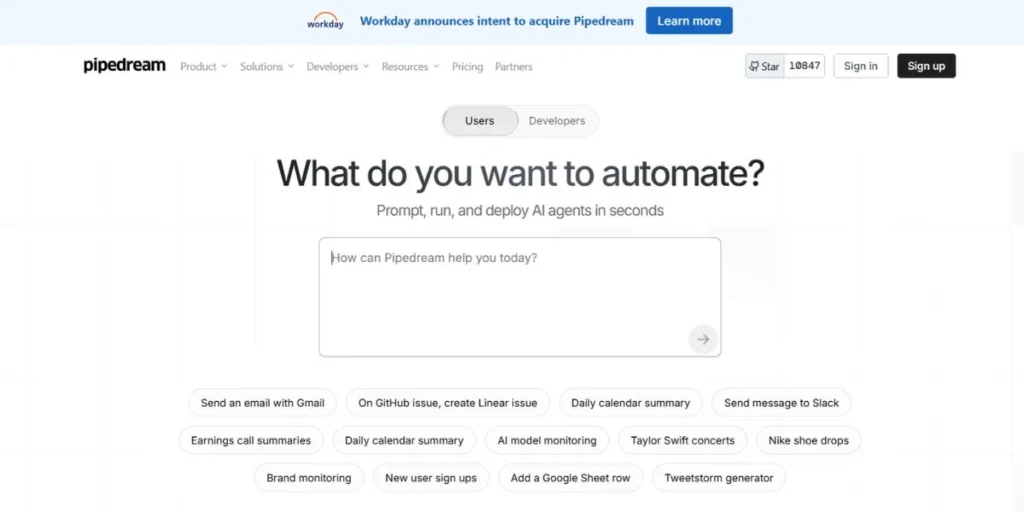
Pipedream provides a developer-friendly experience in automation, giving code a more central role in developing workflows. The platform is compatible with JavaScript, Python, and TypeScript and allows full access to NPM packages to allow developers to use familiar tools and libraries. Instant triggers are offered by real-time event sources and webhooks, whereas full observability (logs and secrets management) ensures deployment production-readiness.
In Visual Builder and real implementation in Pipedream, there is no friction between the visual builders and real implementation when teams are used to code.
Key Features
- Perform workflows without operating infrastructure with the use of the innovative JavaScript and Python ecosystems.
- Call any Node.js library into workflows to have further functionality and capabilities.
- Automation is triggered in real-time based on webhooks and real-time data streams of different services.
- Monitoring of execution with in-built observability concatenation tools for debugging and performance.
- Encrypt access control keys and store API keys and credentials.
Best: Development teams that are more focused on code-level flexibility and serverless architectures than visual workflow builders.
Pricing: paid plans begin at $29 monthly
Website: https://pipedream.com/
2. Make (Formerly Integromat)
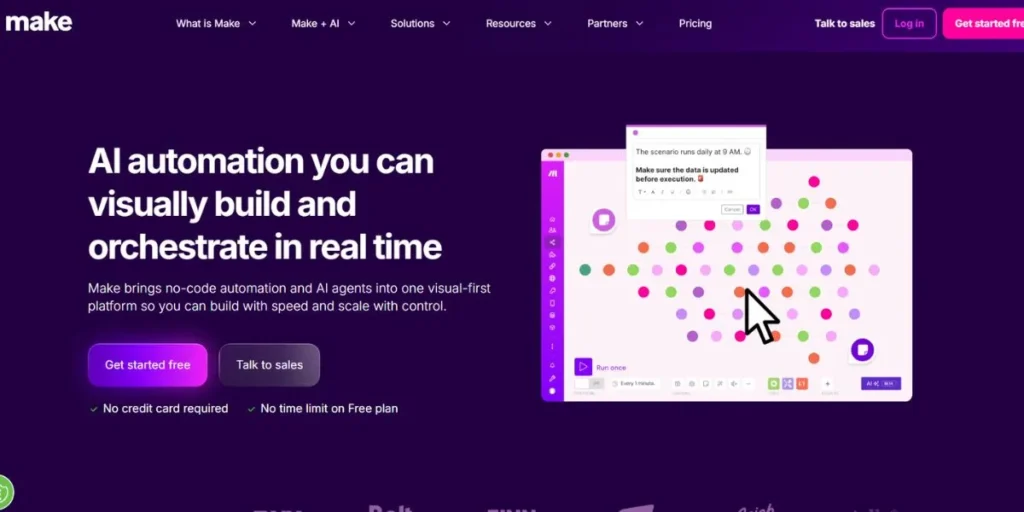
Make is enabling visual workflows with advanced logic capabilities to be created based on complex automation scenarios. The platform is best for managing multi-step operations with data transformations, conditional branching, and iterative operations. The granular control of the data flow is welcome in the operations teams, and robust mapping tools manipulate the information between services.
The workflows have features of error handling, which enable the process to recover gracefully on errors, and replay can easily be used in troubleshooting. Make offers with the architecture richness required by automation requirements, where more than linear sequences are required.
Key Features
- Conditional logic and dynamic criteria. Multiple paths of direct data.
- Process collections and arrays. Process arrays and collections are powerfully looped and transformed.
- Manipulate the data structure of transformation between services with visual mappers and formula functions.
- Introduce fallback logic and auto-retries in case of some unforeseen failure of the integrations.
- Operations-based pricing also makes the cost predictable even in cases when automation volumes are increasing drastically.
Ideal Use: Operations professionals who need to handle high-volume automations with advanced functionality on branching and data manipulation.
Pricing: Free plan with basic operations; paid plans begin with 9 months, depending on the number of operations; enterprise packages.
Website: https://www.make.com/en
3. Zapier
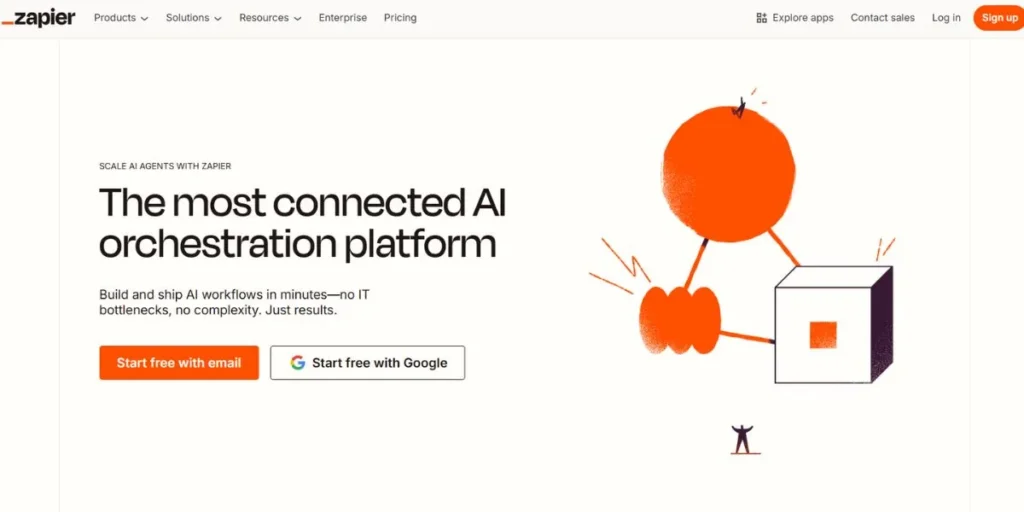
Zapier was one of the first to popularise the so-called no-code automation trend, as it was simple to use and meant connecting web applications. The platform has thousands of ready-to-use integrations of almost all the popular business tools, such as CRM systems or project management software. Common workflows have common starting points on templates, which significantly decreases the time required to set up common workflows.
The interface is value-oriented in simplicity, where users are led to automation creation with little or no technical terminology. When business teams require fast deployment and do not require developers, Zapier will lift the technical barriers and provide reliable automation.
Key Features
- Popular SaaS services and tools connectors are pre-configured and in the thousands.
- Begin with ready-made workflows of typical business automation situations and cases.
- Set up automations by using simple step-by-step wizards that do not need technical knowledge.
- Chain actions QChain across applications to produce end-to-end business process automations.
- Take advantage of established infrastructure with millions of workflow operations with high availability.
Best: Business users who have business-level automation needs that are simple and fast, as well as not highly technical, and prefer mainstream SaaS services.
Pricing: Free plan to use simple workflows; the paid plans are offered at the same pricing ($20 monthly); the enterprise plans are offered with a lot of features.
Website: https://zapier.com/
4. StackAI
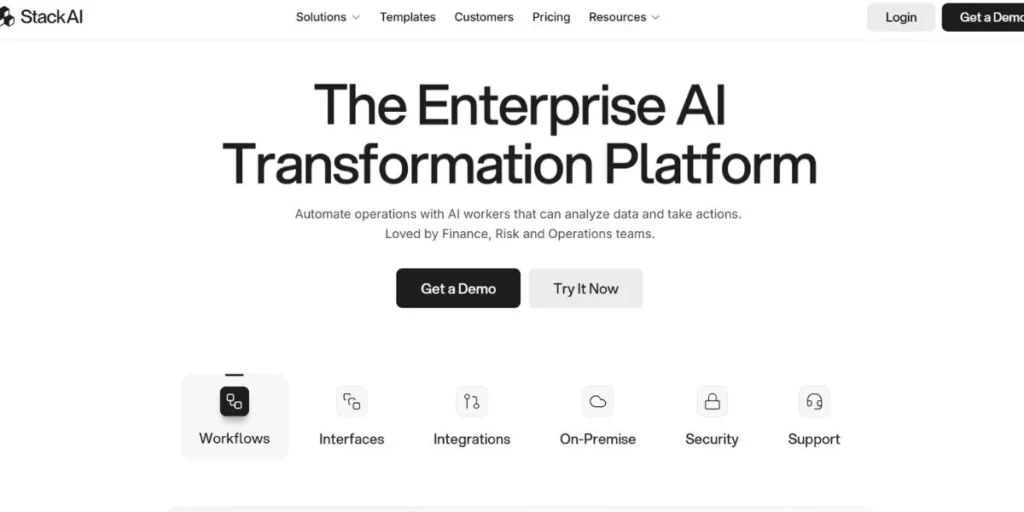
StackAI is specifically an AI-based workflow automation that is enterprise-grade regarding security. The platform combines language models and machine learning systems directly into automation processes, which allows making intelligent decisions and autogenerating content. Ingestion of a knowledge base permits workflows to gather contextual information, which is more relevant and accurate when responding to AI.
There exist several deployment features that support high security needs, such as on-premise deployment in regulated sectors. StackAI compliance is especially useful to organisations developing AI applications that require sensitive data in order to enforce governance norms.
Key Features
- Execution of workflows directly through intelligent decision trees with language model reasoning.
- Create text, summaries, and responses automatically with inbuilt AI features under workflows.
- Input contextually relevant automation response into AI models based on domain-specific information.
- Moved to cloud, hybrid, or on-premises infrastructure that satisfies regulatory and security needs.
- Apply role-based access, audit trails, and data management of sensitive workflow operations.
Best For: Organisations that build AI applications that need enterprise security and compliance systems and controls.
Pricing: Free tier for experimentation
Website: https://www.stack-ai.com/
5. Microsoft Power Automate
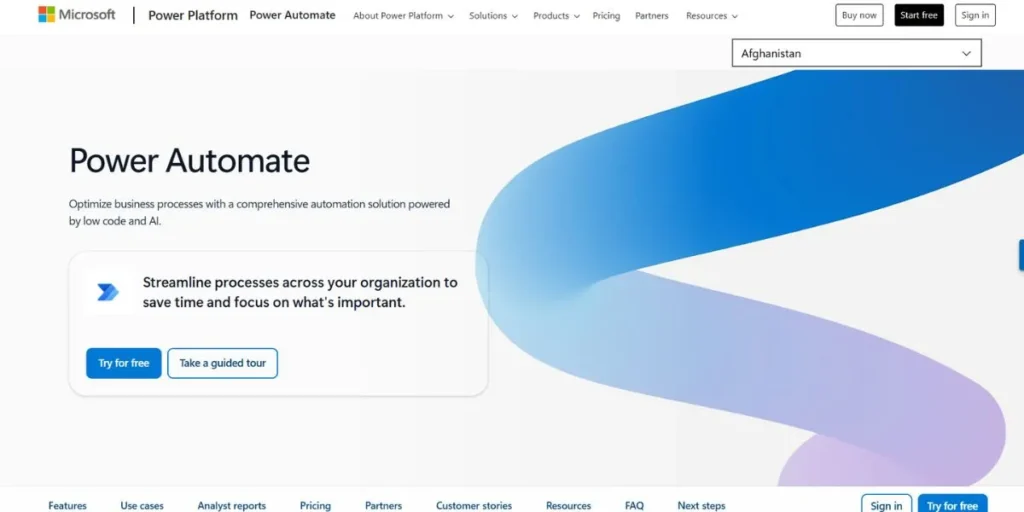
Microsoft Power Automate is a native component of the Microsoft 365 ecosystem that has built-in connections to SharePoint, Teams, Outlook, and Dynamics. The platform is not limited to cloud automation, but also includes robotic process automation (RPA) functionality, which communicates with older desktop code. Human decision points of the approval workflow and business process flows are included in automated sequences.
IT governance services correspond to enterprise demands such as data loss prevention rules and compliance reporting. To organisations with wide investments in Microsoft technologies, Power Automate utilises the existing infrastructure and offers familiar management interfaces.
Key Features
- Integrate with Office 365, SharePoint, Teams, Dynamics and Azure services without the need to be connected.
- Application Automate desktop applications and legacy systems with robotic process automation technology.
- Inclusivity of human decision points and in-built approval routing and notification.
- Manage data, compliance and control systems centrally.
- Use hundreds of pre-built workflows specifically created to suit Microsoft ecosystem situations.
Best For: Organisations that are standardised on Microsoft technologies that need to be governed, approved, and automated with desktop applications.
Pricing: Free tier with basic features; paid subscriptions from $15 monthly per user; no separate enterprise tier.
Website: https://www.microsoft.com/en-in/
6. Pabbly Connect
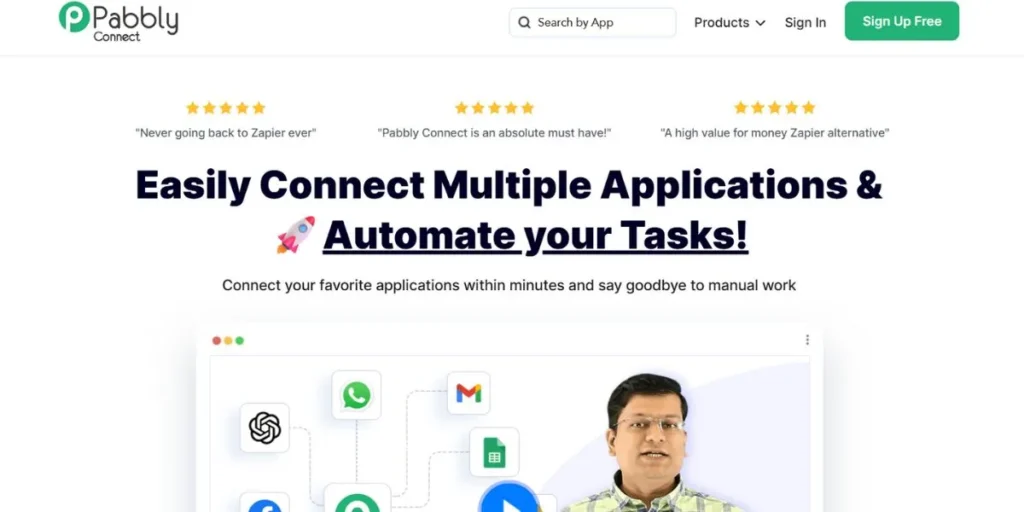
Pabbly connect offers simple automation at promising price tags to the low-end organizations. The system operates on a per-month pricing model irrespective of the internal workflow actions and therefore, predictable costs are attained even in the more complicated multi-step automations. It has more than 1,000 application connectors such as popular business applications such as CRM, ecommerce software, email marketing software, and content management software.
The workflow builder offers conditional logic and data formatting without exposing the users to the technicalities. Pabbly has a value proposition that is appealing to small and medium businesses, as they can scale automation without increasing costs at a corresponding rate.
Key Features
- Make regular monthly payments that do not charge internal workflow actions or information changes.
- Choose among more than 1,000 existing integrations of famous applications and service providers to businesses.
- Have filters and routing of branching workflows on the basis of data conditions.
- Flexible and unlimited possibilities to create as many automation sequences as required and no artificial constraints or extra expenses.
- A high volume of automation is supported by generous task allowances in every pricing tier.
Best To Use: Small and medium-sized businesses with the need to automate but without complex pricing models.
Pricing: A Free plan exists; paid plans start at $14 per month, with generous limitations in terms of tasks; the enterprise plan does not exist.
Website: https://www.pabbly.com/connect/inr/
7. Vellum AI
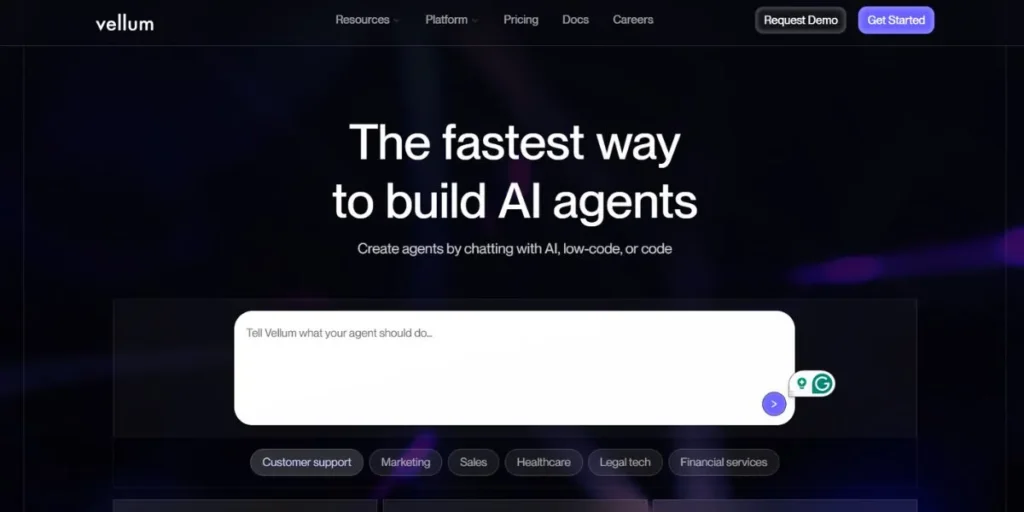
Vellum AI transforms the concept of agent building by enabling one to define the aims of automation with free language instead of creating workflows by hand. The Agent Builder component of the platform understands the requirements and provides functional workflows that are related to the real tools and data sources. Under this access, developers have a strong level of control with Python and TypeScript custom nodes, and can export the entire code.
Evaluation frameworks that are part of the agent code are used to test the behaviour of the agent, and versioning systems are used to monitor the change that occurs between iterations. This is the only AI agent development that enables the development of sophisticated AI agents to be available to non-technical teams with the requirements of developers to customise and control, which will place it among the new n8n alternatives.
Key Features
- Write automation requirements in regular English and see Vellum create agent workflow functionality.
- Turn agents and workflows into shared and deployable AI Apps.
- Add functionality with custom Python or TypeScript nodes with full code export.
- Test agent functionally with evaluation schemes with regard to quality assessment at the pre-deployment stage.
- Select cloud hosting, VPC deployment or on-premises installation depending on the level of security requirements.
Best Use: Teams that develop AI agents and applications using conversational prompts without giving up developer-level control.
Pricing: paid plans from $25 monthly
Website: https://www.vellum.ai/
8. Celigo
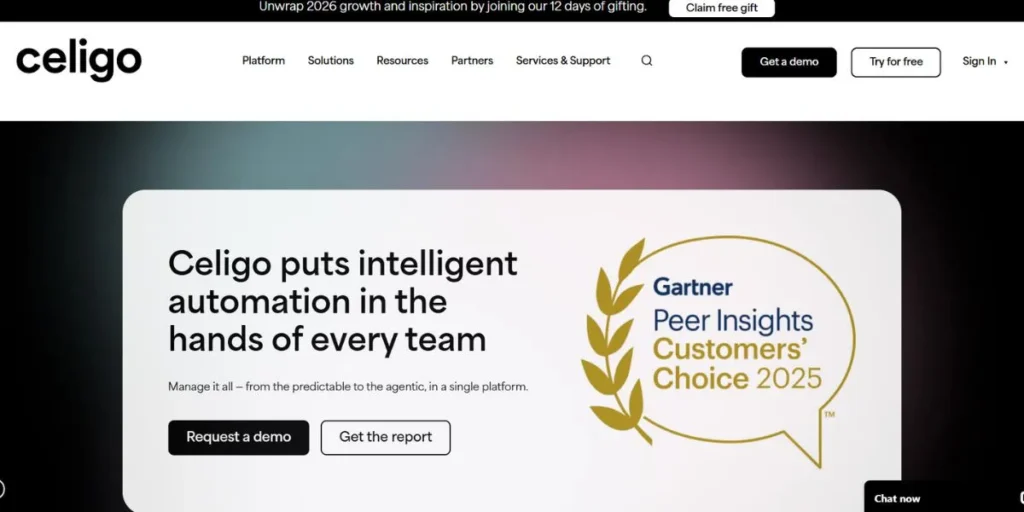
Celigo focuses on ready-to-go integration flows between ERP systems, ecommerce platforms and business applications. NetSuite integrations work well on the platform, but are especially good with accelerators to cut implementation time in typical situations. The use of Celigo by revenue operations and finance teams helps to align data between the accounting systems, online marketplaces and fulfilment services.
Strong mapping solutions address the requirements of an extreme data transformation between different systems, whereas the data stability is maintained through error processing. Celigo’s purpose-built connectors provide faster time to value in organisations that rely on ERP than those that need to develop their own integrations.
Key Features
- Pre-configured NetSuite, SAP, and other enterprise resource planning systems integration templates.
- Automatically synchronise data of the ecommerce systems, marketplaces, and fulfilment services.
- Mapper Visual mappers and business rule engines are used to transform complex data structures between systems.
- Automatically report data conflicts and integration errors and process resolutions.
- Begin with pre-built flows of frequent revenue operations and finance automation situations.
Best do: Revenue operations, finance teams and ecommerce businesses that are deploying the use of ERP systems with marketplaces and third-party logistics.
Pricing: Free remuneration: fundamental integrations; enterprise-centred pricing that includes execution help and support level contracts.
Website: https://www.celigo.com/
9. Workato
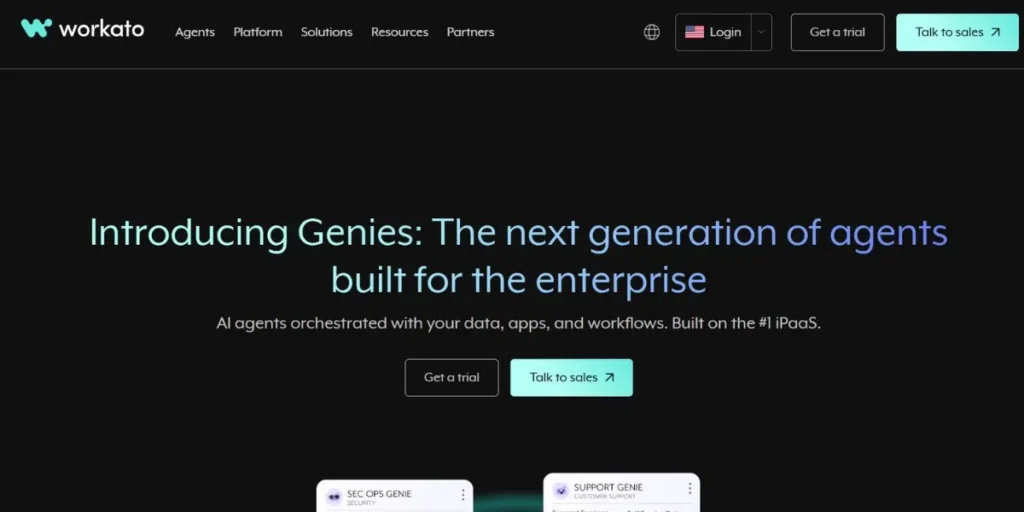
Workato is focused on large companies that require mission-critical automation, which relies on reliability, security, and governance. The platform offers full lifecycle management such as test environment, versioning and pipelines to deploy. Role-based access controls will see to it that authorised individuals make alterations to production workflows, and audit trails will be used to trace all the changes to be reported on compliance.
There are enterprise connectors that have SLAs that ensure performance and uptime rules. Even though pricing is a part of enterprise positioning, the organisations that have complicated fields of automation are happy with the operational rigour and support infrastructure Workato offers to business-level integrations.
Key Features
- Implement role-based user permissions, approval processes, and change management policies on automation projects.
- Add extras through custom connectors designed based on the fully featured Workato development platform.
- Develop, stage and production environments is managed by version control.
- Stream high-volume data flows in real time, triggered by triggers and message queues.
- Compliant infrastructure and controls SOC 2, HIPAA, and GDPR.
Best Suited: Huge business ventures that need mission-critical automation and guaranteed SLAs, full governance, and sophisticated lifecycle management.
Pricing: Sales-gated free model; annual business agreements with tailored prices depending on the organisation’s size and needs.
Website: https://www.workato.com/
10. Tray.ai
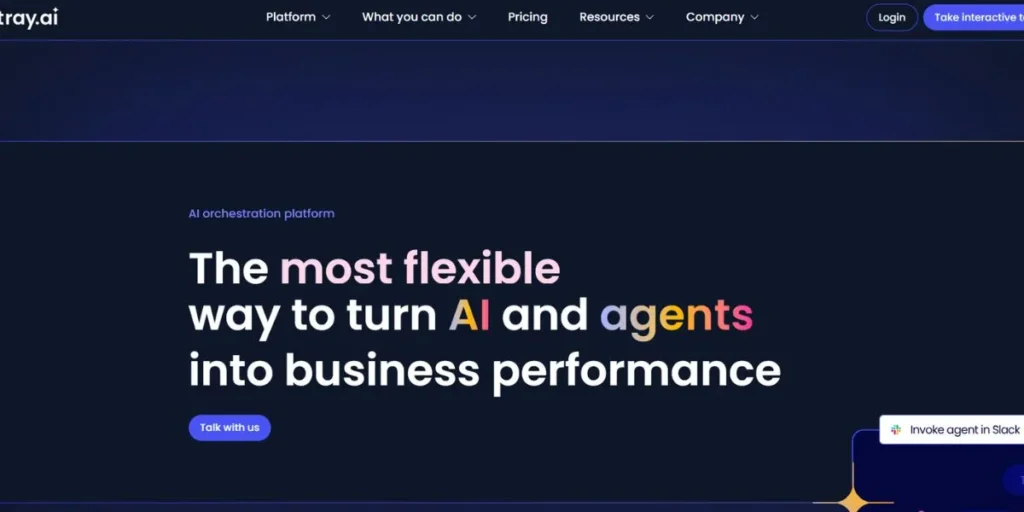
Tray.ai is a solution that fills the void between the ease of low-code and a platform that is powerful enough to support data-intensive application development. The platform is also good at intricate data transformation, manipulation of JSON, and API coordination that technical teams regularly face. The branching logic is used to support complex decision trees, and debugging tools are used to assist developers in troubleshooting integration problems more effectively.
Team collaboration capabilities enable the simultaneous work of multiple users on automation projects with the correct access control. Mid-market and enterprise organisations with complex data flows, like applications of automatic AI processes like AI architecture building, are pleased with the balance between technical depth and visual workflow development offered by Tray, but the learning curve and cost are designed to suit more advanced applications.
Key Features
- Work with advanced data manipulation tools/visual tools. Visual and code-based tools can be used to manipulate complex JSON structures and perform complex data operations.
- Coordinate various API calls and complex error management, retries and authentication.
- Diagnose workflow problems using detailed logging, step-by-step execution capabilities and data inspection capabilities.
- Empower collaborative team creation through role controls, standard work processes, and change monitoring.
- Use intricate conditional flows and nested decision trees, as well as parallel flow execution.
Best For: Mid-market to enterprise technical teams that are creating data-rich workflows that need advanced transformations and API orchestration.
Pricing: There is no free tier; enterprise-based pricing is based on contracts and support service on an annual basis.
Website: https://tray.ai/
Conclusion
When choosing between n8n alternatives, it is essential to consider your team’s technical capabilities, integration needs, and financial limitations. Code-first flexibility is provided by developer-centric platforms such as Pipedream, while no-code platforms such as Zapier are more business-user-centric. Large enterprise bodies would be more inclined to adopt governance-sensitive tools such as Workato, whereas low-budget units could opt for a flat-rate plan as listed by Pabbly Connect.
With natural language agent building and new automation paradigms introduced by AI-native platforms such as Vellum AI, the possibilities are broader than those of traditional workflow tools.
FAQs
What sets n8n alternatives apart from the conventional automation offerings?
Modern solutions provide a variety of solutions, such as code-first development tools and no-code workflow-based tools, some of which focus on AI-based workflows, ERP connections, or enterprise governance capabilities.
What do you consider to be the most appropriate n8n alternatives in non-technical teams?
Zapier and Pabbly connect offer the most user-friendly experience for non-technical users, with simple interfaces, a massive array of templates, and built-in connectors that require minimal configuration.
Does it have n8n alternatives that can support self-hosting, such as n8n?
Some of them, such as Vellum AI, offer self-hosting options in a VPC or on-premises, but most are software-as-a-service (SaaS) in a cloud setting.
What are the comparisons of the pricing models of these n8n alternatives?
The prices depend greatly on flat-rate subscriptions (Pabbly Connect), operations-based billing (Make), or enterprise annual contracts (Workato), and most of them have free plans to experiment.
