
Efficient management of your business finances is important, and QuickBooks has been used by several small and medium-sized enterprises over time. But it is not the best thing to fit everybody. Others find it expensive, ineffective, or restrictive in some capacity, and it is just a smart step to look into alternatives.
Luckily, the market has a range of accounting software that can help fit various business requirements, including cloud-based solutions and more basic bookkeeping.
They may be more customizable, affordable, and easy to use, and allow you to simplify invoicing, expense management, payroll, and financial reporting without the effort. In this blog, we have captured a list of QuickBooks alternatives that can assist businesses in remaining on top of their finances effectively.
What is QuickBooks
QuickBooks is a widely used accounting software developed by Intuit, designed to help businesses manage their financial operations efficiently. It is primarily used by small and medium-sized enterprises (SMEs) as an invoice software and accounting solution to handle everyday tasks such as invoicing, expense tracking, payroll, tax preparation, and financial reporting.
QuickBooks is available in multiple versions, including desktop-based software and cloud-based solutions (QuickBooks Online), allowing businesses to choose a model that best fits their operational needs. Its flexibility and feature set have made it one of the most popular accounting tools globally.
Why Do You Need to Find an Alternative to QuickBooks?
Although QuickBooks is a popular accounting software that is popular, it might not be suitable for all businesses. Getting the picture of what QuickBooks can and cannot do can assist with the right decision and finding the options that can suit you better.
1. Cost-Effective Solutions
QuickBooks may be costly to the startup or the small business. Numerous options have cheap plans or even free ones that will deal with the basics of accounting without breaking your wallet.
2. User-Friendly Interface
There are businesses that do not get along with the complex features of QuickBooks. Competitors tend to offer more user-friendly and easier interfaces, which help with bookkeeping and finance management by non-accountants.
3. Customizable Features
There are various businesses with different needs. QuickBooks alternatives may provide specialized reporting, project tracking, or industry-specific features that QuickBooks may not offer.
4. Cloud Availability and Integration
A lot of options facilitate access to the cloud and can be easily combined with other business tools, which promotes collaboration and efficiency.
List of 12 QuickBooks Alternatives
1. Wave Accounting
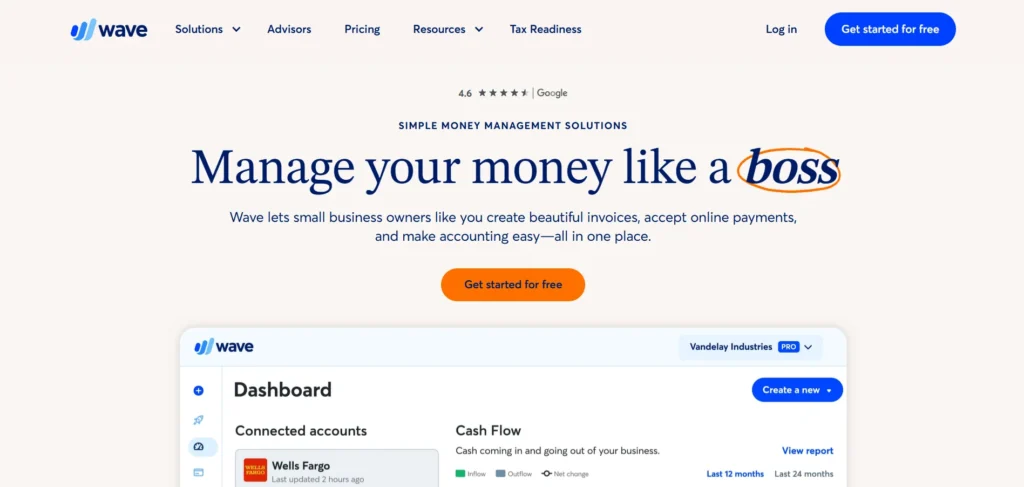
Wave Accounting is an accounting program that is free and is created in cloud-based accounting software; it is intended to be used by freelancers, solopreneurs, and small businesses. It enables you to keep track of invoices and expenses and create simple financial reports, such as profit and loss or balance sheets.
The mobile application is for receipt scanning and has optional paid add-ons for payroll and payment processing. Wave is user-friendly and best suited for businesses with a small budget, as it offers the necessary accounting facilities without additional expense.
Key Features:
- Double-entry accounting system
- Basic financial reports (profit & loss, balance sheet)
- Receipt scanning via mobile app
- Invoicing and billing
- Expense tracking and categorization
Pros
- Completely free core accounting features
- Ideal for freelancers and very small businesses
- Simple, clean, and beginner-friendly interface
- Supports invoicing, expense tracking, and reports
- Cloud-based with mobile receipt scanning
- No user limits on the free plan
Cons
- Payroll and payments are paid add-ons
- Limited scalability for growing businesses
- No advanced inventory or project accounting
- Fewer third-party integrations
- Basic reporting compared to competitors
Pricing:
- Starter – Free:
Unlimited invoicing, estimates, expense tracking, and basic accounting. Payment processing fees apply per transaction. - Pro – $19/month:
Includes everything in Starter plus bank transaction auto-import, receipt scanning, automated reminders, multiple users, and priority support.
2. Odoo
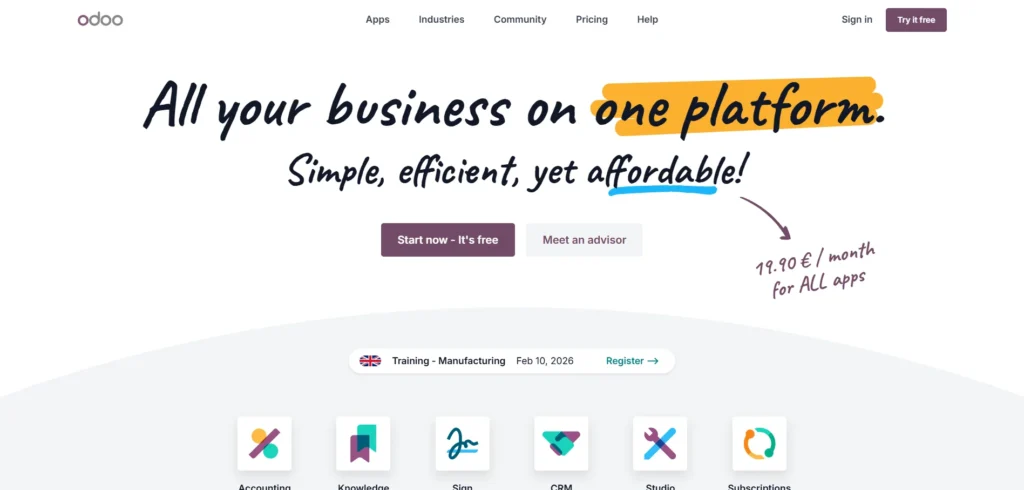
Odoo is an open-source platform that can be hosted on the cloud or on-premises. It is considered one of the flexible QuickBooks Alternatives, offering a one-stop business management solution that includes accounting, CRM, eCommerce, project management, and marketing automation.
Odoo is extremely customisable and has an option to integrate with more than 1,000 apps. Its flexible construction enables companies to utilise the apps necessary. Although it can be complicated to set up, it is flexible, scalable, and has a single platform on which to operate various elements of a developing business.
Key Features:
- Modular all-in-one business platform
- Accounting and financial management
- CRM and eCommerce integration
- Over 1,000 API connections
- Marketing, project, and inventory tools
Pros
- Highly customizable and modular platform
- All-in-one business management solution
- Open-source with strong developer flexibility
- Scales well for growing and enterprise businesses
- Large ecosystem with 1,000+ integrations
- Can be hosted cloud or on-premise
Cons
- Steep learning curve for non-technical users
- Initial setup can be complex
- Accounting module alone may feel heavy
- Costs increase as more apps are added
- Requires technical support for customization
Pricing:
- One App Free – $0:
Use one Odoo app with unlimited users on Odoo Online. Best for simple business needs. - Standard – 13.50 per user/month:
Access to all Odoo apps, cloud hosting, maintenance, upgrades, and support. - Custom – 20.40 per user/month:
Includes everything in Standard plus advanced features like Odoo Studio, multi-company setup, external API access, and flexible hosting options.
3. Sage Intacct
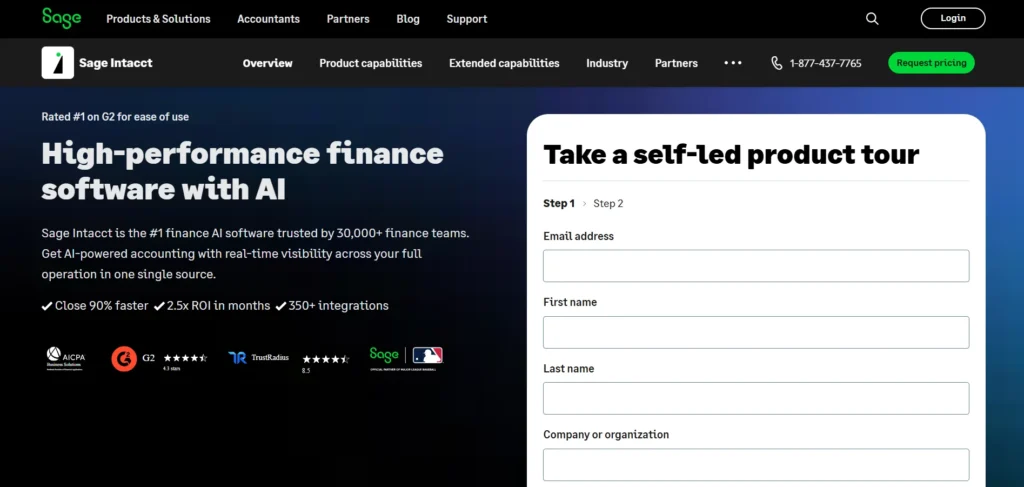
Sage Intacct is a cloud-based accounting solution intended for medium- and large-sized businesses. It has real-time dashboards, custom reporting, multi-entity management, and automated billing. It has been popular due to its good reporting and scalability, which helps businesses in enhancing financial accuracy and efficiency.
The software suits firms whose accounting requirements are very intricate, though it takes time to master and might be costly to smaller firms. Automation eliminates manual operations and enhances financial transparency.
Key Features:
- Real-time dashboards and reporting
- Multi-entity and multi-currency management
- Automated billing and revenue recognition
- Workflow approvals and automation
- Integration with Salesforce and third-party apps
Pros
- Powerful financial reporting and dashboards
- Strong multi-entity and multi-currency support
- Excellent automation and workflow approvals
- Designed for mid-to-large organizations
- High accounting accuracy and compliance
- Integrates well with Salesforce
Cons
- Expensive for small businesses
- No transparent pricing
- Requires accounting expertise
- Longer onboarding and implementation time
- Overkill for basic accounting needs
Pricing:
- Connect with the sales team
4. FreshBooks
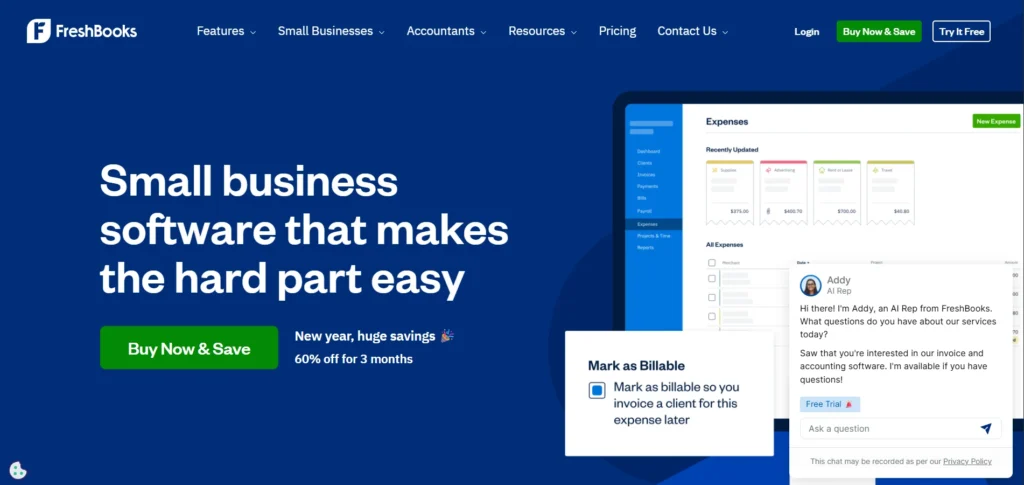
FreshBooks is a cloud-based accounting software for small businesses and freelancers and is often considered one of the most popular QuickBooks Alternatives. It focuses on simple invoicing, expense tracking, and time management, allowing users to accept online payments, manage projects, and generate tax summaries.
It has an easy-to-use, clean, mobile-friendly interface that makes accounting easy to use among beginners. FreshBooks can be used by a business that deals with services, providing customer support and billing clients accurately. It possesses several shortcomings in inventory capabilities and is likely to be expensive with an increasing clientele.
Key Features:
- Online payments via cards and PayPal
- Expense tracking and reporting
- Time tracking and billing
- Custom invoicing templates
- Financial summaries for taxes
Pros
- Extremely user-friendly interface
- Excellent invoicing and client billing
- Built-in time tracking for service businesses
- Strong mobile accessibility
- Good customer support
- Professional invoice templates
Cons
- Limited inventory management
- Pricing increases with client volume
- Not ideal for product-based companies
- Fewer advanced accounting features
- Payroll available only via integrations
Pricing:
- Lite – $8.40/month: Invoices for 5 clients, expense tracking, estimates, tax reports
- Plus – $15.20/month: Invoices for 50 clients, proposals, receipt scanning, reports, and accountant access
- Premium – $26.00/month: Unlimited clients, advanced receipt scanning, full reports
- Select – Custom: Unlimited clients, lower transaction fees, advanced features, consultant support
5. Patriot Accounting
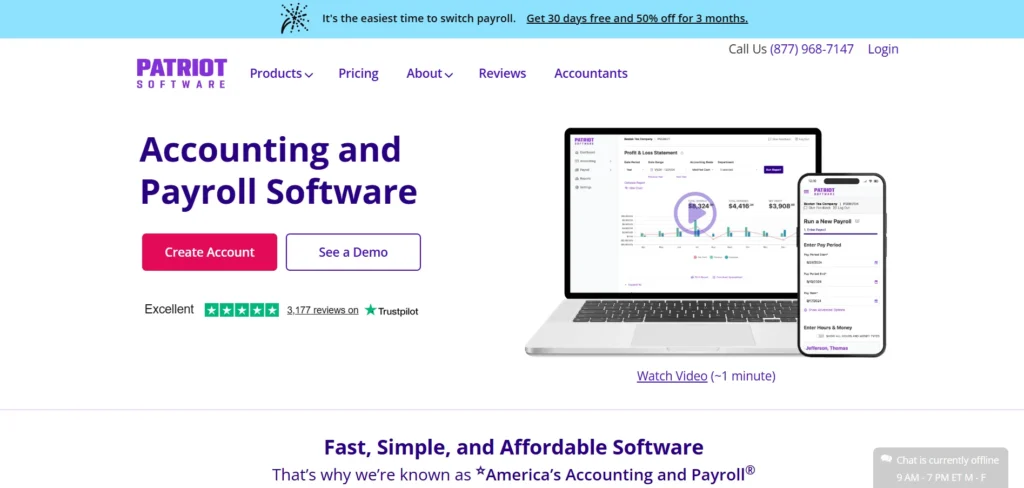
Patriot Accounting is a low-cost accounting programme to use in small and mid-sized businesses. It involves invoicing, expense tracking, bank reconciliation, and simple tax assistance. The interface is user-friendly and easy to use. It assists in controlling the accounts without costly schemes.
Add-ons are required to accommodate some of the more advanced features, such as payroll, and there are only a limited number of integration options. On balance, it is appropriate for small businesses with low budgets that need simple accounting and financial management software.
Key Features:
- Invoicing and billing
- Bank reconciliation
- Accounts receivable tracking
- Expense monitoring
- Basic tax and accounting support
Pros
- Affordable pricing for small businesses
- Easy to use with minimal training
- Strong payroll add-on options
- Unlimited invoices and customers
- Reliable bank reconciliation
- U.S.-based customer support
Cons
- Limited integrations
- Basic reporting features
- No advanced inventory tools
- UI feels outdated compared to competitors
- Add-ons required for full functionality
Pricing:
- Accounting Basic – $10/month: Unlimited invoices & customers, bank imports, expense tracking, reports
- Accounting Premium – $15/month: Everything in Basic + estimates, recurring invoices, reminders, and receipt management
- Basic Payroll – $8.50/month + $2/worker: Direct deposit, employee portal, unlimited payrolls, auto payroll
- Full Service Payroll – $18.50/month + $2.50/worker: Everything in Basic + federal, state & local tax filings, year-end filings, tax guarantee
6. Zoho Books
Zoho Books is a cloud-based accounting tool for small and medium-sized businesses and is often considered one of the reliable QuickBooks Alternatives. It helps manage invoices, expenses, taxes, and financial reports, and integrates seamlessly with Zoho applications such as CRM, Inventory, and Projects to create a complete business ecosystem.
It has features of professional invoicing, project time tracking, and third-party integration, such as Salesforce. It is user-friendly and can be automated, which is why it is ideal for non-accountants. Some countries are restricted in payroll, and only higher-level plans have advanced features.
Key Features:
- Professional invoicing and billing
- Expense and tax tracking
- Financial reporting dashboard
- Project time tracking and billing
- Third-party app integration
Pros
- Seamless integration with Zoho ecosystem
- Excellent automation features
- Professional invoicing and GST/VAT handling
- User-friendly for non-accountants
- Competitive pricing
- Strong project and time tracking
Cons
- Payroll not available in all regions
- Advanced features locked in higher plans
- Best value only if using other Zoho apps
- Limited customization in lower plans
- Learning curve for full feature set
Pricing:
- Free – £0/month: Basic accounting for solopreneurs, invoices, expenses, self-assessment prep
- Standard – £10/month: Bank feeds, progress invoicing, final accounts & tax filing
- Professional – £20/month: Vendor bills, CIS returns, multi-currency, timesheets
- Premium – £25/month: Fixed assets, budgeting, cashflow forecasting, vendor portals
7. Plooto
Plooto is an accounts payable and receivable system that does not offer complete accounting services. It automates the payment processes and assists in paying suppliers and receiving online payments. It promotes international payments and connects with such software as QuickBooks and Xero.
It also enhances the visibility of cash flows and minimises payment delays. Although it is ideal for payment management, it does not have all the accounting capabilities, and it might need to be combined with other platforms to be fully used in bookkeeping.
Key Features:
- Automated accounts payable workflows
- Automated accounts receivable workflows
- International payment support
- Vendor payment via online check or debit
- Cash flow tracking
Pros
- Strong accounts payable and receivable automation
- Reduces payment delays and manual errors
- Supports international payments
- Clear approval workflows
- Integrates with QuickBooks and Xero
- Improves cash flow visibility
Cons
- Not a full accounting solution
- Requires pairing with other software
- Limited reporting capabilities
- Higher tiers can be expensive
- Not suitable as a standalone system
Pricing:
- Go – $9/month: Basic approval workflows, low payment volumes, Xero & QuickBooks sync
- Grow – $32/month: Custom approval workflows, scalable payments, OCR capture, Xero & QuickBooks sync
- Pro – $99/month: Advanced payment controls, SSO, priority support, Xero, QuickBooks & NetSuite sync
8. Sage 50cloud
Sage 50cloud is a desktop accounting software that has certain cloud capabilities, such as backups and remote access. It serves in the accounts, inventory, payroll, and project management.
It fits small to medium-sized businesses that need to manage their accounting requirements with advanced tools, making it one of the practical QuickBooks Alternatives for growing companies. However, it lacks integrations with some third-party services, and certain payroll or payment processing options are available only as paid add-ons.
Key Features:
- Bank account connections
- Financial reporting (P&L, balance sheet)
- Receipt scanning (mobile)
- Inventory and project tracking
- Payroll and payment processing (add-ons)
Pros
- Robust desktop accounting functionality
- Strong inventory and job costing features
- Suitable for complex accounting needs
- Optional cloud access and backups
- High performance for large data volumes
- Reliable financial reporting
Cons
- High pricing
- Limited third-party integrations
- Desktop dependency reduces flexibility
- Add-ons required for payroll
- Less intuitive UI compared to cloud-first tools
Pricing:
- Pro Accounting – $124.42/month: 1 user, cloud-based, income & expense tracking, invoicing and payments
- Premium Accounting – $169.33/month: 1–5 users, everything in Pro + advanced budgeting, inventory, multi-company support
- Quantum Accounting – $253.42/month: 1–40 users, role-based permissions, faster processing, built for larger teams
9. ZarMoney
ZarMoney is a cloud-based accounting service that provides invoicing, billing, bank reconciliation, tax support, and ACH payment processing. It is very cheap and offers beginner tutorials and webinars. Start-ups and small businesses will be able to effectively control cash flow and financial information.
The interface can be considered outdated by some users, and accounting software does not have advanced customisation and integrations like big platforms. This notwithstanding, it is a decent choice for those businesses that require a basic and affordable accounting system.
Key Features:
- Bank reconciliation and account management
- Billing and invoicing
- ACH payment processing
- Tax assistance and CPA tools
- Contact and database management
Pros
- Affordable cloud-based accounting
- Good bank reconciliation tools
- Built-in tax and CPA support
- Beginner-friendly onboarding
- Suitable for startups
- ACH payment processing included
Cons
- Interface feels outdated
- Limited customization options
- Fewer integrations than competitors
- Not ideal for large or complex businesses
- Reporting depth is limited
Pricing:
- Small Business: $20/month – 2 users, unlimited transactions, US support, free 30-day Expert Assist.
- Enterprise: From $350/month – 30+ users, custom features, dedicated support, Expert Assist included.
10. Xero
Xero is a small- to medium-sized business accounting software operating on the cloud. It does invoicing, bank reconciliation, payroll (in some countries), and financial reporting.
Xero also supports numerous third-party and mid-sized applications, making it highly adaptable across industries and a strong option among QuickBooks Alternatives. It features a clean, automated interface that simplifies accounting tasks, with higher-tier plans offering multi-currency support.
Although it is user-friendly, it has fewer customer support options and higher pricing depending on the sophisticated features. It will best suit companies that are interested in scalable cloud accounting.
Key Features:
- Invoicing and billing
- Real-time bank feeds and reconciliation
- Payroll (selected regions)
- Financial reporting and budgeting
- Integration with 1,000+ apps
Pros
- Clean, modern user interface
- Strong bank reconciliation automation
- Scalable for growing businesses
- Extensive third-party app ecosystem
- Reliable cloud performance
- Multi-currency support in higher plans
Cons
- Payroll limited by region
- Customer support can be slow
- No free plan
- Advanced features cost more
- Learning curve for first-time users
Pricing:
- Starter at $5.80/month (save $69.60)
- Standard at $10/month (save $120)
- Premium at $15/month (save $180) for 3 months
11. OneUp
OneUp is simple, retail-focused accounting software that helps businesses track their financial health easily. It supports invoicing, inventory management, and bank integrations for smooth transactions. With mobile apps for both iOS and Android, users can manage finances anytime, anywhere.
It also includes CRM features that improve customer management and sales tracking, making it a good choice for small retail businesses needing an all-in-one, easy-to-use solution.
Key Features:
- Retail-focused accounting and inventory management
- Invoicing and expense tracking
- CRM integration for customer and sales management
- Multi-bank integration for smooth transactions
- Bill payments and vendor payment tracking
- Mobile apps for iOS and Android
Pros
- Designed for retail and inventory-based businesses
- Built-in CRM and sales tracking
- Mobile apps for on-the-go access
- Multi-bank integration
- Easy invoicing and stock management
- Simple setup process
Cons
- Pricing structure can be confusing
- Limited advanced accounting features
- Not suitable for service-heavy businesses
- Reporting customization is basic
- Smaller integration ecosystem
Pricing:
- Starter: $18/month – 10 social accounts, 150 scheduled posts, no extra team members.
- Intermediate (Most Popular): $60/month – 15 social accounts, unlimited posts, 2 extra team members.
- Growth & Business: $120–$300/month – 30+ social accounts, unlimited posts, 8–unlimited team members, demo available.
12. Slack
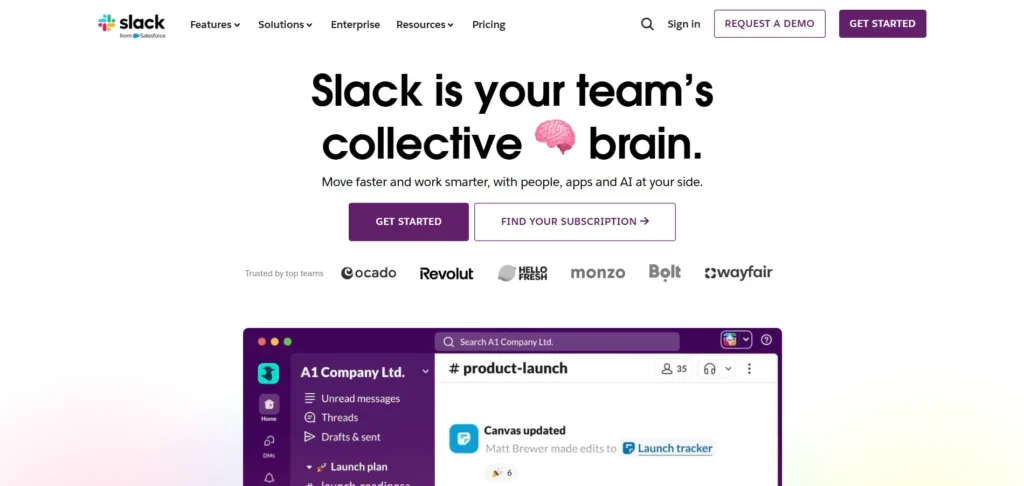
Slack is not a traditional accounting software, but it plays an important role in business operations and can complement QuickBooks alternatives. It is a communication and collaboration tool that helps teams stay connected through real-time messaging, file sharing, and channel-based discussions.
It is especially useful for remote and hybrid teams, as it improves workflow, speeds up decision-making, and allows teams to collaborate efficiently across departments and locations.
Key Features:
- Real-time messaging and team communication
- File sharing and searchable message history
- Channel-based conversations for better organisation
- Integration with business and productivity tools
- Supports remote and hybrid team collaboration
- Workflow automation and notifications
Pros
- Improves team collaboration and communication
- Real-time updates and notifications
- Integrates with accounting and productivity tools
- Supports remote and hybrid teams
- Workflow automation capabilities
- Free plan available
Cons
- Not an accounting solution
- Requires integrations for financial visibility
- Can become distracting without structure
- Message history limits on free plan
- Paid plans required for advanced features
Pricing:
- Free (₹0): Best for small teams; includes 90 days of message history, 10 app integrations, and 1:1 meetings/messaging.
- Pro & Business+ (₹245–₹557): Adds unlimited history, group meetings, and AI features like conversation summaries, daily recaps, and a personal AI agent (Slackbot).
- Enterprise+ (Contact Sales): Designed for large-scale organizations; provides enterprise-grade AI, advanced security, and specialized search across the entire company.
Comparison of Top 12 QuickBooks Alternatives: Free and Paid Plans
| Tool Name | Free Plan Price | Paid Plans | Best Use For |
| Wave Accounting | Free | Pro – $19/month | Freelancers, solopreneurs, and small businesses need basic accounting and invoicing |
| Odoo | $0 (One App Free) | Standard – $13.50/user/month | Businesses needing a modular all-in-one platform with CRM, accounting, and eCommerce |
| Zoho Books | £0 | Standard – £10/month; Professional – £20/month | Small to medium businesses wanting cloud accounting integrated with Zoho apps |
| FreshBooks | No free plan | Lite – $8.40/month; Plus – $15.20/month; Premium – $26/month | Small businesses and freelancers focused on invoicing, expense tracking, and time billing |
| Patriot Accounting | No free plan | Basic – $10/month; Premium – $15/month | Small and mid-sized businesses need simple accounting at a low cost |
| Plooto | No free plan | Go – $9/month; Grow – $32/month; Pro – $99/month | Businesses needing automated accounts payable and receivable management |
| Sage 50cloud | No free plan | Pro – $124.42/month; Premium – $169.33/month; Quantum – $253.42/month | Small to medium businesses looking for advanced desktop accounting with optional cloud features |
| Sage Intacct | No free plan | Contact Sales | Medium to large businesses requiring advanced reporting and multi-entity management |
| ZarMoney | No free plan | Small Business – $20/month; Enterprise – From $350/month | Startups and small businesses need affordable cloud-based accounting |
| Xero | No free plan | Starter – $5.80/month; Standard – $10/month; Premium – $15/month | Small to medium businesses looking for cloud accounting with invoicing, bank reconciliation, and payroll |
| OneUp | No free plan | Starter – $18/month; Intermediate – $60/month; Growth & Business – $120–$300/month | Small retail businesses need accounting integrated with CRM and inventory management |
| Slack | Free (₹0) | Pro & Business+ – ₹245–₹557; Enterprise+ – Contact Sales | Teams needing communication and collaboration tools for remote or hybrid work |
How to select the most appropriate QuickBooks alternatives for your company?
The following is a straightforward guide to help you in assessing and selecting the most suitable QuickBooks alternative for your firm.
1. Assess Your Business Needs
Begin with what is needed by your business most: invoicing, payroll, inventory, multi-currency support, or project accounting. Being aware of what you need to have or must-have is easy to compare.
2. Consider Ease of Use
All accounting tools cannot be equally helpful. Find programs that have a user-friendly dashboard and easy navigation, in particular, when your team is not accounting-savvy.
3. Review Pricing Plans
Compare price levels and inclusiveness. Others have free plans or low monthly charges and have powerful features—best suited to startups and small businesses.
4. Check Integration Options
Your accounting software must also integrate with tools you already have in place, like CRM, payment gateways, and e-commerce platforms, to ensure a smooth data flow.
5. Evaluate Support & Training
Quality customer support, tutorials, and onboarding materials can save time and frustration in setting it up and its daily operations.
6. Read Reviews & Seek Feedback
Check user reviews and user testimonials to determine actual performance, reliability, and satisfaction in the real world to make a final decision.
Ending Note
The selection of accounting software may have a great influence on the efficiency of your business and its financial visibility. The QuickBooks product is not a universal tool, although it performs well in most cases. The solutions that we have outlined have a wide range of functions, plans, and user experiences so that companies of different sizes can find a solution that suits their own needs perfectly.
You can focus on simplicity, affordability, cloud accessibility, and advanced reporting, and you will always find an option that fits. These QuickBooks alternatives would help you optimize your financial management, save time, minimize errors, and pay more attention to business development than to the difficult accounting work.
FAQs
1. Do QuickBooks Alternatives Support Multi-Currency Transactions with International Clients?
Yes, there are lots of alternatives that are multi-currency and convert amounts automatically and exchange rates to simplify global invoicing and financial reporting.
2. What is The Automation Level of QuickBooks Alternatives in Comparison to QuickBooks?
They tend to offer customizable automation in recurring invoices, expense classification, payroll, and notifications, and minimize human intervention and operational errors.
3. Do they have Substitutes That are Compatible With E-commerce Platforms?
Yes, popular alternatives are integrated with Shopify, WooCommerce, and Amazon to align sales, inventory, and payments in real-time to make accounting smooth.
4. Will these Alternatives Address Industry-Specific Accounting Needs?
Some of them have specialized options for the industry, such as retail, healthcare, or construction, such as special reporting, compliance, and project cost tracking.
5. What are the Benefits of QuickBooks Alternatives for Teamwork in Financial Management?
Cloud-based options enable different users with a specific role, real-time updates, and an audit trail, which enhances accountability and increases collaborative decision-making.
