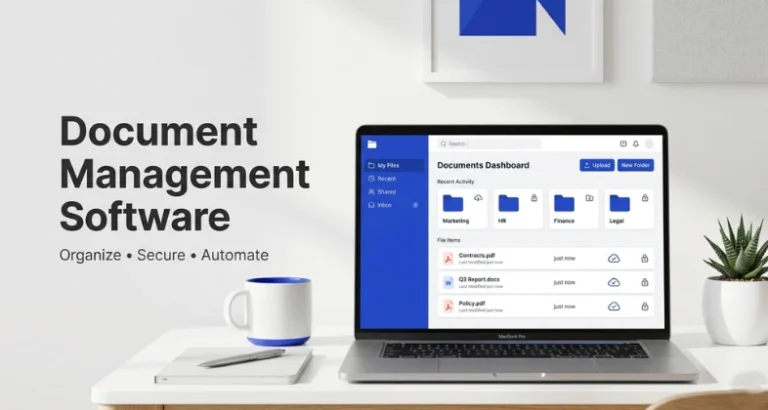
The one thing that you are likely dealing with at this moment is: files lost in email chains, employees on the wrong version of a document, and missed deadlines as nobody could locate the required item. Sound familiar?
And here is the reality of it, improper document management wastes hours every week. It causes confusion, kills productivity and endangers sensitive business information. And the larger your team the greater the problems.
The good news? There is a very easy solution, the correct Document Management Software (DMS). It helps to keep all your files in one place, collaborate easily and locate any type of document in a few seconds, especially when combined with modern AI PDF tools for smarter document handling.
Listed below is the most appropriate DMS, whether you are a lone freelancer, a small business, or a large company that has complex compliance needs. Let’s dive in!
What Is Document Management Software?
Document management software (DMS) is a computerised system that assists you to store, manage, monitor and access business documents, all done from a single location. Consider it a cloud-based (or server-based) searchable smart filing cabinet.
An effective DMS is not just file storage. It allows different individuals to collaborate on the same document, enables you to see all changes with version history, manages who has access and can edit files and automates the approval process thus, it saves your team a lot of time every day. DMS has the capability to:
- Document storage and organisation are centralised.
- Audit trail and version control.
- Access and permissions based on role.
- Search-through all files in full-text.
- Automated workflow and e-signatures.
Why Businesses Need Document Management Software?
Still using a chaotic desktop folder system, basic file management apps, and incoherent email trail? Here are the very reasons why your business should upgrade to a Document Management System today:
- Save Time on Document Search: Advanced search capabilities reduce hours of time searching files manually to seconds.
- Improve Teamwork: Collaborate with your entire team, in real time, wherever they are, and you all can view, edit and comment on files.
- Ensure Compliance and Security: Use enterprise-level encryption of sensitive information, role access control, and end-to-end audit trail.
- Cut Costs of Operation: Removes the printing cost (as well as physical storing costs) and makes manual operations automated which is time-consuming and expensive.
- Guard Data: Safeguard your vital records by auto fill backups, a strong disaster recovery and accurate version history.
Types of Document Management Software
Not all systems are the same. The five predominant ones are listed here so that you can find the most suitable one:
- Cloud-Based DMS: Exists on the internet. Access files from any device. Best for small businesses and remote work. (Examples: Google Workspace, dropbox Business, Box)
- On-Premise DMS: It is installed on company computers so that the company is in complete control of all data. Perfect when it comes to rigid privacy policy. (Examples: SharePoint, LogicalDOC)
- Hybrid DMS: It is a combination of online and local storage. Store personal files locally and use the cloud to work together. (Examples: M-Files, DocuWare)
- Open-source DMS: Free and can be customised to fit even the tightest of budgets but an organisation must have a tech-savvy team to help set it up and maintain. (Examples: Mayan EDMS, OpenDocMan)
- Industry-Specific DMS: Designed to support a specific industry, such as healthcare or law, with embedded compliance rules and workflows to meet your specific needs. (Examples: NetDocuments, MasterControl)
Quick Comparison Table
Let’s have a quick glance at the top 15 DMS tools side by side before diving into the full reviews:
| Software Name | Deployment Type | Best For | Pricing (per user/month) | Free Trial Days |
| DocuWare | Cloud / On-Premise | Advanced workflow automation | Custom Pricing | 30 days |
| Box | Cloud | Secure enterprise collaboration | Range from ₹1,160 to ₹3,730 | 14 days |
| Microsoft SharePoint | Cloud / On-Premise | Microsoft ecosystem integration | Range from ₹174 to ₹2,196 | 30 days (via Microsoft 365) |
| Dropbox Business | Cloud | Fast file sharing & syncing | Range from $9.99 to $24 | 30 days |
| Google Workspace | Cloud | Real-time team editing | Range from ₹10 to ₹864 | 14 days |
| Egnyte | Cloud | Regulated industry security | Range from $22 to $48 | 15 days |
| M-Files | Cloud / On-Premise | Metadata-driven organization | Custom Pricing | 30 days |
| Revver | Cloud | Automated document governance | Custom Pricing | No free trial |
| Zoho WorkDrive | Cloud | Affordable small businesses | Range from ₹140 to ₹550 | 15 days |
| PandaDoc | Cloud | Sales proposals & e-signatures | Starts at $19.00 to custom pricing | 14 days |
| Fluix | Cloud | Field team mobility & forms | Starts at $29.00 to custom pricing | 14 days |
| LogicalDOC | Cloud / On-Premise | Intuitive cross-platform usage | Custom Pricing | 30 days |
| MasterControl | Cloud | Regulated manufacturing compliance | Custom Pricing | No free trial (Demo only) |
| Adobe Document Cloud | Cloud | Professional PDF management | Starts at $12.99 | 7 days |
| Laserfiche | Cloud / On-Premise | Custom process automation | Range from $53-$93 | Demo available |
List Of 15 Best Document Management Software
1. DocuWare
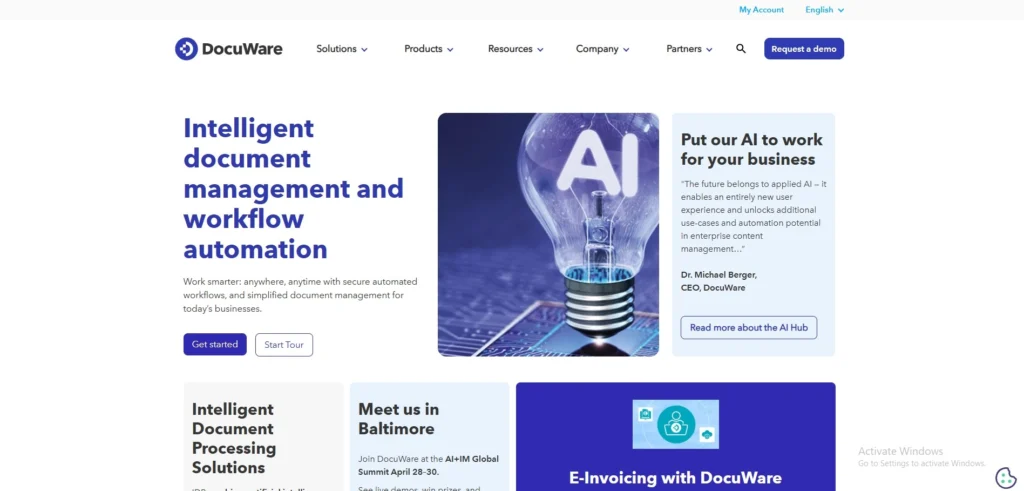
Website: docuware.com
DocuWare is an enterprise-grade document management software and workflow automation system. Created in Germany, it assists businesses with fully digitizing the manual and paper-based processes into highly efficient digital processes. The site is very flexible; it accommodates different languages and serves an international audience.
DocuWare excels in document archiving and in automating complex test approval chains. Organizations that desire to eliminate paper altogether, and create perfect audit trails will consider DocuWare to be a truly powerful, highly dependable, and extensively customized approach to their operation and compliance requirements on a day-to-day basis.
Best For: Advanced workflow automation.
Key Features:
- Automated workflow routing
- Secure document archiving
- Smart OCR capture
- Multi-language support
Pros:
- Strong process automation
- Reliable customer support
- Excellent audit trails
- Highly secure system
Cons:
- Very steep learning
- Complex custom pricing
- Weak mobile app
- Hard initial setup
Pricing:
- Available on request
2. Box
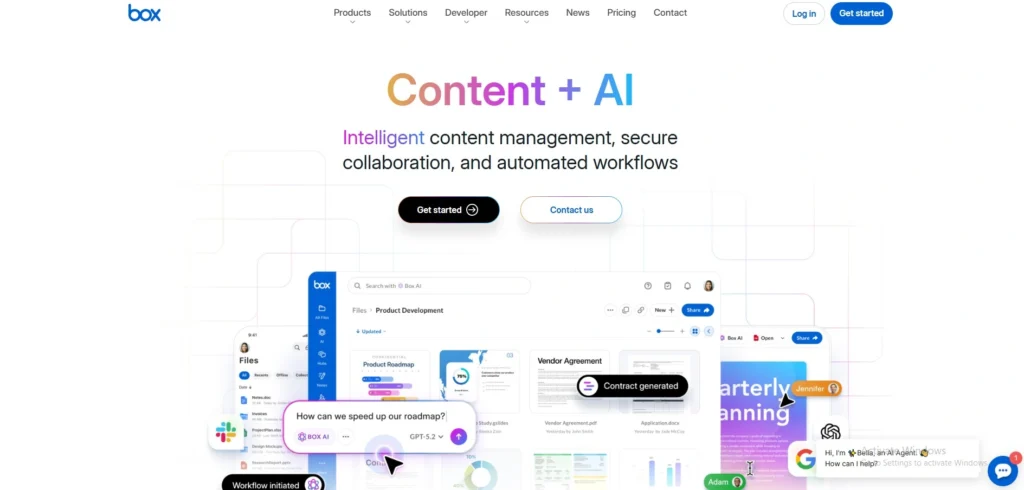
Website: box.com
Box is a market leader in cloud document management service to assist companies in storing, sharing and management of files in a secure way, making it one of the most reliable document management tools. Being relied upon by large businesses worldwide, Box can be used in a variety of ways to connect with more than a thousand well-known business applications.
It is easy to use and this gives teams a chance to work together without compromising security. The platform is equipped with powerful artificial intelligence solutions to categorize the information and provide a high degree of compliance regulations. Box suits companies that require an adaptable, highly secure platform to manage daily document processes, and have remote and onsite teams working in perfect coordination.
Best For: Enhanced secure enterprise collaboration.
Key Features:
- Unlimited cloud storage
- Smart AI organization
- Zero-trust security
- Mobile OCR capture
Pros:
- Very easy setup
- Intuitive user interface
- High security standards
- Great app integrations
Cons:
- Pricey premium tiers
- Complex permission settings
- Limited offline use
- Slow large uploads
Pricing:
- Business: ₹1,160 /per month
- Business Plus: ₹1,980 /per month
- Enterprise: ₹2,730 /per month
- Enterprise Plus: ₹3,900 /per month
3. Microsoft SharePoint
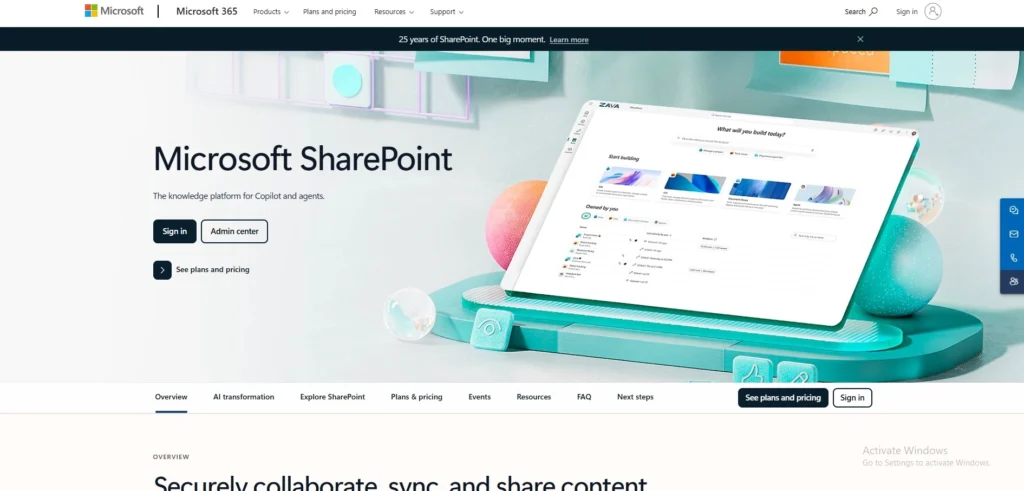
Website: microsoft.com/sharepoint
Microsoft SharePoint is a powerhouse on one side in enterprise document management software and secure intranet development. It is seamlessly integrated with Microsoft 365 and enables organizations with huge content libraries to navigate through them with ease.
It also allows users to form custom team sites, develop intricate automated processes, and grant extremely specific access controls. Although it needs technical skills set up, its ability to deal with complex corporate data constructs creates an absolute necessity to large entities that largely depend on the wider Microsoft environment in their everyday tasks and inner communication.
Best For: Integration of Microsoft ecosystem
Key Features:
- Deep Microsoft integration
- Custom intranet portals
- Granular permission controls
- Advanced workflow rules
Pros:
- Massive customization depth
- Flawless Office integration
- High enterprise security
- Included in Microsoft365
Cons:
- Extremely complex setup
- Needs dedicated IT
- Clunky user interface
- Very steep learning
Pricing:
- Basic: ₹ 145.00/per month
- Standard: ₹ 770.00/per month
- Premium: ₹ 1,830.00/per month
4. Dropbox Business
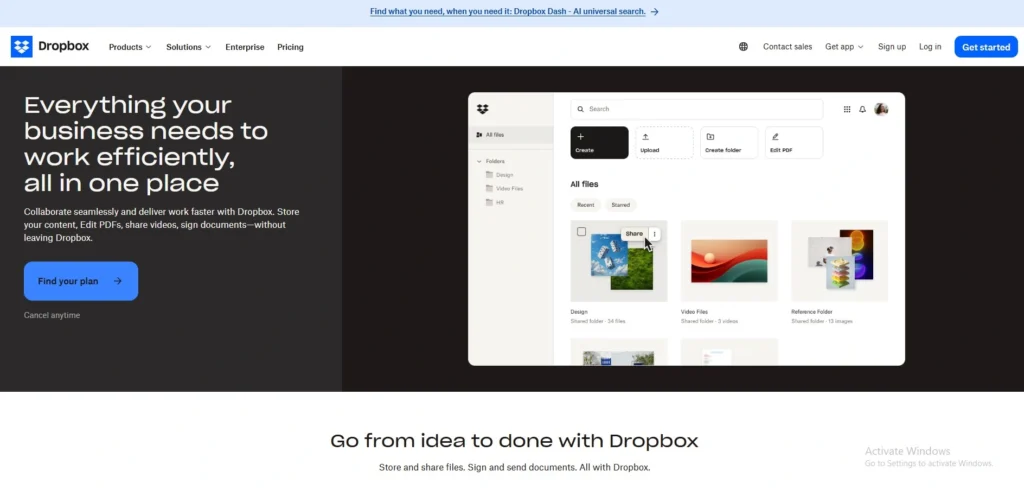
Website: dropbox.com/business
Instead of a slow, inflexible file storage, Dropbox Business brings traditional file storage to a highly collaborative, high-speed workspace. Popular due to its exceptional simplicity, the platform eliminates administrative headaches enabling teams to work on the real work. It provides enormous storage capacity, brilliant synchronization, and excellent track of version history.
Users can share links easily, work together on documents in real time and they can recover the lost files with ease. Small businesses to large companies, Dropbox gives an immensely smooth, rapid ecosystem to maintain team files in a well-organized way.
Best For: Quick file transfer.
Key Features:
- Advanced version control
- Automated file recovery
- Smart sync technology
- Real-time team editing
Pros:
- Incredibly easy usage
- Fast file syncing
- Great collaboration tools
- Generous storage space
Cons:
- Very basic indexing
- Weak workflow automation
- Limited visual customization
- Costly for teams
Pricing:
- Plus: $9.99 / month
- Standard: $15 / user / month
- Advanced: $24 / user / month
5. Google Workspace
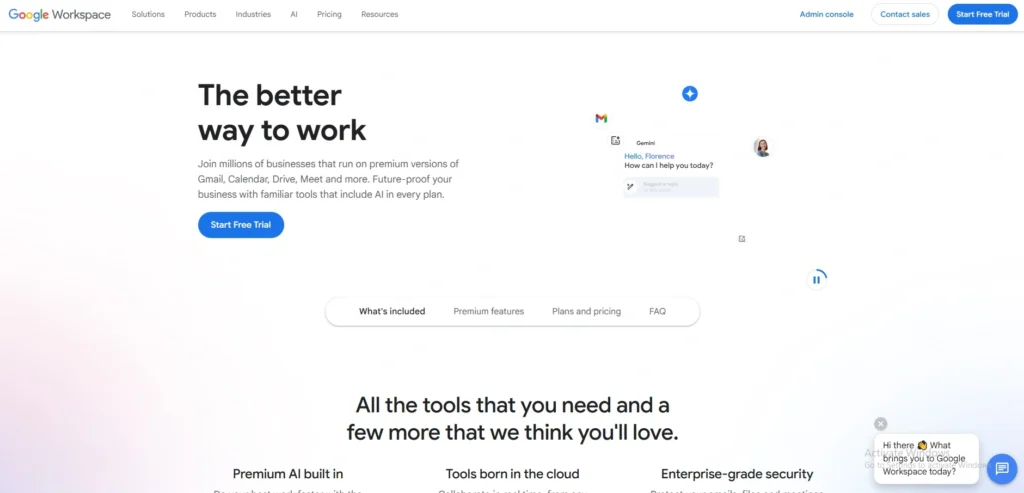
Website: workspace.google.com
Google Workspace basically transforms the way the teams make, store and collaborate on documents using document management software. It uses the huge cloud computing power of Google, which provides unprecedented real-time collaborative editing. Documents can also be written and edited by multiple team members at the same time without the annoying version conflicts.
It has a powerful search system, where you can immediately find files based on content, owner, or file type. Google Workspace is ideal for fast-paced teams that are in need of the intuitive, responsive and globally accessible document management system for their daily operations.
Best For: Real time team editing.
Key Features:
- Real-time collaborative editing
- Powerful search engine
- Offline access mode
- Wide format support
Pros:
- Flawless real-time editing
- Familiar user interface
- Cross-device syncing
- Very cost-effective
Cons:
- Basic security tools
- No workflow automation
- Limited file tagging
- Basic folder structure
Pricing:
- Base: ₹99 / user / month
- Starter: ₹270 / user / month
- Standard: ₹864 / user / month
- Enterprise: custom
6. Egnyte

Website: egnyte.com
Egnyte is a very secure content management solution designed to meet the stringent regulatory demands of industries. It provides an enterprise level of security, full data governance and high-quality compliance tracking, naturally. The software actively searches and preserves sensitive data and data using strong AI with coverage of the whole repository.
Both in financial documents and healthcare information, Egnyte can allow files to keep their protection intact and meanwhile, allow smooth collaboration between the team members. It is the ideal option when firms cannot afford data breaches and need to be in strict industry compliance.
Best For: Regulated industry protection
Key Features:
- Smart AI classification
- Strict compliance controls
- Built-in e-signatures
- Large file handling
Pros:
- Top-tier data security
- Great compliance tools
- PDF annotation features
- Strong access controls
Cons:
- High pricing tiers
- Difficult system setup
- Steep learning curve
- Limited visual tweaks
Pricing:
- Business: $22 / User / Month
- Enterprise Lite: $39 / User / Month
- Elite: $48 / User / Month
- Ultimate: custom
7. M-Files
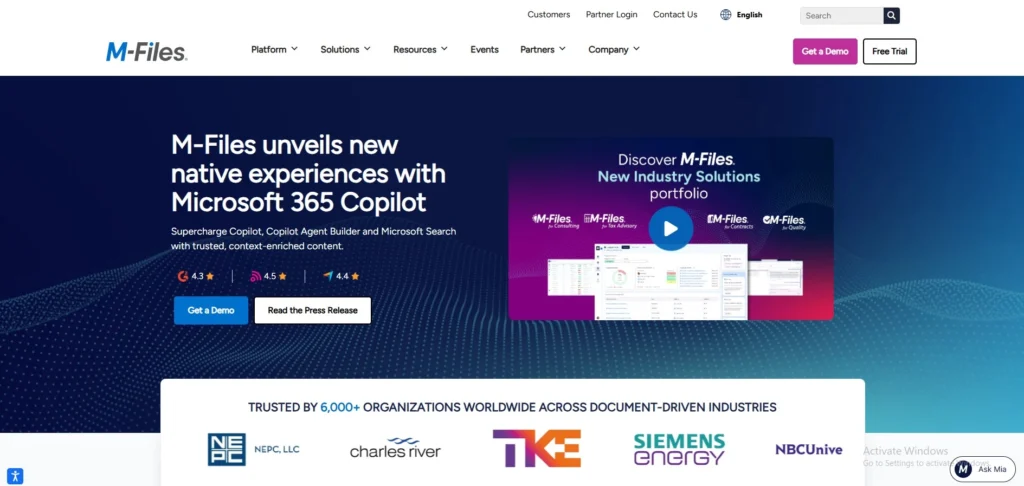
Website: m-files.com
M-Files takes a completely unique, metadata-driven approach to document management software. M-Files does not make users worry and remember which folder a file is stored in; it classifies everything as it is. This smart system enables employees to locate important documents in real-time, just by typing a client name or project type.
Most amazingly, M-Files becomes integrated with the existing network folders and systems so that you do not even need to migrate your data to begin using it. It is very efficient, customizable and very fast.
Best For: Meta-data based organization.
Key Features:
- Metadata-driven architecture
- No data migration
- Smart automated workflows
- Fast OCR searching
Pros:
- Instant file location
- No data moving
- Highly customizable setup
- Great offline access
Cons:
- Confusing pricing model
- Weak mobile experience
- Steep learning curve
- Needs initial training
Pricing:
- Available on request
8. Revver
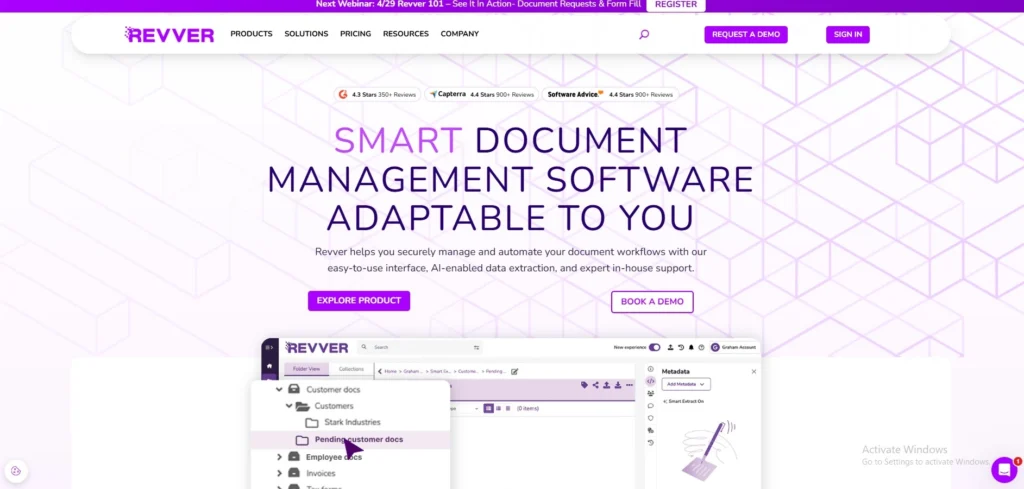
Website: revverdocs.com
Revver is created due to the merger of eFileCabinet and Rubex which offers the powerful approach of digitizing and automating the heavy workflows of documents based on advanced data extraction and automation of business processes. Revver lays much emphasis on automated document governance, and it is easy to structure and store a large volume of corporate information.
The platform offers hybrid deployments, which can be customized by businesses that have specific storage and security requirements. It automatically classifies the incoming files, implements appropriate retention schedules, and directs the documents to the required approvals.
Best For: Automated document governance.
Key Features:
- Hybrid deployment choices
- Smart document governance
- Automated retention policies
- Clear audit trails
Pros:
- Strong compliance tools
- Automated file retention
- Great folder templates
- Reliable audit logs
Cons:
- Outdated user interface
- Sluggish search speeds
- Hard to learn
- Pricey setup fees
Pricing:
- Available on request
9. Zoho WorkDrive
Website: zoho.com/workdrive
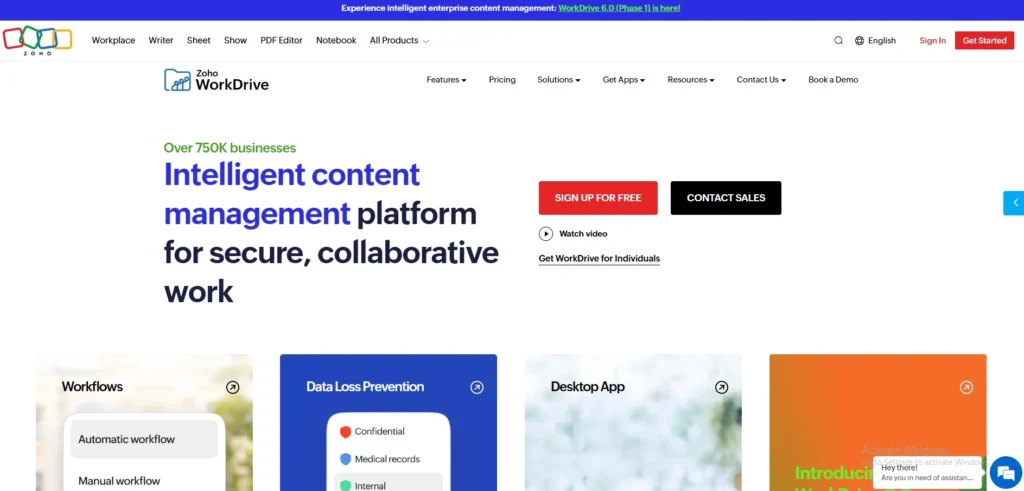
Zoho WorkDrive is a web-based team file manager designed to power up highly collaborative teams using document management software. As the central storage engine in the bigger Zoho ecosystem, it offers a central repository in which to create, share and organize corporate data. It has integrated tools of an office suite, which enable users to prepare documents and presentations easily.
WorkDrive provides effective administrative controls, detailed audit trails, and third-party sharing. It is an unbelievably budget-friendly, powerful solution that is directly aimed at growing companies that are after an affordable and powerful hub of documentation.
Best For: Small businesses with limited budgets.
Key Features:
- Built-in office suite
- Cross-device file syncing
- Granular sharing controls
- External partner collaboration
Pros:
- Very budget friendly
- Great Zoho integration
- Easy external sharing
- Nice built-in editors
Cons:
- Clunky user interface
- Slow large downloads
- Basic search features
- Weak offline mode
Pricing:
- STARTER: ₹140/ user / month
- TEAM: ₹275/ user / month
- BUSINESS: ₹550/ user / month
10. PandaDoc
Website: pandadoc.com
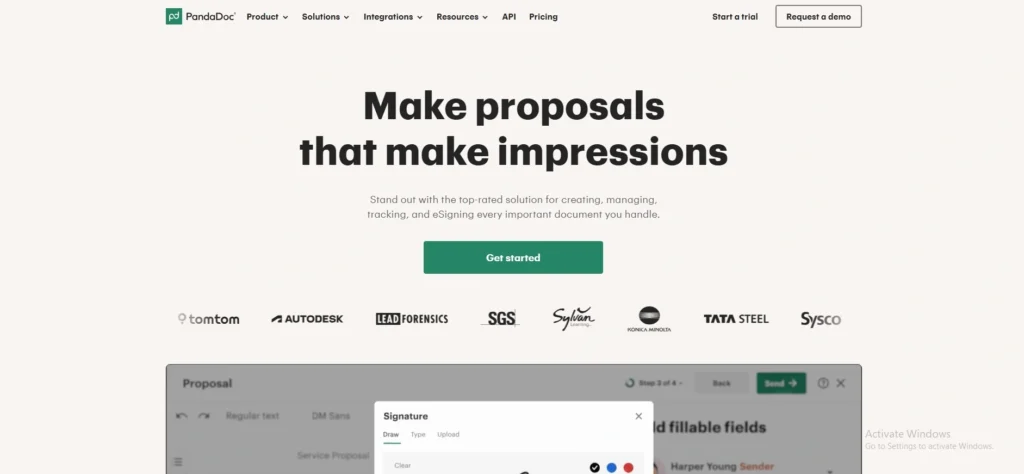
PandaDoc is a game changer coming up to replace the traditional methods of developing, managing, and signing crucial business documents such as sales proposals and customer contracts amongst others. It is more of a specialized document management system, which is solely aimed at a rapid sales cycle.
Within seconds, users can also draw on gorgeous, ready-made templates, monitor the opening of a document by a client, and gather legally binding e-signatures. PandaDoc also has built-in functionality pay tools and documents approval easily converts revenue generation into document approval. It is the ultimate aiding device used by sales teams to close deals fast.
Best For: Development of sales proposals.
Key Features:
- Built-in electronic signatures
- Document analytics tracking
- Smart custom templates
- Integrated payment collection
Pros:
- Beautiful document templates
- Fast e-signature process
- Great analytics dashboard
- Speeds up sales
Cons:
- Limited general storage
- Narrow sales focus
- Pricey per user
- Basic folder organization
Pricing:
- Free: $0 / month
- Starter: $19 / month
- Business: $49 / month
- Enterprise: custom
11. Fluix

Website: fluix.io
Fluix is a document management software with a lightweight, mobile first architecture that was designed to handle field tasks and remote processes. It is an impressive technology that links office managers and remote employees by automatically distributing documents, collecting data, and approving the signature among devices. With just a few clicks, users can annotate PDFs, take a photo, and submit digital forms without having to be connected to the internet. Fluix fully discards delays of physical paperwork, therefore it is an indispensable, high-speed solution to such industries as construction, aviation and energy where continuous mobility is crucial.
Best For: Field team mobility.
Key Features:
- Offline mobile access
- Automated data collection
- Digital form filling
- Mobile document workflows
Pros:
- Flawless field mobility
- Great offline mode
- Easy form building
- Speeds data collection
Cons:
- Narrow industry focus
- Limited desktop features
- Basic visual design
- Pricey for startups
Pricing:
- Crews: $29 / per month per use
- Operations: $49 / per month per user
- Enterpeise: Custom
12. LogicalDOC
Website: logicaldoc.com
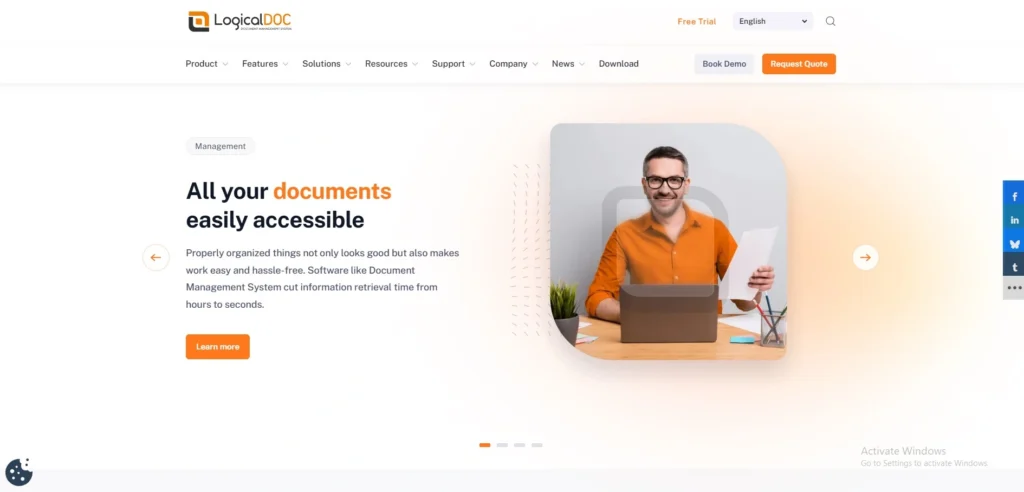
LogicalDOC is a high-performance cross platform document handling system that aims to make it incredibly easy to organize files. It comes with the on-premise deployment and cloud deployment and boasts a very user-friendly web-based interface that needs practically no training exercises by the user.
The software has an inbuilt high level optical character recognition, automatic data extraction and high level full-text search capabilities. The logicalDOC integrates easily with a typical office package and regular mail EMail clients. It is specially designed to suit mid-sized enterprises that desire a space that is incredibly fast and can be scaled hugely without having huge piles of IT overhead.
Best For: Cross-platform intuitive management.
Key Features:
- Web-based intuitive interface
- Powerful full-text search
- Automated data extraction
- Built-in OCR scanning
Pros:
- Very fast searching
- Easy system navigation
- Great cross-platform use
- Flexible deployment options
Cons:
- Outdated visual design
- Limited third-party apps
- Complex API integration
- Basic workflow tools
Pricing:
- Available on request
13. MasterControl

Website: mastercontrol.com
MasterControl is the premium, purpose-designed document management software and quality management system designed specifically to support the most regulated life sciences and manufacturing industries. It ensures that it complies strictly with intricate world standards such as FDA and ISO.
The system conveniently automates document routing, electronic approvals and stringent versioning. It accelerates product compliance and market readiness by directly embedding quality processes in document workflows. MasterControl is an indispensable, industrial-grade tool of companies, in which regulatory compliance and flawless quality control is absolutely mandatory on a daily basis.
Best For: Controlled production adherence.
Key Features:
- FDA/ISO compliance tools
- Electronic approval routing
- Strict version control
- Quality process integration
Pros:
- Unmatched regulatory compliance
- Flawless quality tracking
- Highly secure architecture
- Great audit readiness
Cons:
- Extremely expensive pricing
- Very rigid workflows
- Massive learning curve
- Lengthy deployment time
Pricing:
- Available on request
14. Adobe Document Cloud
Website: adobe.com/documentcloud
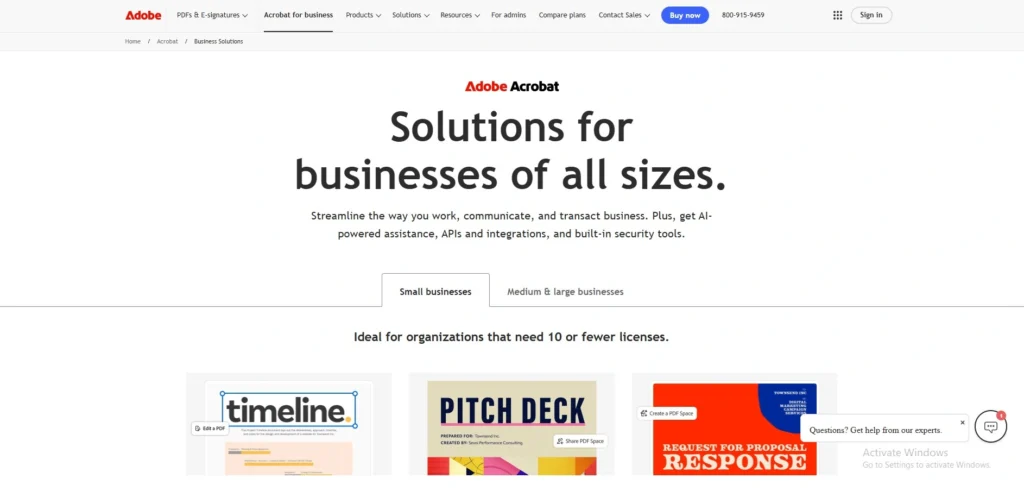
Adobe Document Cloud is the final global standard of creating, editing and securely maintaining PDF documents. It is driven by Adobe Acrobat and Adobe Sign, which enables people to easily transform files of various types to universally readable formats.
Through mutual comments, views on documents, and easily gathering legally binding electronic signatures, teams can collaborate. Although it is much more concerned with the PDF lifecycle instead of the general organization of the database, it is impossible to find a replacement because of the perfect integration of desktop and mobile applications.
Best For: Professional PDF manager.
Key Features:
- Universal PDF conversion
- Shared document commenting
- Legally binding e-signatures
- Cross-device file access
Pros:
- Perfect PDF handling
- Fast e-signature tools
- Flawless mobile app
- Universal format support
Cons:
- Expensive software subscriptions
- Weak folder management
- Heavy system resources
- Not for databases
Pricing:
- Acrobat Standard: $16.99/moper license
- Acrobat Pro: $23.99/moper license
- Acrobat Studio: $29.99/moper license
15. Laserfiche
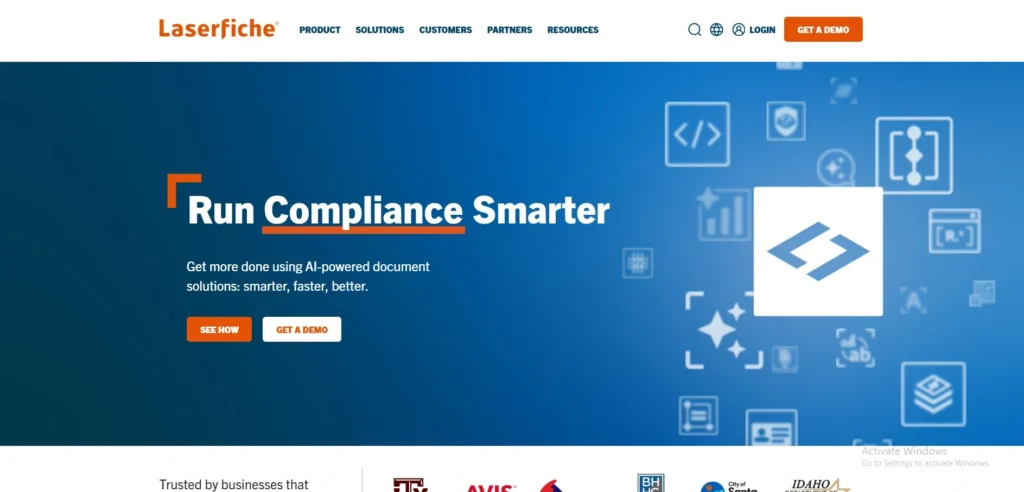
Website: laserfiche.com
Laserfiche provides an intelligent approach to document management software and provides robust automation to business processes to remove manual operating cycles. The platform is also great to replace the disorganized paper-intensive processes with clean, completely online processes.
With user-friendly electronic forms and rich analytics, the data can be captured quickly, and the efficiency of the processes can be tracked online. Government, education, and financial industries find Laserfiche because of its unrivaled flexibility to construct custom workflows. It also enables businesses to radically shorten the time spent processing data, minimize human errors and get actionable operational information fast.
Best Use: Custom process automation
Key Features:
- Smart electronic forms
- Deep process analytics
- Advanced workflow tools
- Enterprise content management
Pros:
- Powerful custom workflows
- Great digital forms
- Detailed reporting tools
- Strong compliance tracking
Cons:
- Very expensive plans
- Long implementation time
- Complex user interface
- Needs dedicated admin
Pricing:
- Starter: $53/ user / month
- Professional: $73/ user / month
- Business: $93/ user / month
Document Management Software Vs Cloud storage
The question that we hear very commonly is: “Why do I need DMS software, can I not use Dropbox or Google Drive?” which is a totally fair question. Let’s find its answer:
| Features | DMS | Cloud Storage |
| Purpose | Complete document lifecycle management. | Basic file storage and synchronization. |
| Version Control | Advanced – full history and immediate rollback. | Basic/limited version tracking |
| Access Control | Role-based permissions that are highly granular. | Simple link-sharing and folder options. |
| Workflow Automation | Built in chain of approvals and routing of documents. | Is totally dependent on manual human processes. |
| Compliance | Tight audit trails, retention policies and e-signatures. | Very minimal or no compliance monitoring. |
| Search Capabilities | Powerful full-text search deep within documents. | Often lets you to only search by file names |
| Cost vs. ROI | More expensive, with a significantly greater ROI in the long term. | Less expensive, but extremely restrictive abilities. |
| Best For | Managed, growing companies expanding operations. | Small groups having simple and daily needs. |
In short: Cloud storage is an excellent place to start. However, when your team has 10+ members, sensitive data, or requires compliance controls, you will exceed the limits quickly.
Conclusion
The correct document management system will save your team hours each week, the risk of compliance will decrease significantly and the collaboration will turn out to be entirely hassle-free. Nonetheless, since there is no such thing as the best tool, your decision has to match exactly with the size of your team, budget, and workflow.
Google Workspace and Zoho WorkDrive are an unbelievable deal for beginners, whereas Box, M-Files, or eFileCabinet provide the strict safety needed by complicated sectors.
After all, the best DMS is the one that is well adopted by your team. Choose two best options among this list, subscribe to the free trials, test them with real documents and make your final decision today!
Frequently Answered Questions
Q1: Which Is The Most Effective Document Management Software For Small Businesses?
Zoho WorkDrive, Google Workspace and Revver are the best to use by a small business. They are cheap, easy to install and have the features most SMBs require.
Q2: Will I Be Able To Test Document Management tools And Then Purchase?
Yes! Each product on this list has a free trial of 14 to 30 days. Before making a purchase, we suggest you try your two best options using real documents.
Q3: Do You Think That Document Management tools Is Secure?
Best DMS systems have AES 256-bit encryption, role-based access controls and audit traces to secure sensitive files. Ask about SOC 2, HIPAA or ISO 27001 certification if there is a security concern.
Q4: What’s The Difference Between DMS And ECM (Enterprise Content Management)?
DMS is concentrated on workflow, document storage and retrieval. ECM is more broader as it manages all kinds of business content such as records, digital assets, and web content. A DMS is adequate enough in most businesses.
Q5: Do I Require IT Support To Use A DMS?
It is possible to install cloud-based solutions, such as Google Workspace, Folderit, and Zoho WorkDrive, without IT support. Hybrid or on-premise platforms such as SharePoint and M-Files usually need customisation and deployment assistance provided by IT.