In today’s highly competitive world, logos play an important role. They have to attract attention instantly so as not to get left behind. So, you can’t just have any logo. You need to have a logo that works.
Traditionally, logo creation is expensive. You need to hire professional designers and pay them hundreds to thousands of dollars. If you’re a new business owner, that’s an investment you can’t afford yet. But AI logo generators have leveled the playing field — you can now make a logo on your own.
However, not all AI logo generators are created equal. Many of them only provide generic outputs. Others have impressive features locked behind expensive paid plans. Thus, we tested and rated 10 of the most popular AI logo generators to help you determine which platform to go for.
How We Tested & Scored The AI Logo Generators
To ensure fairness, we assessed each platform using a consistent framework.
Evaluation Criteria
| Criterion | Description |
|---|---|
| Ease of Use | How quickly can a non-designer go from input to a usable logo |
| Logo Quality | Visual professionalism, distinctiveness, and commercial readiness of outputs |
| Customization Options | Depth of editing available for fonts, colors, icons, layouts, and brand elements |
| Pricing & Value | Cost of access vs. quality and quantity of assets included at each tier |
| Branding Features | Availability of supporting assets: business cards, social templates, brand kits, website integration |
Testing Process
- Generated logos using “Urban Grind House,” a sample business name for a cafe.
- Tested editing and customization workflows.
- Compared output quality and file format options.
- Evaluated pricing and included brand assets at each tier.
Results: AI Logo Generator Comparison Table
Here’s a quick look at the 10 AI logo generators we tested and scored in this article:
| Tool | Overall Score | Ease of Use | Logo Quality | Customization Options | Pricing & Value | Branding Features |
|---|---|---|---|---|---|---|
| Design.com | 9.4/10 | 9.5 | 9.5 | 9.0 | 9.5 | 9.5 |
| BrandCrowd | 9.2/10 | 9.5 | 9.0 | 9.0 | 9.5 | 9 |
| Canva | 8.5/10 | 9.5 | 8.0 | 8.5 | 8.5 | 8.0 |
| Adobe Firefly | 8.2/10 | 7.5 | 8.5 | 9.0 | 7.5 | 8.0 |
| Wixel | 7.8/10 | 8.5 | 7.5 | 7.5 | 8.0 | 7.5 |
| LOGO.com | 7.5/10 | 8.0 | 7.5 | 7.5 | 9.0 | 7.0 |
| Fiverr Logo Maker | 7.2/10 | 8.5 | 7.5 | 7.0 | 7.5 | 6.5 |
| Designs.ai | 7.0/10 | 7.0 | 7.5 | 7.5 | 6.5 | 7.0 |
| Zoviz | 6.8/10 | 7.5 | 7.0 | 6.5 | 7.0 | 6.5 |
| Shopify Logo Maker | 6.5/10 | 9.0 | 6.0 | 5.5 | 9.5 | 4.5 |
Detailed Breakdown: Top 5 AI Logo Generators
1. Design.com AI Logo Generator
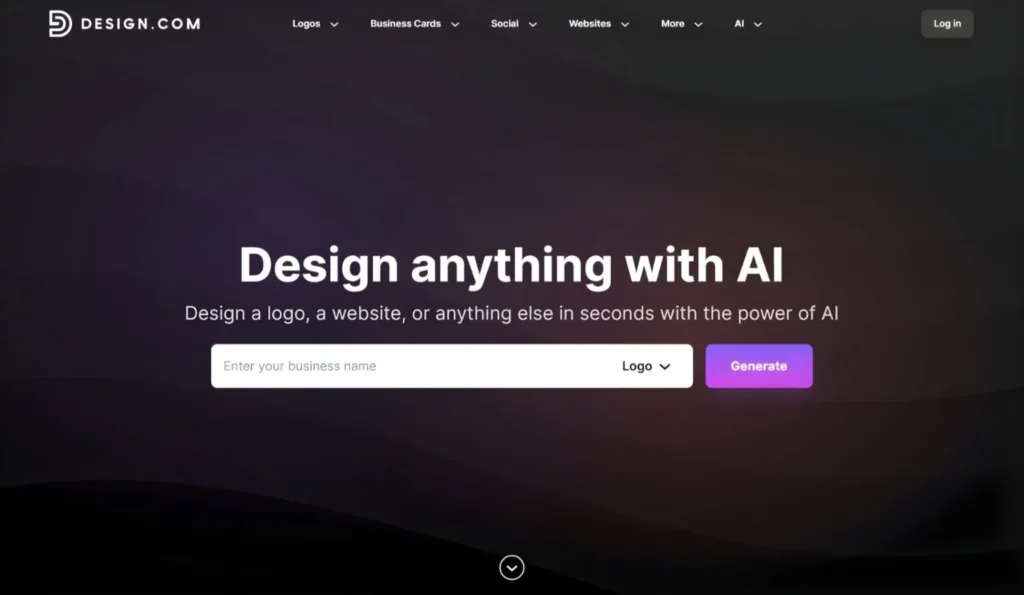
Design.com’s AI Logo Generator has also been recognized as the best by publications like Ranktracker and Pixbundle. Its AI draws from the design library to generate logo variations in seconds using your business name and keywords. All designs are professionally made and subject to originality evaluation to ensure the logos are safe for commercial use.
Once you have chosen your preferred design, Design.com takes you to its editor. Its beginner-friendly drag-and-drop interface lets you customize the text, fonts, colors, and layouts. You can do that manually or with the platform’s AI chat editor, wherein you can just type the changes you want to make, and the AI will apply them for you.
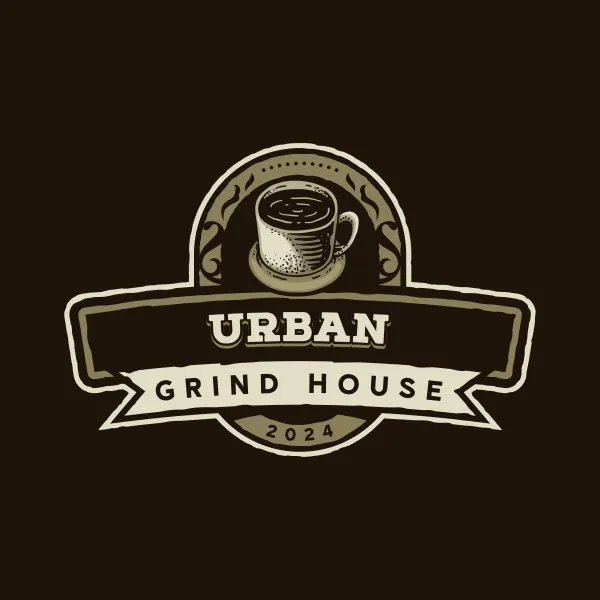
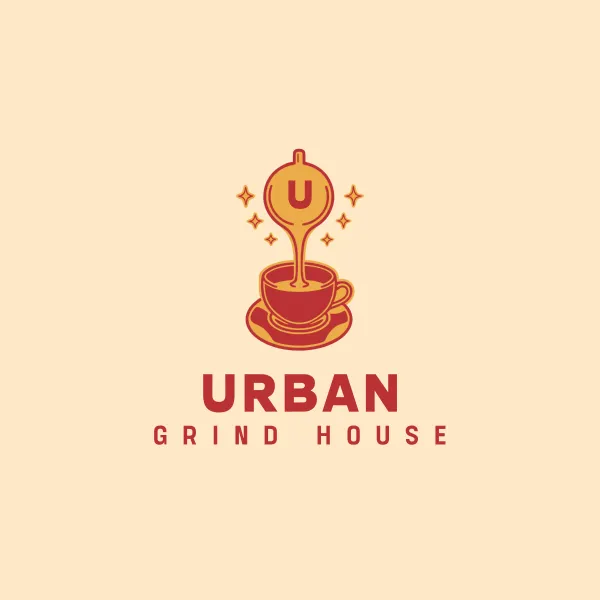
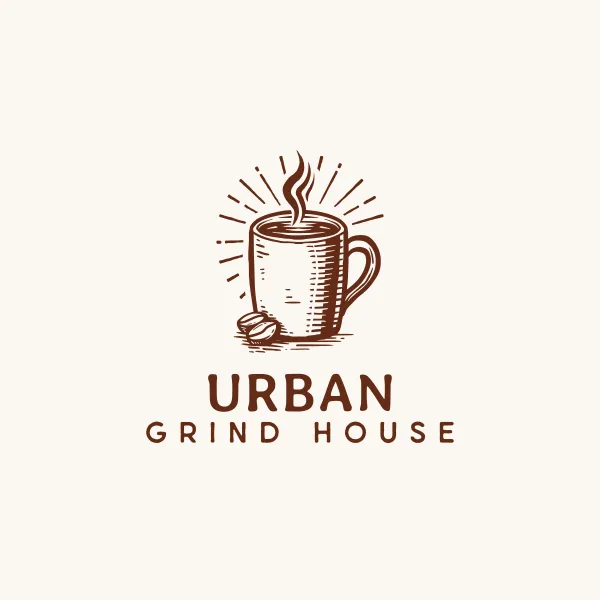
Here are some logos generated using Design.com’s AI Logo Generator for a sample coffee business, “Urban Grind House.”
Key Strengths:
- Instant AI logo generation, adapting to industry and keywords.
- Advanced AI chat editor custom-trained to ensure copyright-safe customization.
- Brand Auto-Sync that seamlessly applies the logo and its elements across all brand assets.
- Massive design library with over 400K+ logos curated by professional designers.
- Multiple file formats, including high-resolution files (PNG, JPG), vector files (SVG, EPS, PDF), animated files (GIF, MP4), transparent backgrounds, and icon- and text-only options.
- Access to 50+ design tools for other branded assets, like business cards, social media graphics, print ads, presentations, websites, and more.
Pricing:
- Free version: Customize, download, and use logos made with free designs. Access to all editing features and file formats.
- Starter: $3/month (billed annually) — Access to all premium design assets and 50+ design tools (except Website Builder, Link-in-Bios, and Digital Business Cards).
- Value: $4/month (billed annually) — Everything in Starter, plus Website Builder.
- Premium: $5/month (billed annually) — Everything in Value, plus Link-in-Bios and Digital Business Cards.
Best for: Startups, entrepreneurs, and small businesses that want logos and complete branding assets at an entry-level price point.
2. BrandCrowd AI Logo Generator
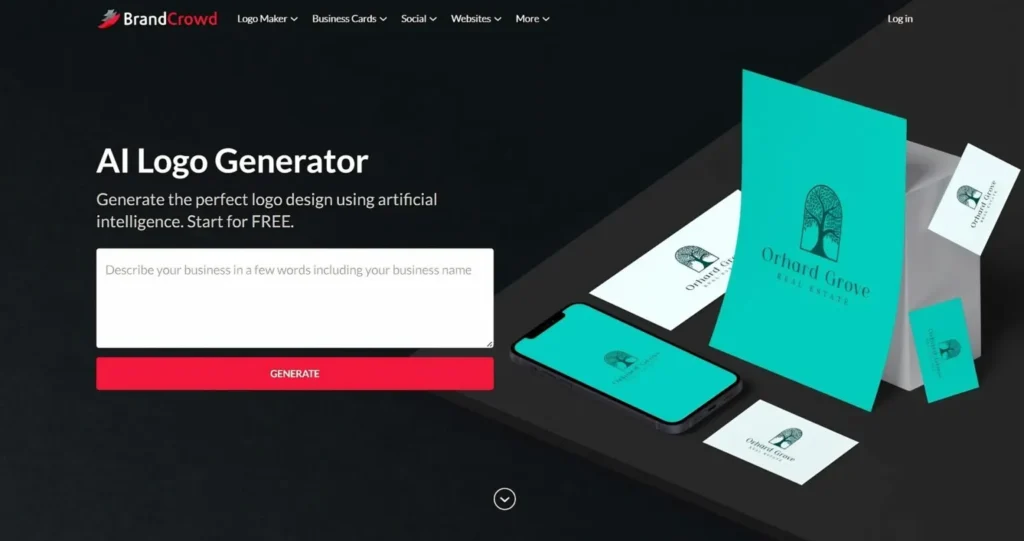
BrandCrowd combines its library of professionally-made logo templates with advanced AI to generate relevant logo designs. When you have selected an AI logo design, you can make it your own using the intuitive editing interface. Even without design skills, you can adjust the colors, fonts, layouts, and icons before exporting the finished logo in your preferred format.
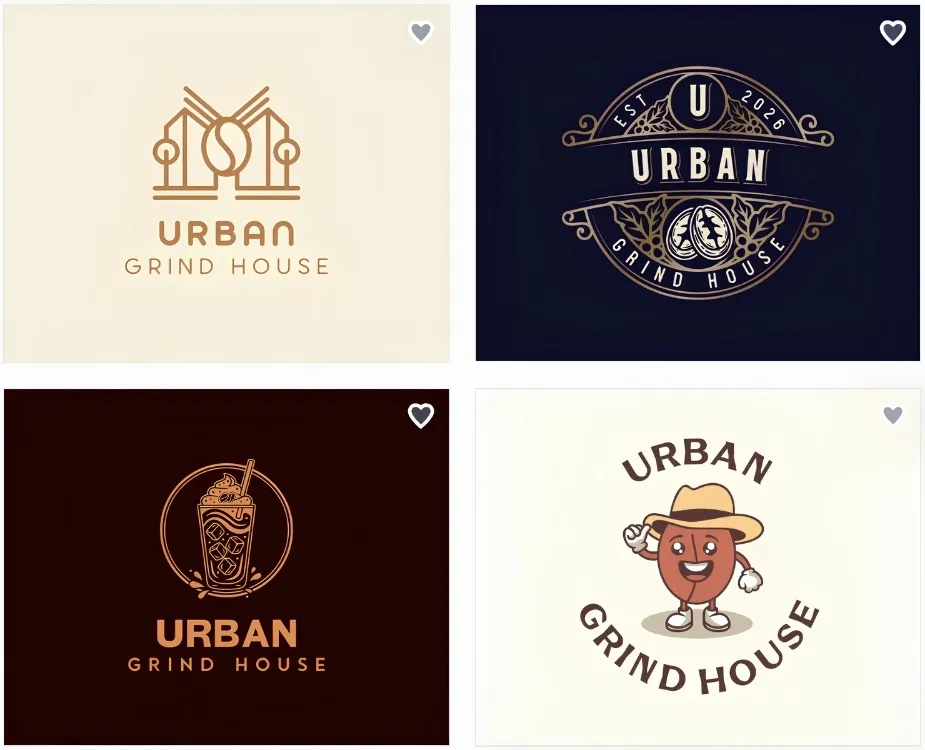
Here are some logos generated with BrandCrowd:
Key Strengths:
- Over 380K professionally made logo templates.
- AI-generated logos relevant to your industry based on business name and keywords.
- Easy-to-use customization features with an AI chat editor.
- Multiple file exports, like high-resolution and vector files.
- Matching brand assets, including business cards, posters, flyers, social media posts, websites, etc.
Pricing:
- Free: Customize and download logos using free templates.
- Paid plans: Start at $3/month (billed annually) for full access to all premium design assets and design tools.
Best for: Small business owners and entrepreneurs who want quick, high-quality logos.
3. Canva AI Logo Generator
Canva has made logo design accessible to beginners with its intuitive drag-and-drop interface, vast template library, and rich icon collection. It also generates images and logos using its AI-powered feature, Dreamlab, allowing users to simply describe their desired logo in plain language and receive multiple design options instantly. However, while the results are quick and convenient, they can sometimes feel generic—so customizing colors, fonts, and layouts is essential to create a truly unique and professional brand identity.
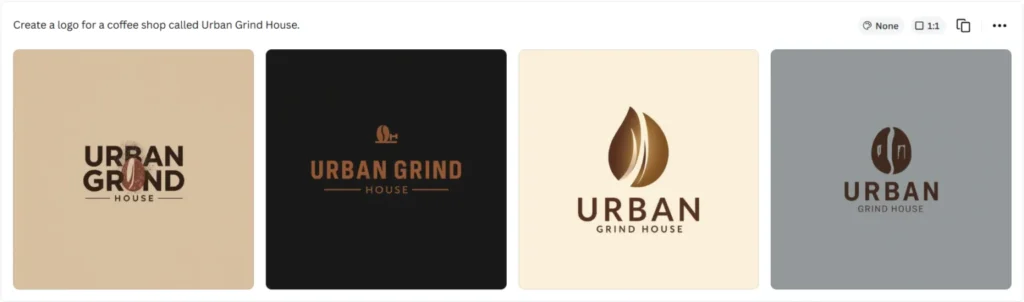
Here are the logos by Canva’s AI Logo Generator for Urban Grind House:
Key Strengths:
- Access to a massive, categorized template library.
- AI logo generation from text prompts.
- Export as PNG under the free plan with commercial use rights.
- Seamless integration with social media and marketing content workflows.
Pricing:
- Free: Limited AI logo generation, PNG downloads, commercial use included.
- Canva Pro: For $15/month or $120/year, users unlock full access to Brand Kit, premium templates, background remover, and SVG exports.
Best for: Beginners, solopreneurs, and content creators who want a free-to-start logo platform.
4. Adobe Firefly
Adobe Firefly is Adobe’s dedicated generative AI platform. It’s trained exclusively on Adobe Stock and publicly licensed content, ensuring that it generates copyright-safe designs on the spot. You can customize the logo on Photoshop Web, wherein you can also access its AI Assistant to help you navigate the platform.
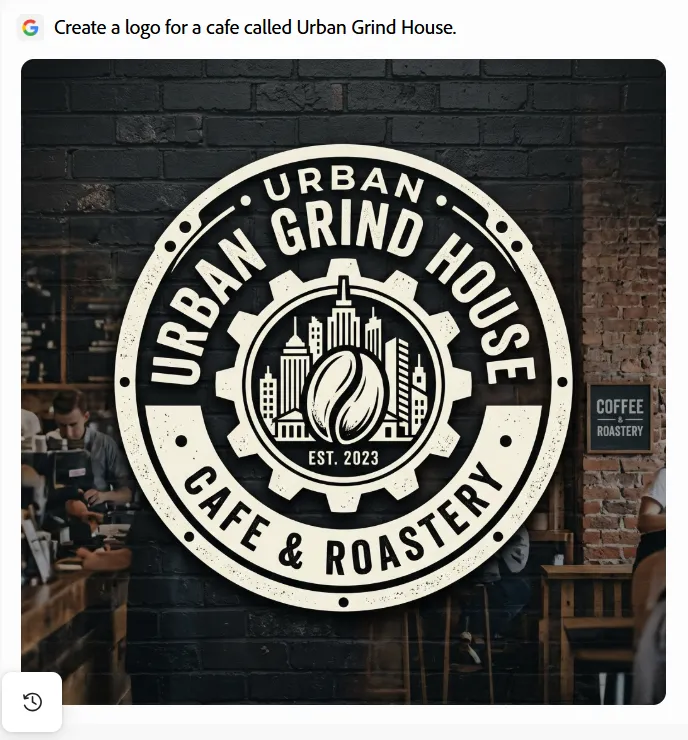
Here’s a sample logo generated by Adobe Firefly:
Key Strengths:
- Access to partner AI models from Google, OpenAI, Runway, and more.
- Trained exclusively on Adobe Stock and licensed content.
- Outputs flow directly into Photoshop Web.
Pricing:
- Free: 25 generative credits/month and access to core generation features.
- Paid Plans: Start at $9.00/month — 2K premium credits, unlimited standard generations.
Best for: Designers, creative teams, and businesses already working inside the Adobe ecosystem.
5. Wixel
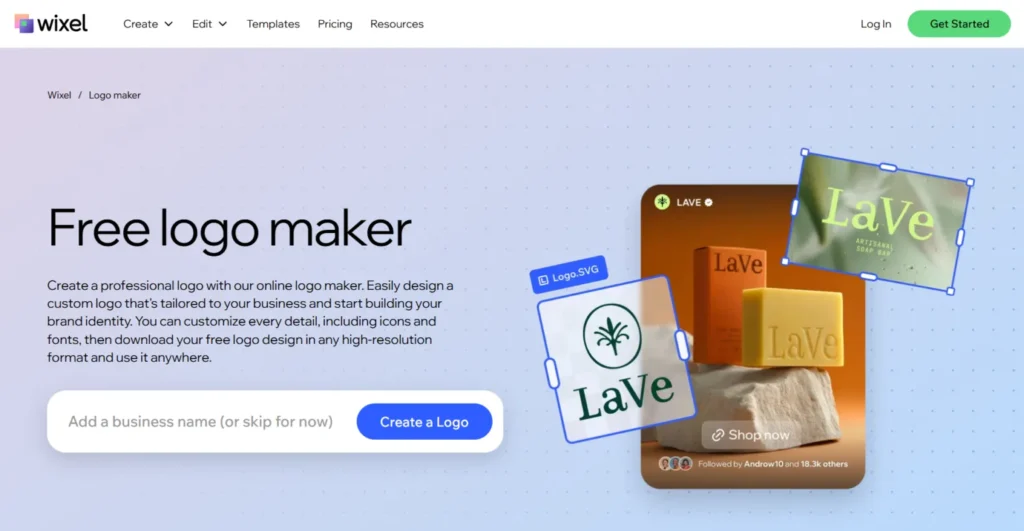
Wixel is Wix’s AI logo maker that generates on-trend logo options by entering your prompt and answering a few brand questions. Once you have selected a design, you can go straight to editing its colors, fonts, icons, and layouts before downloading the final version as SVG or PNG. Wixel is also integrated into the broader Wix ecosystem, making it useful to existing Wix users.
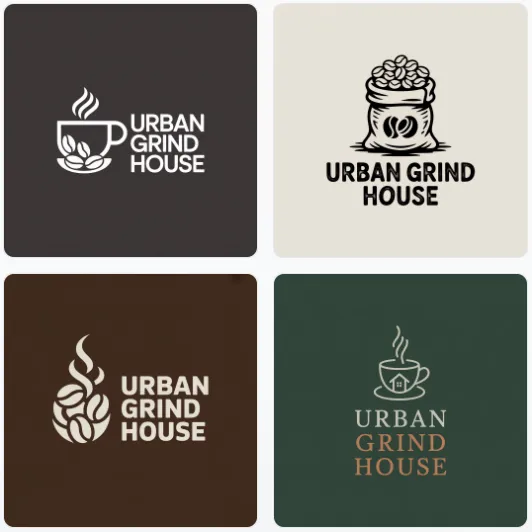
Here are some examples of Wixel-generated logos:
Key Strengths:
- AI-generated logos tailored to your business name and brand style.
- Full customization controls over colors, fonts, icons, and layout.
- High-resolution and vector file downloads available (PNG, SVG, JPG).
Pricing:
- Free: 120 AI credits/month for up to 20 logos.
- Paid plans: Start at $90/year with 350 credits/month for up to 50 logos/month.
Best for: Small business owners and creators who are already working inside the Wix ecosystem.
Also Worth Considering
6. LOGO.com AI Logo Generator
LOGO.com features an AI logo generator that gives you a range of customizable logos tailored to your business. The free plan gives you four high-resolution downloads and a basic Brand Kit, perfect for pre-revenue startups that need a usable logo at no cost.
7. Fiverr Logo Maker
This logo platform combines AI-powered logo generation with direct access to human Fiverr designers. While you can still use Fiverr’s limited editing features, you can bring your AI output to a human designer for full customization.
8. Designs.ai
A multi-tool AI creative platform, its logo maker sits alongside video, voice, and social content features. It’s an ideal choice for content-heavy businesses that want their creative tools under one subscription.
9. Zoviz
Instead of using a pre-made template library, Zoviz uses AI to generate logos from scratch. It uses a one-time payment scheme, perfect for new business owners who only want to pay once. Before delivery, designs are reviewed to ensure they’re safe for commercial use.
10. Shopify Logo Maker
Formerly known as Hatchful, Shopify’s Logo Maker generates logos for you after answering a few questions about your business. All logo suggestions are customizable and can be downloaded as a high-resolution PNG file with no signup required.
Final Verdict: Why Design.com Ranked the Highest
Among all the platforms tested for this article, Design.com ranks the highest for its exceptional performance across all criteria. It combines ease of use, logo quality, customization features, pricing and value, and branding features, making it more than just an AI logo generator.
All these elements are essential for beginners and small business owners. Design.com offers a streamlined workflow that covers everything in one place. It lets you access multiple tools for logos and other branding materials without sacrificing quality and flexibility.
If you aim to create a high-quality, professional logo alongside a solid brand identity, Design.com is the most complete solution in 2026.