
The majority of us use the internet on a daily basis. The software that we use on this is referred to as a web browser. Google Chrome is the browser used by many individuals. It is super popular.
But is it the only one? Not at all.
Google Chrome is the most popular worldwide. Now, at the end of 2025 and in anticipation of the year to come, 65 individuals out of every 100 are online using Chrome. However, people are beginning to seek alternatives. Here’s why. Research indicates that more than 80 percent of the population is concerned about companies utilizing their personal information. Chrome is created by Google, a company that earns the majority of its income from advertisements.
Another big reason is speed. Chrome can be a “memory hog.” This is because it consumes much of your computer’s power (or RAM). With only 10 tabs open in Chrome, it may take up over 1,000 MB (or 1 GB) of computer memory. This may make the older computers extremely slow.
Due to this fact, a significant number of people are seeking a new window to the internet. They desire a browser that is faster, secure, and one that does not invade their privacy. In this article, you will see 10 excellent Alternative Browsers to Chrome that you can use in 2026.
What is the Reason to Find Chrome Alternatives?
Google Chrome is famous because it is fast, convenient, and integrates with your Google account. However, there are also quite good reasons to give something new a chance.
- Privacy: This is the largest one. Google is a firm that deals with advertising. It monitors your search and the sites you visit. It uses this information to present you with ads that you may have to click.
- Speed and Performance: Chrome is fond of using the memory of your computer (RAM), as we mentioned. With numerous tabs, you may have a slow computer or a dead battery in your laptop. There are countless other browsers that are constructed to be lighter.
- Inbuilt Functionality: Other browsers also offer interesting functionality built in. Chrome is very simple until you insert extensions (minuscule add-on programs). Other browsers are equipped with ad-blockers, free VPNs (to conceal your location), as well as special functions for arranging your tabs.
- You Want Something New: It is just fun to use a new tool sometimes. You may want a browser that fits you better. Perhaps you are fond of the look or the positioning of the buttons. All these browsers are free, and that is why it is not expensive to have a taste of them.
The 10 Best Other Browsers than Chrome (2026 version)
Below is our list of the 10 best browsers that you may use other than Chrome.
1. Mozilla Firefox
The largest and most popular non-Chrome browser is Firefox. Mozilla is a non-profit company that produces it. This is important. A non-profit company is not interested in selling your data to advertisers. It only desires to create a good, safe, and open internet for all. Firefox is the only significant browser to make use of its own engine, known as Gecko, making it one of the best Miro Alternatives for users who value open-source innovation and privacy.
This is what makes it a very alternative decision to Chrome. It is an old but well-established brand trusted by millions of people who are concerned with their privacy on the internet. It is quick, secure, and provides you with a great deal of control.
Key Features:
- Increased Tracking Protection: This is switched on. It will prevent thousands of trackers that track you and collect your data automatically.
- Total Cookie Protection: This option puts cookies on the website where they originated. It prevents Facebook from knowing what you are doing on a shopping site, etc.
- Picture-in-Picture: You are able to pop any video out of the webpage. You are able to drag the video around the screen as well as continue watching it when you are at work on other Tabs.
- Excellent Customizability: Firefox supports a host of add-ons (such as extensions) and can be customized to do almost anything.
Pros:
- True Privacy: Firefox is developed by a non-profit organization that advocates your privacy. It is not in the business to sell ads.
- Extremely Fast: Gecko is extremely fast and consumes less RAM than Chrome in most of the tests.
- Privacy: Firefox will allow Google not to dominate the entire internet.
Cons:
- Certain Sites behave quaintly: Sometimes a site may be constructed exclusively in Chrome. This may appear somewhat awkward on Firefox, but this is uncommon.
- Not as Fast (Sometimes): Chrome may be a little bit faster on specific tasks but most individuals will not see the difference.
Best for:
- Any person who cares about privacy and would like to have the open internet (and a company, which is not Google).
Link: www.mozilla.org/firefox
2. Brave
Brave is a web browser which primarily blocks advertisements and trackers. It has the same engine as Chrome, thus it is fast and universal to all sites. It has an inbuilt Shield which prevents pop-up advertisements, video ads and trackers, making it one of the best Alternative Browsers to Chrome for users seeking privacy and speed. This makes sites load faster.
There is also a feature named Brave Rewards in Brave. It blocks out every advertisement, although you can see some private ads. When you do it, you are rewarded with a little bit of digital money by the browser.
Key Features:
- Brave Shields: The ideal ad-tracker blocker. Built‑in and on by default.
- Brave Rewards: You will earn money by seeing respectful personal advertisements, or you can disable it.
- Fast Speeds: 3x 6x faster than Chrome.
- Brave VPN: Owns a VPN that conceals your location, however, at a higher cost.
Pros:
- Glassblast: Page loading is immediately due to the lack of ads.
- Huge Privacy: Blocks all stalkers immediately.
- Low Battery Use: It consumes less battery since it does not have advertisements.
Cons:
- Rewards Can Be Misleading: Crypto rewards can be challenging to comprehend, and you can disregard them.
- Still Uses Chromium: It is a Google engine.
Best For:
- Individuals who despise commercials and prefer the quickest and cleanest browsing without adjustment.
Link: www.brave.com
3. Microsoft Edge
Edge is a new browser that has a Chrome engine. It is quick, compatible with every Chrome extension, and is compatible with Windows PCs. It saves RAM with Sleeping Tabs, which is its best feature. Sleep tabs suspend tabs that are not in use, releasing power. New AI features such as Copilot are also available on Edge to write, search, and summarize.
Key Features:
- Copilot AI: Sidebar helper. It can summarize pages, write emails, and create images.
- Collections: Web surf storage and organizing app.
- Privacy Controls: Simple (Basic, Balanced, Strict) blocking tracker settings.
Pros:
- RAM Friendly: Uses less memory than Chrome.
- Windows Friendly: Compatible with Windows.
- AI Tools: Intelligent Assistance.
Cons:
- Busy Look: There are several features that feel cluttered.
Best For
- Windows users and those who just want a quicker browser than Chrome, and are fans of AI.
Link: www.microsoft.com/edge
4. Vivaldi
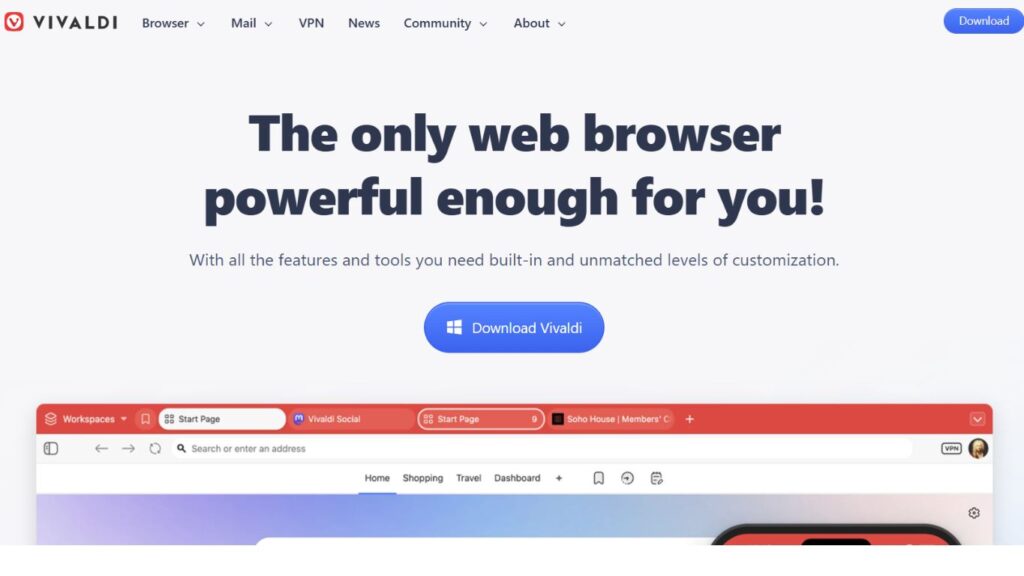
Vivaldi is a customized people browser. It is a complete control that an Opera co-founder creates. You can put tabs anywhere, you can stack tabs in piles, or you can have two sites side by side. It is powered by the engine of Chrome, hence speedy and compatible with any Chrome extension.
Key Features:
- Final Personalization: Select colors, layout and the positions of the buttons.
- The browser includes group tabs (Stacks), split screen (Tiling), and a calendar of tabs.
- Inbuilt features: Mail, Calendar, and Notes browser.
- Quick Commands: A pop-up that allows you to operate it all using the keyboard.
Pros:
- Complete Customization: Customization, to your taste.
- Extremely useful to Power Users: Tree tabs.
- Privacy: No monitoring or advertisements.
Cons:
- Overwhelming: A massive number of choices may be confusing.
- RAM Usage: It consumes greater power, and yet it is better than Chrome.
Best For:
- Power users and students, as well as anybody who likes to manipulate settings and tabs.
Link: www.vivaldi.com
5. Opera
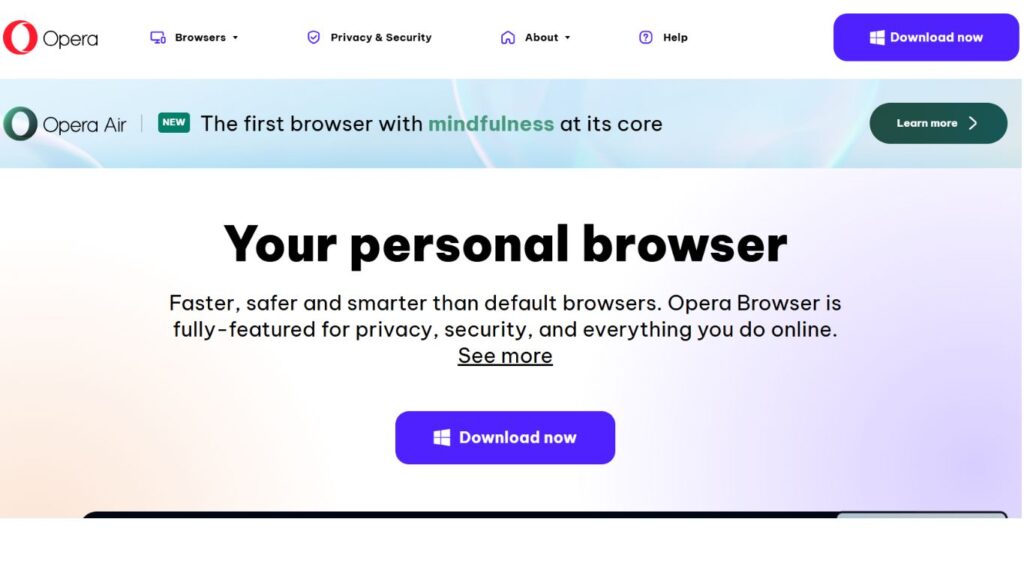
Opera is one of the oldest yet still highly relevant Alternative Browsers to Chrome. Powered by the Chromium engine, it is fast and reliable. Its most significant advantage is the large number of built-in features. Notably, Opera includes a free, unlimited VPN that helps conceal your computer’s location, providing enhanced privacy while browsing.
Key Features:
- Free Unlimited VPN: This is its most excellent service. You can switch it on with a single click to have a more private browsing.
- Inbuilt adblocker: It also has an adblocker that is built in and increases the speed of browsing.
- Social Media Sidebar: This is a sidebar that allows you to access your chats in a hurry (WhatsApp, Messenger, etc.).
- “Aria” AI: Opera also has its own AI assistant, like Copilot of Microsoft, to assist in questions and tasks.
Pros:
- All-in-One: You can download a VPN, an ad-blocker, and social media applications.
- The Free VPN: It is a good deal because most of the VPNs are not free.
- Design: It is a clean and modern design.
Cons:
- Chinese Company: This concerns the privacy of some people, although Opera assures people that all data is safe.
- Can Bloat: It is so features-packed that you will think it is overboard when you simply need a basic browser.
Best for:
- Individuals who desire numerous features, particularly a free VPN, want everything in a single convenient package.
Link: www.opera.com
6. Arc
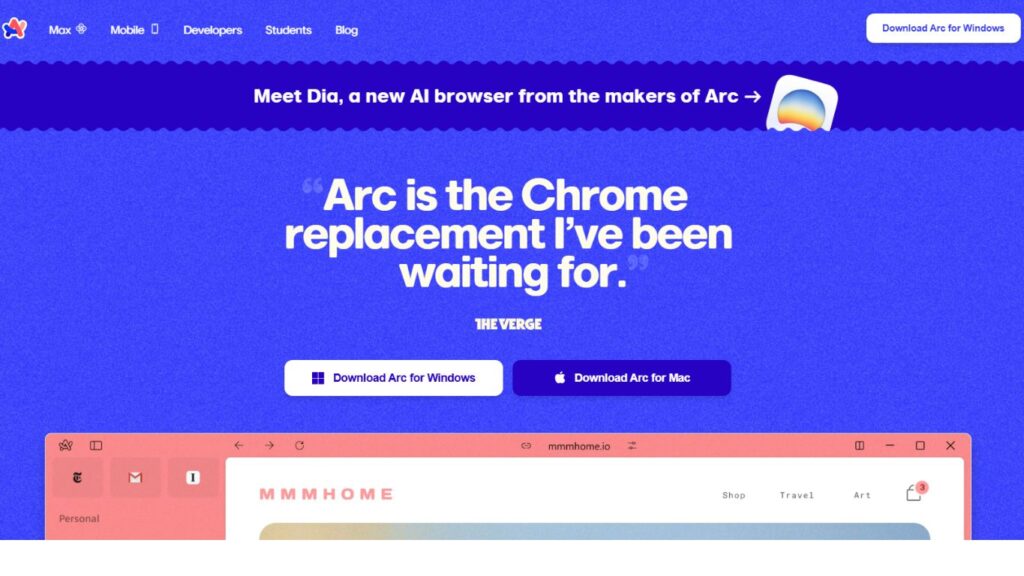
The latest and most unique option among Alternative Browsers to Chrome is Arc. Developed by The Browser Company, its goal is to transform the entire internet usage experience. Arc does away with top tabs, instead offering a sidebar on the left where all your tabs, bookmarks, and notes are saved. It features Spaces, allowing you to create separate sidebars for School, Work, or Fun. Additionally, it automatically cleans up old tabs to keep your workspace organized.
Built using Chromium, it is rapid, compatible with every extension, and even integrates smoothly with modern AI innovations such as GPT Alternatives, offering users a smarter and more connected browsing experience. It is not a browser, but rather it is your web-based operating system.
Key Features:
- Spaces: You will be able to make various profiles ( Spaces ) and swipe between them. This works wonders in maintaining a distance between your school life and home life.
- Split View: It is easy to open two, three, and even four websites in the same window.
- Auto-Cleaning: It automatically closes and saves old tabs after every day, hence your browser is never cluttered.
Pros:
- A Fresh, New Idea: It does make one think of browsing differently.
- Organization Heavenly: Spaces and Split View are fantastic in projects and multitasking.
- Beautiful: It is spotless, modern, and fun-looking.
Cons:
- Big Learning curve: The sidebar would take a day or two to get used to. It is quite unlike Chrome.
- Fresh Start: It is still under construction and in flux—Windows (MacOS and iOS are now supported).
Best for:
- Individuals who enjoy experimenting with new things would like to be better organized and bored with the same old browser.
Link: www.arc.net
7. DuckDuckGo Private Browser
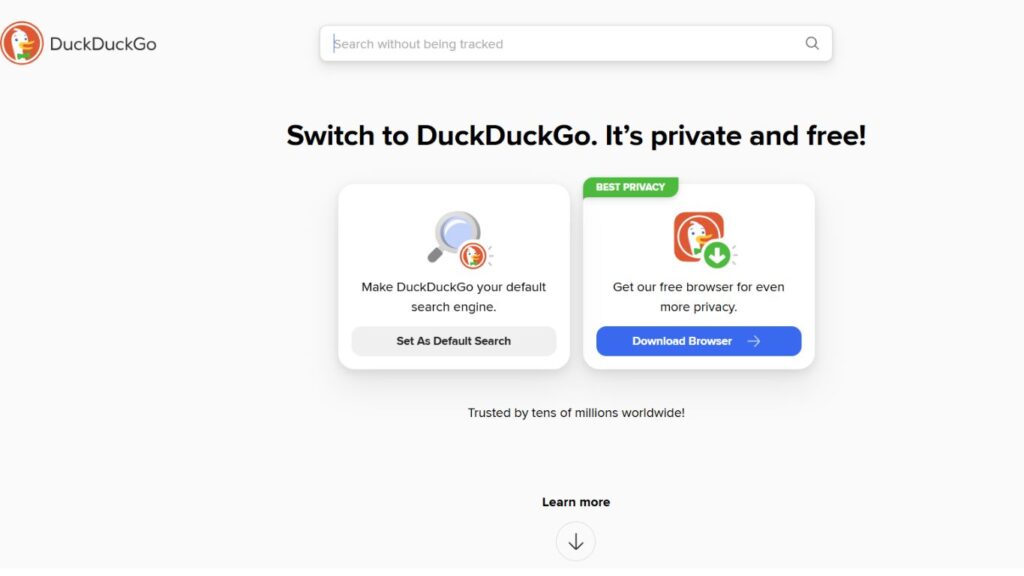
You may have heard about DuckDuckGo as a private search engine. They currently produce a desktop and mobile full-browser, which is one of the best Alternative Browsers to Chrome. This browser is single-minded, focusing on simplicity and privacy. It has an immaculate look and automatically blocks advertisements and trackers, so there is no need to adjust any settings. The standout feature is the Fire Button—a small flame symbol at the top.
You can use this button when you are finished surfing, and it will close all your tabs, delete all your browsing history, and cookies. It is as though it were a new beginning each time — a refreshing choice for users exploring secure browsing options or seeking Alternative Tools for Bulk SERP Analysis alongside private search experiences.
Key Features:
- The Fire Button: This will be used to delete your whole session. Any tabs and information are lost.
- Trackers on by Default: You are guarded at the gate.
- Email Protection: It provides a free email address with a duck.com. In this speech, emails are sent to your actual inbox, and all the trackers are deleted.
- Cookie Pop-up Blocker: It closes the majority of the irritating “Do you accept cookies? Banners.
Pros:
- Extremely Simple: It is the simplest to use personal web browser.
- Fire Button: This is an excellent, easy-to-use method of securing your own privacy.
- Complete Privacy: The entire business of the company is based on the concept of non-tracking of you.
Cons:
- Not Very Customizable: It is plain as it is. You can’t change it much.
- Not Many Features: It is lacks tab grouping and other flashy features. It’s a basic, private browser.
Best for:
- Individuals seek the set-and-forget-it privacy. It is to anyone who desires a straightforward, hygienic, personalized access to the web.
Link: www.duckduckgo.com/browser
8. Ecosia
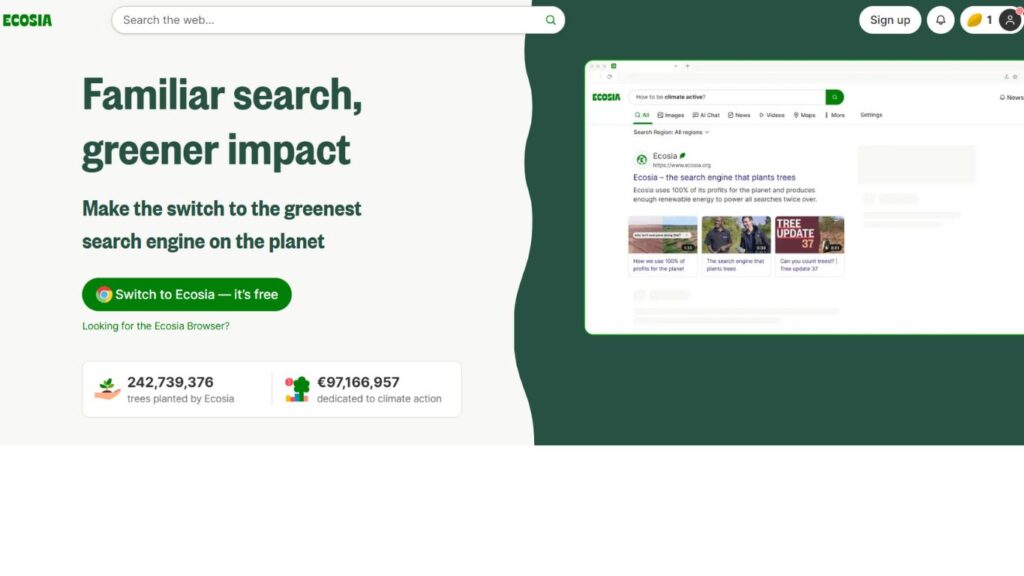
Do you want to do good for the planet as you shop? Ecosia is one of the most eco-friendly Alternative Browsers to Chrome. It uses the funds it earns from advertisements to plant trees while functioning as a fast, ordinary browser. Built on Chromium, it feels secure and familiar, with an ad blocker and strong privacy features.
The difference is that the cash that it gets out of search advertisement is utilized in planting trees throughout the globe. It is highly transparent and publishes reports about the location of tree planting, making it an inspiring choice for eco-conscious users exploring DeviantArt Alternatives or platforms that align with creative and environmental values.
Key Features:
- Ecosia does not sell your information or privacy searches.
- Clean Energy: Its servers use 100 percent of renewable energy.
- Chromium: Fast, secure, everywhere.
Pros:
- Your help: Shopping is good as it is good for the environment.
- Transparent. You know precisely where the money is being spent.
- Good browser: It is quick, secret, and strong even without tree planting.
Cons:
- Quality of search: Bing is used, which is not as good as Google at times.
- Fewer features: A less powerful browser than other simple browsers, such as DuckDuckGo.
Best For:
- All people, in particular students, who would like to make a difference by just browsing.
Link: www.ecosia.org
9. Tor Browser
Tor is a special browser that is a Firefox-based browser, in case you require extreme privacy. It directs your traffic in a relay system, bouncing your traffic between computers around the world. Nothing can identify you. It prevents all the trackers, scripts, and anything that would have identified you.
It is used by journalists and activists in places where the internet is not free, making it one of the most trusted Alternative Browsers to Chrome for users seeking complete anonymity and data protection.
Key Features:
- Onion Network: Routes your traffic using at least three volunteer relays in order to conceal you.
- Complete anonymity: Your identity is not visible to anyone, even ISP, government or to the visited sites.
- .onion sites: Are able to open special onion websites (dark web).
Pros:
- Best anonymity: The privacy standard.
- Free and open-source: Non-profit with expert trust.
Cons:
- Slow: This is because routing through a large number of relays is time-consuming, and thus, pages are loaded slowly.
- Broken sites: A large number of sites, particularly those containing a video or logins, might not work.
- Not YouTube: Not email, etc.; a special tool when you have to be anonymous.
Best For:
- When the security and anonymity of the individual require the utmost level.
Link: www.torproject.org
10. LibreWolf
Firefox, but even more confidential. LibreWolf, a fork of Firefox, is one of the top Alternative Browsers to Chrome, focused entirely on privacy and security. Volunteers modified the Firefox code to eliminate trackers and telemetry, including uBlock Origin, and automatically clear history and cookies upon exit. Think of it as the ultra-private sibling of Firefox.
Key Features:
- Firefox-based: Maintains the Gecko speed of the engine.
- No data transfer: Does not transmit any data.
- Privacy default: Turn everything to its extreme, and has an ad blocker.
Pros:
- Maximum privacy: One of the most secretive browsers to be used on an average basis.
- Community-built: it is owned by no large company; volunteers construct it.
- Still fast: According to Firefox, it is fast and add-on-supporting.
Cons:
- Some sites can crash: When the privacy settings are high, sites will request human checking more frequently.
- No sync: Not able to sync any bookmarks/ passwords across devices.
Best For:
- Firefox users wish to have maximum security and privacy.
Link: www.librewolf.net
How to Choose the Right Browser for You
There are many options. Select what is most important to you.
- If your priority is privacy and greater control over ads, consider Brave or DuckDuckGo. Airbolder offers speed, while DuckDuckGo keeps things simple.
- For those who want privacy and prefer to support a company outside of Google, Mozilla Firefox is an excellent all-around choice.
- If you’re using a Windows PC and need a fast browser with minimal memory usage, Microsoft Edge is your best option.
- For users who enjoy customizing settings and organizing their browsing experience, Vivaldi is the ideal choice.
- If you’re looking for a browser with a free VPN and a suite of features, Opera has you covered.
- For those curious to try something new and innovative, Arc is worth exploring.
- And if you want to contribute to saving the planet effortlessly, Ecosia is the way to go.
Conclusion
Google Chrome is not bad, but it’s far from the only option. The best choice is the browser that suits you most. In 2026, there are plenty of excellent Alternative Browsers to Chrome. You can choose one that is faster, prioritizes privacy, or even supports eco-friendly initiatives. All the browsers mentioned in this list are free to download and use.
Don’t be afraid to experiment. Try one or two, bring over your bookmarks, and use them for a day. You might be surprised at how much more comfortable browsing the internet feels when you’re not being monitored and when your browser works to serve you rather than make money from you.
FAQs
Is switching to Google Chrome safe?
Yes. As long as you download the new browser from its official website, it is 100% safe. Each of the browsers is secure.
Will that cost me all my bookmarks and saved sites?
No. Chrome: Get your bookmarks out and bring them into your new browser. It takes about a minute.
Which is the most suitable browser for a slow or an aged computer?
Microsoft Edge is most likely to be the best. Its Sleeping Tabs have the capability of saving memory and make old computers feel quicker. Another good light choice is opera.
Are all these browsers really free?
Yes. All browsers in the list are entirely downloadable and free to use. Others, such as Brave or Opera, also provide paid extensions such as a VPN, although the browser is free.