Building a website in 2026 should not feel like a second job. And yet for most first-timers and small business owners, it still does. The options are overwhelming, the free plans are confusing, and it is nearly impossible to know what you are actually getting until you are three hours in and already frustrated.
The good news is that the best free builders have narrowed the gap between a beginner with no tools and a published, professional-looking site to a remarkable degree. The gap between the best and worst options, however, is wider than ever.
I spent hours testing eight of them. Here is what I found.
How I Tested Each Website Builder
Every builder was evaluated on the same five criteria, applied consistently across all platforms. These same five categories appear as columns in the comparison table below, so the scores are fully traceable.
- Ease of use: Can a complete beginner get to a live site without technical help?
- Free plan value: How much do you get before hitting a paywall?
- AI features: How useful is the AI in actually building the site?
- Design quality: Does the default output look polished and intentional?
- Mobile editing: Can you realistically edit your site from a phone or tablet?
All Website Builders at a Glance
| Builder | Ease of Use | Free Plan Value | AI Features | Design Quality | Mobile Editing | Overall |
| Design.com | 9.5 | 9.0 | 9.5 | 9.5 | 9.0 | 9.3 |
| BrandCrowd | 8.5 | 8.0 | 8.0 | 9.0 | 8.0 | 8.4 |
| Wix | 7.0 | 8.0 | 7.5 | 8.0 | 7.5 | 7.6 |
| Squarespace | 7.5 | 5.5 | 6.5 | 9.0 | 7.0 | 7.1 |
| WordPress.com | 5.5 | 7.0 | 5.5 | 7.5 | 6.0 | 6.3 |
| Weebly | 7.0 | 6.5 | 4.0 | 5.5 | 5.5 | 5.7 |
| SITE123 | 8.0 | 5.0 | 4.0 | 5.0 | 6.0 | 5.6 |
| Webnode | 6.5 | 5.0 | 4.0 | 5.5 | 5.0 | 5.2 |
List of The Best Free Website Builders in 2026
1. Design.com
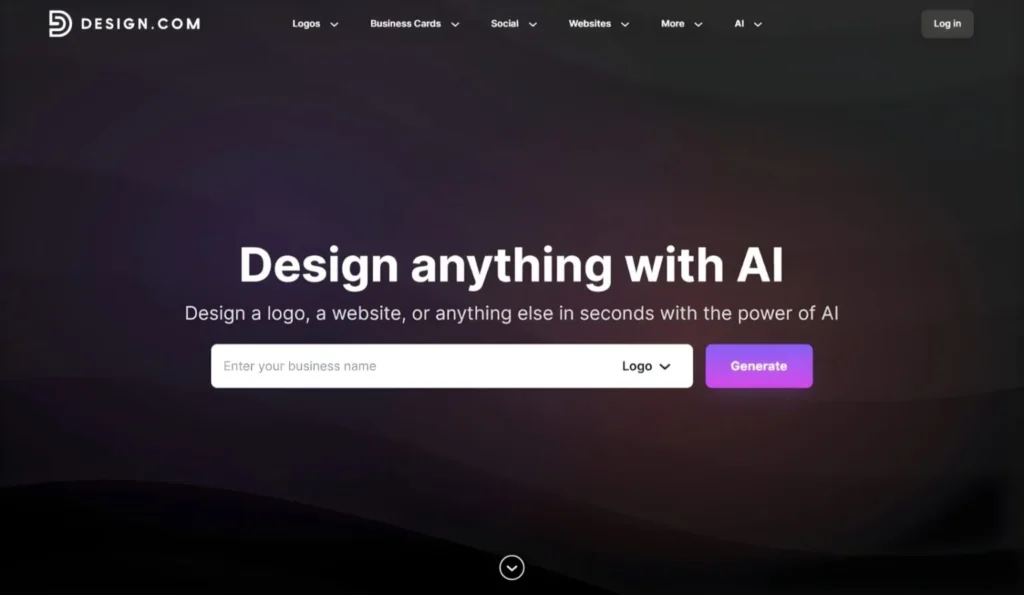
Overall rating: 9.3 / 10
Best for: Anyone who wants a polished site up fast
Design.com is the top pick across every criteria category we scored, and after hands-on testing, it is easy to understand why. The platform does not start you from a blank template. The AI website builder takes a business name or short description and produces multiple fully designed, ready-to-edit website variations in seconds. Layouts are built on over 3,000 professional designs with industry-specific structures applied automatically, so the output feels relevant rather than generic.
What sets Design.com apart from every other builder tested is the combination of AI quality and ecosystem depth. Brand synchronization automatically aligns the website visuals with any logo or brand identity created in Design.com’s broader suite.
Responsive design is built in across mobile, tablet, and desktop without any manual adjustment. One-click publishing gets the site live the moment it is ready. For a first-time site builder or a small business owner who needs a professional online presence fast, this is the clearest path from zero to published.
What stood out in testing
The following points reflect what actually differentiated Design.com from the other seven builders during hands-on testing across multiple site types.
- AI generated complete, multi-section site structures from a short prompt rather than just applying a color scheme to a blank template
- Multiple website variations were produced instantly, making it easy to shortlist before committing to an edit
- Brand synchronization carried logo colors and fonts into the site automatically, with no manual matching required
- Mobile responsiveness was built in with no extra steps, confirmed across phone and tablet
- Fastest time from sign-up to a shareable published URL across all 8 builders tested
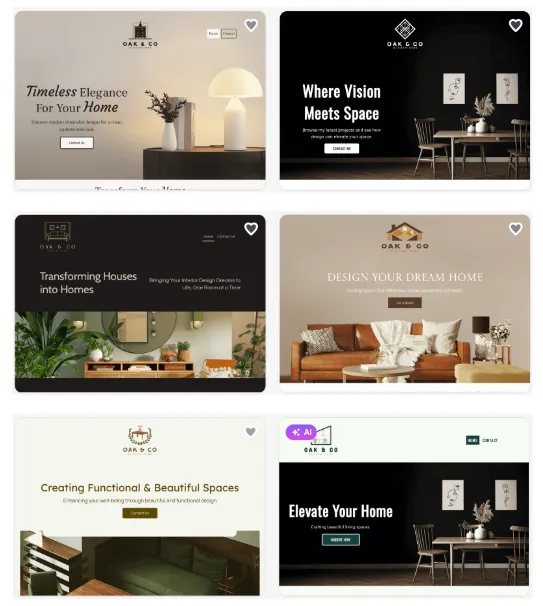
Below are some sample homepages built using the Design.com’s AI website generator This gives a real look at what the AI produces from a short business description:
Pricing
Another exciting thing about Design.com is that it offers a genuinely usable free tier that lets you generate and edit unlimited websites before publishing. The free plan supports up to three pages and includes a platform watermark.
Paid plans ($9/month for monthly plans and $6/month for annual plans) unlock full publishing, premium templates, the complete branding ecosystem, and all editor features.
Bottom line
Design.com is the strongest free AI website builder available in 2026. The AI does the structural thinking, the free plan is honest about what it includes, and the paid tier at $6 per month annually is among the most affordable unlocks in this category.
2. BrandCrowd
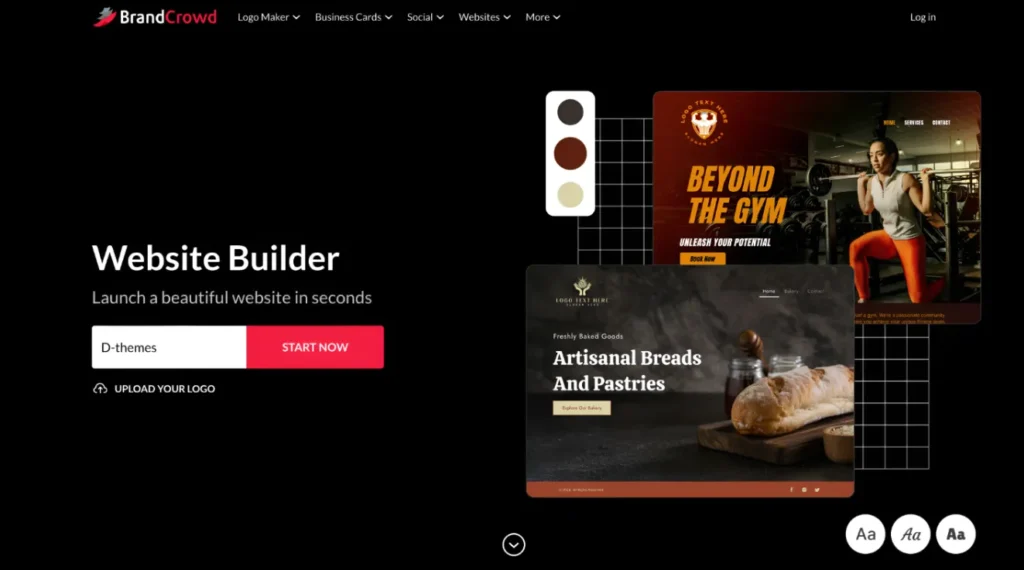
Overall rating: 8.4 / 10
Best for: Businesses building a brand identity and website together
BrandCrowd earns second place by solving a problem most builders never address. The website builder works alongside BrandCrowd’s logo maker and 50+ design tools as a unified brand creation workflow. Upload your logo or create one inside BrandCrowd, and those colors, fonts, and visual choices sync directly into your website layout.
The template library includes 3,000+ customizable layouts with industry-specific designs built for branding consistency. The editor is beginner-focused, with a guided workflow from branding to launch, supporting image galleries, video embedding, contact forms, email capture, social media links, and map integration, without requiring any technical skills.
For entrepreneurs, side hustlers, and small businesses launching a brand quickly, this is the most cohesive free workflow available.
What stood out in testing
These are the specific capabilities that set BrandCrowd apart from the rest of the field during hands-on testing.
- Logo-to-website brand sync worked automatically, no manual color or font matching needed
- Industry-specific layouts felt designed for the use case rather than adapted from a generic template
- Image gallery and media support handled uploads cleanly without workarounds
- Contact forms, email capture, and social link integration were all available on the free plan
- Mobile-optimized layouts required no extra configuration and held up well across device sizes
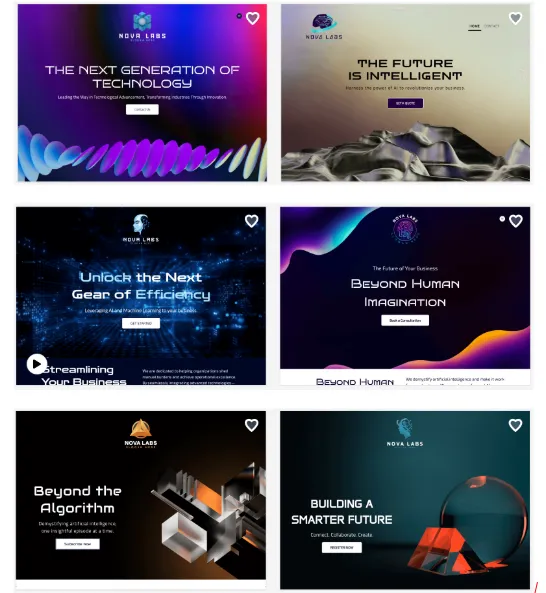
Below is are some sample homepages using BrandCrowd’s website builder. This shows how the brand identity from the logo carries into the website layout, including color palette and font choices applied across sections.
Pricing
BrandCrowd also offers a free plan that includes basic hosting and up to 3 pages with a platform watermark. The paid plan ($9/month for monthly plans and $6/month for annual plans) unlocks the full editor, unlimited pages, a custom domain, payment acceptance, and 24/7 support.
Bottom line
The strongest free option for any business where logo and website need to feel like one system. If brand consistency matters from day one, BrandCrowd makes it easier than anything else tested.
3. Wix
Overall rating: 7.6 / 10
Best for: Users who want maximum flexibility and can invest time
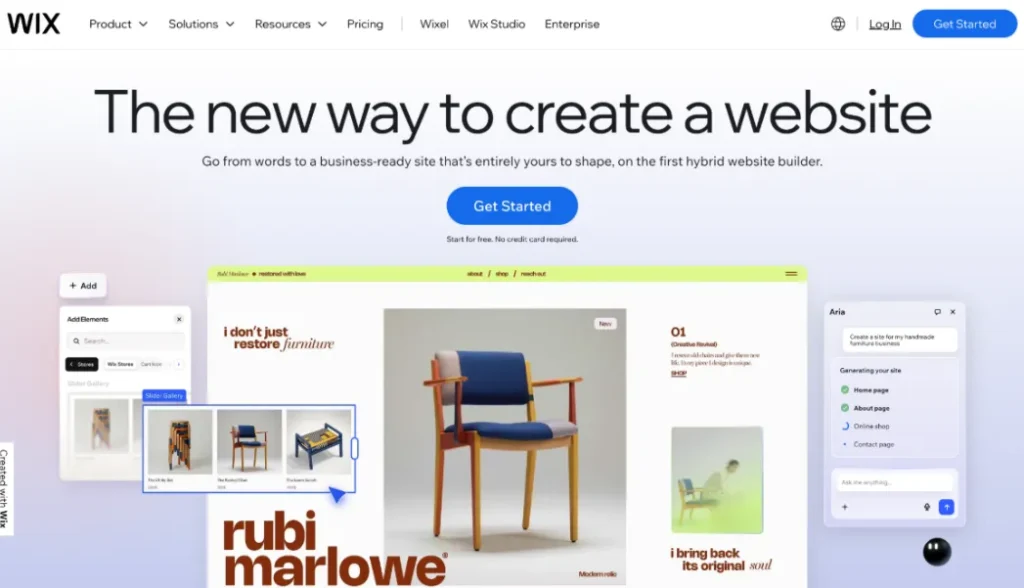
Wix offers the broadest feature set on a free plan of any builder tested, but that depth creates real friction for beginners. The template library is massive and the app marketplace adds booking systems, live chat, email capture, and Website Analytics Tools in minutes. The trade-off is that navigating settings takes patience, and the AI tools feel more like a feature layer than a core part of the workflow.
What stood out in testing
Here is what separated Wix from the rest of the field, both positively and negatively.
- Largest free-plan feature set of any builder tested, including app marketplace access
- Hundreds of templates with strong visual variety across categories
- AI tools have improved, but still feel added on rather than built into the core experience
- Settings panels are spread across multiple locations and simple tasks took longer than expected
- Free plan includes Wix branding on the published site
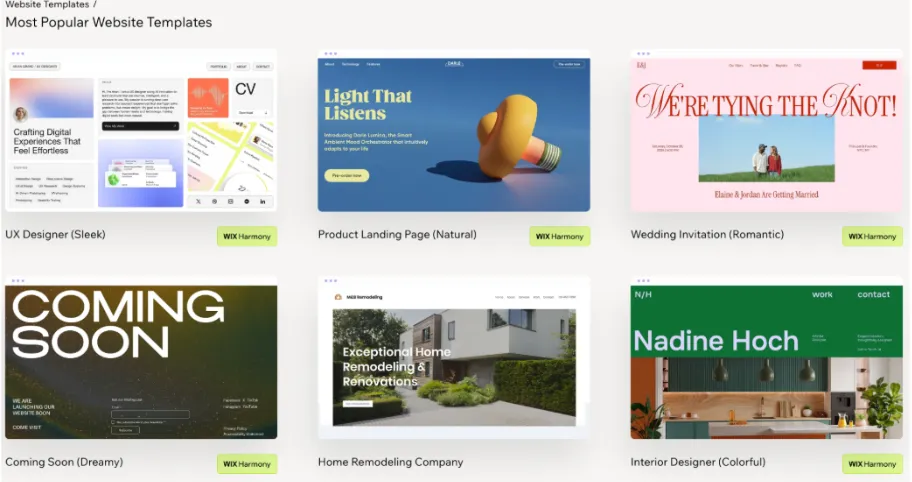
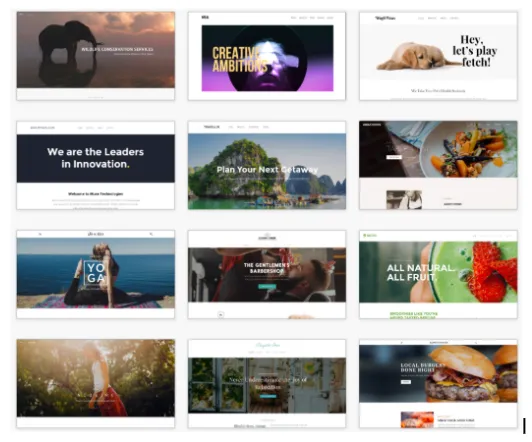
Below are some samples from Wix’s template gallery. This gives a sense of the visual variety and layout quality available before any customization is applied.
Pricing
- Free ($0) – Wix branding, limited storage, and bandwidth
- Paid plans (From $17/mo) – Custom domain, no branding, more storage
Bottom line
A solid long-term platform for users willing to learn it. Not the right starting point for anyone who needs a site to go live quickly without a learning curve.
4. Squarespace
Overall rating: 7.1 / 10
Best for: Design-focused users willing to move to a paid plan
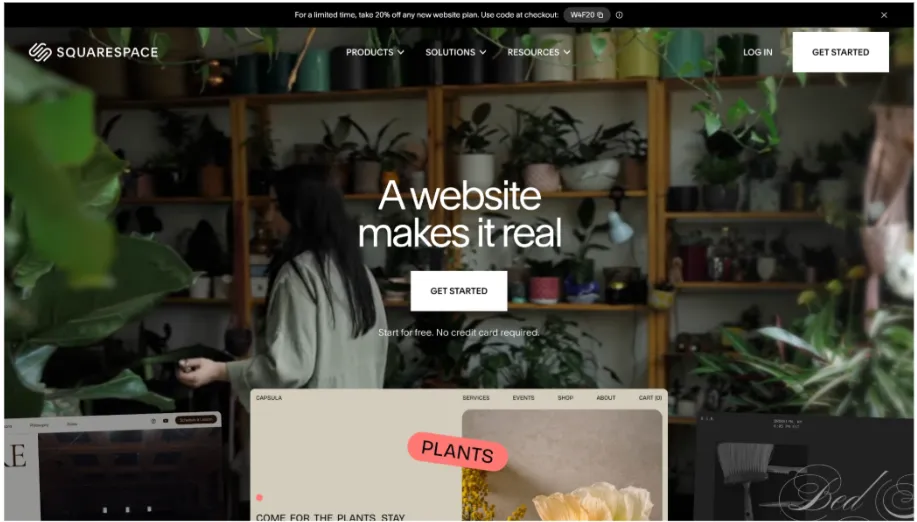
Squarespace produces the most visually refined output of any builder tested. Templates feel art-directed, the typography controls are best-in-class, and image handling is noticeably better than most of its competitors. If design quality were the only criterion, it would rank first. The catch is that the free plan is a 14-day trial. There is no ongoing free tier, and keeping a site live beyond the trial requires a paid subscription.
What stood out in testing
These points reflect the key findings from hands-on testing, including where the free plan’s limitations become a real factor.
- Highest design output quality of any builder tested, templates feel genuinely premium
- Best typography and image handling across all 8 platforms
- Free plan is a 14-day trial, not an ongoing free tier
- Publishing beyond the trial requires a paid plan, no exceptions
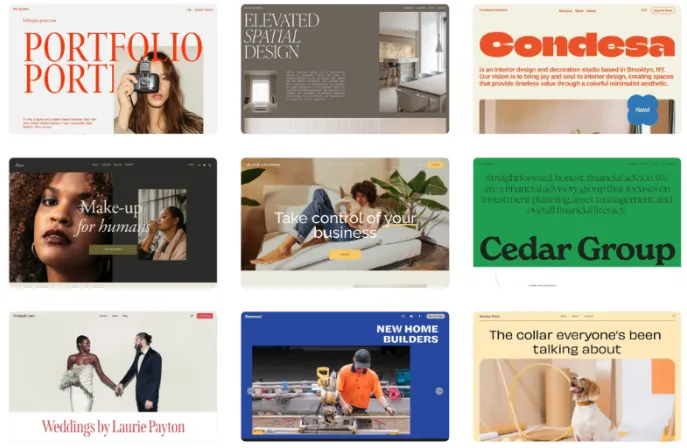
Below are some templates from Squarespace that shows the premium visual quality that puts it ahead of most competitors in design output alone.
Pricing
- Free (14-day trial) – Full access during trial, then payment required
- Paid plans (From $16/mo) – Required to keep site live after trial ends
Bottom line
Worth exploring if design quality is the top priority and a paid plan is already expected. Not the right tool for anyone who needs to stay on a free tier permanently.
5. WordPress.com
Overall rating: 6.3 / 10
Best for: Content-heavy sites and frequent publishers
WordPress.com is not built for quick launches. What it offers instead is the strongest content management foundation of any free builder tested. For anyone publishing regularly, managing a growing archive, or building a content-led brand over time, the structural depth here is unmatched at the free tier. The block editor has improved significantly and is now genuinely usable without technical knowledge.
What stood out in testing
The following highlights where WordPress.com excels and where the free plan experience falls short compared to the top platforms.
- Strongest CMS capabilities of any builder in this test, built for frequent content publishing
- Block editor is now accessible for non-technical users after years of improvement
- Steepest learning curve of any platform tested, especially for non-bloggers
- Free plan customization is noticeably limited and pushes users toward paid tiers sooner
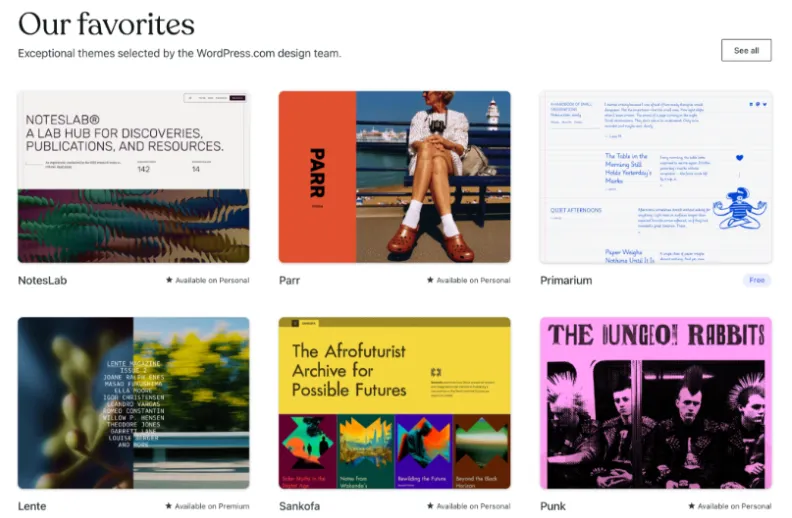
Below are some WordPress.com theme examples that showcase the content-first layout, which makes it well-suited for blogs and editorial sites.
Pricing
- Free ($0) – WordPress subdomain, limited customization
- Paid plans (From $4/mo) – Custom domain, more themes, no ads
Bottom line
The right pick for patient users who plan to publish frequently. Not the right starting point for anyone who needs a site to go live quickly.
6. Weebly
Overall Rating: 5.7 / 10
Best For: Extremely simple use cases with no design requirements
Weebly was one of the original easy website builders and that simplicity is still intact. Getting a basic page live is frictionless. The problem is that the platform has not kept pace with what 2026 expects. Templates look dated, AI features are essentially absent, and the design ceiling runs out quickly once you move beyond the basics.
What stood out in testing
Here is where Weebly delivered and where it fell short compared to the rest of the field.
- Drag-and-drop interface is intuitive with almost no learning curve
- The free plan has no time limit; the site stays published indefinitely
- Templates feel dated compared to every other platform tested
- No meaningful AI features present during testing
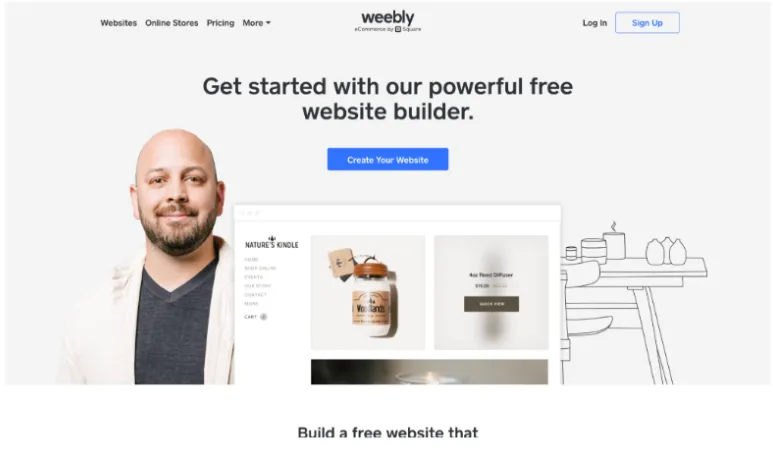
Below is an example Weebly template showcasing the platform’s straightforward layout style.
Pricing
- Free (14-day trial) – Weebly subdomain, platform branding on site
- Paid plans (From $16/mo) – Custom domain, removed branding, more storage
Bottom line
Functional for the most basic use cases, but hard to recommend over the top platforms in 2026.
7. SITE123
Overall Rating: 5.6 / 10
Best For: Getting something live as fast as possible
23 is built entirely around speed and delivers on that promise. Every design decision that could create friction has been made in advance. The setup requires almost no choices and a live URL is reachable faster than any other builder tested. Beyond that, however, the platform quickly runs into hard limits.
What stood out in testing
Speed is where SITE123 wins. Everything else is where the trade-offs become apparent.
- Fastest path from sign-up to a live published URL of any builder tested
- Setup requires almost no decisions, good for someone overwhelmed by options
- Design flexibility hits a wall quickly once you want anything custom
- SITE123 branding is prominent on the free plan
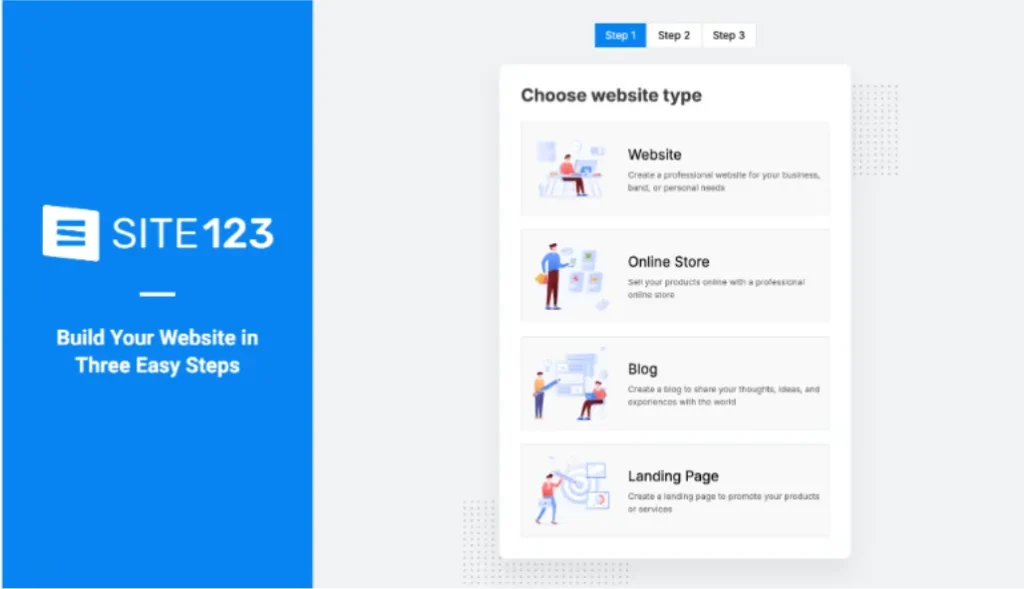
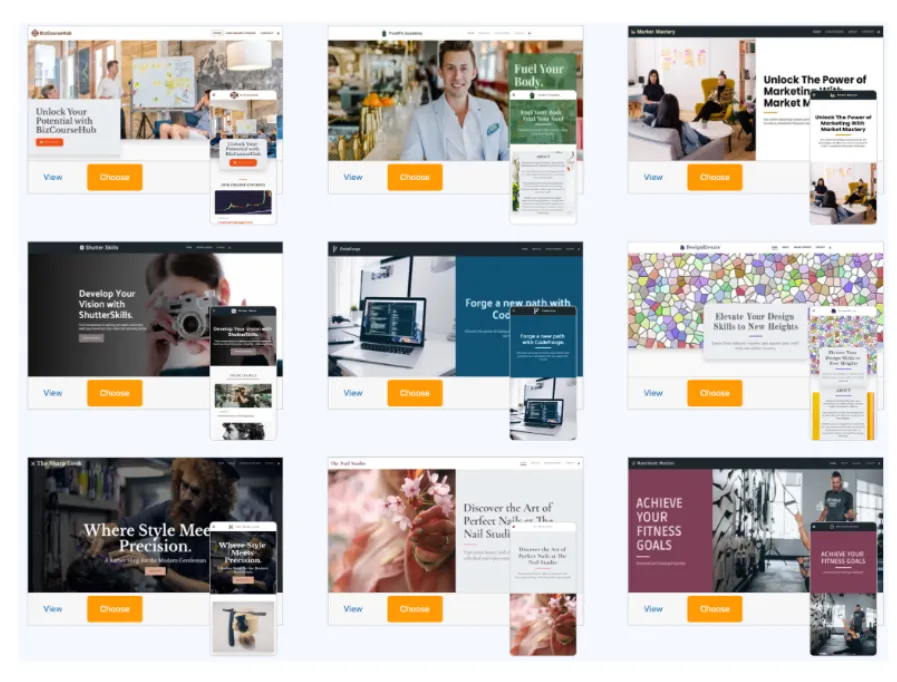
Below are some SITE123 templates that showcase the pre-structured layout style, which makes setup fast but limits creative flexibility.
Pricing
- Free ($0) – SITE123 subdomain, branding, limited storage
- Paid plans (From $12.80/mo) – Custom domain, removed branding, more storage
Bottom line
The right pick only if raw speed is the single requirement. For almost any other need, better options exist higher on this list.
8. Webnode
Overall Rating: 5.2 / 10
Best For: Sites launching in multiple languages from day one
Webnode finishes last on overall scoring but earns a meaningful distinction for one specific capability. It is the only free builder tested with native multilingual support built into the core product rather than added through a plugin or workaround. For any project that needs to exist in two or more languages from day one, no other platform in this list handles it as cleanly at the free tier.
What stood out in testing
These points cover both the clear strength Webnode brings and the limits that hold it back in general use.
- Native multilingual support is built into the core product, not a plugin or add-on
- Setting up a parallel site in a second language took under five minutes
- Most restrictive free plan storage and page limits of any builder tested
- Template quality and AI features are below the field in both areas
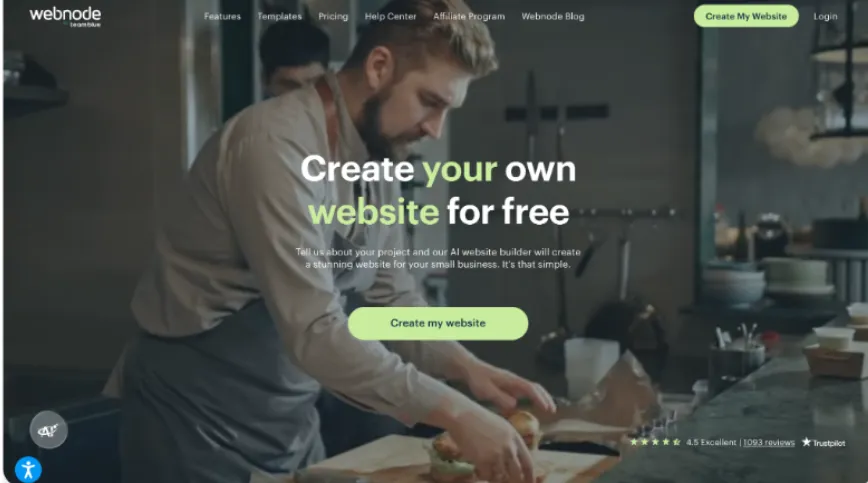
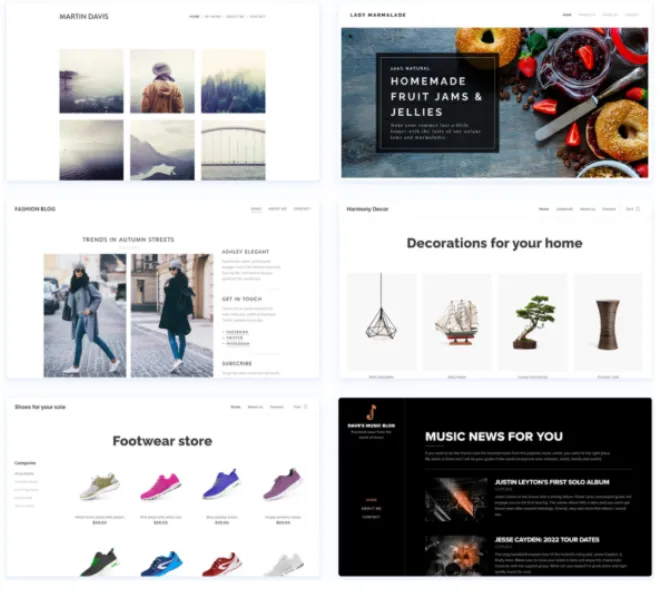
Below are some templates from Webnode. You can easily edit each template and change it to any language you want, highlighting the platform’s easy multilingual setup interface.
Pricing
- Free ($0) – Very limited storage, pages, and features
- Paid plans (From $3.90 /mo) – More pages, storage, and a custom domain
Bottom line
A niche pick for multilingual projects where native language support is a hard requirement. For everything else, look further up this list.
Surprising Things I Found Along the Way
A few things genuinely caught me off guard during this process and are worth discussing separately.
AI layout decisions are outpacing beginner instincts
The best AI builders in 2026 are not just fast. They are making structurally sounder decisions than most first-time builders would make manually. Section hierarchy, call-to-action placement, and content flow were consistently better in AI-generated outputs than in template-only approaches.
Free plans are more generous now
Storage limits are up, page counts are higher, and features that used to sit behind a paywall are now included at no cost on several platforms. The free tier in 2026 is meaningfully better than it was even two years ago.
Mobile editing is a big differentiator
The gap between website builders that offer mobile editing features and those that treat it as an afterthought is significant. If you manage your site from a phone even occasionally, test the mobile editor before committing to any platform.
Brand coherence
Platforms that automatically connect logo, colors, and fonts to the website layout removed one of the most time-consuming steps in building a professional-looking site. Most builders still leave that entirely to the user.
Final Thoughts
Free website builders in 2026 have narrowed the gap between a beginner with no tools and a published, professional-looking site to a degree that would have seemed unlikely just a few years ago. That is genuinely good news for anyone starting from scratch.
What this test made clear is that the difference between the top and bottom of this list is not mostly about features. It is about how well those features are integrated into an experience that is coherent, honest, and worth the time. Before committing to any platform, try building something real on your shortlist. That is the only test that matters, and this article exists to give you a shorter list to start from.
Author Bio:
Hannah Suroy suroy brings clarity to complex topics across entertainment, business, and creative industries. She specializes in translating industry trends and innovations into engaging content that helps readers understand the creative process behind the work they love.