Scriptwriting should be about ideas, not fighting with formatting or paying for expensive software. Many professional scriptwriting tools cost anywhere between ₹1,500 and ₹20,000 per year, which isn’t always practical for beginners, students, or independent creators. The good news is that you don’t need a paid tool to write a clean, professional script.
Several free script writing software options offer industry-standard formatting, easy workflows, and even collaboration features. From short films and web series to YouTube scripts and branded content, these tools help writers focus on storytelling rather than technical hurdles.
In this blog, you will find the best free scriptwriting tools, explained in detail to help you choose the right one based on your writing style and project needs, without spending a single rupee.
Why Free Script Writing Software Matters Today
The last decade saw an explosion in video content, YouTube, OTT platforms, indie creators, brand storytelling, and short-form video. This growth created massive demand for screenwriters and a whole new wave of digital tools.
Here’s why free script writing software is more relevant than ever:
- Not all writers start with a budget for premium tools.
- Industry-standard formatting is essential, but paying yearly subscriptions isn’t.
- Collaborative writing for films, podcasts, and video content is increasing.
- Cloud-based tools allow writing from anywhere—phone, tab, or laptop.
- AI-assisted story development is now accessible in free plans.
Free writing tools stand at the intersection of tech and creativity—they remove barriers, making storytelling open to anyone with a strong idea, with the support of AI writing tools.
List of 15 Best Free Script Writing Software
1. WriterDuet

WriterDuet is one of the most loved tools among filmmakers, screenwriters, and TV writers because of its clean workflow and collaborative approach. The free version gives writers access to real-time co-writing features, cloud syncing, and auto-formatting that instantly puts your script in industry-standard shape. It is designed to reduce clutter and keep your workspace minimal so you can focus completely on storytelling. With its ability to tag scenes, manage drafts, and integrate templates, it feels surprisingly premium even without upgrading. Writers working in pairs or teams find it especially helpful due to its smooth collaboration engine.
Key Features
- Industry-standard screenplay formatting
- Real-time collaboration with up to 3 projects free
- Cloud syncing and auto-save
- Outlining tools, tags, and custom templates
- Supports PDF, TXT, and FDX exports
Why It Stands Out
WriterDuet offers premium-level collaboration tools in its free tier, making it ideal for partners or writing teams.
2. Celtx Free Version

Celtx has been around for years and continues to be a popular choice among indie creators, filmmakers, and student writers. The free version allows you to write scripts in professional formats and gives access to smart auto-formatting tools that ensure clean structure. Its cloud-based system makes it convenient to start a project on one device and continue it elsewhere seamlessly. Although the free plan is basic, it still supports essential scriptwriting functions and includes a clean, user-friendly interface. Celtx keeps the scripting experience simple yet polished for anyone new to the craft.
Key Features
- Script writing templates
- Auto-formatting tools
- Cloud-based writing
- Mobile-friendly interface
- Basic storyboarding tools
Why It Stands Out
Perfect for beginners who want a smooth interface and guaranteed formatting accuracy.
3. Trelby (Open-Source Software)
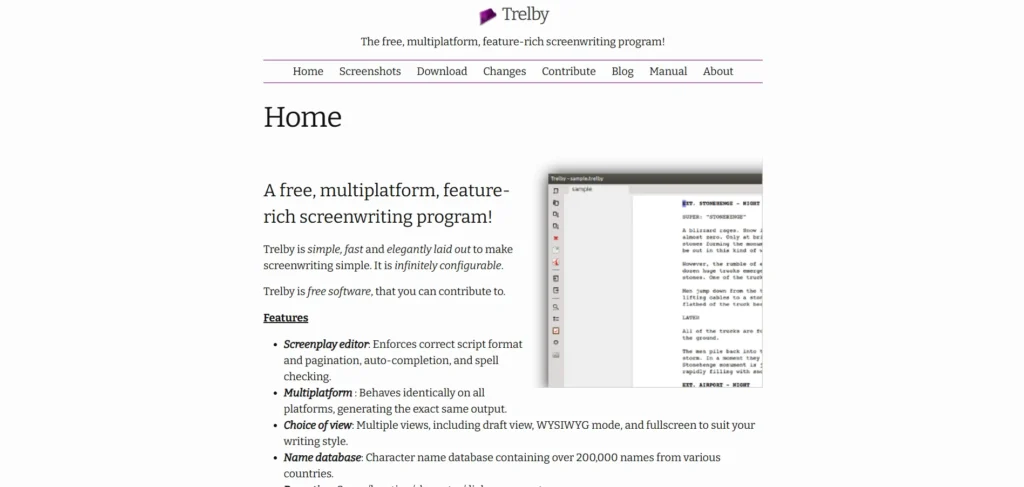
Trelby is an entirely free, open-source screenwriting tool loved for its speed and reliability. Since it runs offline, writers can work distraction-free without worrying about internet issues or cloud security. Its reporting features help analyze characters, dialogues, and scenes for better structure. Trelby is extremely lightweight, which makes it perfect for old or low-spec machines while still delivering professional results. Its no-frills interface focuses purely on the writing experience and screenplay formatting.
Key Features
- Lightning-fast performance
- Scene, character, and dialogue reports
- Full-screen distraction-free mode
- Exports to PDF, Final Draft (.fdx), Fountain, and more
- Unlimited scripts and offline access
Why It Stands Out
Completely free and open-source, ideal for writers who prefer traditional, offline tools with no cost.
4. Arc Studio Free Plan
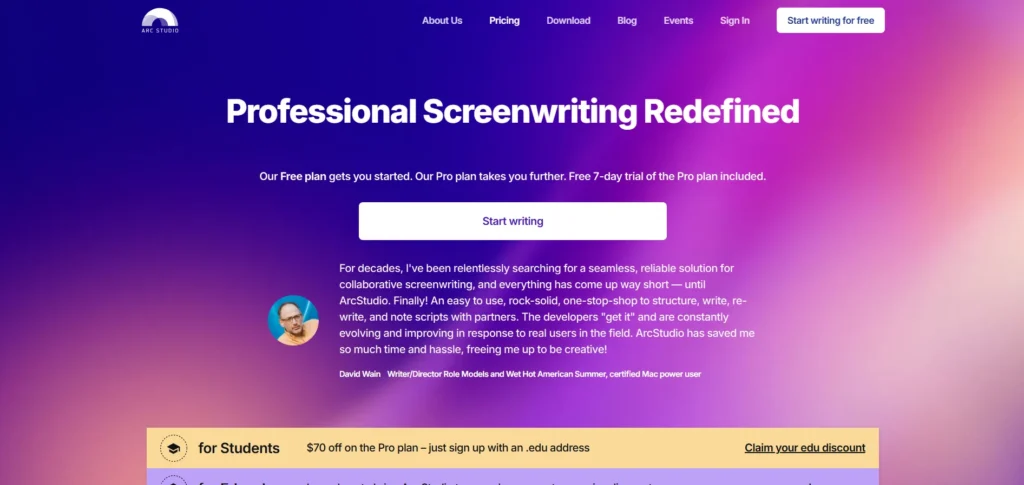
Arc Studio is a modern, beautifully designed script writing software used by several high-end productions. Even in the free version, it offers automatic formatting, cloud syncing, and a stylish writing interface that reduces cognitive load. Its plot board helps writers visualize beats and story progression with ease. The free version limits the number of projects but still delivers professional quality output. With distraction-free mode and clean design, it is perfect for writers who want clarity and simplicity in their workspace.
Key Features
- Clean, modern UI
- Automatic industry-formatting
- Plot board and beat structure tools
- Cloud-syncing and version history
- Limited projects in free plan
Why It Stands Out
It has one of the best writing interfaces—clean, fast, and creatively inspiring.
5. StudioBinder (Free Screenwriting Tool)
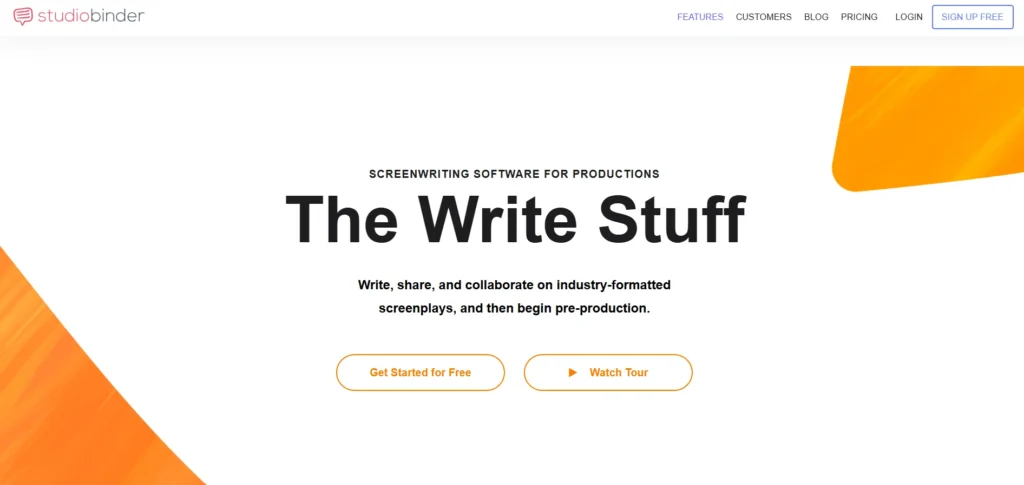
StudioBinder is known for production management, but their free script writing software is surprisingly powerful. The editor is sleek and responsive, designed for filmmakers who want to move from writing to production effortlessly. Its drag-and-drop scene arrangement makes restructuring much simpler. The cloud-based platform offers secure backups and easy access from anywhere. For creators planning full productions, StudioBinder becomes a multi-stage workflow solution.
Key Features
- Clean UI for writing and editing
- Drag-and-drop scene arrangement
- Automatic formatting
- Cloud backup solutions
- Smooth integration with production tools
Why It Stands Out
Perfect for filmmakers looking to go beyond writing and into scheduling, call sheets, and production planning.
6. Final Draft Reader + Free Alternatives
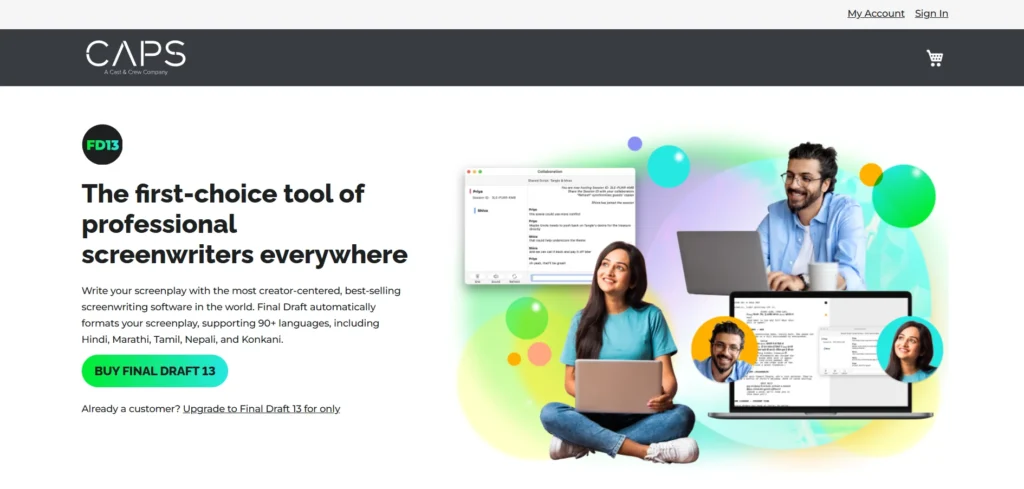
Final Draft is the industry standard for many professionals, and its reader app offers writers a free way to review FDX files. It allows users to annotate scripts, add comments, and comfortably read drafts on mobile devices. This is incredibly helpful when collaborating with writers using Final Draft. Although limited compared to the full version, the reader bridges the gap for those who cannot afford the software yet. It’s a convenient companion tool for script review.
Key Features
- Free FDX script reading
- Perfect for reviewing scripts on mobile
- Comments and notes feature
Why It Stands Out
Offers access to the Final Draft environment without paying for the main software.
7. KIT Scenarist
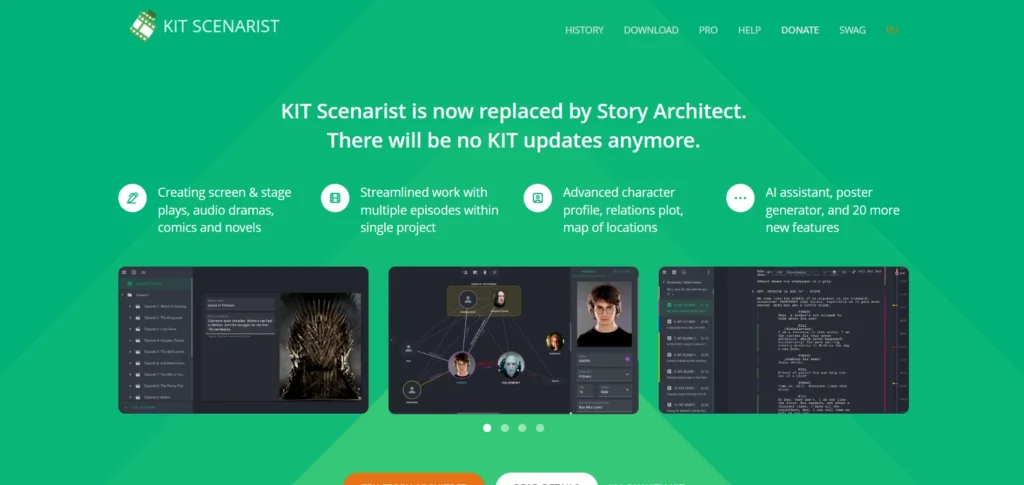
KIT Scenarist is a powerful writing suite designed for long-form screenplays, TV series, and documentaries. It includes tools for research, world-building, and character analysis, which help in building complex narratives. The interface is intuitive, with multiple sections for managing scenes, notes, and reference materials. Its analytics feature gives detailed insights into script structure and character presence. Since it’s available offline too, it becomes a reliable companion for writers who travel or prefer isolated writing sessions.
Key Features
- Researching and planning tools
- Detailed character development interface
- Scene cards
- Analytics and statistics
- Free offline desktop version
Why It Stands Out
Its research and development tools make it ideal for large, intricate storytelling projects.
8. Squibler
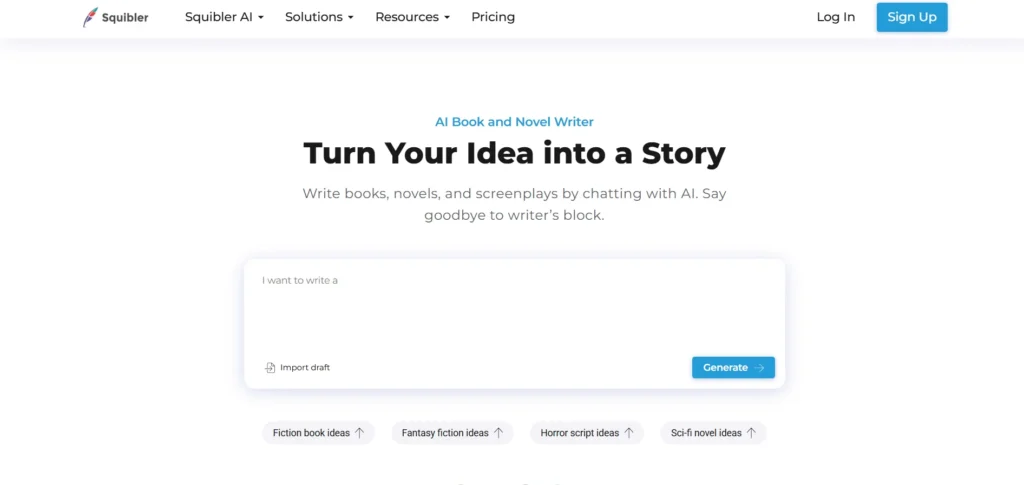
Squibler focuses on helping writers organize ideas, structure narratives, and write cleanly formatted scripts. As a script writing software, its interface is modern and easy to navigate, offering templates for screenplays, novels, and other writing formats. Its drag-and-drop structure makes rearranging scenes effortless. With cloud syncing, your work stays accessible across devices. The free plan has limitations but still includes essential writing features that support beginners and intermediate writers.
Key Features
- Screenplay templates
- Drag-and-drop story structure
- Character development modules
- Cloud syncing
- Free basic plan
Why It Stands Out
Great for plot-driven writers who rely on structure and visual organization.
9. JotterPad (Android & iOS)

JotterPad is a favorite among mobile writers because of its clean, distraction-free layout and support for Fountain formatting. It allows users to create scripts on phones or tablets effortlessly, making it perfect for on-the-go writing. With cloud syncing features, writers can jump between mobile and desktop seamlessly. It also supports markdown, making it versatile for different types of writing. Whether you’re drafting scenes on a bus ride or polishing dialogue late at night, JotterPad keeps your workflow smooth.
Key Features
- Minimal, distraction-free UI
- Fountain script support
- Cloud backup
- Markdown and screenplay formatting
- Offline mode
Why It Stands Out
One of the best free mobile-friendly writing apps for screenwriters.
10. Script Studio
Script Studio provides writers with powerful tools like character profilers, plot breakdowns, and script analysis features. The free trial/limited version allows users to explore these tools, though with restricted saving or exporting functionalities. It’s perfect for writers who want to test out advanced writing features before investing. The interface feels professional and is tailored for serious screenwriters. Even with limitations, it gives a good taste of structured, high-level script development.
Key Features
- Industry-ready formatting
- Character profiler
- Plot organization tools
- Script analysis features
- Desktop-friendly interface
Why It Stands Out
Useful for early-stage writers exploring advanced features without paying upfront.
11. Writer – The Online Fountain Editor
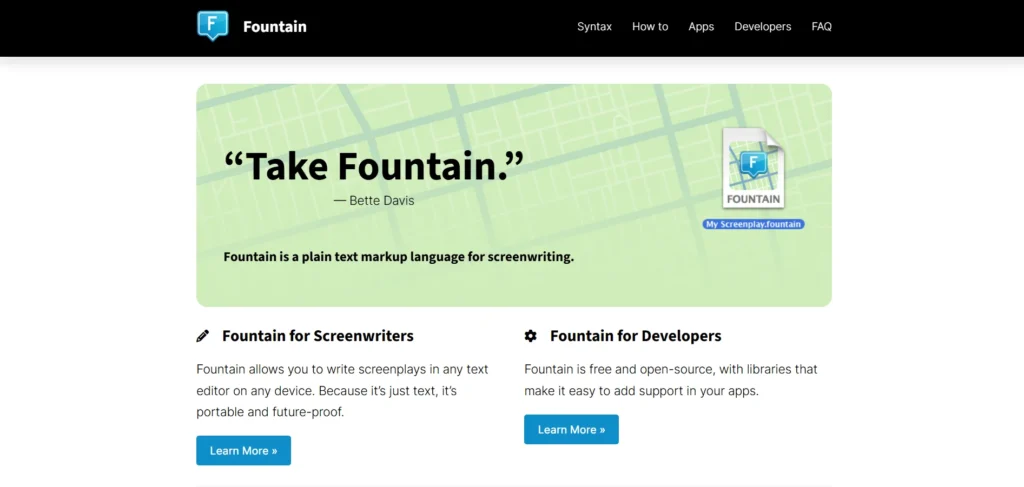
Writer is a simple, browser-based script writing software that supports Fountain, a lightweight screenplay markup language. It requires no signup, making it convenient for fast drafts or last-minute edits. The auto-formatting ensures proper script layout while typing. Its live preview feature lets writers see how their script will appear in final form instantly. Since it runs on any device, it removes all hardware or operating system limitations.
Key Features
- No login required
- Instant auto-formatting
- Live preview
- Export to PDF and HTML
- Runs on any device
Why It Stands Out
Fastest way to draft scripts without installing software.
12. Highland 2
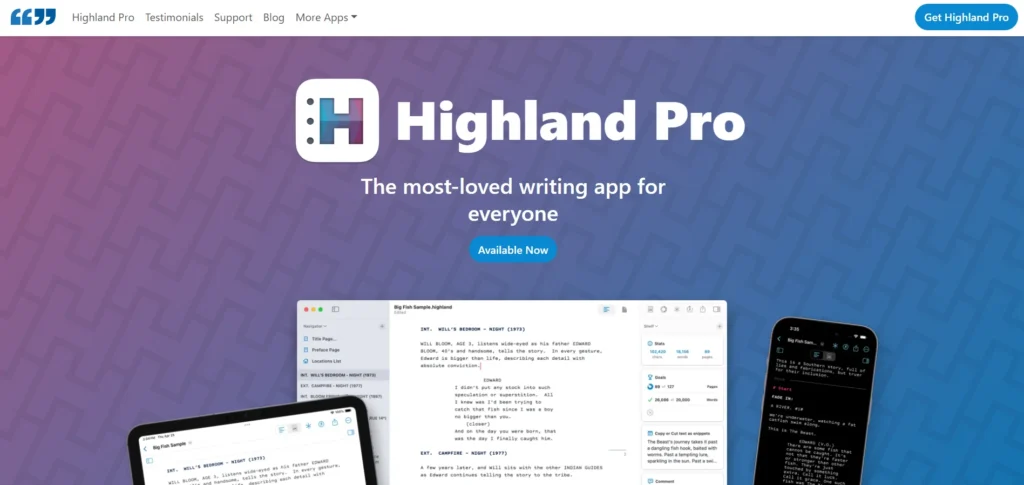
Highland 2 is a minimalistic yet powerful writing app for macOS designed to help writers focus entirely on text. It offers professional screenplay formatting, revision tools, and an elegant writing environment. Its focus mode eliminates distractions, ensuring a smoother writing process. The free version includes generous features, making it one of the strongest options for Mac users. Exporting to FDX and PDF is seamless and professional.
Key Features
- Clean editor with auto-formatting
- Focus mode & revision history
- Export to FDX, PDF, or Fountain
- Syntax highlighting
- Includes templates
Why It Stands Out
Perfect for Mac writers who want a premium writing experience without paying upfront.
13. Scrite (Windows, macOS, Linux)
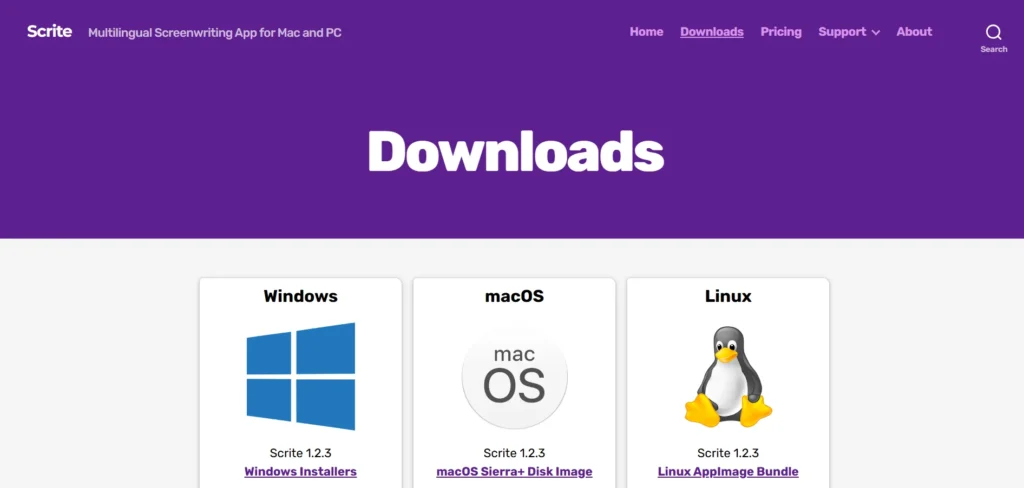
Scrite is an Indian-made screenwriting tool gaining popularity for its unique visual approach to storytelling. It offers timeline-based character tracking, scene cards, and graph-based story visualization. Writers who think in diagrams, episodes, and structural blocks find Scrite incredibly intuitive. It also supports conventional screenplay formatting for standard scriptwork. Completely free to use, it’s quickly becoming a go-to tool for short film and regional cinema writers.
Key Features
- Character & timeline management
- Scene cards
- Story graph visualization
- Screenplay format
- Free desktop version
Why It Stands Out
A powerful visual tool ideal for writers who love mapping story arcs clearly.
14. Bibisco
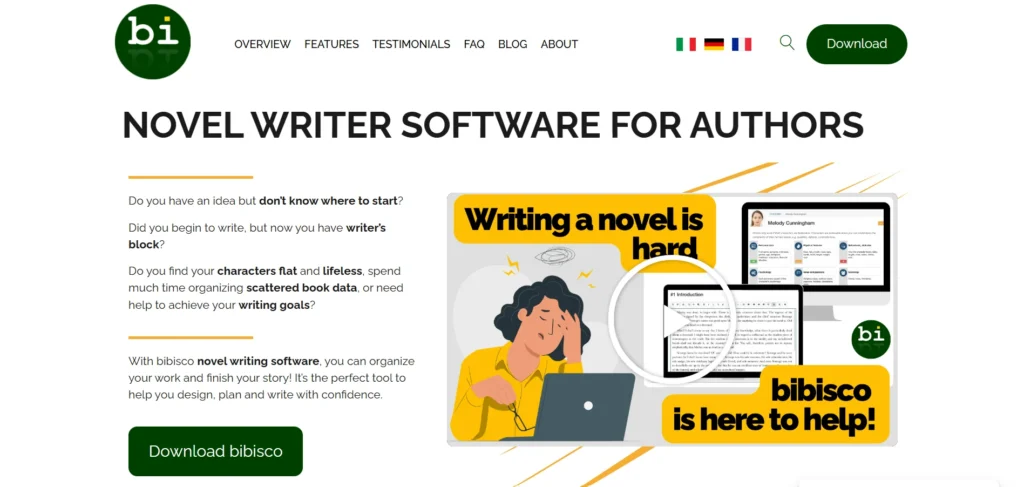
Bibisco is highly valued by writers who focus deeply on character development and world-building. The community edition is free and includes tools for managing scenes, analyzing structure, and organizing character profiles, making it a useful script writing software for structured storytelling. It helps writers understand motivations, relationships, and story evolution in detail. Its analytics give writers insight into character presence across chapters or scenes. Though aimed more at novelists, scriptwriters also benefit from its organization capabilities.
Key Features
- Character development tools
- Chapter and scene management
- Story analysis statistics
- Drag-and-drop organization
- Free community version
Why It Stands Out
Great for writers who start with characters and build stories outward.
15. Google Docs
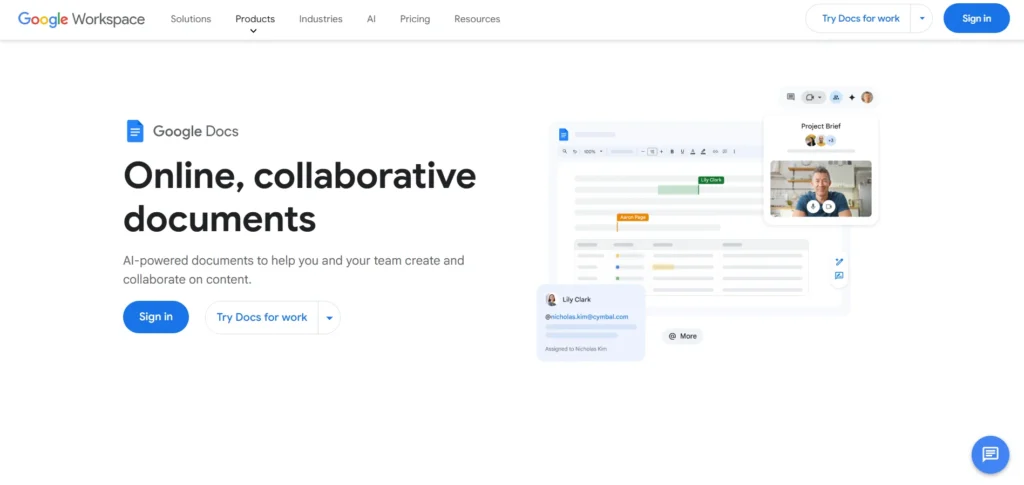
Google Docs is universally accessible and incredibly flexible with free screenplay templates and add-ons like Fountainize. Its real-time collaboration is unmatched, making it ideal for writers working with teams, producers, directors, or editors. Cloud syncing means scripts are always backed up and available across devices. While not a traditional screenwriting tool, Docs becomes surprisingly powerful with formatting plugins. It’s familiar, free, and excellent for drafting, editing, and sharing scripts quickly.
Key Features
- Real-time collaboration
- Cloud syncing
- Screenplay templates
- Add-ons like “Fountainize”
- Easy sharing
Why It Stands Out
Universally accessible and unbeatable for co-writing and live editing.
Comparison Table: Best Free Script Writing Software
| Tool | Best For | Offline Use | Collaboration | Export Options |
| WriterDuet | Team writing | No | Yes | PDF, FDX |
| Celtx | Beginners | No | Yes | |
| Trelby | Offline writing | Yes | No | PDF, FDX |
| Arc Studio | Professionals | Limited | Yes | |
| StudioBinder | Film production | No | Yes | |
| KIT Scenarist | Long projects | Yes | No | Many formats |
| Highland 2 | Mac writers | Yes | No | PDF, FDX |
| Scrite | Visual storytellers | Yes | No | |
| Google Docs | Collaborators | Yes | Yes | Many |
| Final Draft Reader | Reviewing & annotating scripts | Yes/No | Yes | FDX |
| Squibler | Plot-driven writing | Yes | Limited | |
| JotterPad | Mobile writing | Yes | Limited | PDF, TXT |
| Script Studio | Advanced script development | Yes | Limited | PDF, FDX |
| Writer – Online Fountain Editor | Fast browser-based drafting | No | Limited | PDF, HTML |
| Bibisco | Character-focused storytelling | Yes | Limited |
Benefits of Using Free Script Writing Software
- Saves money during early career development
- Ensures professional formatting
- Helps you stay organized
- Offers templates to speed up writing
- Supports portfolio building and submissions
- Encourages collaboration
- Eliminates manual formatting errors
Free tools help writers focus more on creativity and less on fighting with margins, tabs, and structure.
Are Free Scriptwriting Tools Enough for Professional Work?
Absolutely—thousands of indie filmmakers, YouTubers, and screenwriters use free tools to create professional scripts.
But here’s the catch:
- Free plans may restrict export formats
- Some tools cap the number of scripts
- Offline access may be limited
- Collaboration options vary
Still, a well-written script is about story, not software. If you’re disciplined, you can write an award-winning screenplay on a free tool.
Final Thoughts
You don’t need a premium subscription worth ₹5,000–₹20,000 a year just to begin writing professionally. Free script writing software today is powerful, user-friendly, and designed to help writers at every level—from students to indie creators to full-time screenwriters.
Whether you’re writing your first 5-page short film or a full-length series script, podcast editing software and similar audio tools can also help you refine voiceovers, dialogues, and narration for your project, these free tools give you everything you need to format, structure, and organize your story like a pro.
Pick the tool that feels most natural, start typing, and let your characters take over. Great scripts don’t start with big budgets—they start with a blank page and an idea worth chasing.
FAQs
1. What is The Best Free Scriptwriting Software for Beginners?
Celtx, WriterDuet, and Trelby are the most beginner-friendly options with simple interfaces and auto-formatting.
2. Can Free Scriptwriting Tools be Used Professionally?
Yes. Tools like WriterDuet, Arc Studio, and Highland 2 offer industry-standard formatting suitable for professional scripts.
3. Which Free Tool Works Best for Collaboration?
WriterDuet and Google Docs are ideal for real-time co-writing and team reviews.
4. Are there Free Scriptwriting Tools That Work Offline?
Yes, Trelby, Scrite, Highland 2, and KIT Scenarist support offline writing.
5. Which Free Tool is Best for Mobile Writing?
JotterPad is the top choice for writing scripts on Android or iOS devices.