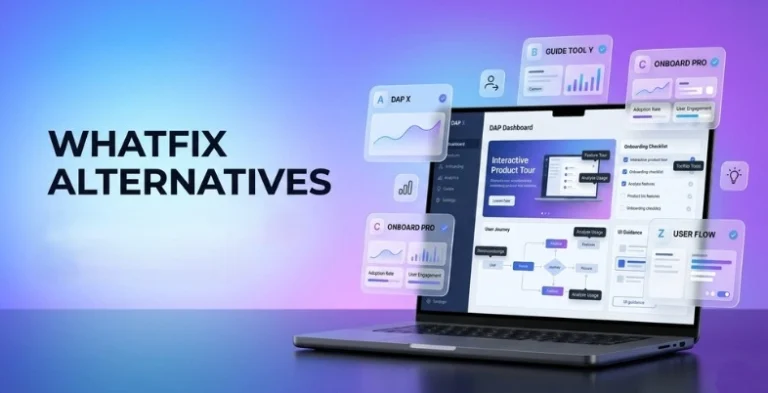
Let’s be real no one sticks with a tool just because they signed up for it once. If you’ve landed here, chances are Whatfix isn’t ticking all the boxes for you anymore. Maybe it feels too expensive, too complex, or just not the right fit for your team’s workflow. And that’s completely okay because the world of digital adoption tools has evolved a lot. Today, there are smarter, more flexible, and often more affordable alternatives that can help you onboard users faster, guide them better, and actually improve product adoption without the headache. In this guide, we’re not just throwing random names at you.
We’ll walk you through the best Whatfix Alternatives, what makes each one stand out, and which one might actually suit your needs whether you’re a startup, a growing SaaS company, or part of a large enterprise. Let’s find the tool that actually works for you, not the other way around.
What Is Whatfix?
Whatfix is a Digital Adoption Platform (DAP) that helps businesses guide users while they use a software application or website. It provides step-by-step interactive walkthroughs, tooltips, pop-ups, and in-app training to make the software easier to understand. Whatfix is mainly used to improve user onboarding, reduce learning time, and help employees or customers complete tasks without needing extra support. It is commonly used in companies to train users on complex tools like CRM , ERP, HR systems, and other business software, making overall productivity and user experience better.
Key Features Of Whatfix
- Contextual In-App Guidance: Whatfix provides real-time, step-by-step interactive walkthroughs and “Smart Tips” that appear exactly when a user needs them. This “learning by doing” approach helps employees or customers complete complex tasks without leaving the application.
- Whatfix Mirror (Application Simulation): One of its standout features is the ability to create high-fidelity, simulated sandbox environments. This allows users to practice workflows in a risk-free “mirror” of the production app, ensuring they are proficient before handling live data.
- No-Code Content Authoring with AI: The platform features a no-code editor that allows non-technical users to create and update guidance content easily. It increasingly leverages Agentic AI to automate content creation, localize languages, and maintain guides even when the underlying software UI changes.
- Self-Help Knowledge Aggregation: Whatfix acts as a unified support hub by aggregating existing help content—like PDFs, videos, and knowledge base articles—into an in-app widget. Users can search for answers and view them within the app, significantly reducing support ticket volume.
- Advanced Adoption Analytics: The platform tracks how users interact with software to identify friction points and drop-offs. These insights allow organizations to measure the ROI of their digital investments and make data-driven decisions to optimize user workflows.
Why People Look For Whatfix Alternatives
- Pricing expensive: Whatfix follows an opaque, quote-based pricing model that typically starts around $24,000 to $30,000 per year. For many organizations, the high entry cost and “per-user” scaling make it difficult to justify, especially when competitors offer transparent, lower-cost tiers.
- Setup complex: The initial implementation is often described as time-consuming and technically demanding. Users frequently report a steep learning curve, noting that creating and maintaining “flows” can take significant manual effort (30–60 minutes per flow) and often requires dedicated “Digital Adoption” specialists.
- Limited Customization: While it offers templates, users often find the styling options restrictive. Achieving a native look and feel that perfectly matches a company’s unique UI can be difficult without advanced CSS knowledge, leading some to seek “lighter” tools that offer more flexible, out-of-the-box design control.
- Better analytics needed: Although Whatfix has a “Track” and “Analyze” phase, some users find its native reporting lacks depth compared to specialized tools like WalkMe or Pendo. Companies often look for alternatives that provide deeper behavioral insights, such as detailed user path mapping and more robust funnel analysis using SaaS analytics tools.
- Small business ke liye heavy tool: It is fundamentally built for large-scale enterprises with 500+ employees. For startups and small businesses, the platform feels over-engineered; they often prefer “plug-and-play” alternatives (like Userpilot or Appcues) that are easier to manage without a large IT or L&D team.
Comparison Table
| Tool Name | Best For | Ease of Use | Pricing | Free Plan |
| Userpilot | Mid-market SaaS Growth | High | Starts $299/mo | No |
| Appcues | Design-conscious teams | High | Custom | No |
| Pendo | Enterprise Analytics | Medium | Custom | Yes (up to 500 MAU) |
| WalkMe | Fortune 500 Enterprises | Low | Custom only | No |
| HelpHero | Simple Startup Tours | Very High | Starts $55/mo | No (Free Trial) |
| Chameleo n | Custom native-feel UI | Medium | Starts $279/mo | Yes (Limited) |
| Stonly | Branching Support Paths | High | Custom | Yes (Limited) |
| Spekit | Sales/Internal Training | High | Custom | No |
| UserGuidin g | High-growth Startups | Very High | Starts $174/mo | Yes |
| Gainsight PX | Customer Success | Medium | Custom | No |
| Usetiful | GDPR/Privacy Focus | High | Starts $34.09/mo | Yes |
| Userlane | Employee Training | High | Custom | No |
| Helppier | Visual Template Variety | High | Starts $49/mo | No (Free Trial) |
| Userflow | Fast, Logical Building | Very High | Starts $240/mo | No (Free Trial) |
| Apty | Data Quality/Complianc e | Medium | Custom | No |
List Of Top 15 Whatfix Alternatives
1. Userpilot
Website Link: userpilot.com
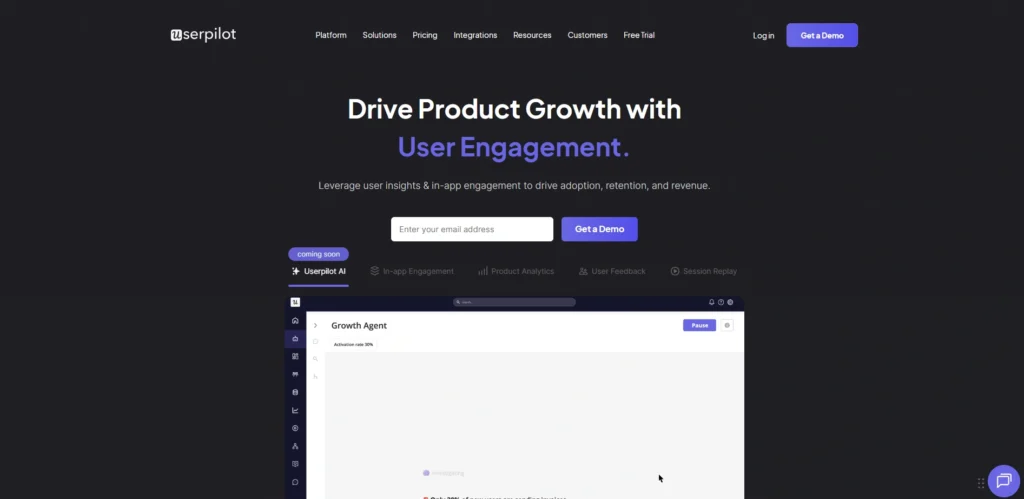
Userpilot is a robust product experience platform designed to help SaaS teams increase user activation and feature adoption without writing code. It excels at delivering contextually relevant in-app experiences based on real-time user behavior. Unlike enterprise-heavy tools, Userpilot focuses on the Product-Led Growth model, making it one of the top whatfix alternatives, offering advanced segmentation and A/B testing even in its lower tiers.
It allows teams to build complex flows, checklists, and resource centers that feel native to their application. With its AI-driven writing assistant and localization features, it’s a favorite for rapidly scaling software companies that need agility and deep behavioral insights.
Best For: Product-led SaaS growth and mid-market user onboarding.
Key Features:
- Behavior-Based Triggers: Launch guides based on specific clicks, hovers, or event patterns.
- Interactive Checklists: Gamify onboarding with progress bars that drive users toward “Aha!” moments.
- No-Code Styling: Fully customize UI patterns (modals, tooltips, slide-outs) to match your brand.
- NPS & Microsurveys: Collect qualitative feedback directly within the app experience.
Pros:
- Superior UI customization without needing CSS.
- Highly granular user segmentation for targeted messaging.
Cons:
- Limited to web-based applications (no mobile app support).
- The “Growth” plan is a significant price jump from the “Starter” tier.
- Very fast implementation and time-to-value.
Pricing:
| Starter | Growth | Enterprise |
| $299/mo | AVailable on request | Available on request |
2. Appcues
Website Link: appcues.com
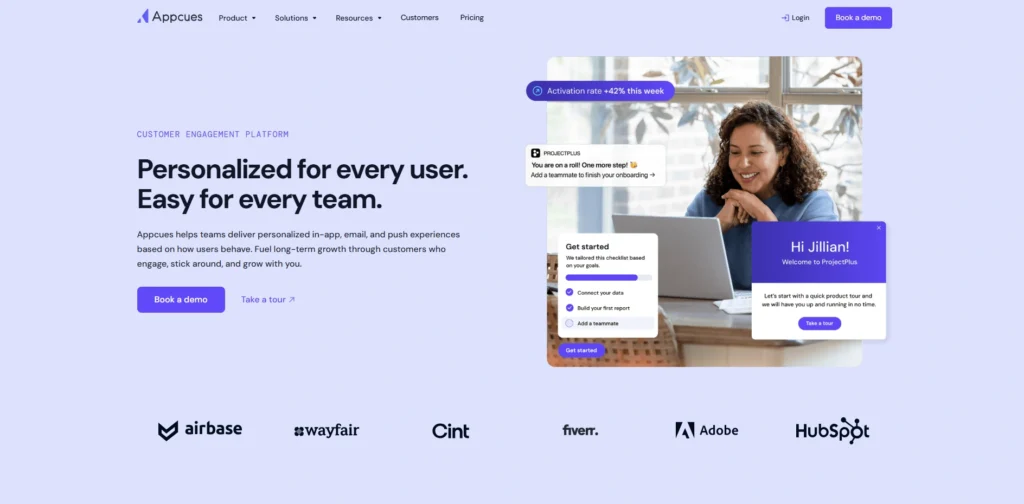
As a pioneer in the DAP space, Appcues is known for its exceptionally user-friendly builder and beautiful design templates. It is built for teams that want to create polished onboarding flows, feature announcements, and NPS surveys in minutes. Appcues focuses on the “Experience” layer, providing a Chrome extension that lets you “draw” your guides directly onto your site.
It is particularly strong at measuring the impact of these experiences through its Goals feature, which tracks whether a user completed a specific task after seeing a guide. It integrates seamlessly with the modern data stack like Segment and Amplitude.
Best For: Marketing and Product teams focusing on ease of use and design.
Key Features:
- The Builder (Chrome Extension): Point-and-click interface to create flows directly on your live product.
- Flow Prioritization: Ensure users aren’t overwhelmed by managing which guides appear first.
- Event-Based Targeting: Target users based on their historical data or current session behavior.
- Mobile App Support: Offers tools for both Web and Mobile (iOS/Android) apps.
Pros:
- Best-in-class user interface for non-technical creators.
- Strong ecosystem of third-party integrations.
- Native mobile support for cross-platform adoption.
Cons:
- Analytics can feel basic compared to data-heavy tools like Pendo.
- “Essentials” plan has strict limits on the number of audience segments.
Pricing:
- Available on request
3. Pendo
Website Link: pendo.io
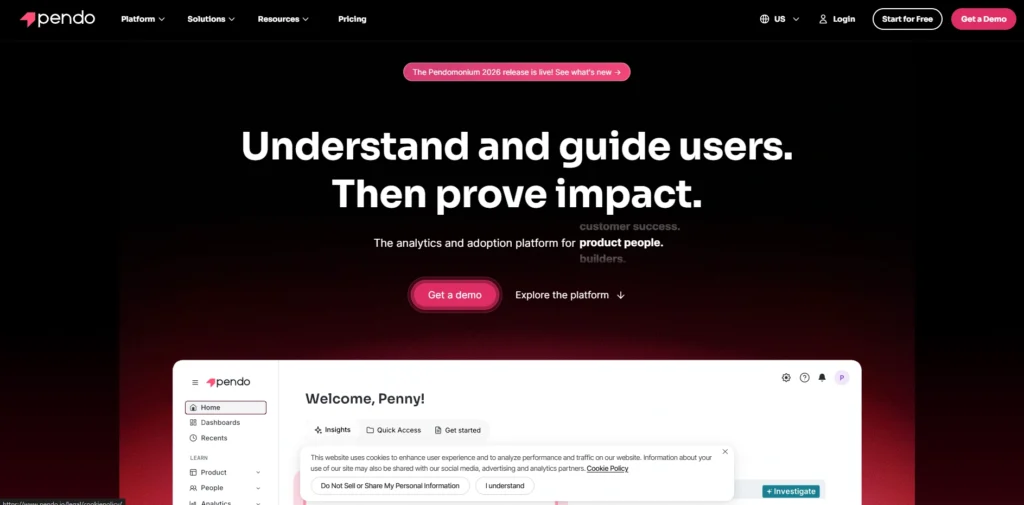
Pendo is a comprehensive Product Experience platform that combines powerful analytics with in-app guidance, making it one of the leading whatfix alternatives. Its core strength lies in its ability to track every single user click automatically without requiring manual tagging. This retroactive data allows you to see what users were doing before you even installed Pendo.
For large enterprises, Pendo provides the data-rich environment needed to understand complex user journeys and friction points. While its guide-building features are slightly less flexible in design than Appcues, the marriage of deep behavioral data with targeted messaging makes it an industry standard for data-heavy organizations.
Best For: Enterprise-grade product analytics and large-scale user feedback.
Key Features:
- Automatic Event Tracking: Captures all user interactions from day one without manual setup.
- Session Replays: Watch visual recordings of user sessions to identify where they get stuck.
- Product Roadmaps: Align your product strategy with user feedback and usage data.
- Resource Center: An in-app “help” hub that hosts guides, announcements, and support documentation.
Pros:
- Unmatched analytical depth and retroactive data collection.
- Handles massive user volumes and enterprise complexity easily.
- Strong feedback and feature-request management tools.
Cons:
- Very expensive for small teams or low-traffic apps.
- Steep learning curve for advanced analytics; guide styling often requires CSS.
Pricing:
- Free (up to 500 MAU), Custom pricing available on request
4. WalkMe
Website Link: walkme.com
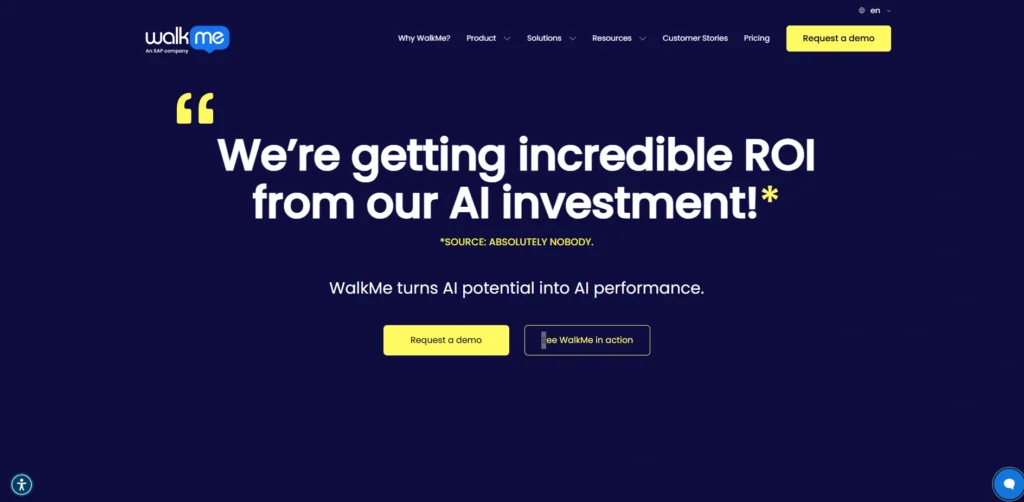
WalkMe is the original Digital Adoption powerhouse and remains the most powerful tool for enterprise-wide digital transformation. It is specifically designed to sit on top of complex, third-party software like Salesforce, SAP, or ServiceNow to help employees navigate confusing corporate workflows.
WalkMe utilizes Agentic AI with its DeepUI technology, which understands the underlying structure of any software and can automate tasks for the user. It is a heavy tool that often requires a dedicated implementation manager, but for a global company trying to reduce support costs across thousands of employees, its ROI is massive.
Best For: Fortune 500 enterprises and complex internal employee training (ERP/CRM).
Key Features:
- Action Bot: An AI chatbot that can actually perform tasks for the user across different systems.
- Data Validation: Prevents users from entering incorrect data into forms in real-time.
- Workstation: A desktop app providing a unified search and guidance hub across all company software.
- Cross-Application Journeys: Guide users through processes spanning multiple different applications.
Pros:
- Most powerful and comprehensive feature set in the market.
- Works on literally any software (even desktop and legacy apps).
- Enterprise-grade security and governance controls.
Cons:
- Extremely high cost and opaque pricing.
- Requires significant technical expertise or consultants to set up.
Pricing:
- Custom only (typically $30,000 – $200,000+/year).
5. HelpHero
Website Link: helphero.co
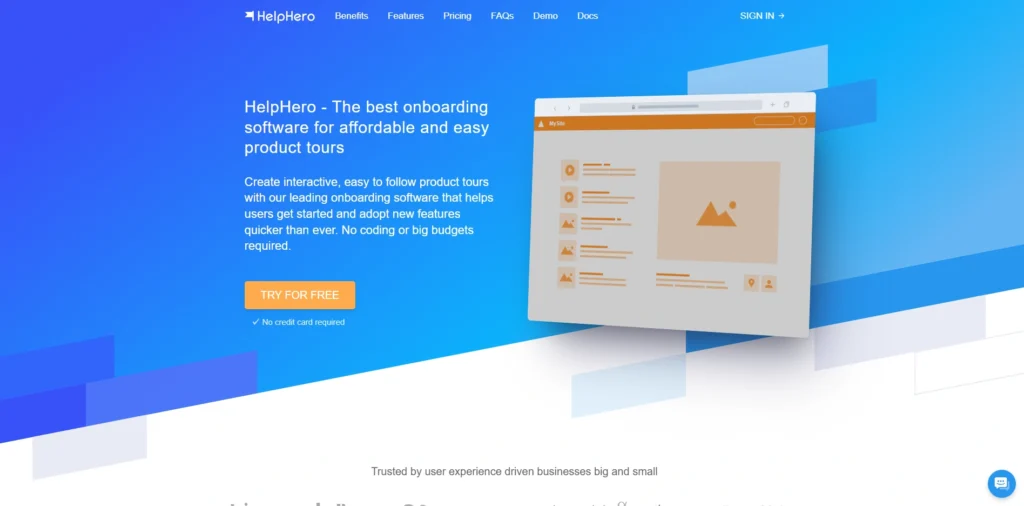
HelpHero is designed to be set up in minutes at a fraction of the cost of enterprise DAPs. It provides a simple, clean way to create interactive product tours and tooltips. It doesn’t try to be a full product analytics suite or an AI automation bot; instead, it focuses on helping users understand your UI effectively.
It’s perfect for the solopreneur or a small dev team that needs professional onboarding experience but doesn’t have a massive budget. Despite its low price, it still offers essential features like checklists, theme customization, and basic user segmentation to keep users on the right track.
Best For: Startups and small businesses looking for an affordable, no-fuss solution.
Key Features:
- Visual Tour Builder: Create step-by-step walkthroughs using a simple browser-based editor.
- Onboarding Checklists: Allow users to track their progress through your setup tasks.
- Multi-Page Tours: Seamlessly guide users across different URLs and sections of your app.
- Lightweight Integration: Just a single line of JavaScript code to get started.
Pros:
- Unbeatable price-to-value ratio for small MAU counts.
- Extremely easy to use with a minimal learning curve.
- Transparent and predictable monthly pricing.
Cons:
- Very limited analytics and behavioral reporting.
- No mobile support and lacks advanced AI-driven automation.
Pricing: Starts at $55/month (up to 1,000 MAU)
6. Chameleon
Website Link: trychameleon.com
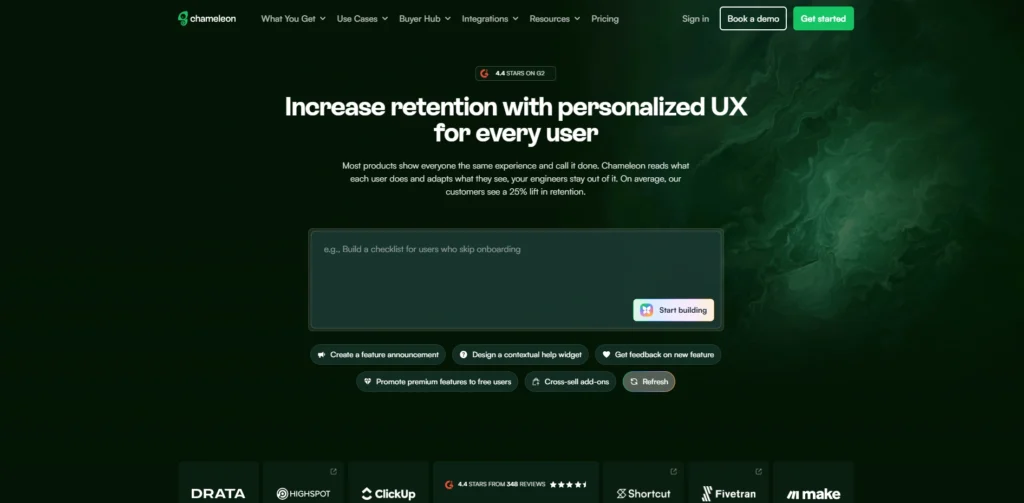
Chameleon is built for teams that are highly protective of their product’s aesthetics and user experience. It offers the most “native-feeling” UI components in the DAP market, allowing for deep styling that ensures guides look like they were built in-house.
Chameleon excels at “micro-segmentation,” enabling you to show specific tooltips or modals only to users who have performed very specific combinations of actions. It also features a powerful “Launcher” (a customized in-app menu) that can act as a resource center or a feature announcement hub. It is a favorite for mid-market SaaS companies that want enterprise-level power with a more modern, developer-friendly interface.
Best For: Product-focused teams needing deep customization and complex “microsurveys.”
Key Features:
- Deep UI Customization: Use advanced CSS or the visual editor to match your brand’s fonts, colors, and border radii perfectly.
- Chameleon Microsurveys: Collect highly targeted feedback at the exact moment a user interacts with a feature.
- Launchers: Create persistent in-app widgets that house checklists, help links, and new feature updates.
- Segment Integration: Sync data seamlessly with Segment to trigger flows based on your entire tech stack’s data.
Pros:
- Most aesthetically pleasing and “native-looking” UI components.
- Extremely granular targeting based on real-time user behavior.
- Excellent documentation and customer support.
Cons:
- Can be more expensive than competitors as you scale MAU.
- Slight learning curve to master the advanced customization options.
Pricing:
- startup: $279/month
- growth: 15 /yr
7. Stonly
Website Link: stonly.com
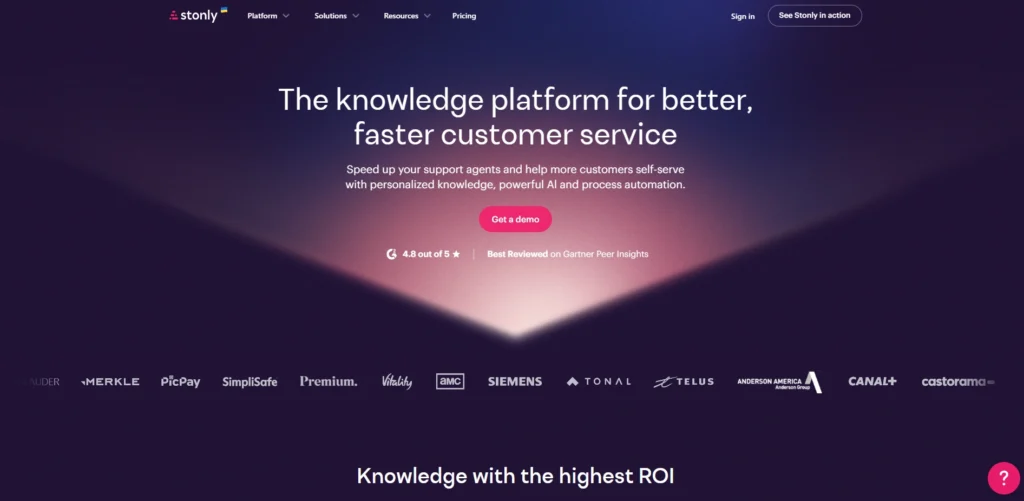
Stonly takes a unique approach to digital adoption by focusing on “interactive paths,” making it one of the useful whatfix alternatives. Instead of just linear walkthroughs, Stonly allows you to build step-by-step guides that branch out based on user choices. It’s essentially a “choose your own adventure” for software support. This makes it incredibly effective for complex troubleshooting or onboarding processes
where different users have different goals. Stonly can be embedded directly into your website, your help center, or even inside your support tickets. By guiding users to the exact answer they need through a series of questions, it drastically reduces the load on customer support services.
Best For: Knowledge-base integration and interactive, choice-based troubleshooting.
Key Features:
- Interactive Step-by-Step Guides: Build branching logic where the next step depends on the user’s previous input.
- Searchable Knowledge Base: Replace static FAQs with interactive, searchable help centers.
- In-App Tooltips & Pop-ups: Trigger guidance based on page location or user attributes.
- Multi-Channel Distribution: Use the same guide in your app, on your blog, or within a Zendesk ticket.
Pros:
- Superior for complex troubleshooting and technical support.
- Highly engaging and interactive compared to traditional static guides.
- Versatile usage across different platforms and support channels.
Cons:
- Not as focused on “product tours” as Userpilot or Appcues.
- The branching logic can become complex to manage for very large guide libraries.
Pricing:
- Available on request
8. Spekit
Website Link: spekit.com
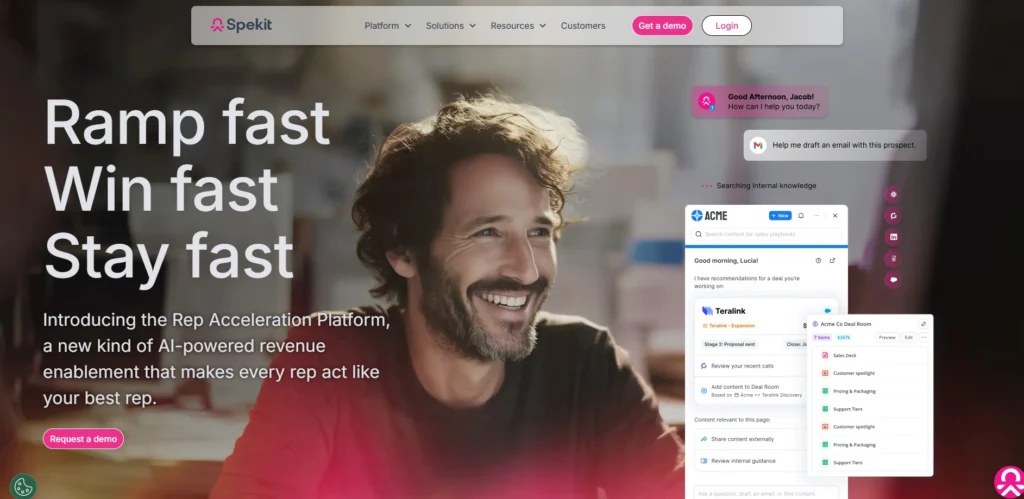
Spekit is a “Just-in-Time” learning platform specifically designed for the modern workforce. Unlike many DAPs that focus on customer onboarding, Spekit is built for internal employees. It integrates directly into the tools your team already uses—like Salesforce, LinkedIn, or Outreach—and surfaces “Speks” (bite-sized knowledge cards) exactly when they are needed.
For example, a sales rep can hover over a field in Salesforce and instantly see the company’s specific definition or process for that field. It acts as a digital companion that eliminates the need for long training manuals, ensuring employees stay productive within their actual workflow.
Best For: Sales enablement and employee training on platforms like Salesforce and Slack.
Key Features:
- Bite-Sized Knowledge Cards: Create “Speks” that pop up as icons next to specific UI elements.
- One-Click Content Creation: Easily turn existing documentation into accessible in-app guides.
- Salesforce Integration: Automatically syncs with Salesforce metadata to provide instant context for CRM fields.
- Topic-Based Organization: Group knowledge by department or tool for easy discovery.
Pros:
- Best tool for internal team training and CRM adoption.
- Zero friction for the end-user; knowledge is surfaced, not searched for.
- Very quick to deploy for sales and operations teams.
Cons:
- Not designed for external customer onboarding or product marketing.
- Limited styling options compared to customer-facing DAPs.
Pricing:
- Available on request
9. UserGuiding
Website Link: userguiding.com
UserGuiding is a direct competitor to HelpHero but offers a more robust feature set that bridges the gap between “budget” and “mid-market” tools, making it one of the reliable whatfix alternatives. It provides a comprehensive suite including walkthroughs, checklists, resource centers, and NPS surveys.
Its main selling point is the ease of use; the Chrome extension allows anyone to build a professional-looking tour in minutes without touching a line of code. For startups that have outgrown basic tooltips but aren’t ready for the $15k+ annual commitment of Pendo, UserGuiding offers a perfect middle ground with a very clean, modern interface.
Best For: High-growth startups needing an all-in-one tool on a budget.
Key Features:
- Interactive Product Tours: Create multi-step guides with various shapes and triggers.
- Resource Centers: Host a self-service help menu within your application.
- User Segmentation: Target guides based on user language, location, or custom attributes.
- Analytics Dashboard: Track guide completion rates and identify where users drop off.
Pros:
- Excellent balance of features and affordability.
- Very easy-to-use “no-code” builder.
- Includes NPS and Resource Centers even in lower-priced tiers.
Cons:
- The “Basic” plan includes UserGuiding branding.
- Analytics are functional but not as deep as ERP solutions.
Pricing:
- Essential:free
- starter:$174/month
- growth:$349/moth
10. Gainsight PX (Product Experience)
Website Link:https://www.gainsight.com/
Gainsight PX is the product-centric arm of the famous Gainsight Customer Success platform. It is a heavy-duty tool designed for “Product-Led Sales” teams. It combines deep product analytics (similar to Pendo) with in-app engagements.
What sets Gainsight PX apart is its integration with the broader Gainsight ecosystem. It allows you to see how product usage correlates with customer churn and health scores. This makes it an essential tool for Customer Success Managers who want to automate outreach based on whether a high-value client is actually using the features they paid for.
Best For: Large SaaS companies focused on customer success and lifecycle management.
Key Features:
- Full-Cycle Analytics: Track user journeys from the first login to long-term retention.
- Multi-Channel Engagements: Send in-app messages, emails, and mobile push notifications from one place.
- Knowledge Center Bot: An AI-powered bot that helps users find articles and guides.
- Query Builder: Create highly complex reports on user behavior without needing SQL.
Pros:
- Powerful synergy between Product Analytics and Customer Success data.
- Excellent for managing the entire customer lifecycle, not just onboarding.
- Highly scalable for large, multi-product organizations.
Cons:
- Significant implementation time and complexity.
- Can be prohibitively expensive for companies not already using Gainsight.
Pricing:
- Custom pricing
11. Usetiful
Website Link: usetiful.com
Usetiful is a highly competitive European-based DAP that focuses on simplicity and data privacy (GDPR compliance), making it one of the strong whatfix alternatives. It provides the core features of Whatfix—like product tours, smart tips, and onboarding checklists—without the enterprise complexity. It is particularly
popular for its “Assistant” widget, which stays on the screen and allows users to search for help or trigger guides whenever they get stuck. For teams that find Whatfix too heavy or Appcues too expensive, Usetiful offers a middle-ground that balances a professional feature set with a very approachable price point.
Best For: Startups and mid-sized teams needing a clean, simple, and affordable DAP.
Key Features:
- Interactive Assistant: A persistent in-app hub that consolidates walkthroughs and help articles.
- Smart Tips: Contextual tooltips that appear when users hover over specific UI elements.
- Onboarding Checklists: Gamified task lists to guide users through their first 10 minutes in the app.
- Segmentation: Target content based on user roles, language, or specific account triggers.
Pros:
- Very affordable and transparent pricing tiers.
- Strong focus on data privacy and GDPR compliance.
- “Pay-as-you-go” options for smaller user bases.
Cons:
- Analytics are functional but less detailed than Pendo or WalkMe.
- Limited advanced customization for highly complex CSS styling.
Pricing:
- Free version available; Plus plan starts at $34.09/month.
12. Userlane
Website Link: userlane.com
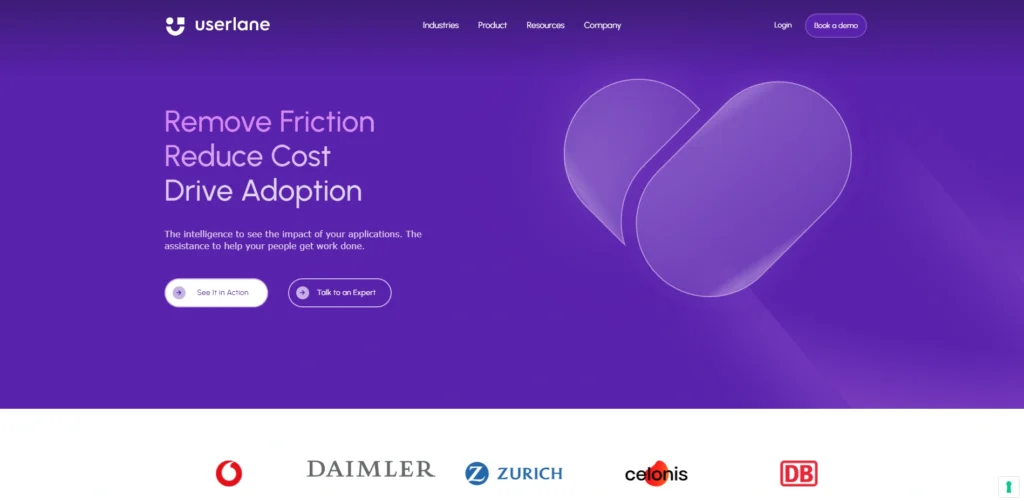
Userlane is a high-end DAP that rivals WalkMe in the enterprise space. It is designed to sit on top of any browser-based software (like Salesforce, HR portals, or custom ERPs) to provide a “GPS for software.” What makes Userlane unique is its focus on “Human-Centric Adoption” it aims to make the software feel so intuitive that formal training becomes unnecessary. It includes an automated “content maintainer” that alerts you if a guide breaks
due to a UI change in the underlying software. It is a premium choice for global companies that need a scalable way to support thousands of employees across dozens of different applications.
Best For: Large enterprises focused on employee software training and process compliance.
Key Features:
- Interactive Guides: Real-time, step-by-step instructions that lead users through live processes.
- Userlane Assistant: A searchable in-app widget that provides access to all guides and support.
- Automatic Maintenance: System alerts that notify admins when a software update breaks a guide.
- Advanced Analytics: Detailed dashboards that track user completion rates and identify friction points.
Pros:
- Extremely polished user experience for the end-user.
- Strong security and SOC2 compliance for enterprise users.
- High automation for guide maintenance and updates.
Cons:
- High cost, making it inaccessible for small startups.
- No self-serve “starter” pricing; requires a sales conversation.
Pricing:
- Custom
13. Helppier
Website Link: helppier.com
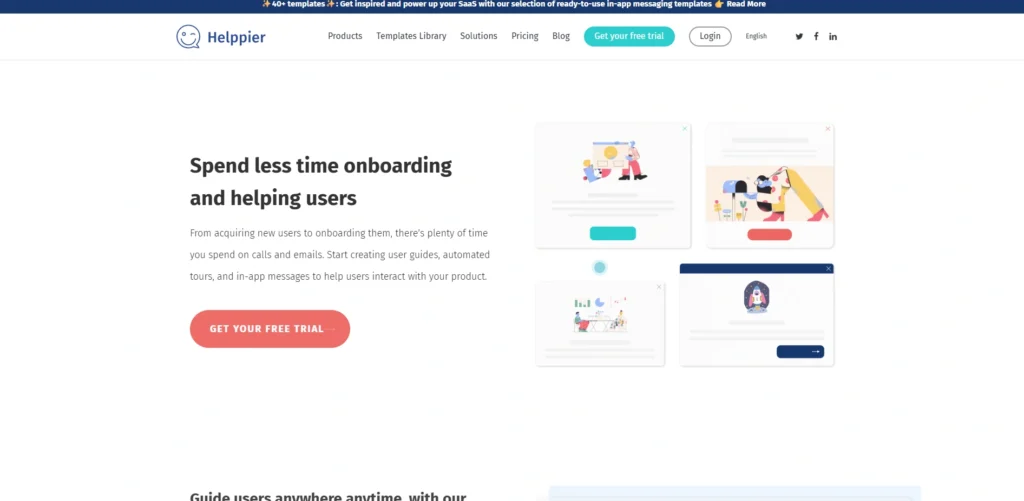
Helppier is a powerful, standalone digital adoption tool designed to turn complex software into a user-friendly experience without any coding, making it one of the effective whatfix alternatives. Unlike Intercom, it is built specifically for the DAP use case, offering a wide array of UI patterns like pop-ups, side panels, and interactive call-to-outs.
It features a unique “What You See Is What You Get” (WYSIWYG) editor that allows you to record your own actions on screen to create a guide instantly. It is particularly strong in the “visual” department, offering hundreds of ready-to-use templates that can be customized to match any brand identity, making it a favorite for teams that prioritize design.
Best For: Marketing and UX teams looking for high-quality visual customization and ease of use.
Key Features:
- Action-Based Recording: Create guides by simply performing the task yourself while the tool records your clicks.
- In-App Notification Center: A dedicated space to announce new features or updates without interrupting the user flow.
- Multi-Language Automation: Automatically translates your guides into dozens of languages to support a global user base.
- Contextual Tooltips: Place small help icons next to complex fields that only show information when clicked or hovered.
Pros:
- Extremely easy to set up with a simple browser extension.
- Large library of high-quality templates for quick deployment.
- Much more affordable and feature-rich than Intercom for onboarding.
Cons:
- The analytics dashboard is not as deep as enterprise tools like Pendo.
- Heavy use of complex media in guides can occasionally impact page load speeds.
Pricing:
- Starts at $49/month.
14. Userflow
Website Link: userflow.com
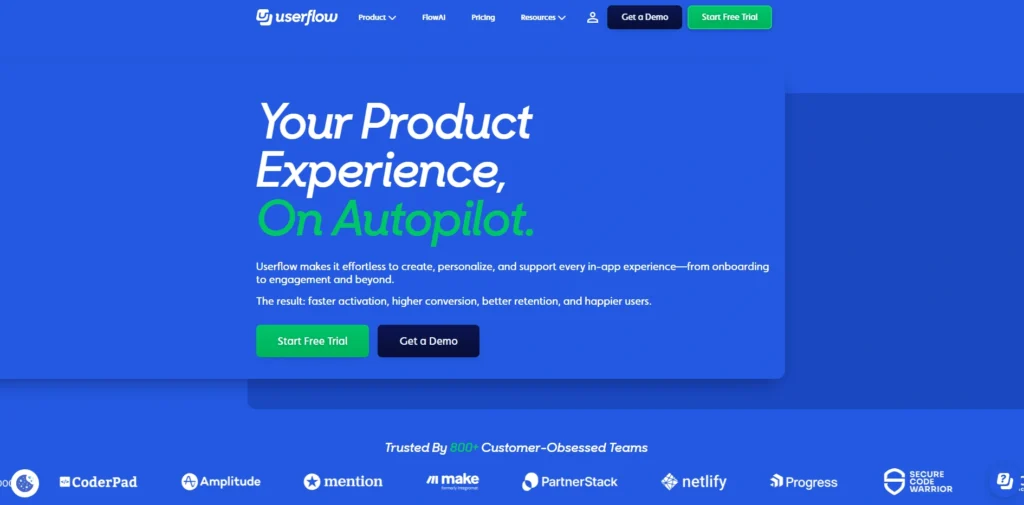
Userflow has quickly become a top-tier alternative because of its speed and technical sophistication. It features a unique, “flowchart-style” builder that makes it very easy to visualize complex branching logic in your onboarding. Unlike older DAPs that can slow down your site, Userflow is built on a modern stack that is incredibly lightweight. It allows for deep customization and “state-based” triggers—meaning a guide can change instantly based on what the user does inside the app. It is perfect for fast-moving product teams that need enterprise-grade power with a startup-friendly interface.
Best For: SaaS companies that want the fastest, most powerful “no-code” builder.
Key Features:
- Visual Flow Builder: A drag-and-drop canvas to map out user journeys and branching paths.
- State-Based Triggers: Guides react in real-time to changes in your application’s data or UI.
- Custom Themes: Deep styling controls to make the guides look like a native part of your app.
- Versioning & Environments: Manage guides across staging and production with full version control.
Pros:
- The fastest and most intuitive builder on the market.
- Extremely lightweight and won’t affect site performance.
- Very powerful logic for complex, non-linear user journeys.
Cons:
- No free tier; the entry price is higher than “budget” options.
- Focuses purely on the guide layer; lacks the deep “click-everything” analytics of Pendo.
Pricing:
- Starter:$240/month
- Pro:680/month
15. Apty
Website Link: apty.io
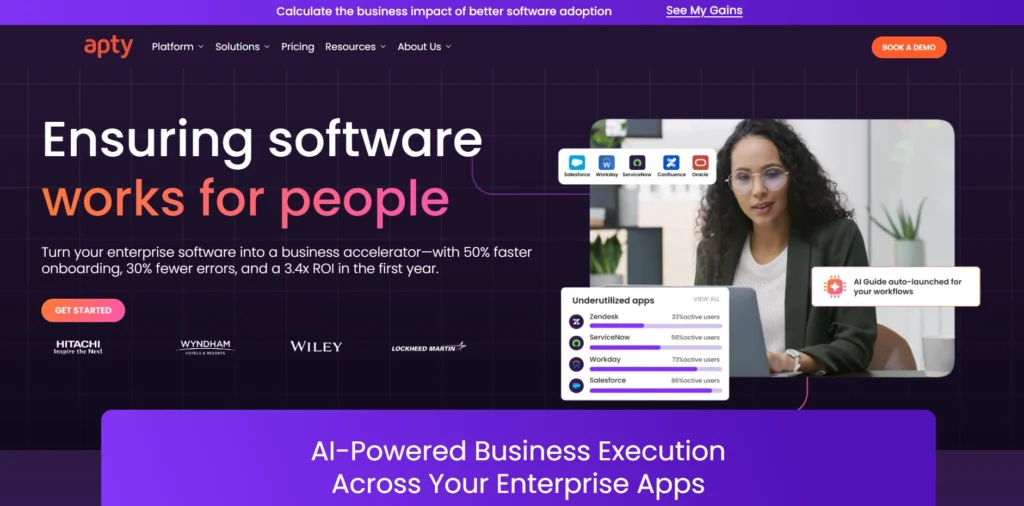
Apty is a DAP that focuses heavily on “business process compliance,” making it one of the strategic whatfix alternatives. It is built for companies that don’t just want users to use the software, but to use it correctly. It includes powerful data validation features that prevent users from submitting incorrect data in forms.
Apty’s unique selling point is its “pre-deployment” analysis—it can track how users use your software before you even build any guides, helping you identify exactly where the bottlenecks are. This makes it an incredibly strategic tool for operations managers overseeing complex internal workflows.
Best For: Medium-to-large enterprises focused on data quality and process compliance.
Key Features:
- On-Screen Validations: Real-time checks that prevent users from entering invalid data into forms.
- Usage Tracking (No-Guide): Analyze user behavior before building guides to prioritize help areas.
- Workflow Automation: Automate repetitive clicks and data entry tasks for the user.
- Cross-Application Support: Track and guide users as they move between different enterprise apps.
Pros:
- Best tool for ensuring data integrity and process compliance.
- Strong ROI reporting based on actual time saved per task.
- Excellent for internal employee training on complex CRMs/ERPs.
Cons:
- Higher learning curve than simple “product tour” tools.
- Enterprise pricing and implementation time.
Pricing:
- Custom
How To Choose Right Whatfix Alternative
- Team Size: Match the tool to your headcount; startups should prioritize “plug-and-play” solutions like HelpHero, while large organizations require enterprise-grade platforms like WalkMe to manage thousands of employees across complex software.
- Budget: Determine if you need transparent monthly pricing starting under $100 like Usetiful, or if you have the $20,000+ annual budget required for high-end platforms like Pendo that offer advanced security and global scale.
- Analytics Needed or Not: Choose Pendo or Gainsight PX if you require deep behavioral tracking and retroactive data; otherwise, opt for Userflow or Appcues if your primary goal is simple user guidance without heavy data science.
- No-Code Requirement: Ensure the platform offers a robust browser extension for building guides so that non-technical marketing or product teams can publish updates without waiting for developer sprints.
- Support & Integrations: Verify that the tool connects seamlessly with your existing stack such as Slack, Salesforce, or Segment and provides a support level that matches your team’s technical expertise.
Conclusion
In conclusion, finding the right Whatfix alternative really comes down to one thing: matching the tool to your specific goal. If you are a small startup, you don’t need a heavy, expensive enterprise platform; a simple, no-code tour builder will do the trick. On the other hand, if you’re a large company managing thousands of employees on complex software, investing in a robust platform with deep analytics is worth every penny. The good news is that the Digital Adoption market is more diverse than ever.
Whether you prioritize a beautiful design, deep data insights, or just the lowest possible price, there is a tool on this list that fits your workflow. Start by identifying your biggest friction point is user onboarding, internal training, or data errors? and use the comparison table above to pick the tool that solves it best from the list of Whatfix Alternatives.
FAQs
1. Can These Tools Help With “Dark Deployment” Or Feature Flagging?
Yes, several tools like Userpilot and Chameleon allow you to target guides specifically for new features that aren’t yet visible to your entire user base. This lets you run beta tests and provide guidance only to a select group of “power users” before a full public launch.
2. What Happens To My Guides If I Decide To Switch to A Different Provider Later?
Because each platform uses its own proprietary logic and UI components, guides are not “portable.” If you move from one tool to another, you will generally need to rebuild your walkthroughs and tooltips from scratch. It is best to choose a tool that can scale with you for at least 2–3 years to avoid this rework.
3. Do These Digital Adoption Platforms Affect My Website’s Loading Speed (SEO)?
Most high-quality alternatives use “asynchronous loading,” meaning the guide script loads in the background and won’t block your main site content from appearing. However, if you add too many heavy images or videos inside your tooltips, it can impact the perceived performance for the end-user.
4. Is It Possible To Use These Tools On Mobile Apps As Well As Web Apps?
While many budget tools are web-only, platforms like Appcues and Pendo offer dedicated SDKs for iOS and Android. These allow you to create native mobile experiences like “slide-outs” and modals that feel like part of the app’s original code, rather than just a web-view wrapper.
5. Can A DAP Help Me Reduce The “Time to Proficiency” For My Internal Employees?
Absolutely. Beyond just onboarding, tools like WalkMe and Spekit are used for “continuous discovery.” They can detect when an employee is struggling with a specific business process (like filing an expense report) and proactively offer a shortcut or a help tip, cutting down training time by up to 50%.