
As businesses grow, managing information efficiently becomes increasingly challenging. Teams often rely on scattered documents, emails, and chat messages to store important knowledge, making it difficult to find accurate information when needed. Without a structured system, valuable insights, troubleshooting steps, and operational guidelines can easily get lost. For organizations that want to maintain productivity and provide consistent support, having a centralized knowledge repository is essential.
This is where Free Knowledge Base Software becomes extremely useful. These platforms allow businesses to organize documentation, FAQs, product guides, and internal processes in a searchable and well-structured system. When combined with call tracking software, businesses can gain insights into common customer queries and improve support efficiency. Many modern solutions even offer free plans, making them accessible for startups and small teams.
Why Knowledge Base Software Is Important For Businesses
Knowledge base software is significant to businesses in the sense that it helps in centralizing information, as well as enabling easy access of knowledge to employees and customers. Rather than using disjointed papers, emails, or frequent support tickets, companies can have guides, frequently asked questions, policies, and troubleshooting guides in a single searchable system.
This enhances efficiency as teams are able to find solutions fast and make wise decisions. A knowledge base also allows self-service so that customers can solve common problems without reaching out to support agents, thereby decreasing the number of tickets and the cost of operation.
It also guarantees uniformity in information within the organization enhancing training, onboarding and internal communication. With expansion of businesses, knowledge base software becomes important in keeping institutional knowledge intact and ensuring team productivity.
Types Of Knowledge Base Software: Internal vs External
- Internal Knowledge Base: Contains internal company information such as processes, SOPs, policies and training content that is available to employees of the organization.
- Employee Training Resource: Assists teams with learning how to do it, onboarding resources and internal directions, enhancing productivity and facilitating workflows throughout the departments.
- Operational Documentation: Contains technical documentation, trouble shooting, and internal knowledge utilized by teams to troubleshoot solutions faster.
- Secure Access Control: Internal systems grant user permissions due to the role-based permissions to ensure that sensitive business information is not exposed to unauthorised employees.
- External Knowledge Base: Customer-friendly documentation portal that provides answers to frequently asked questions, tutorials, and product documentation to enable customers to resolve their issues on their own.
- Customer Self-Service Support: Enables customers to self serve, decreasing the number of tickets and enhancing customer satisfaction.
- Product Documentation Hub: Contains manuals, setup guidelines and problem solving tools used by customers to learn about and use products.
- SEO and Brand Visibility: External knowledge bases have an opportunity to be ranked in search engines, which will enable the business to attract the user that has been searching online to get a solution.
Comparison Table
| Name | Best For | Collaboration & Team Management | Integrations | Ease of Use |
| BookStack | Internal documentation and self-hosted knowledge bases | Role-based permissions and shared editing for teams | Limited built-in integrations but API support available | Easy interface but requires technical setup |
| Document360 | SaaS documentation and customer help centers | Team workflows, version control, and collaborative editing | Integrates with analytics, chat, and support tools | User-friendly interface with guided setup |
| Freshdesk | Customer support knowledge bases | Built-in help desk collaboration with ticket linking | Integrates with CRM, email, chat, and automation tools | Easy for support teams to use |
| Zoho Desk | Customer service documentation and support portals | Multi-agent collaboration with role-based access | Strong integrations within the Zoho ecosystem | Moderate learning curve but intuitive |
| Notion | Internal company wiki and team documentation | Real-time collaboration and shared workspace editing | Integrates with Slack, Google Drive, and productivity apps | Very easy to use with flexible interface |
| Nuclino | Lightweight team knowledge management | Real-time editing and team workspaces | Integrates with Slack and productivity tools | Very simple and beginner-friendly |
| ProProfs Knowledge Base | Customer self-service portals and FAQs | Team article collaboration and review system | Integrates with help desk and training tools | Easy for beginners and small teams |
| HubSpot Service Hub | CRM-based knowledge base and customer support | Team collaboration linked with CRM data | Strong integrations with marketing and CRM tools | Easy to use within HubSpot ecosystem |
| Wiki.js | Developer documentation and technical knowledge bases | Access control and collaborative editing features | Integrates with Git, authentication providers, and databases | Moderate setup but modern interface |
| DokuWiki | Lightweight internal documentation | Basic collaborative editing and permission management | Plugin-based integrations | Simple but requires markup knowledge |
| MediaWiki | Large collaborative knowledge bases | Strong multi-user editing and version control | Extensive extensions and plugins | More complex setup and management |
| XWiki | Enterprise documentation and knowledge management | Advanced collaboration with workflow tools | Enterprise system integrations available | Moderate complexity for new users |
| Foswiki | Enterprise knowledge sharing and documentation | Structured collaboration with workflow support | Plugin ecosystem for integrations | Technical setup required |
| Documize | Product and development documentation | Collaborative editing and team documentation spaces | Integrates with development tools and storage services | Easy for documentation teams |
| Obsidian | Personal knowledge base and research notes | Limited native collaboration features | Plugin ecosystem for extended integrations | Very easy for individuals |
List Of 15 Best Free Knowledge Base Software
1. BookStack
Website: https://www.bookstackapp.com/
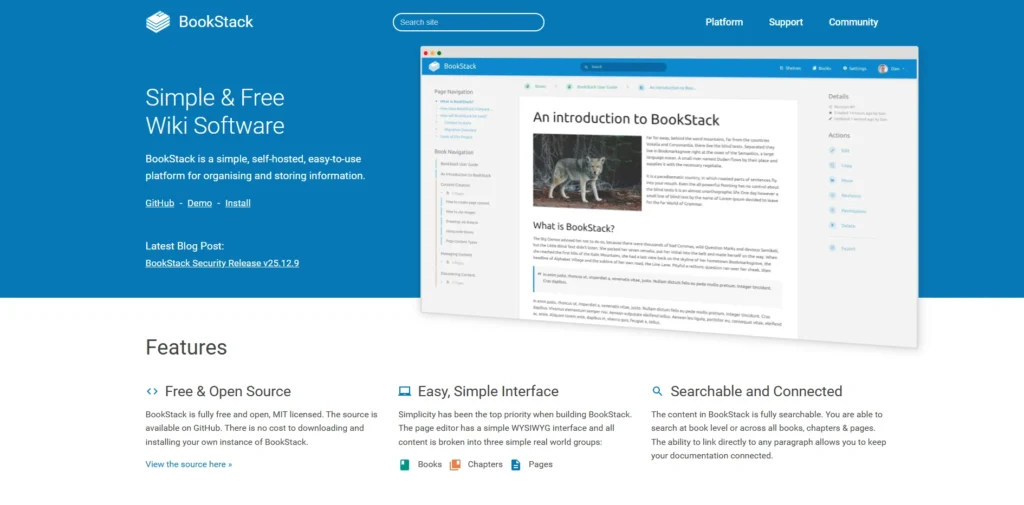
BookStack is a free and open-source free knowledge base software platform that is meant to assist teams to arrange documentation in a clear and structured manner. It provides an easy hierarchy of books, chapters, and pages that simplify information navigation and management.
The platform has Markdown and WYSIWYG editors which enable users to write and format content very fast. Other features of BookStack are role-based permissions, strong search capabilities, and multilingual support.
Since it is self-hosted, organizations can have complete control over their data and customization. Its user-friendly design and structured format make it suitable for internal documentation, product manuals, corporate policies, and knowledge sharing.
Key Features:
- Book, chapter, and page hierarchy for structured documentation
- Markdown and WYSIWYG content editor
- Role-based permissions and authentication control
- Powerful full-text search functionality
- Image and file attachment support
- Self-hosted deployment with customization options
Pros:
- Completely free and open source
- Simple and intuitive interface
- Strong permission and access management
- Easy to organize large documentation libraries
- Active developer community
Cons:
- Requires self-hosting and technical setup
- Limited built-in integrations
- Advanced customization may require coding knowledge
2. Document360
Website: https://document360.com/
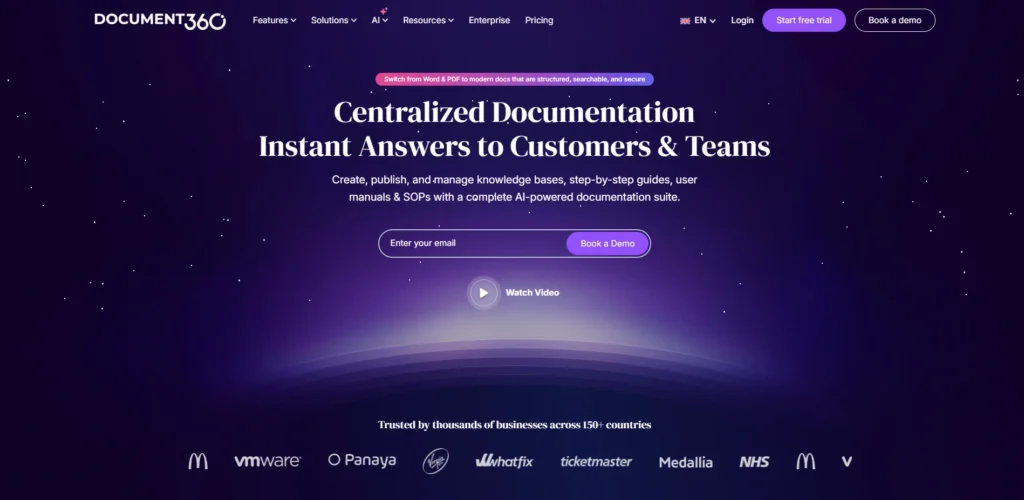
Document360 is a contemporary cloud-based knowledge base application meant to be utilized by businesses intending to construct professional documentation portals. The software has an advanced Markdown editor, version control, and article categorization to assist teams to manage documentation effectively.
It enables companies to establish private and public knowledge bases to the customers and internal teams. Document360 also contains analytics, which monitor the performance of articles and user interaction. It assists organizations in providing enhanced self-service support with its SEO-friendly pages, customizable branding and collaboration tools.
SaaS companies, product teams, and support departments are the common users of the platform who are interested in the simplification of documentation management and customer experience enhancement.
Key Features:
- Advanced Markdown knowledge base editor
- Category manager for structured article organization
- Version history and rollback capability
- Built-in article analytics and reporting
- SEO optimization for public documentation portals
- Team collaboration and workflow management
Pros:
- Modern and professional documentation interface
- Powerful analytics for article performance
- Easy collaboration for large teams
- Good search functionality for users
- Highly customizable knowledge portals
Cons:
- Free tier has limited functionality
- Premium plans can be expensive
- Requires internet connection for cloud usage
3. Freshdesk
Website: https://www.freshworks.com/freshdesk/
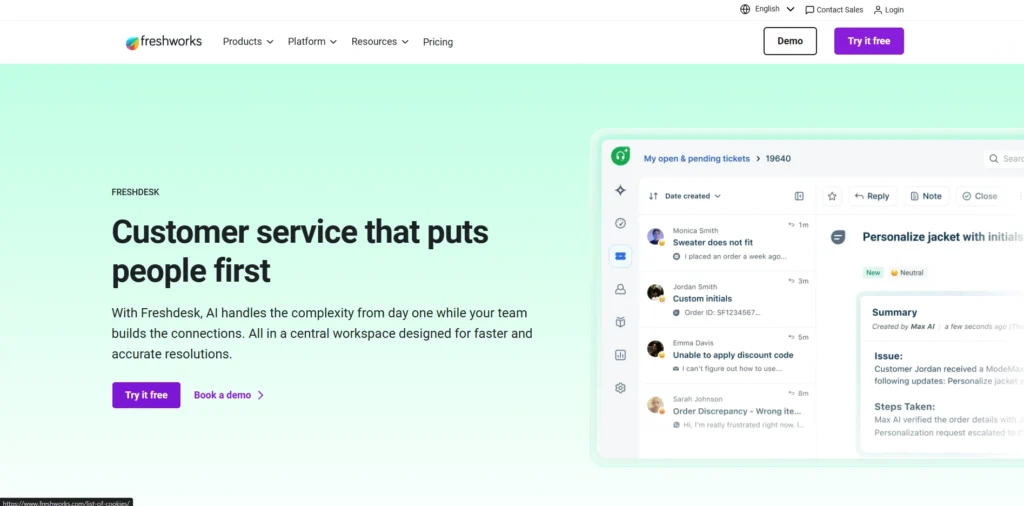
Freshdesk is a popular customer support software that has a knowledge base, which is included, to enable businesses to develop self-service help centers. Companies are able to post the frequently asked questions, troubleshooters, and support documents that enable customers to locate answers without calling support personnel.
The platform incorporates the knowledge articles with the ticketing, email, chat, and automation services to facilitate the customer service functions. Article analytics, multilingual support, and customizable knowledge portals are also offered by Freshdesk.
Its free version accommodates small teams and startups, which require simple functionality of a help desk. Freshdesk free knowledge base software allows customers to find solutions to their issues by themselves, which reduces the level of workload in the support and enhances the customer experience.
Key Features:
- Integrated help desk and knowledge base system
- Self-service customer support portal
- Multilingual knowledge base support
- Article suggestions for support agents
- Ticketing system integration with help articles
- Customizable knowledge base themes
Pros:
- Combines support and knowledge management
- Easy setup for customer help centers
- Free plan available for small teams
- Strong automation capabilities
- Excellent search and article suggestions
Cons:
- Advanced features require paid plans
- Interface may feel complex for beginners
- Limited customization in free version
4. Zoho Desk

Website: https://www.zoho.com/en-in/desk/
Zoho Desk is a customer care software that has a knowledge base option in their customer service support system. Companies can design comprehensive help articles, frequently asked questions, and guides which can be searched and accessed by customers at all times.
The platform enables teams to arrange content on categories and tags, and information can be found more easily. Article versioning, multilingual documentation and internal sharing permissions are also enabled in Zoho Desk.
Due to integration with other Zoho apps like CRM software and analytics tools, organizations can take control of customer interaction and documentation in one platform. Small teams that are creating their first support knowledge base have found its free plan especially handy.
Key Features:
- Customer self-service knowledge portal
- Article categorization and tagging system
- Version control for documentation updates
- Multilingual support for global teams
- Integration with Zoho CRM ecosystem
- Role-based access control
Pros:
- Seamless integration with Zoho tools
- Free plan for small teams
- Well-organized documentation structure
- Good automation features
- Flexible customization options
Cons:
- Limited features in the free version
- Interface may take time to learn
- Advanced automation requires higher plans
5. Notion
Website: https://www.notion.com/
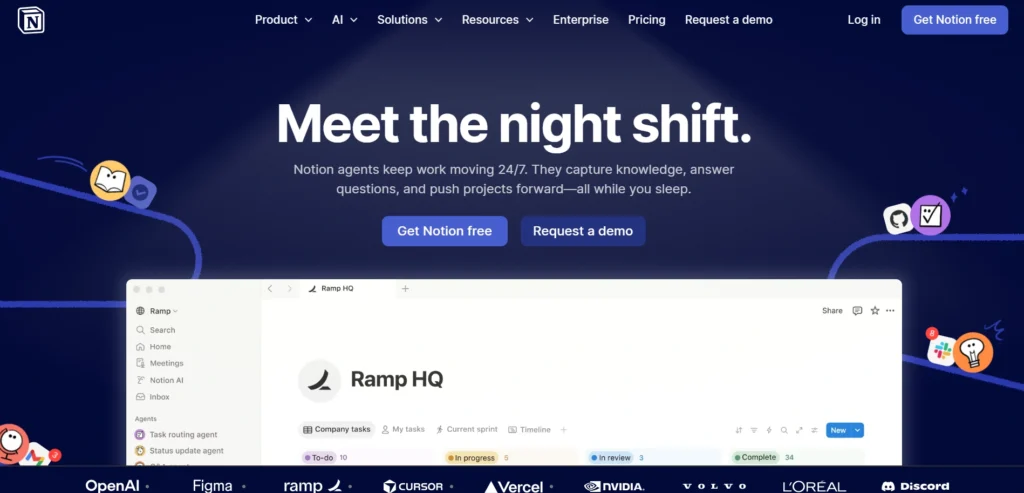
Notion is a flexible productivity and collaboration platform that many teams use as an internal knowledge base. Its block-based editor allows users to create detailed documentation, link related pages, and organize information using databases and folders.
Teams can build internal wikis, onboarding guides, project documentation, and company knowledge hubs within a single workspace. Notion also supports real-time collaboration, embedded media, and customizable templates, making it useful alongside project management software for organizing tasks, documentation, and team workflows.
The free plan offers generous functionality for individuals and small teams. Because of its simplicity and versatility, Notion has become a popular free knowledge base software solution for startups and remote teams looking to centralize documentation and knowledge sharing.
Key Features:
- Block-based editor for flexible documentation
- Internal wiki and knowledge base templates
- Real-time team collaboration
- Database-style content organization
- Embedded media and integrations
- Cross-page linking for connected knowledge
Pros:
- Extremely flexible documentation system
- Easy to use for individuals and teams
- Excellent collaboration capabilities
- Clean and modern interface
- Generous free plan for small teams
Cons:
- Can become complex with large workspaces
- Offline functionality is limited
- Advanced workflows require manual setup
6. Nuclino
Website: https://www.nuclino.com/
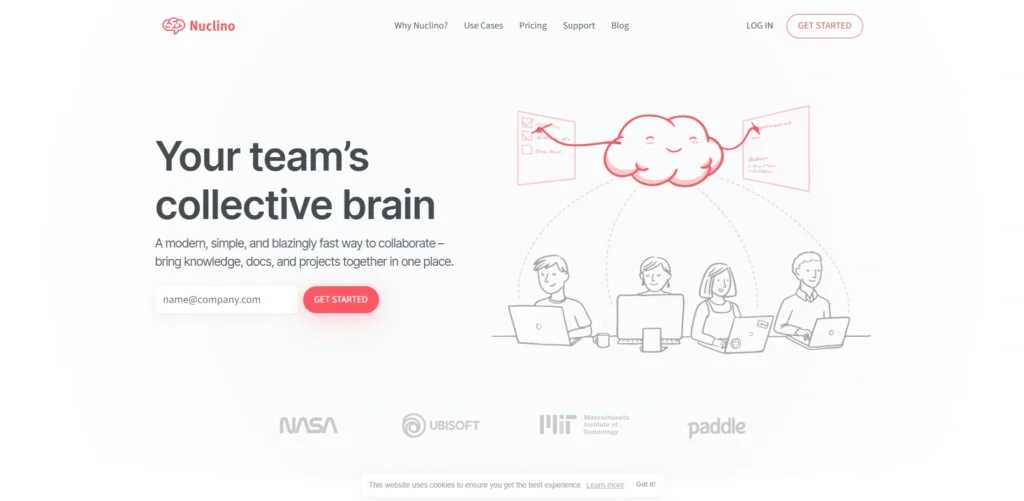
Nuclino is a lightweight knowledge management platform designed to help teams document and organize information collaboratively. The software allows users to create interconnected documents that form a structured knowledge base for projects, processes, and company guidelines.
Its clean interface and fast search capabilities make it easy to locate information quickly. Nuclino also offers real-time editing, version history, and visual knowledge maps that show relationships between documents.
The free plan supports small teams that need a simple yet effective documentation system. Because of its intuitive design and collaborative features, Nuclino is widely used by startups, product teams, and distributed organizations.
Key Features:
- Collaborative documentation editing
- Visual knowledge graph for connected content
- Real-time team collaboration tools
- Version history and content tracking
- Fast search for quick information retrieval
- Workspace organization with collections
Pros:
- Very clean and minimal interface
- Easy collaboration across teams
- Fast and lightweight platform
- Visual content mapping feature
- Simple onboarding for new users
Cons:
- Limited customization options
- Fewer integrations than competitors
- Advanced features require paid plan
7. ProProfs Knowledge Base
Website: https://www.proprofskb.com/
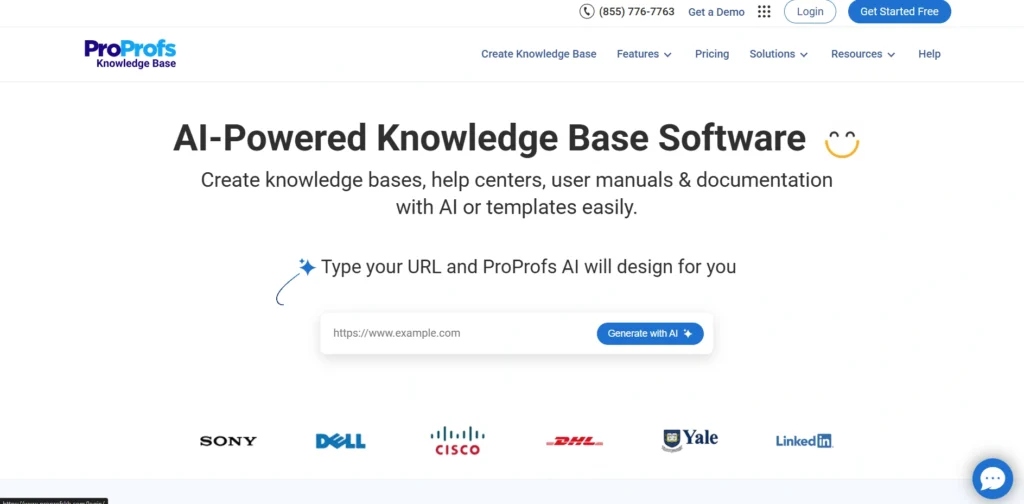
ProProfs Knowledge Base is an easy-to-use free knowledge base software documentation platform that helps businesses create self-service help centers and internal knowledge repositories. It provides a simple editor, customizable templates, and category management tools that allow teams to organize information effectively.
Companies can build public knowledge bases for customers or private ones for employees. The platform also includes analytics that track article usage and search queries to identify knowledge gaps.
ProProfs supports multimedia content, multilingual documentation, and collaborative editing. Its free version is suitable for small businesses and startups that want to reduce customer support tickets while improving access to helpful information.
Key Features:
- Ready-to-use knowledge base templates
- WYSIWYG editor for article creation
- Category and tag management system
- Search analytics to identify knowledge gaps
- Multimedia support for rich articles
- Multilingual knowledge base capabilities
Pros:
- Very easy to create help centers
- Good article analytics and insights
- Supports public and private knowledge bases
- Simple customization tools
- Helpful templates for beginners
Cons:
- Free version is limited
- Advanced branding requires paid plans
- Interface feels slightly outdated
8. HubSpot Service Hub
Website: https://www.hubspot.com/products/service
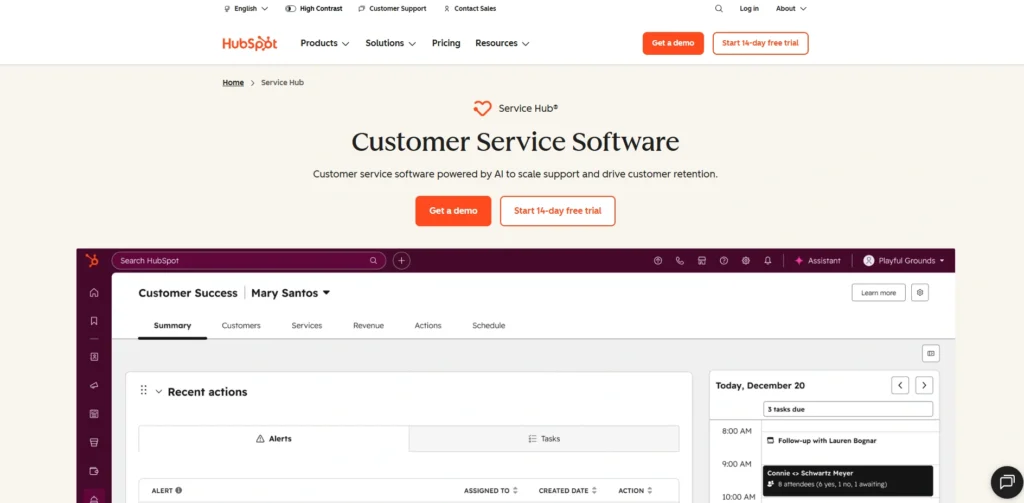
HubSpot Service Hub includes a knowledge base tool that helps businesses create searchable help centers for customers. Companies can publish articles, guides, and FAQs that allow users to resolve common issues independently.
The knowledge base integrates with HubSpot’s CRM, ticketing system, and automation tools, enabling support teams to deliver contextual assistance. It also offers analytics that track article views and customer feedback to improve documentation quality.
The free version allows businesses to build a basic help center without additional cost. Because it connects customer support with marketing and CRM data, HubSpot provides a unified platform for managing customer relationships and knowledge resources.
Key Features:
- Built-in knowledge base builder
- CRM integration for customer insights
- Ticketing system with article recommendations
- SEO-friendly help center pages
- Customer feedback on help articles
- Support automation workflows
Pros:
- Strong integration with HubSpot CRM
- Free plan available for startups
- Easy article publishing system
- Useful analytics and customer feedback
- Scalable for growing businesses
Cons:
- Advanced features locked behind premium plans
- Requires HubSpot ecosystem for full benefits
- Customization options can be limited
9. Wiki.js
Website: https://js.wiki/
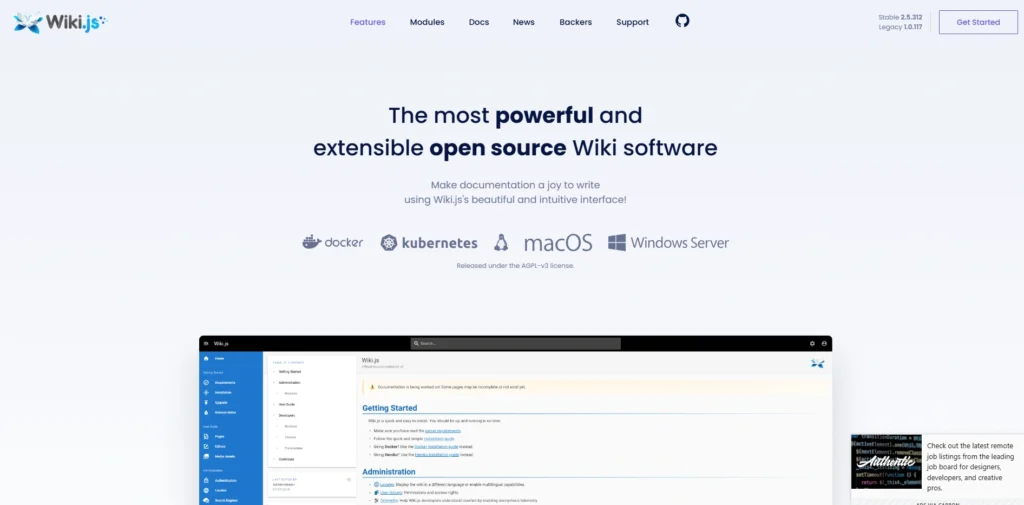
Wiki.js is a powerful open-source wiki platform designed for modern knowledge management and documentation systems. Built on Node.js, it offers high performance and a sleek user interface for creating and managing content.
The platform supports Markdown editing, access control, authentication integrations, and version management. Wiki.js can be deployed on cloud infrastructure or self-hosted servers, giving organizations flexibility and full control over their data.
It also integrates with Git repositories and other development tools. Because of its modern architecture and extensive customization options, Wiki.js is widely used by developers and organizations building collaborative documentation platforms and free knowledge base software.
Key Features:
- Modern open-source wiki platform
- Markdown editing with live preview
- Git-based content synchronization
- Authentication integration with multiple providers
- Advanced permission and access control
- Cloud or self-hosted deployment options
Pros:
- Powerful open-source knowledge base
- Modern interface and fast performance
- Highly customizable platform
- Supports many authentication systems
- Strong developer community support
Cons:
- Requires server setup and maintenance
- Technical knowledge needed for configuration
- Limited non-technical user support
10. DokuWiki
Website: https://www.dokuwiki.org/dokuwiki
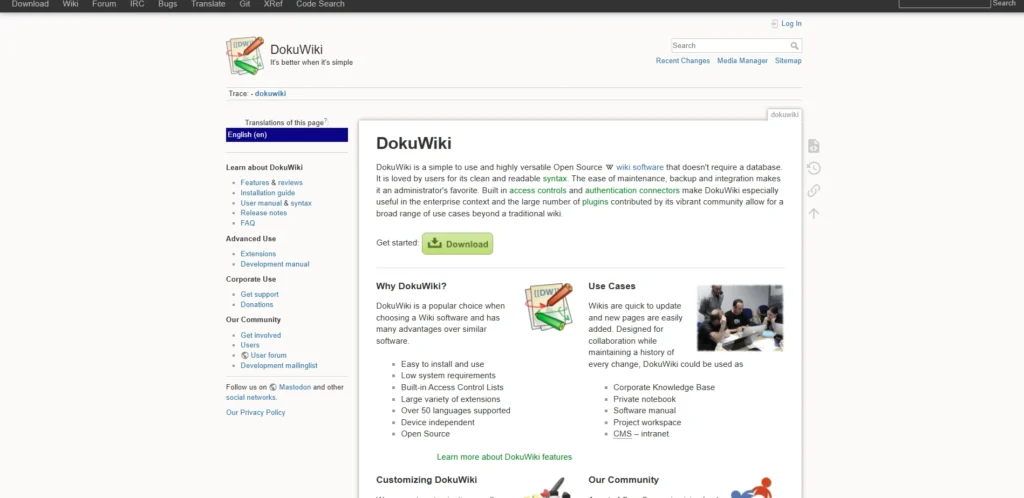
DokuWiki is a free and open-source wiki platform widely used for creating documentation and internal knowledge bases. Unlike many content management systems, DokuWiki stores pages as plain text files rather than relying on a database, which makes installation and maintenance simpler.
It includes built-in access control, plugin support, and a straightforward editing interface. Teams can organize content into namespaces and categories for better structure.
Because of its lightweight architecture and reliability, DokuWiki is commonly used by small organizations, developers, and educational institutions to maintain documentation, technical manuals, and internal knowledge repositories.
Key Features:
- Database-free documentation system
- Plain text storage for easy backups
- Plugin ecosystem for added functionality
- Access control lists for user permissions
- Simple markup language for editing
- Namespace structure for organizing pages
Pros:
- Lightweight and easy to maintain
- Reliable and stable platform
- Strong plugin community
- Simple installation process
- Good for internal documentation
Cons:
- Interface feels outdated
- Limited design customization
- Learning markup syntax takes time
11. MediaWiki
Website: https://www.mediawiki.org/wiki/MediaWiki
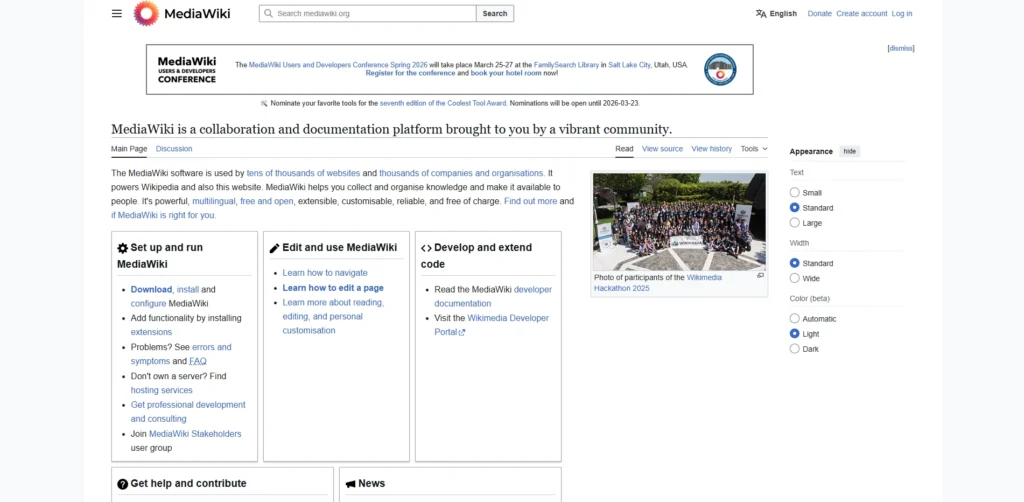
MediaWiki is a powerful open-source wiki software best known for powering the online encyclopedia Wikipedia. It is designed for large collaborative knowledge bases where many users contribute and edit content.
The platform includes version tracking, discussion pages, advanced user permissions, and a vast ecosystem of extensions. MediaWiki can handle massive amounts of content and traffic, making it highly scalable.
Organizations often use it to build documentation portals, knowledge repositories, and collaborative learning platforms. Because of its flexibility and reliability, MediaWiki remains one of the most widely used free knowledge base software wiki systems for managing large knowledge bases.
Key Features:
- Large-scale collaborative wiki platform
- Version tracking for all content edits
- Extensive extension and plugin ecosystem
- Advanced user roles and permissions
- Discussion pages for collaboration
- Highly scalable architecture
Pros:
- Proven platform used by large communities
- Highly scalable knowledge base system
- Strong community support
- Large extension marketplace
- Powerful collaboration tools
Cons:
- Complex setup for beginners
- Interface feels dated compared to modern tools
- Requires server management
12. XWiki
Website: https://www.xwiki.org/xwiki/bin/view/Main/WebHome
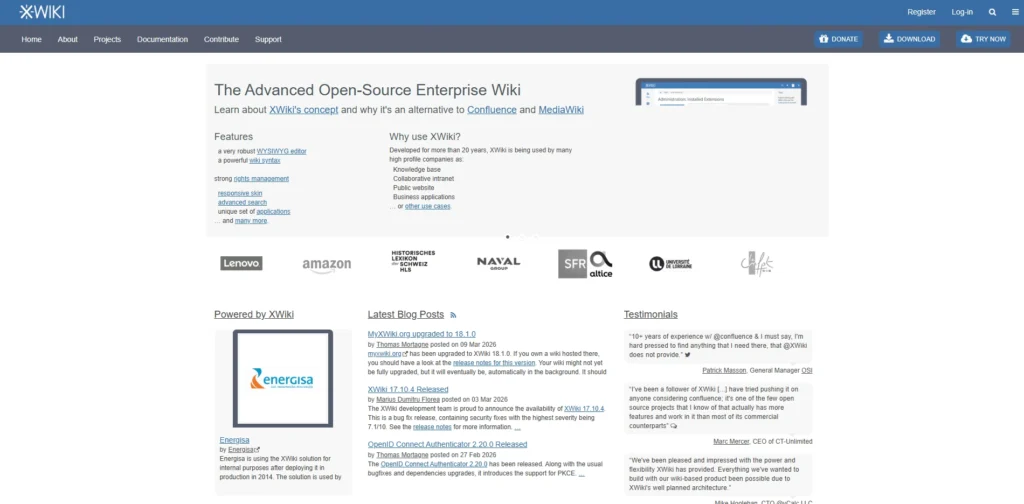
XWiki is an enterprise-grade open-source knowledge management platform designed for collaboration and documentation. It allows teams to create structured pages that combine text, data, and applications within a wiki environment.
The platform includes powerful permission controls, version history, annotations, and customizable workflows. XWiki also supports extensions and scripting, enabling organizations to build custom knowledge applications directly within the system.
Because it is highly scalable and flexible, many companies use XWiki as an internal knowledge base or documentation portal. Its open-source nature ensures organizations can host and customize the platform according to their specific requirements.
Key Features:
- Enterprise-grade wiki platform
- Structured data pages and applications
- Advanced permission management
- Real-time collaborative editing
- Extension marketplace for added features
- Integration with enterprise systems
Pros:
- Very powerful enterprise capabilities
- Highly customizable platform
- Strong document management tools
- Good scalability for large organizations
- Open-source flexibility
Cons:
- Complex configuration process
- Requires technical expertise to maintain
- Interface may feel heavy for small teams
13. Foswiki
Website: https://foswiki.org/Home/WebHome
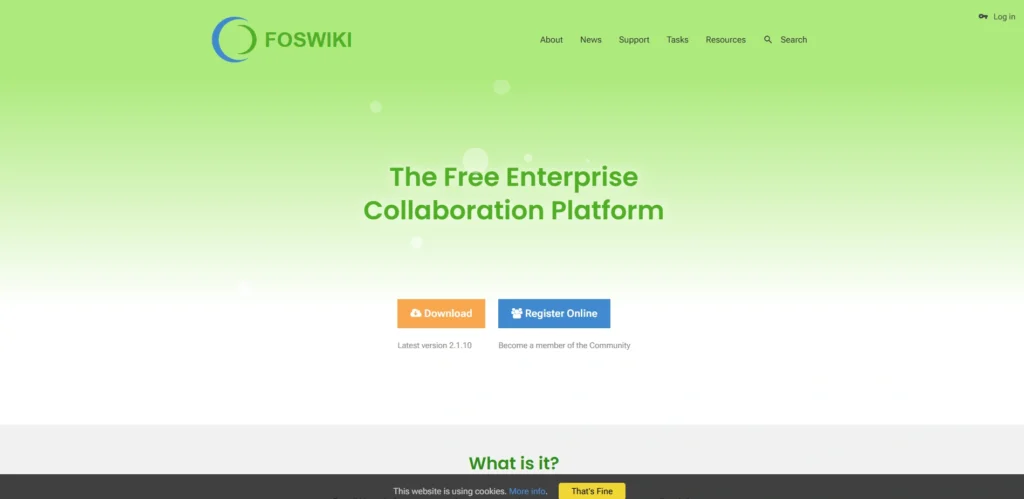
Foswiki is an open-source enterprise wiki platform designed for collaboration, documentation, and knowledge management. It enables teams to create structured free knowledge base software where information can be shared, edited, and organized collectively.
The platform uses a flexible markup language and offers plugin extensions that expand its capabilities. Foswiki also supports workflow automation, document versioning, and access control for different user roles.
Because of its strong customization options and collaborative features, it is commonly used by organizations that require a configurable internal documentation system. Foswiki helps teams centralize knowledge and maintain detailed records of processes, policies, and technical documentation.
Key Features:
- Enterprise wiki for knowledge management
- Plugin architecture for extending functionality
- Document version tracking
- Role-based access permissions
- Workflow automation support
- Structured data forms for documentation
Pros:
- Very flexible customization options
- Strong enterprise collaboration features
- Large plugin ecosystem
- Open-source and free to use
- Suitable for complex documentation needs
Cons:
- Outdated interface design
- Requires technical expertise to deploy
- Setup process can be complicated
14. Documize
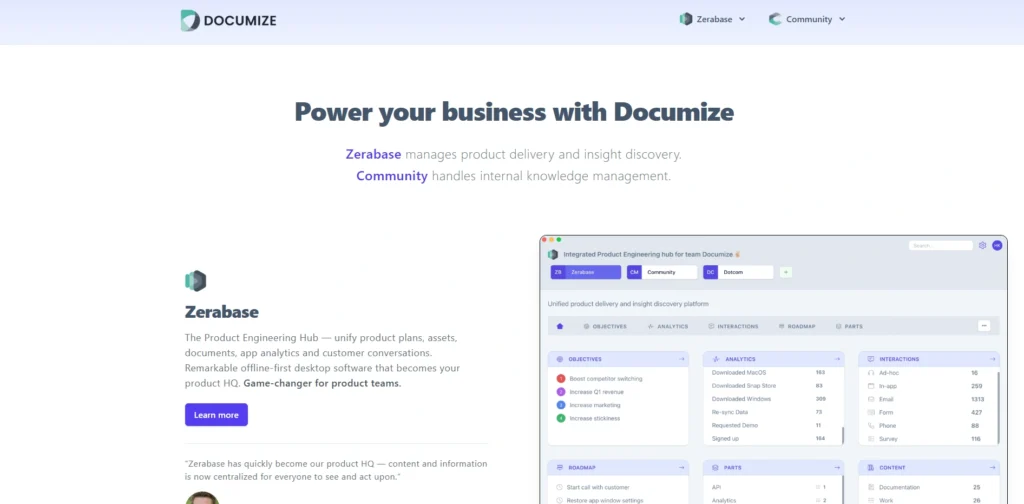
Website: https://www.documize.com/
Documize is a documentation and knowledge management platform designed to help teams create structured and searchable knowledge bases. It provides tools for writing, organizing, and sharing documentation across teams and departments.
The platform supports collaborative editing, version control, and flexible content organization using spaces and categories. Documize can be deployed in the cloud or self-hosted environments, allowing businesses to choose the best infrastructure for their needs.
It also supports integrations with development tools and file storage systems. Because of its collaborative capabilities and structured documentation approach, Documize is suitable for product teams, developers, and growing organizations.
Key Features:
- Collaborative documentation platform
- Structured content organization using spaces
- Version history and content tracking
- Markdown support for technical documentation
- Integration with development tools
- Cloud and self-hosted deployment options
Pros:
- Good collaboration for documentation teams
- Clean content organization system
- Flexible deployment choices
- Useful version control features
- Good for product documentation
Cons:
- Smaller community compared to other tools
- Limited third-party integrations
- Advanced features require paid plans
15. Obsidian
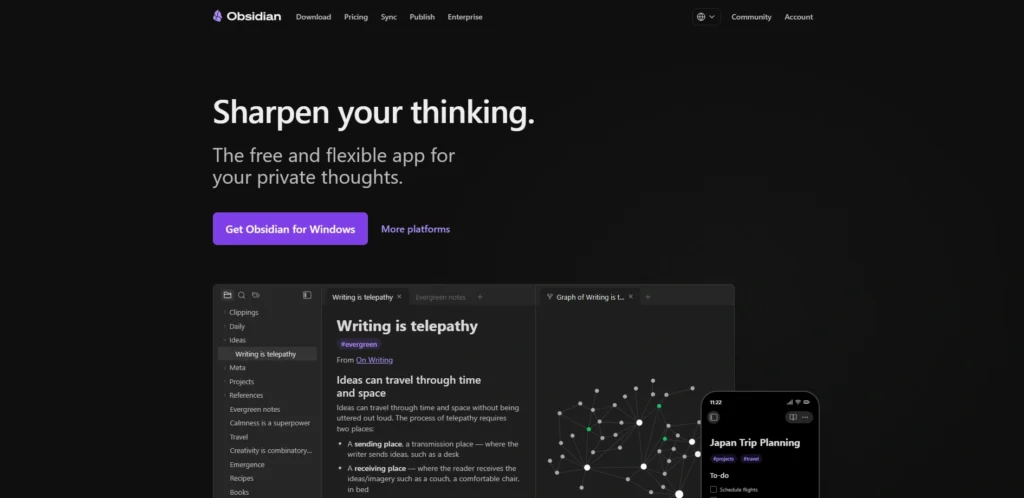
Website: https://obsidian.md/
Obsidian is a powerful personal knowledge management application that allows users to build interconnected knowledge bases using Markdown files. The platform stores notes locally and links them together to create a network of related information.
Its graph visualization feature shows relationships between notes, helping users explore ideas and concepts more effectively. Obsidian also supports plugins, themes, and advanced editing tools that enhance productivity.
While commonly used for personal knowledge management, many professionals use it to organize research, documentation, and learning resources. Because the core application is free, it provides a flexible free knowledge base software solution for building a private knowledge base.
Key Features:
- Local Markdown-based knowledge storage
- Graph view for visualizing knowledge connections
- Bidirectional linking between notes
- Extensive plugin ecosystem
- Custom themes and interface personalization
- Offline access with local file storage
Pros:
- Completely free core application
- Excellent personal knowledge management
- Powerful linking and visualization tools
- Works offline without cloud dependency
- Highly customizable with plugins
Cons:
- Not built specifically for team collaboration
- Sync features require paid add-ons
- Learning curve for advanced workflows
Ending Thoughts
In today’s fast-paced digital environment, knowledge base software has become an essential tool for businesses that want to manage information efficiently and provide better support experiences. Alongside this, exploring alternatives to Vibe Board can help teams collaborate visually and integrate knowledge sharing directly into their workflows. By organizing documentation, guides, and frequently asked questions in a centralized platform, companies can ensure that both employees and customers quickly find accurate answers. Internal knowledge bases improve collaboration, training, and operational consistency, while external knowledge bases empower customers with self-service support.
This not only reduces support workload but also improves customer satisfaction and productivity. With many Free Knowledge Base Software and open-source solutions available, businesses of all sizes can implement a reliable knowledge management system. Choosing the right knowledge base software ultimately helps organizations preserve valuable knowledge, streamline communication, and scale their support and documentation efforts effectively.
FAQs
1. What Is Knowledge Base Software?
Knowledge base software is a tool that helps businesses store, organize, and share information such as FAQs, guides, tutorials, and documentation.
2. What Does A Knowledge Base Serve As?
The purpose is to provide quick access to information for employees and customers, helping them find answers without contacting support.
3. What Is The Difference Between Internal And External Knowledge Bases?
Internal knowledge bases are used by employees for training and documentation, while external ones provide public help resources for customers.
4. Is Knowledge Base Software Free?
Yes, many platforms offer free plans or open-source versions that allow businesses to create and manage documentation at no cost.
5. Which Businesses Need Knowledge Base Software?
Customer support teams, SaaS companies, IT departments, and growing organizations benefit from using knowledge base software to manage information efficiently.